Last week, we shipped 1,000 API integrations. Not over months of engineering sprints – in one week, with 10 Membrane Agent sessions running in parallel. Here’s how we built the pipeline that made it possible.
Membrane Universe
Membrane Universe is our library of pre-built integration knowledge — everything an agent or developer needs to connect to external APIs.
There are many types of elements in it, but for this project we focused on two:
- Connectors, which define how to connect to an external API (authentication via OAuth2, API keys, etc., plus data collections and events)
- Action Packages, which are collections of ready-to-use API actions (e.g., “Create a Slack message”, “List GitHub repos”) that agents and workflows can call. For action packages, we don’t try to be exhaustive – we generate the most common actions covering ~80% of typical usage. For the rest, users build ad-hoc actions through self-integration.
Building each integration manually takes a developer 30–60 minutes — research the docs, figure out auth, implement the client, write tests. At that rate, 1,000 integrations would take one person roughly a year of full-time work. We’ve used LLMs to speed this up since the early days of gpt-3.5, but it was always ad-hoc.
Membrane Agent already knows how to work with our platform. We saw the opportunity to industrialize it. We built a batch pipeline to process thousands of apps automatically.
The Build Pipeline
The pipeline has two phases, each driven by its own batch script.
Phase 1 handles authentication — the hardest part of any integration.
Phase 2 layers on the actions that make each integration useful. Both follow the same pattern: fetch eligible apps, spin up concurrent AI agents, validate the results, publish what passes, flag what doesn’t.
Phase 1 – Authentication (build connectors)
This script handles the first step: implementing auth for each app.
How it works:
- Fetches all apps from our API, filters to those without a connector yet
- For each app (running up to 10 concurrently), it:
- Creates a connector record in Membrane
- Creates an agent session in our engine
- Spawns a local Membrane Agent powered by Claude
- Tells the agent which connector to implement — the agent knows how to interact with Membrane from its system prompt and how to build connectors through pre-loaded skills, so the user message is just the app name and URL
- Waits for the agent to finish (~2.5 minutes on average)
- Validates the result against our schemas — this feedback loop is important for agents, as they can correct themselves when validation fails
- If valid: publishes the connector and makes it public If invalid: marks the app for manual review
What Membrane Agent actually does inside each session:
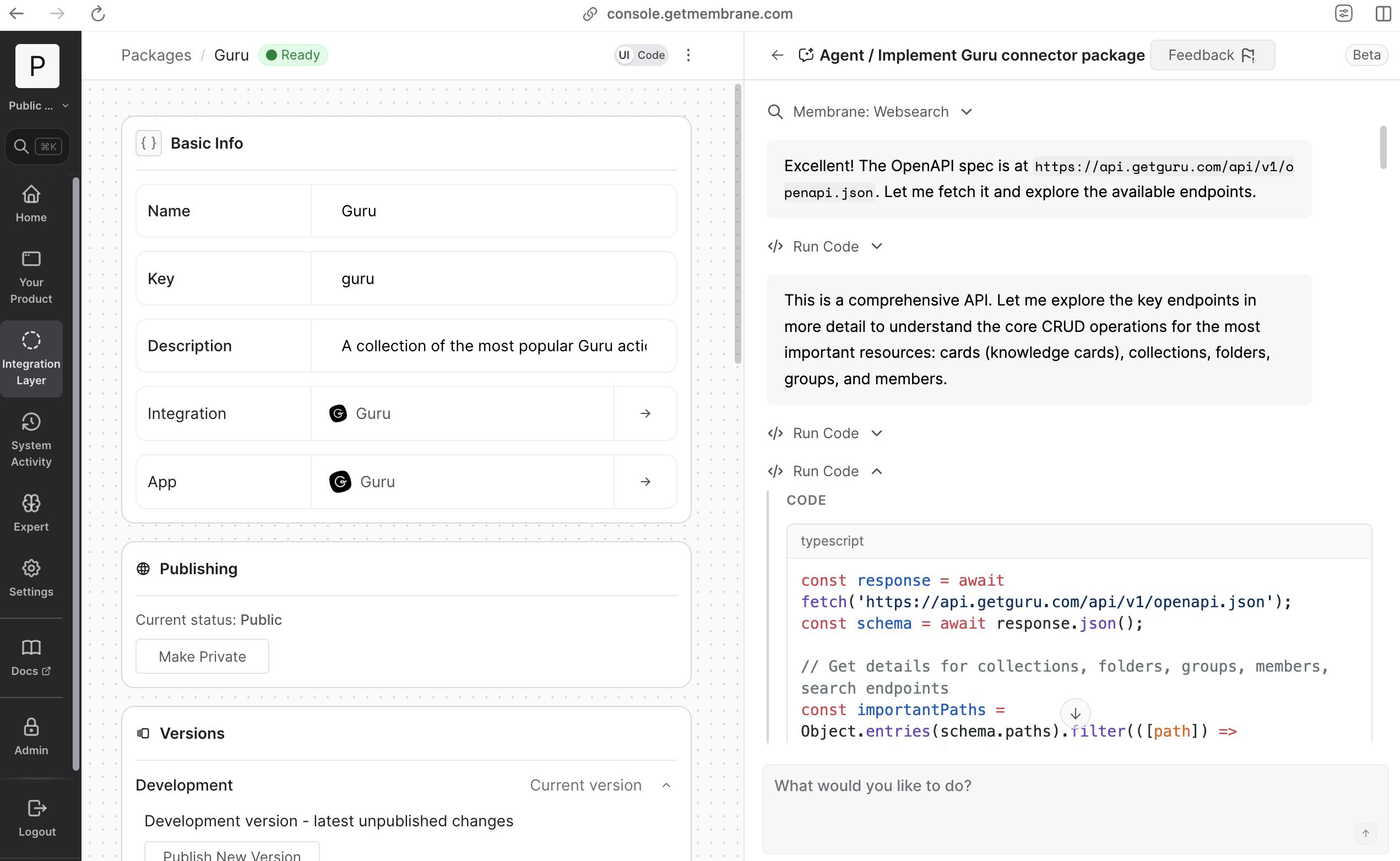
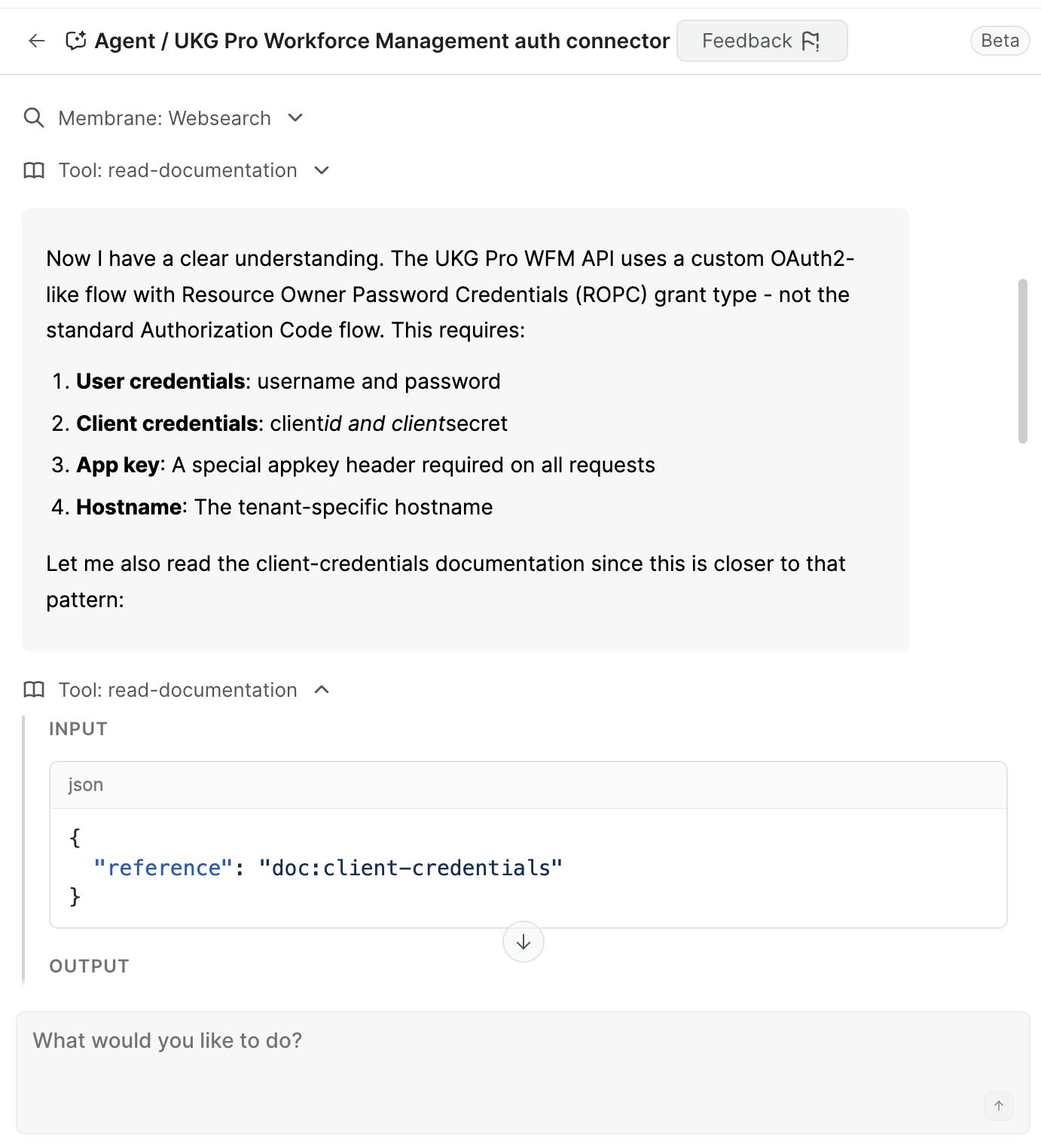
First, the agent uses web search and web fetch to find the app’s API documentation. It reads through the docs, figures out whether the API uses OAuth2, API keys, Basic auth, or something else, and configures all the relevant auth parameters — client ID/secret fields, scopes, token URLs, the works.
Then it implements an API client that properly attaches credentials to requests, writes a test function to verify the connection, and actually makes HTTP requests to the API to confirm it’s reachable and responding correctly.
Finally, it uses Membrane’s tools to write all the configuration back to the platform. The whole process takes about 2.5 minutes per app, and the agent does it completely autonomously.
Do the math: 10 agents, ~2.5 minutes each, running in parallel. That’s roughly 10 connectors built and validated every couple of minutes — without a single human keystroke. And 10 is just what we settled on for now — the concurrency is configurable and could go higher.
Each agent handles one connector (or one action package) per session. We deliberately keep it to one element per session to avoid bloating the context window — a fresh session for each app means the agent stays focused.
Phase 2 – Actions (build packages)
Once an app has auth configured, it’s ready for the second phase: generating the actions that make the integration actually useful. This script takes every app that already has a connector and creates an action package for it.
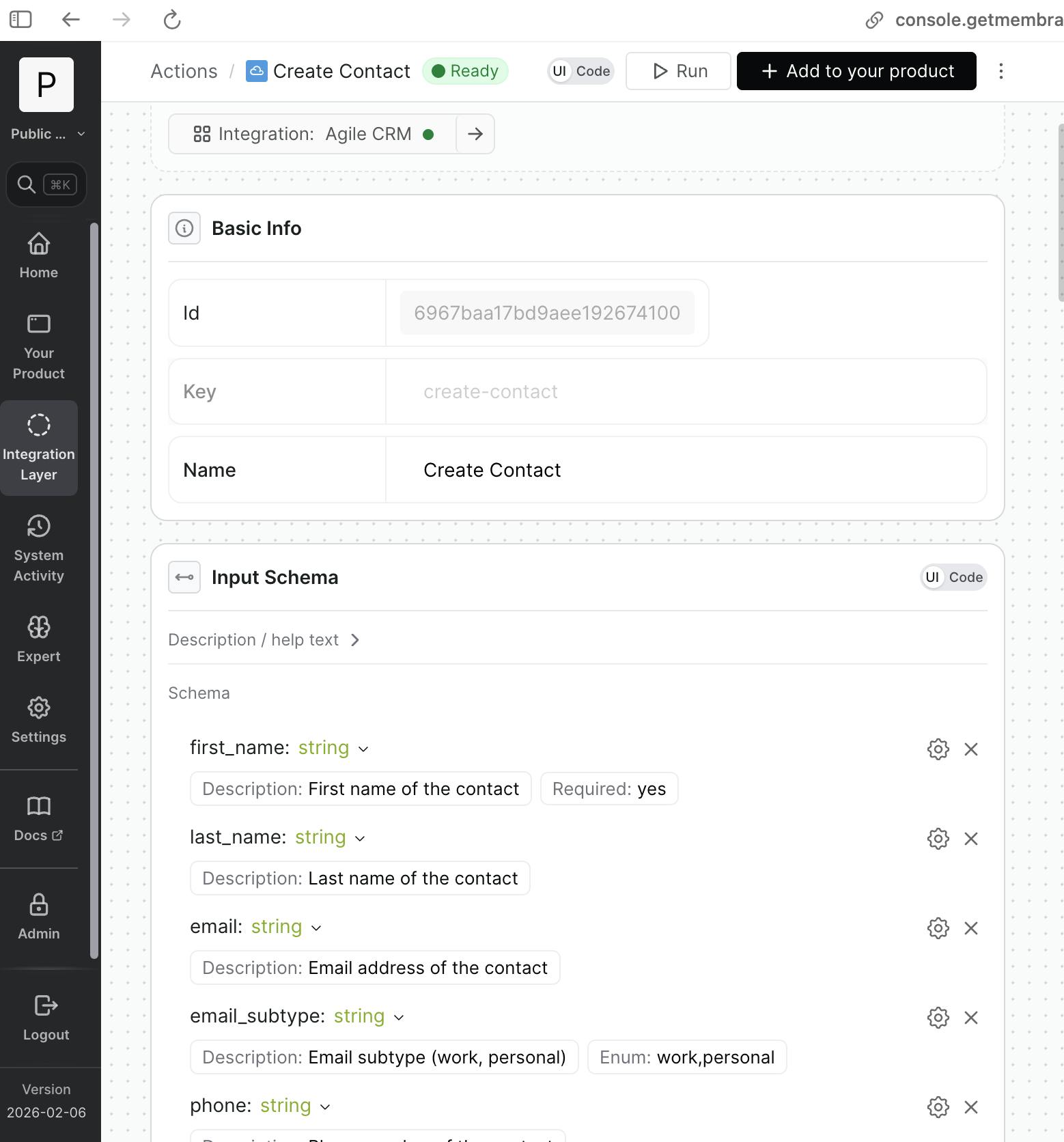
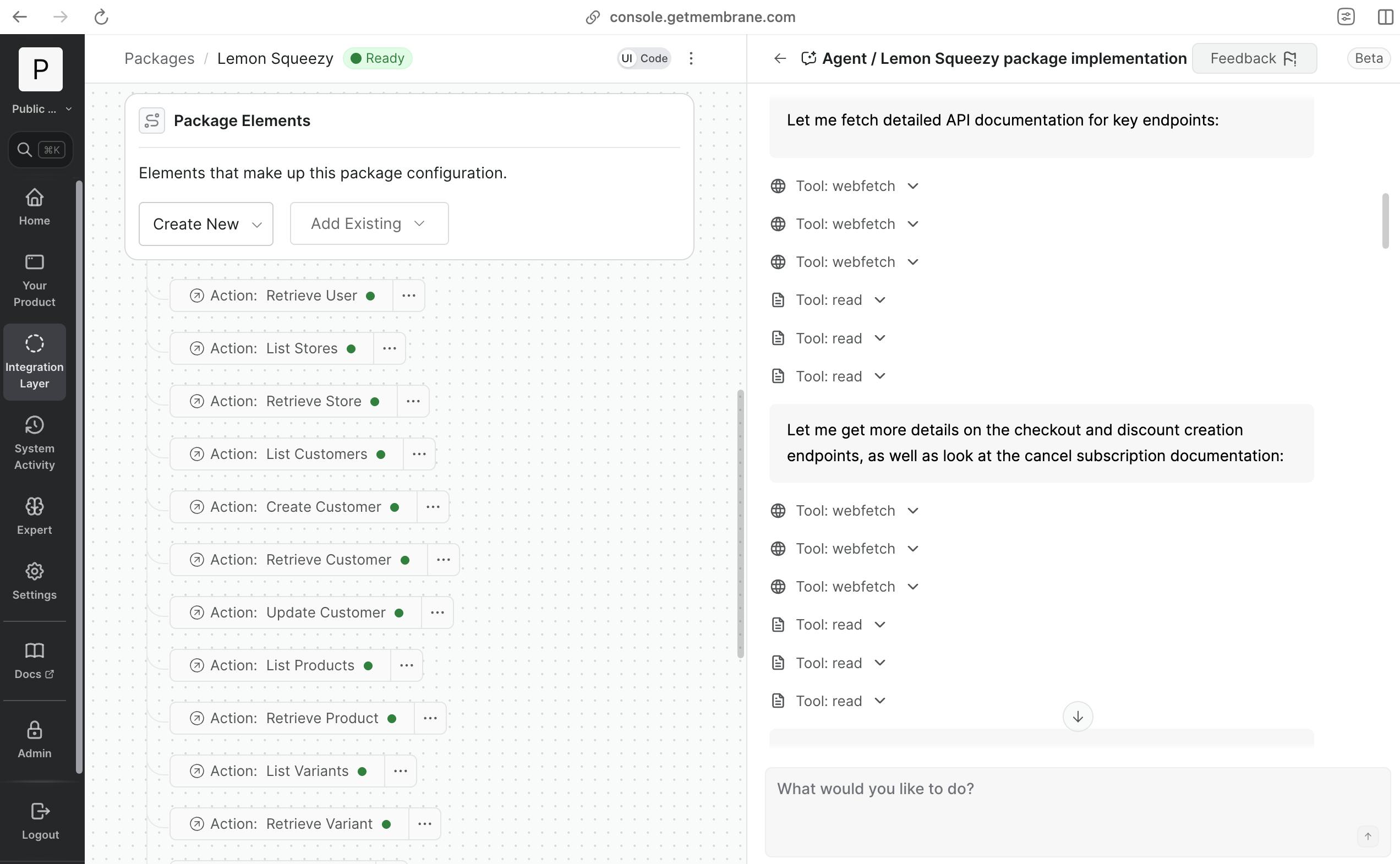
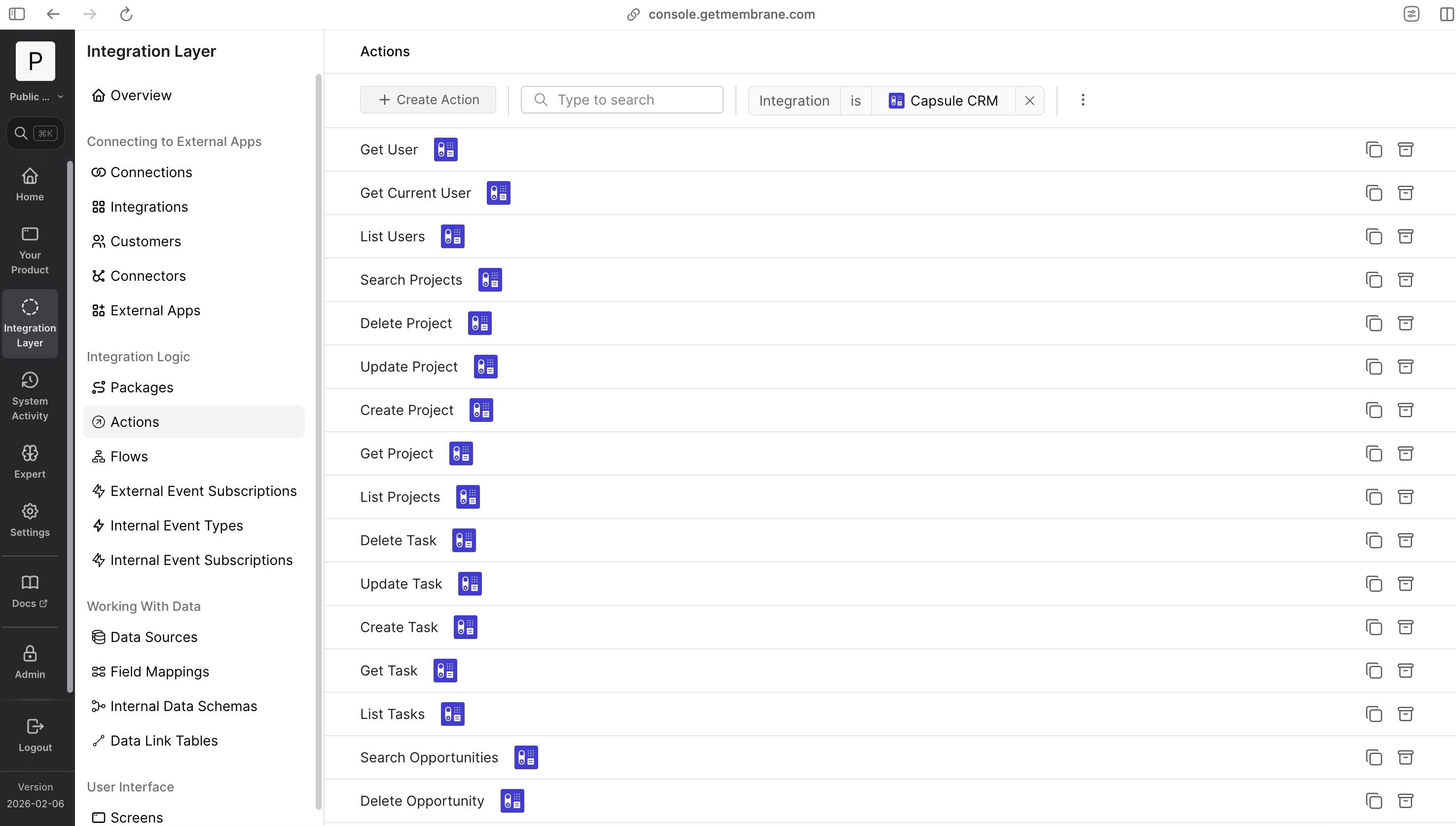
The pattern mirrors Phase 1. The script filters to apps that have a connector with auth but no package yet, then spawns an agent for each one. Each agent knows its connector ID and is told to implement the package. It researches the app’s API, identifies the most popular and useful endpoints, and creates action definitions — complete with input schemas, API request configuration, output schemas, and optional guidelines for non-obvious behavior. After validation (checking the package actually has actions), it’s published and made public.
The Architecture
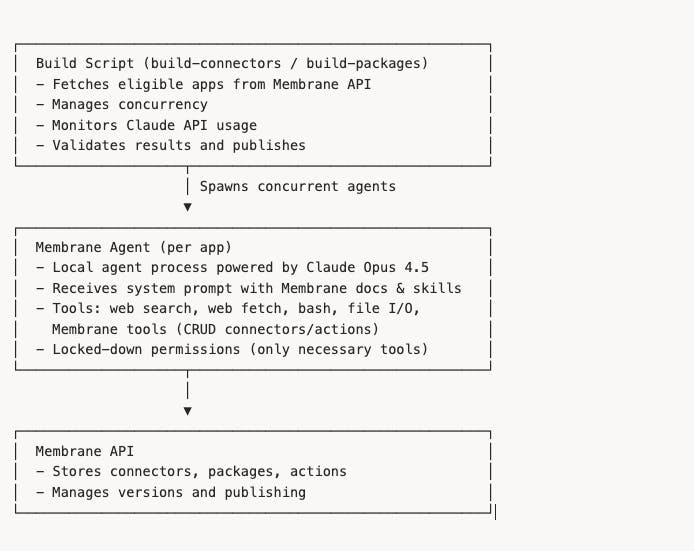
Here’s what the full system looks like when you zoom out:
Key Technical Details
At concurrency 5–10, we process ~100 apps per batch run. Here’s what makes that work reliably:
Session Tracking
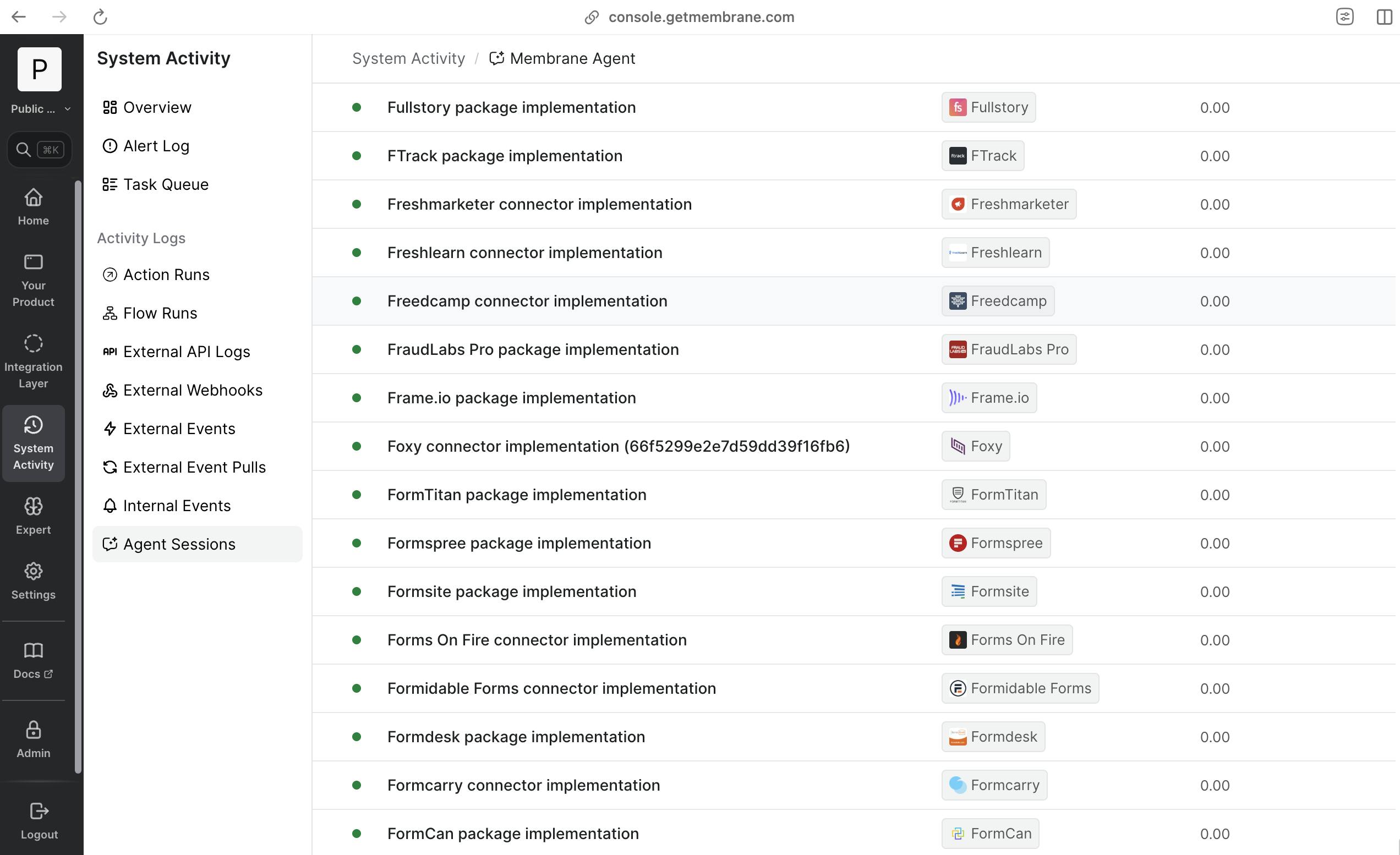
Every agent session is tracked in our cloud, even though the agents run locally during batch builds. The script creates sessions in our platform and after each agent finishes, and syncs all the conversation messages back.
This means we can review every AI decision through our console UI, exactly as if it were a cloud-hosted session. We can also continue or retry any session from the cloud if needed.
Validation & Error Handling
Not every app can be automated. The script handles failure gracefully:
- Schema validation: After the agent finishes, we validate the result against our SDK schemas. If it doesn’t pass (missing required fields, wrong structure), the app gets flagged.
- Dead APIs: The agent is instructed to leave auth empty and explain why if the API is unavailable. These get flagged.
- Timeouts: If Claude gets stuck on a particularly tricky API (though it doesn’t happen frequently), the session is marked as failed and can be retried.
This is where it gets interesting: failures feed back into improvement. When an agent fails on an app, we review the session to understand why — was it a gap in the agent’s skills? A weird API pattern? Bad documentation? We fix the underlying issue, re-run, and each batch gets better than the last.
The Agent’s Knowledge
This is key: the agent doesn’t start from scratch for each API. Its system prompt is assembled from multiple knowledge sources:
- Membrane platform overview (what Membrane is, how the framework works)
- Connector building skill (a proprietary step-by-step workflow for implementing auth . determine auth type, read auth-type-specific docs, configure parameters, implement API client, implement test)
- OpenAPI skill (how to find and incrementally query OpenAPI specs without loading entire schemas into context),
- Detailed implementation guides for core connector functions.
Our agent framework supports on-demand skill loading during a session, but for batch processing we found that pre-loading key skills directly into the system prompt works better. LLMs don’t yet reliably self-load skills in 100% of cases, and at this scale you want consistency over flexibility.
This means the agent has deep knowledge of our platform’s patterns before it even looks at the target API. The user prompt is minimal — just the app name and URL.
The Manual Layer
Not everything is fully automated — and that’s by design. Some things still need a human:
- Edge cases: Some APIs are undocumented but functional. We discovered these during review and handled them manually.
- Quality review: We review agent sessions through our console, especially for apps where validation failed.
- No real credentials: Currently, the agent doesn’t authenticate with real API keys. It verifies APIs are reachable and that auth is configured correctly, but doesn’t complete real OAuth flows. We’re actively building browser automation for automatic test account generation to close this gap.
What’s Next
We’re publicly launching Membrane Universe in the coming weeks, starting with niche and obscure apps — old-school APIs, poorly documented systems.
The biggest gap right now is real credential testing. We’re building browser automation for automatic signup and OAuth flows so agents can verify integrations end-to-end.
Longer term: continuous maintenance. APIs change, endpoints get deprecated. The same agents that built these integrations will keep them current.
The bigger picture is this: AI agents aren’t just coding assistants that help you write functions faster. They’re infrastructure builders. Point them at a well-defined problem, give them the right tools and knowledge, and they can build things at a scale that simply wasn’t possible before. We pointed ours at 1,000 APIs, and they delivered.