Let’s face it: We live in a sci-fi future where a handful of companies are capable of monitoring our every move by collating hundreds of thousands of data points about our habits each month. One of those companies is Amazon, a corporate giant whose products and services are so useful and so convenient that you’d be foolish not to make use of them every day — or so it seems. What if the data collected by those tech products isn’t just helping your gadgets work better, but also being used for targeted ads, shared with analytics providers, and stored in databases you don’t control? That’s why it’s important to know how to prevent Amazon tech from spying on you.
Admittedly, the reality of the situation isn’t quite so nefarious. It’s rare for someone to suffer actual harm due to a company’s mishandling of data — after all, less than 1% of privacy incidents are intentional and malicious. Even so, basic human decency suggests that you should be in control of your own data and privacy. Luckily, there are ways you can minimize corporate spying even if you live in a house full of Amazon devices.
Update privacy settings on your Fire TV Stick

The Amazon Fire TV Stick is a very handy device that makes it easy to stream content on any TV, but it also makes it easy for Amazon to collect data about you. From your Fire TV Stick’s home screen, go to Settings > Preferences > Privacy Settings. This brings you to a menu where you can toggle off the option to “Share App Viewing and Content Info,” which otherwise allows the third-party apps you use to share data with Amazon. You might also choose to turn off the “Cookie consent,” “Device Usage Data,” and “Collect App Usage Data” settings, which allow Amazon to store data that will be used to personalize the advertisements shown to you.
If you’re part of the crowd that feels like there’s no need for an Amazon Fire TV Stick anymore, you’re not necessarily safe from spying. Smart TVs, game consoles, and other devices with streaming capabilities can all collect and share your data in the same way as a Fire TV Stick. No matter what you use to watch shows and movies, make sure you configure your privacy settings to maintain as much control over your data as possible.
Manage Alexa voice recording settings
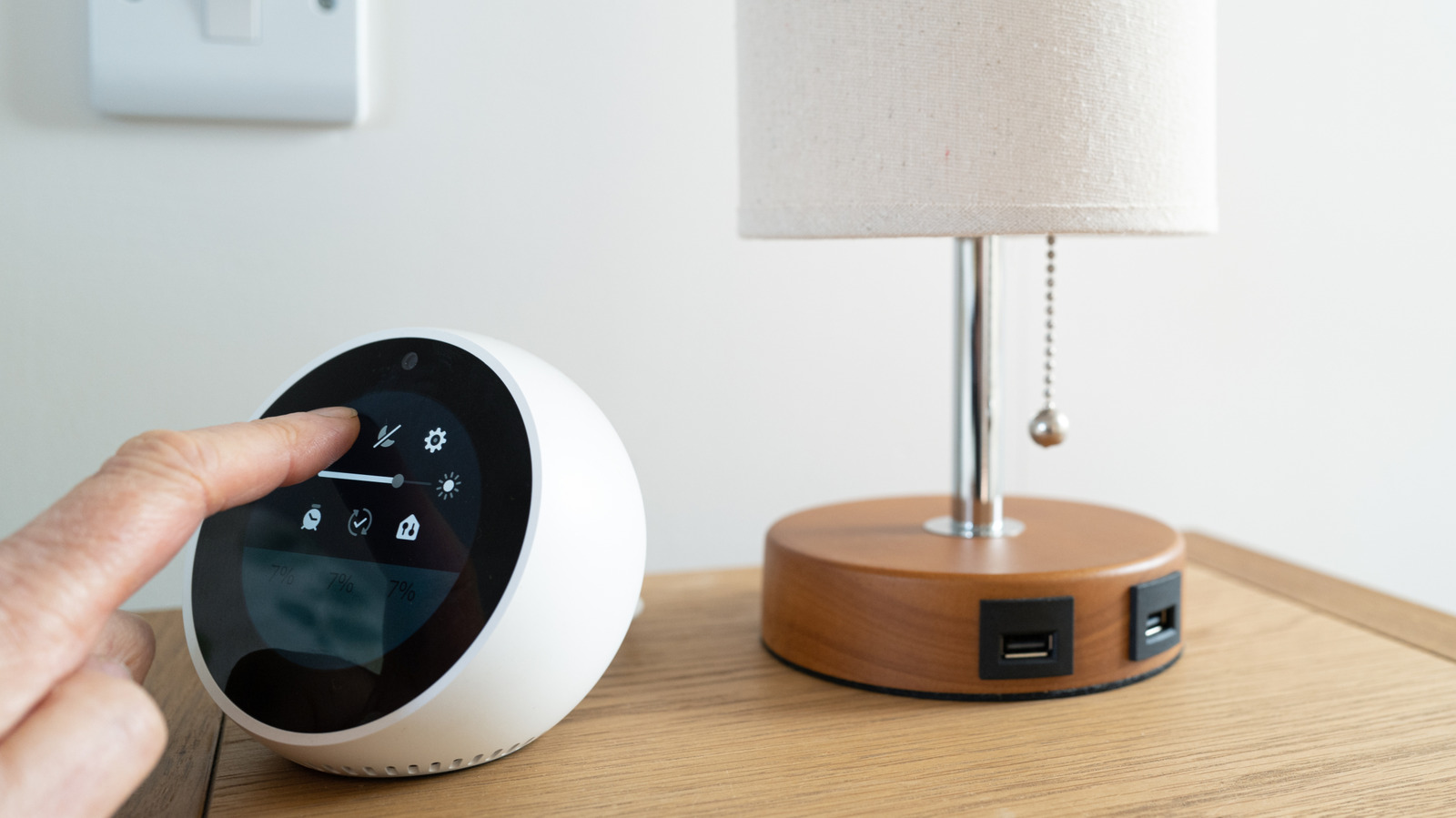
If you use an Amazon device that comes with the voice-controlled Alexa assistant, the device is likely saving recordings of your voice. Alexa uses recordings to enhance its recognition of your commands, and Amazon uses recordings to train machine learning models. In your device settings, you can find an “Alexa Privacy” menu where you can toggle a “Don’t save recordings” option. However, even if you opt for automatic deletion of your voice recordings, Amazon still retains text transcripts of your requests for 30 days. If you want to get rid of those text transcripts sooner, you’ll have to manually delete them from the Alexa Privacy menu every time.
To limit how much of your data reaches third parties aside from Amazon, you can switch off interest-based ads in the “Manage Skill Permissions and Ad Preferences” menu under Alexa Privacy. In this menu, you can also reset your Alexa Advertising ID. This ID helps Amazon and third-party partners keep track of which ads have already been served to a customer. Regularly resetting your Alexa Advertising ID can help enhance your privacy across services.
Return your Ring camera to Amazon if you’re worried about Flock
Ring is a subsidiary of Amazon and a leading manufacturer of video doorbells and security cameras. After Ring announced a partnership with Flock Safety in October 2025, Ring owners started returning their cameras to Amazon and reportedly received full refunds. Customers claimed that the partnership could result in their user data being accessible to U.S. federal agencies, which they felt would be a violation of the products’ terms of service by Ring, not to mention an alarming breach of privacy in general.
Ring and Flock Safety both deny that they provide user data to federal agencies such as the U.S. Immigration and Customs Enforcement. Even so, Ring owners claim that Amazon customer service is honoring return requests upon citing an alleged breach of terms by Ring. It’s also worth noting that Ring has a history of mishandling customer data. In 2023, the Federal Trade Commission charged Ring with illegally surveilling customers and failing to stop hackers from breaching user devices. The proposed partnership between Ring and Flock was ultimately canceled, but if you can secure a full refund for your Ring camera, it may be well worth the trouble of returning it.
Disable Amazon Sidewalk for Echo and Ring devices
If you decide to keep your Ring camera, you should at least consider disabling the Amazon Sidewalk feature. Sidewalk is a shared network that any compatible device can connect to, even if it’s outside the range of other Wi-Fi networks. It can be useful for clearing up bandwidth on your home Wi-Fi or for enabling smart devices that are too far from your router. However, some experts have expressed concerns about how stalkers or hackers could exploit Sidewalk to harass others.
Amazon automatically enrolls Echo speakers, Ring cameras, and other Sidewalk-enabled devices as “Sidewalk Bridges” that anyone with a compatible device can use as an access point to the shared Sidewalk network. Though Amazon claims that Sidewalk does not access personal data, it’s still easy to imagine how things could go wrong or how other users could try to take advantage of the feature for malicious reasons. To toggle Amazon Sidewalk off or on, open Account Settings in the Alexa app and tap “Amazon Sidewalk.” From this menu, you can also disable the “Community Finding” feature that shares your device’s approximate location with other users.
Clear your browsing history on the Amazon website
The most commonly used piece of Amazon tech is none other than the Amazon website itself. It’s also the place where Amazon can learn the most about you. As you browse and shop, Amazon uses cookies to recognize when you sign in, keep track of your interests, and monitor how you use Amazon services. On one hand, these insights enable some of the most useful Amazon features you’re probably not using. On the other hand, though, Amazon is probably using that data in ways that don’t meet your approval.
Amazon’s list of approved third-party ad providers shows more than 60 companies that are allowed to distribute and optimize ads based on your preferences. If this sounds invasive, you can take a step toward protecting yourself by clearing your browsing history. On the Amazon website or mobile app, open the Accounts menu and select “Browsing History.” From here, you can remove individual items from your search history or open the Settings sub-menu and opt to remove all items. On the “Browsing History” page, you can also choose to pause or disable your search history, which stops Amazon from logging the items you view for a specified amount of time. You can also configure your browser’s privacy settings to disable cookies on Amazon, which is generally a safe thing to do regardless of where you go on the internet.