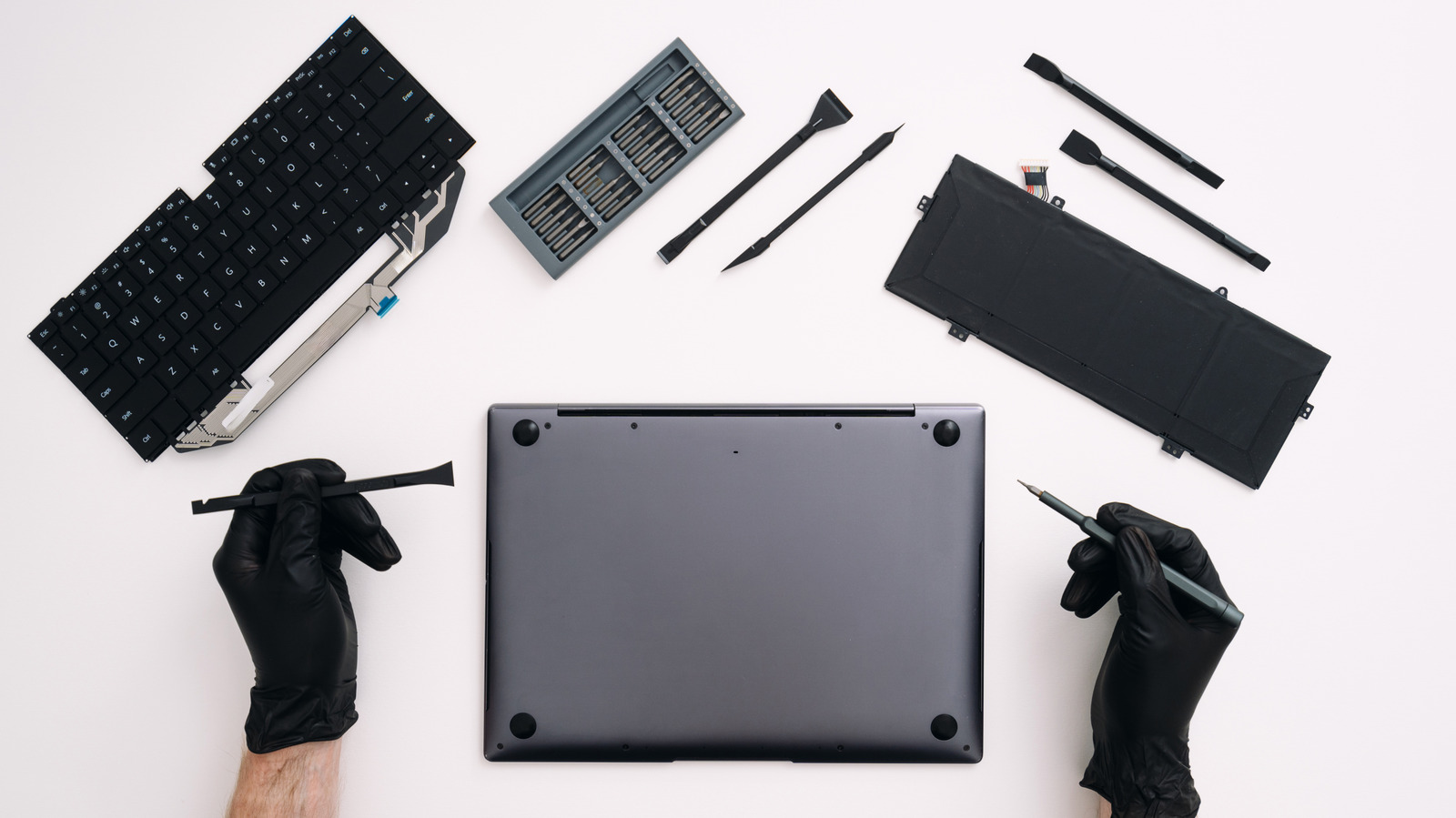
By using this site, you agree to the Privacy Policy and Terms of Use.
Accept
World of SoftwareWorld of SoftwareWorld of Software
  • News
  • Software
  • Mobile
  • Computing
  • Gaming
  • Videos
  • More
    • Gadget
    • Web Stories
    • Trending
    • Press Release
Search
  • Privacy
  • Terms
  • Advertise
  • Contact
Copyright © All Rights Reserved. World of Software.
Reading: How To Replace The Battery On Your MacBook – BGR
Share
Sign In
Notification Show More
Font ResizerAa
World of SoftwareWorld of Software
Font ResizerAa
  • Software
  • Mobile
  • Computing
  • Gadget
  • Gaming
  • Videos
Search
  • News
  • Software
  • Mobile
  • Computing
  • Gaming
  • Videos
  • More
    • Gadget
    • Web Stories
    • Trending
    • Press Release
Have an existing account? Sign In
Follow US
  • Privacy
  • Terms
  • Advertise
  • Contact
Copyright © All Rights Reserved. World of Software.
World of Software > News > How To Replace The Battery On Your MacBook – BGR
News

How To Replace The Battery On Your MacBook – BGR

News Room
Last updated: 2026/02/01 at 1:59 PM
News Room Published 1 February 2026
Share
How To Replace The Battery On Your MacBook – BGR
SHARE


Brizmaker/Getty Images

Whether you’re a long-time MacBook owner or you’ve dug into our MacBook Air buying guide recently, the time will come when you may consider changing your laptop’s battery. The vast majority of laptops these days use rechargeable lithium-ion batteries, which lose efficiency and degrade over time. After several years, your MacBook may not last as long as you remember, and a battery swap could be just what the tech doctor ordered. Generally, this process requires removing some screws and carefully detaching the battery. Simpler yet, the Apple Store will do it for a fee.

However, battery replacements on laptops aren’t all equal. In this guide, we’ll give you a quick primer on what to expect when replacing a MacBook battery, some helpful resources to consider, and the tools you may need to complete the job. However, don’t think of this as a full step-by-step deep dive, as there are too many types of MacBooks for that to be effective. So, if you don’t want to go and spend money replacing batteries at the Apple Store, read on.

Should you consider having Apple do the repair?


A MacBook sitting on a display table at an Apple Store
Jonathan Weiss/Shutterstock

Apple offers a variety of settings, as we covered recently in our iPhone battery settings guide, aimed at optimizing your MacBook’s charging time and prolonging its life by managing how much the battery is charged. But this is, in essence, delaying the inevitable wearing out of your laptop’s power source. That’s why acommon repair done at the Apple Store is battery replacement. 

Punching a few recent models into the Apple Store repair estimator, we found a range of prices spanning $199 for the latest M4 15-inch MacBook Air to $249 for the higher-end 16-inch MacBook Pros. Model year and configuration will affect the final price, but you’ll likely spend hundreds of dollars to have the professionals replace it. Going this route does come with some benefits, such as peace of mind that Apple knows how to make these repairs, and a guarantee that it’ll be done right. But if you want to try to save some money and learn how to do this process yourself, there is a way.

How to replace a MacBook’s battery and what tools you’ll need
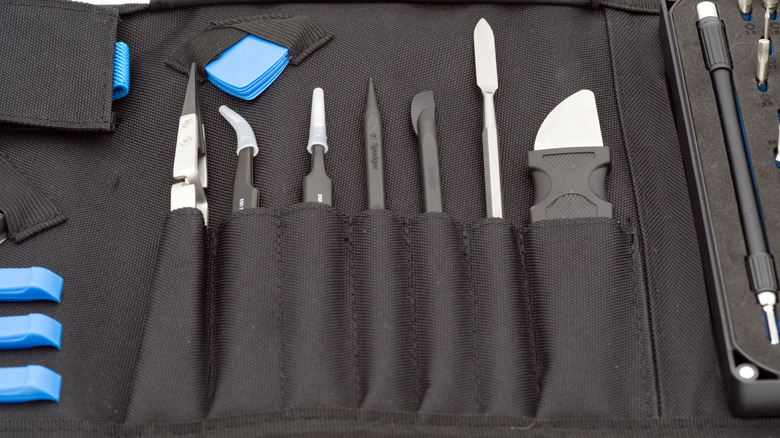

An iFixIt toolkit sitting in its holding case spread open on a table
Michael Derrer Fuchs/Shutterstock

If you’re game to open up your computer and try a battery replacement yourself, then there are a few key steps to remember. First, you’ll need to open up your MacBook, which typically involves removing a handful of screws and popping some locking tabs using a small plastic tool. Once opened, locate and disconnect the battery’s power connector to avoid the common mistake DIYers often make. Then, soften the adhesive securing the battery and carefully remove it. Finally, repeat the steps above in reverse to connect the new one.

These steps are, of course, just general guidelines. To get detailed instructions on how to repair your specific MacBook model, search for an article on a site such as iFixIt, which has articles with detailed rundowns by model. You can buy toolkits and replacement parts from iFixIt to ensure you have everything you need for your repair. At the end of the day, patience is key — go slow, don’t force any parts too hard, use the right tools, and you’ll have a new working battery installed.



Sign Up For Daily Newsletter

Be keep up! Get the latest breaking news delivered straight to your inbox.
By signing up, you agree to our Terms of Use and acknowledge the data practices in our Privacy Policy. You may unsubscribe at any time.
Share This Article
Facebook Twitter Email Print
Share
What do you think?
Love0
Sad0
Happy0
Sleepy0
Angry0
Dead0
Wink0
Previous Article New Spotify update puts song lyrics exactly where you want them New Spotify update puts song lyrics exactly where you want them
Next Article Emsisoft Anti-Malware Review: Effective Antivirus With Comprehensive Remote Management Emsisoft Anti-Malware Review: Effective Antivirus With Comprehensive Remote Management
Leave a comment

Leave a Reply Cancel reply

Your email address will not be published. Required fields are marked *

Stay Connected

248.1k Like
69.1k Follow
134k Pin
54.3k Follow

Latest News

Gemini can’t stop talking to itself on Android Auto
News
Clamshell iPhone could be Apple's second foldable
News
5 Best Multivitamins for Women Over 50 in 2026
News
Synapse Power Announces XNAP Mainnet Launch on PancakeSwap
Gadget

You Might also Like

Gemini can’t stop talking to itself on Android Auto
News

Gemini can’t stop talking to itself on Android Auto

3 Min Read
Clamshell iPhone could be Apple's second foldable
News

Clamshell iPhone could be Apple's second foldable

1 Min Read
5 Best Multivitamins for Women Over 50 in 2026
News

5 Best Multivitamins for Women Over 50 in 2026

3 Min Read
Bill Gates says accusations contained in Epstein files are ‘absolutely absurd’
News

Bill Gates says accusations contained in Epstein files are ‘absolutely absurd’

2 Min Read
//

World of Software is your one-stop website for the latest tech news and updates, follow us now to get the news that matters to you.

Quick Link

  • Privacy Policy
  • Terms of use
  • Advertise
  • Contact

Topics

  • Computing
  • Software
  • Press Release
  • Trending

Sign Up for Our Newsletter

Subscribe to our newsletter to get our newest articles instantly!

World of SoftwareWorld of Software
Follow US
Copyright © All Rights Reserved. World of Software.
Welcome Back!

Sign in to your account

Lost your password?