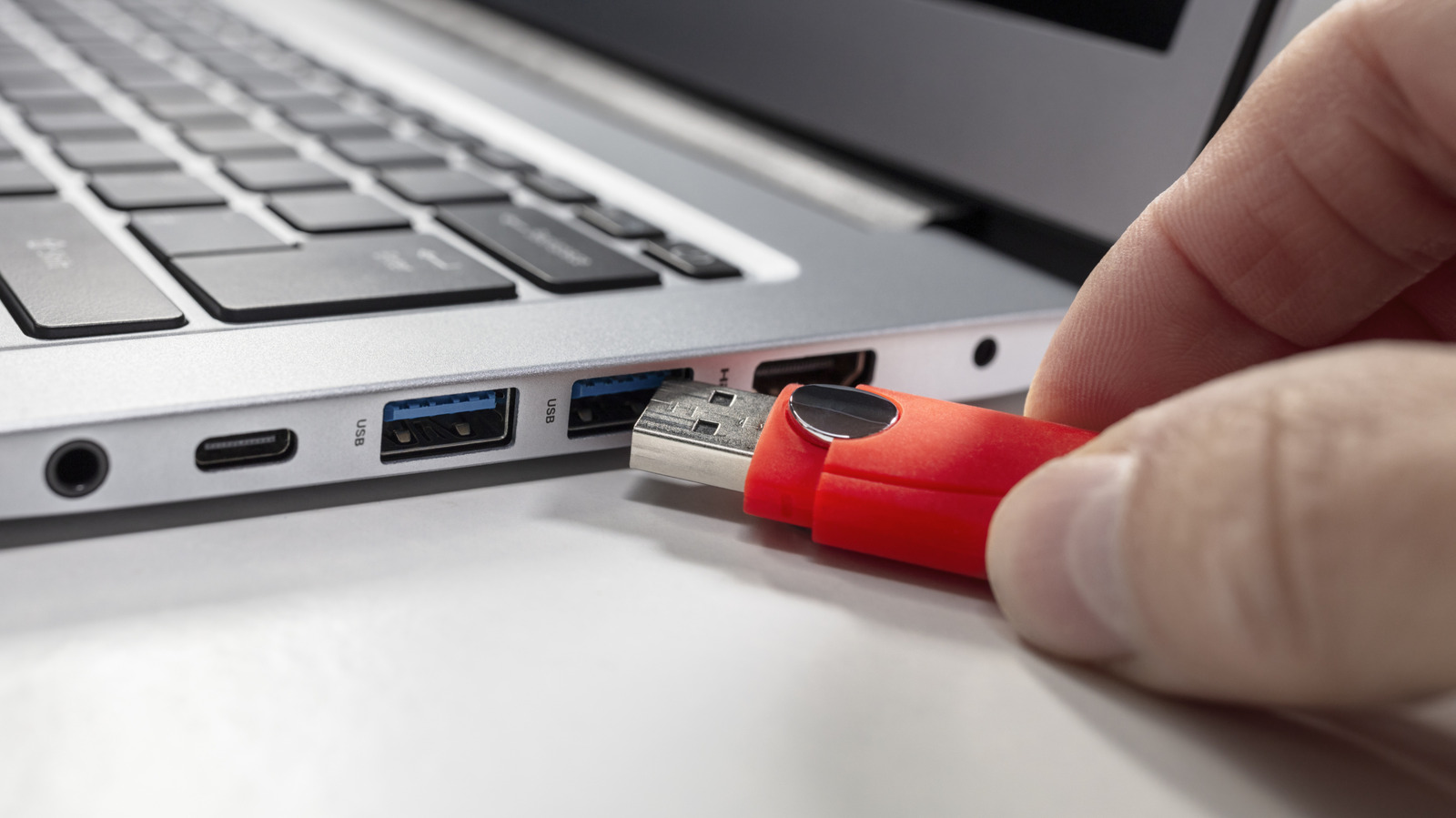
A USB port doesn’t typically fail out of nowhere, usually giving you subtle warning signs long before it stops working completely. One of the first red flags to look out for is inconsistent connectivity. If a cable only works when you hold it at a certain angle — or connection drops with the slightest movement — the port’s internal pins may be bent, or the housing could be loose. Another giveaway that something’s wrong is sluggish or unreliable data transfers. When a port begins to fail, file transfers may stall, or take far longer than usual, even if you’re using a proven cable and device.
Physically inspecting your USB port can reveal a lot. Shine a bright light into the port and look for bent pins, debris, or discoloration. Any visible damage, especially pins pushed inward or out of alignment, usually means the port needs to be repaired. A port that feels unusually loose or wobbly when you plug something in is another common symptom of wear, especially on laptops, where ports experience more frequent stress.
Charging issues are also a major clue. If your phone, mouse, or headset charges intermittently or not at all when plugged into a specific port, the problem may stem from battery or device failure, or a problem with the cable. In some cases, Windows or macOS may even surface warnings about USB power draw or malfunctioning devices.
If you notice more than one of these symptoms, the safest move is to stop using the port until you can accurately diagnose or repair it. Continuing to force a connection can worsen the damage, and may even damage your accessories.
What to do if your USB port is damaged
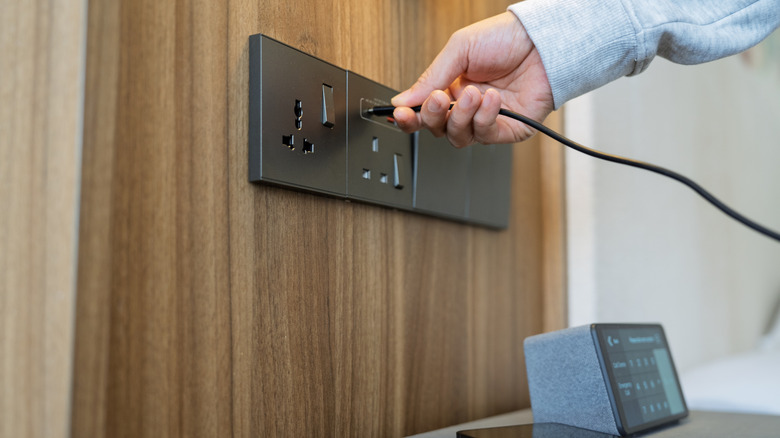
Once you’ve confirmed that a USB port is acting up, the next step is deciding on how to fix it. Start with the easiest solution first: clean the port. Dust, pocket lint, and debris can block proper contact, and gently clearing it out with compressed air or a soft, non-metal tool can sometimes restore normal function. If the issue persists, test your devices on another port. This helps determine whether the fault lies with the port itself, your cable, or the accessory you’re plugging in.
For desktops, replacing a faulty USB port can be inexpensive thanks to add-on PCIe cards that contain ports, allowing you to easily replace a faulty port with a functioning port for around $20. Modern laptops, on the other hand, are trickier. Many USB-C ports are soldered to the board, meaning repairs require professional board work — this can lead to a prohibitive cost of between $100 to $300.
If you rely on the port but don’t want to commit to a full repair, a powered USB hub or USB-C docking station can serve as a practical workaround. These bypass the damaged connector entirely and give you multiple new ports to work with.