By using this site, you agree to the Privacy Policy and Terms of Use.
Accept
World of SoftwareWorld of SoftwareWorld of Software
  • News
  • Software
  • Mobile
  • Computing
  • Gaming
  • Videos
  • More
    • Gadget
    • Web Stories
    • Trending
    • Press Release
Search
  • Privacy
  • Terms
  • Advertise
  • Contact
Copyright © All Rights Reserved. World of Software.
Reading: How To Use iOS 26’s New Apple CarPlay Widget Features On Your iPhone – BGR
Share
Sign In
Notification Show More
Font ResizerAa
World of SoftwareWorld of Software
Font ResizerAa
  • Software
  • Mobile
  • Computing
  • Gadget
  • Gaming
  • Videos
Search
  • News
  • Software
  • Mobile
  • Computing
  • Gaming
  • Videos
  • More
    • Gadget
    • Web Stories
    • Trending
    • Press Release
Have an existing account? Sign In
Follow US
  • Privacy
  • Terms
  • Advertise
  • Contact
Copyright © All Rights Reserved. World of Software.
World of Software > News > How To Use iOS 26’s New Apple CarPlay Widget Features On Your iPhone – BGR
News

How To Use iOS 26’s New Apple CarPlay Widget Features On Your iPhone – BGR

News Room
Last updated: 2025/10/16 at 5:01 PM
News Room Published 16 October 2025
Share
How To Use iOS 26’s New Apple CarPlay Widget Features On Your iPhone – BGR
SHARE


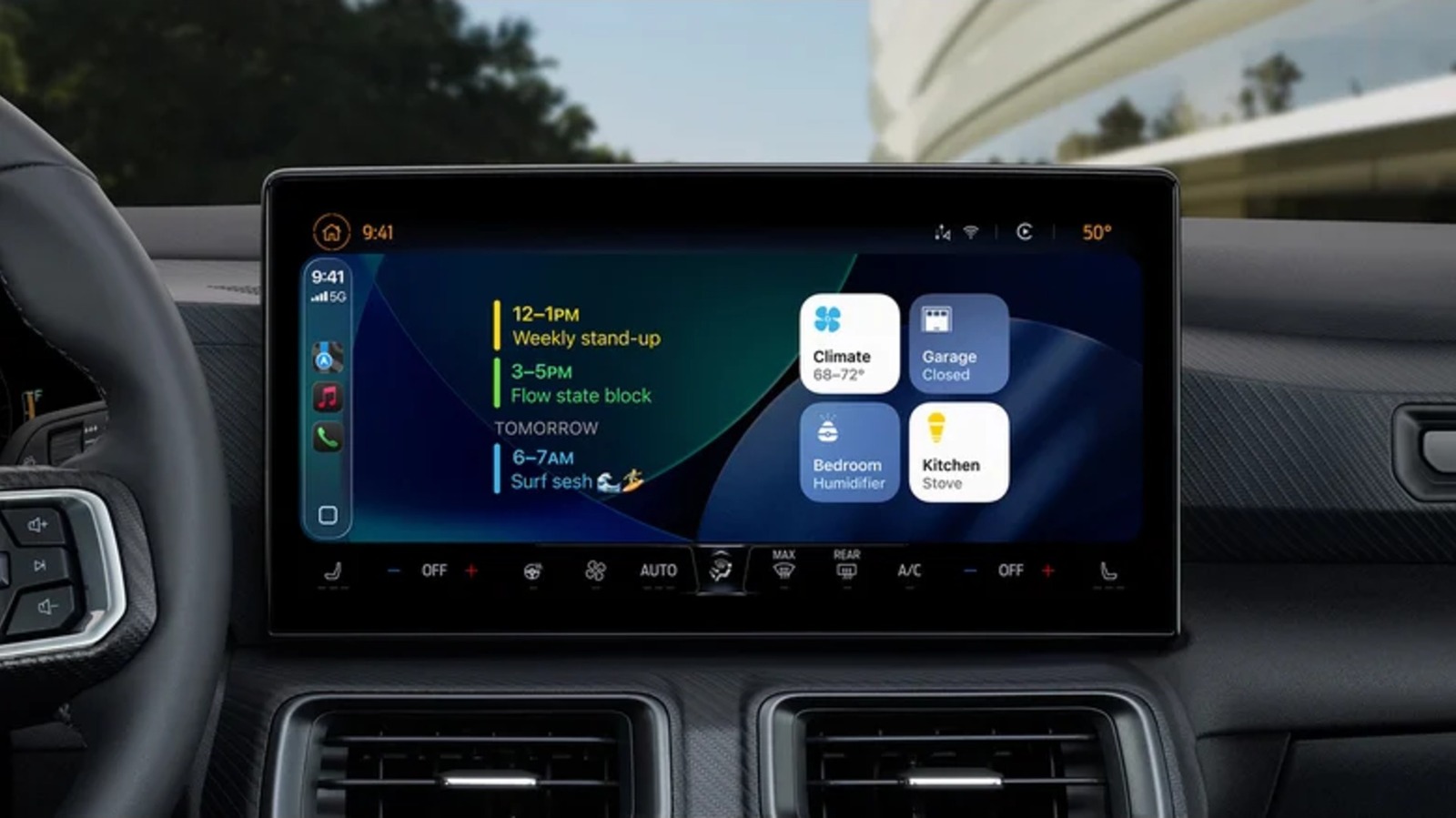
Your CarPlay experience is about to get even better. You’re likely familiar with widgets on the iPhone; if you aren’t, widgets are apps that can be added to your Home screen and provide quick information or access to settings and features. Apple is now bringing that experience to CarPlay, making it even more convenient to navigate certain items during your travels.

The new widgets are part of iOS 26, which delivers a smorgasbord of new features to CarPlay in general. Along with Apple’s new Liquid Glass design, other iOS 26 features include Live Activities on your Dashboard, options for video streaming, a new compact view for phone calls, and new features for Messages. Adding widgets to CarPlay is rather straightforward, with the most important thing to remember being that you access them from your iPhone’s Settings menu, where you can add, remove, or move widgets.

CarPlay already has a few cool tricks to make for a better experience, but being able to add widgets is no doubt going to be a major boon for those with an infotainment system that supports it. As more third-party applications accommodate the new widgets feature, it will continue to expand the capabilities you have while in your vehicle. Here’s how you get started.

Getting started with CarPlay widgets


Harry Howitt/Shutterstock

One of the first things you should do is ensure that you have downloaded and installed iOS 26 on your iPhone. If you are unsure, you can double-check by heading to Settings > General > Software Update. Once you have confirmed you are running iOS 26, adding widgets is simple.

Here are the steps for adding widgets to CarPlay:

  1. Open the Settings app on your iPhone.

  2. Select General.

  3. Choose CarPlay.

  4. Select your vehicle.

  5. Tap widgets.

  6. Ensure that Show Widgets is enabled.

  7. Select Add Widgets.


From here, finding your widgets in CarPlay is as simple as swiping right on your infotainment screen until you see the new section. From this section, you’ll have a certain number of widget stacks, which place your widgets in columns so that you can swipe up and down through your options.

You can remove them by tapping the red minus button next to a widget’s name from the Widget menu. You can also rearrange them from this menu by tapping and dragging the three horizontal lines next to a widget. You will also find options for changing the background, Smart Rotate, and Widget Suggestions.

Something to keep in mind is that the size of your infotainment’s screen is going to determine the number of widget stacks that you’re able to display. You can currently only have five in a stack at a given time.

What widgets are available with Apple CarPlay
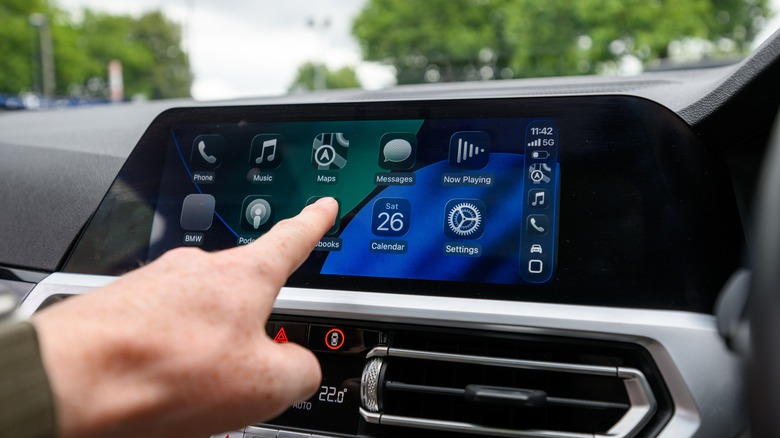

Apple CarPlay on a vehicle's infotainment screen displaying the new Liquid Glass design.
Harry Howitt/Shutterstock

Along with Apple-crafted widgets, there’s also support for third-party widgets that you have on your iPhone. However, not all of them are going to be particularly useful when you’re on the road. While you may want to experiment to see how some of your favorite ones behave on CarPlay, there are several Apple-made apps that are going to work great with your new setup.

For example, the four available Weather widgets can offer a wide variety of information depending on which you choose, including four-day forecasts, detailed information for the day, and more. For those who have the app and smart accessories, the Home widget can be fantastic for controlling certain HomeKit-compatible devices and appliances directly from your vehicle. This includes things like your garage door, with the Home widget determining what to suggest based on frequency of use, location, and Siri Suggestions. Additionally, the Calendar or Reminders app widget can be great for keeping track of everything you need to do for the day.

Unfortunately, some widgets can still use some tweaking. For example, ChatGPT has a widget that allows you to activate Voice Mode. This is great for chatting with AI, but you still need to talk into your iPhone’s microphone, which defeats the purpose. Some can also be rather puzzling. They might have some use, such as Kernal’s movie tracker, which can display a countdown for new movie releases. Over time, third-party options will likely improve as developers spend more time with the new feature.



Sign Up For Daily Newsletter

Be keep up! Get the latest breaking news delivered straight to your inbox.
By signing up, you agree to our Terms of Use and acknowledge the data practices in our Privacy Policy. You may unsubscribe at any time.
Share This Article
Facebook Twitter Email Print
Share
What do you think?
Love0
Sad0
Happy0
Sleepy0
Angry0
Dead0
Wink0
Previous Article Why the F5 Hack Created an ‘Imminent Threat’ for Thousands of Networks Why the F5 Hack Created an ‘Imminent Threat’ for Thousands of Networks
Next Article How to Use ChatGPT for Excel | How to Use ChatGPT for Excel |
Leave a comment

Leave a Reply Cancel reply

Your email address will not be published. Required fields are marked *

Stay Connected

248.1k Like
69.1k Follow
134k Pin
54.3k Follow

Latest News

Meta selects Dina Powell McCormick as president and vice chair
News
Amazon has started automatically upgrading Prime members to Alexa Plus
News
GoPro files complaint against Insta360 for alleged patent infringement · TechNode
Computing
Eutelsat extends Airbus contract for further low Earth orbit OneWeb satellites | Computer Weekly
News

You Might also Like

Meta selects Dina Powell McCormick as president and vice chair
News

Meta selects Dina Powell McCormick as president and vice chair

0 Min Read
Amazon has started automatically upgrading Prime members to Alexa Plus
News

Amazon has started automatically upgrading Prime members to Alexa Plus

1 Min Read
Eutelsat extends Airbus contract for further low Earth orbit OneWeb satellites | Computer Weekly
News

Eutelsat extends Airbus contract for further low Earth orbit OneWeb satellites | Computer Weekly

4 Min Read
As fans threaten a boycott, AYANEO reveals a ‘Service Improvement Plan’ to turn things around
News

As fans threaten a boycott, AYANEO reveals a ‘Service Improvement Plan’ to turn things around

4 Min Read
//

World of Software is your one-stop website for the latest tech news and updates, follow us now to get the news that matters to you.

Quick Link

  • Privacy Policy
  • Terms of use
  • Advertise
  • Contact

Topics

  • Computing
  • Software
  • Press Release
  • Trending

Sign Up for Our Newsletter

Subscribe to our newsletter to get our newest articles instantly!

World of SoftwareWorld of Software
Follow US
Copyright © All Rights Reserved. World of Software.
Welcome Back!

Sign in to your account

Lost your password?