
Edge now beats Chrome, and as much as I used to love Chrome, I can’t go back.
I was faithful to Google Chrome for years.
The extensions, the themes, the Apps Page, the Apps Icon on the taskbar (removing it was a major mistake) – I was hooked!
My first complaint came when they removed the App Icon on the taskbar (does anyone still remember that?).
Then they removed the majority of the Apps from the Apps Page.
I really did not like that.
Of course, Chrome was always a memory hog.
Hitting 443 MB RAM for a few tabs was usually a lower limit.
Now, I’m firmly on Microsoft Edge, and Google Chrome has been removed from quick access on all my devices.
Why?
:::warning
Performance, RAM, and battery use are three good reasons already.
:::
In addition, critical features available on Edge are not natively found in Chrome or Firefox with the same ease, or not at all.
They are:
- Vertical Tabs
- Workspaces
- Collections
Skeptical?
Read on!
But first, let’s briefly list some things all modern browsers get right.
-
Cross-Device Sync
-
Endless Scroll Feeds
-
Useful Extensions
-
Compatible Web Stores
-
Website Apps
:::tip
And finally, we end with a mystery killer feature that only Firefox has (as of now) that makes it a leader in web browsing, and the in-built privacy and lack of telemetry make it a leader for the workplace use-case.
:::
To find out what that is, read the article to the very end!
Hint – it’s linked to LLMs.
What’s Right With Modern Browsers
All modern browsers have (or should have) these features:
Cross-Device Sync
Whether I’m on Chrome, Firefox, or Edge, all bookmarks, passwords, and even extensions are available on desktop, tablet, or mobile.
Firefox really shines here with the profiles option and multi-device sign-in.
Of course, Google Chrome and Microsoft Edge have their own sign-in as well.
Endless Scrolling
Of course, doom-scrolling is a dopamine addiction fix that is turning all platforms into versions of Facebook.
However, I have to admire how apt and customized the article selection is to me and for my interests.
Firefox is lagging behind, probably because they don’t have access to as much user data as Microsoft and Google.
Useful Extensions and Themes
The Chromium switch for Microsoft Edge was an act of genius.
While many users report bugs, most extensions that worked on Google Chrome now also work on Microsoft Edge.
While Firefox is privacy-focused, and that is laudable, an independent app store is limiting their ability to compete.
In fact, if Firefox was compatible with Chrome Web Store, I would use it over Edge because of the privacy features, and its surprise killer feature (repeat, read to the end).
Compatible Web Stores
Firefox is the only non-Chromium Web browser right now.
Everyone else (Edge, Opera, Vivaldi, and others) have switched because the app market is so large and comprehensive.
Using Chrome Web Store is a feature that Firefox should add.
The customizability goes through the roof!
Web Apps
Chrome supported this feature first.
However, on older systems, the apps were often slow.
However, the UX is definitely better on Chrome over Edge.
So why am I leaning towards Edge?
Performance.
On older systems, Chrome apps run slower than Edge apps.
This feature was on Chrome first, but even with 16 GB RAM, the performance dip was unmistakable.
However, Chrome is definitely a cleaner experience.
However, Microsoft Edge:
- Has an in-built Sleeping Tabs functionality
- Uses less battery, especially on Windows
- Integrates well with Windows 11
- Can use the Microsoft Store for the same experience
I must say that I would like a similar button like Google Chrome’s on Microsoft Edge to install websites as apps!
This is a good point to transition to the next section:
Why I’m Leaving Google Chrome for Microsoft Edge
The three main features (other than RAM, CPU usage, and battery life):
(although those three just-mentioned reasons are also real)
1. Vertical Tabs
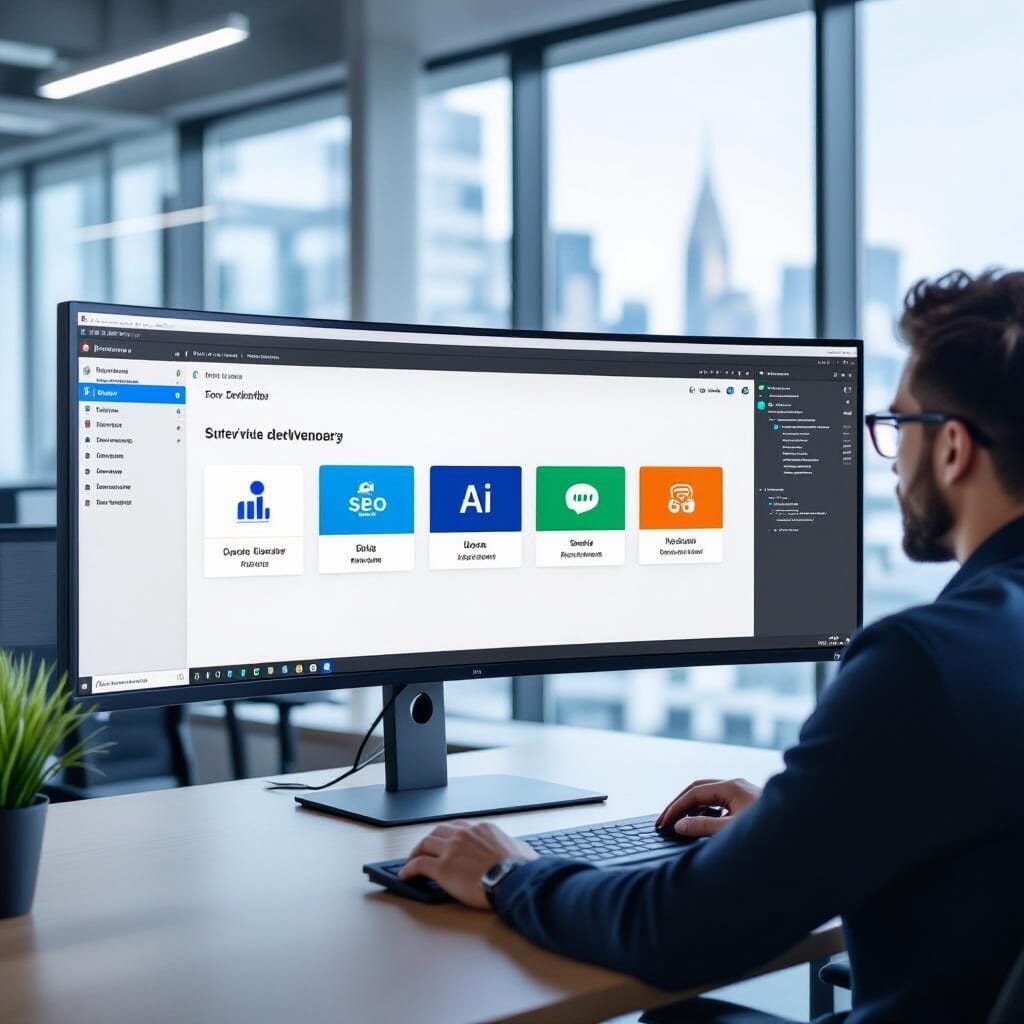
I’m sorry and sad that Chrome actually needs an extension for this.
Even Firefox now supports it natively.
Vertical tabs have completely changed my browsing experience.
I now use Firefox for work, with grouped tabs for:
- SEO
- Website
- Social Media
- AI Tools
- Utilities
- Company
And it has totally changed the way I work.
All sites are logged in permanently, and a huge workload is lifted with 16 social media sites.
Edge has the same feature built in.
Google Chrome needs extensions.
Edge even has an additional sidebar for extra shortcuts.
Sometimes the sidebar is buggy and does not persist across sessions, but when it does, it will be an incredibly useful feature.
Vertical tabs are a good reason to move away from Chrome, and you should try it too.
But the next feature – it’s a game-changer!
Workspaces

Firefox, Edge, and Chrome have profiles with basic differences.
However, Edge has one feature the other browsers do not – and it’s vastly underestimated.
I’m talking about (yes) workspaces.
I believe that this is a vastly underestimated feature of Edge.
I have workspaces for:
- HackerNoon
- Substack
- Medium
- Python
- Golang
- Rust
- Research
- Coding
- Blockchain
- ML/AI
- Quantum
As a multi-domain specialist, the tabs I need open vary widely.
This is the first time I have found a feature that implements them perfectly.
I no longer have to save sessions with third-party tools.
It just works.
And really well at that!
The time this saves for me on a daily basis is massive.
And it supports multi-user collaboration with a single shared link…
Not real-time collaboration, but cobrowsing with privacy maintained.
You need to try this and check it out.
Especially if you work in multiple domains like me!
Collections

This feature saves me time as well.
I use Notion and Fabric regularly.
But Collections is a nice tool to have that does exactly what it says – allows you to collect anything from across the web and save it natively in Edge.
Once again, when you specialize in multiple domains, this is a huge time-saver.
Nearly all the domains I work on are moving forward at a breakneck pace.
I get ~200 emails a day.
Saving ‘read-later’, ‘possible articles’, and ‘follow-ups’ on a shared online platform is difficult to access across multiple systems (I have two laptops, one on Windows 11, the other on Xubuntu 24 LTS).
Edge solves this problem neatly and elegantly – whether on Windows, Linux, or macOS.
Collections is a powerful tool when used properly.
It allows you to save anything and everything across the web.
Firefox and Chrome – no equivalent features, require third party tools like Raindrop.io or Google Keep.
Use Collections if you want to bridge the gap between note-taking and bookmarking.
Again, this is another underestimated and underutilized feature.
But there is another critical feature that I have yet to address.
This is the mystery at the end of the article!
Why Firefox is Ahead of Even Microsoft Edge on This Aspect

Let’s face the elephant in the room head-on.
Edge fails miserably compared to the competition with Generative A.
Microsoft Copilot is a complete, utter, and terrible failure.
Google Gemini 3.0 Pro led the AI race for benchmarks – for all of one week.
I’m happy with Gemini, but not with Chrome.
And definitely not with Copliot!
Firefox is the leader here.
Why? (Drumroll, please…)
It allows you to choose multiple AIs.
Yes – you read that right.
Firefox allows you to choose between:
- ChatGPT
- Google Gemini
- Anthropic Claude
- HuggingChat
- Le Chat Mistral
Firefox is also one of the few browsers worldwide that allow you to use your own local LLMs.
Which is an absolute killer feature, especially for enterprises.
You can use llamafile and run the open-source model of your choice.
Step-by-Step Procedure:
- Open Settings in Firefox
- Go to Firefox Labs (or Sidebar settings in the latest versions).
- Check the box for AI Chatbot Integration.
- Open the Sidebar (icon in the toolbar), select “AI Chatbot” from the dropdown menu, and choose your preferred provider.
As far as AI is concerned:
Firefox leads the market globally.
Without the shadow of a doubt.
So why am I still opting for Edge?Answer: I use Firefox for work and Edge for everything else.
But I no longer use Chrome.
Gemini was a killer feature, but no more.
Minimax M2 leads the LLM world now, but tomorrow will soon be next year.
If Microsoft can accept defeat with humility and grace:
And follow Firefox in adopting its AI features (all of them):
It can claim the place of the #1 Browser in the world.
Conclusion

Currently, for enterprises, Firefox is the best option, especially if you want to use local LLMs.
If Microsoft can be humble and accept failure for Copilot –
Microsoft Edge is a potential Mozilla Firefox killer.
If – and only if:
Microsoft follows the Firefox model for AI.
I hope they do it.
:::tip
I am an Edge fan.
:::
And now – you know why.
:::tip
May the joy of working in emerging technologies and the thrill of writing another article never leave you.
:::
All the very best!
And an early Happy New Year to you, wherever you are reading this.
Cheers!

:::info
Disclaimer: No AI was used in the writing of this article.
:::
:::info
But NightCafe Studio was used to generate every image.
:::