Ryan Haines / Android Authority
We’ve had foldable phones for seven years, and they’ve come a long way in that time. The foldables we saw in 2025 were thinner, lighter, and better than they’d ever been. Something that hasn’t changed is the way we protect the flexible inner screens. Pre-applied screen protectors are still the norm, and while they’ve gotten better, there will come a time when you need to replace them. Manufacturers want you to bring the phone back and have a professional do the job. But when the screen protector on my Galaxy Z Fold 4 gave up the ghost, I embraced my inner Jeremy Clarkson and asked: “How hard can it be?”
Would you change your own foldable screen protector?
0 votes
The problem with foldable screen protectors

Zac Kew-Denniss / Android Authority
You can’t bend a glass screen protector. Not more than once, anyway. As such, the pre-applied protectors on foldable phones are made of plastic. The quality has become significantly better over the years — my Fold 4’s screen protector doesn’t feel anything like the cheap TPU films you can buy on Amazon. Feeling good is only one part of the equation, though. Plastic screen protectors are soft and scratch easily, with even a fingernail doing damage if you press hard enough.
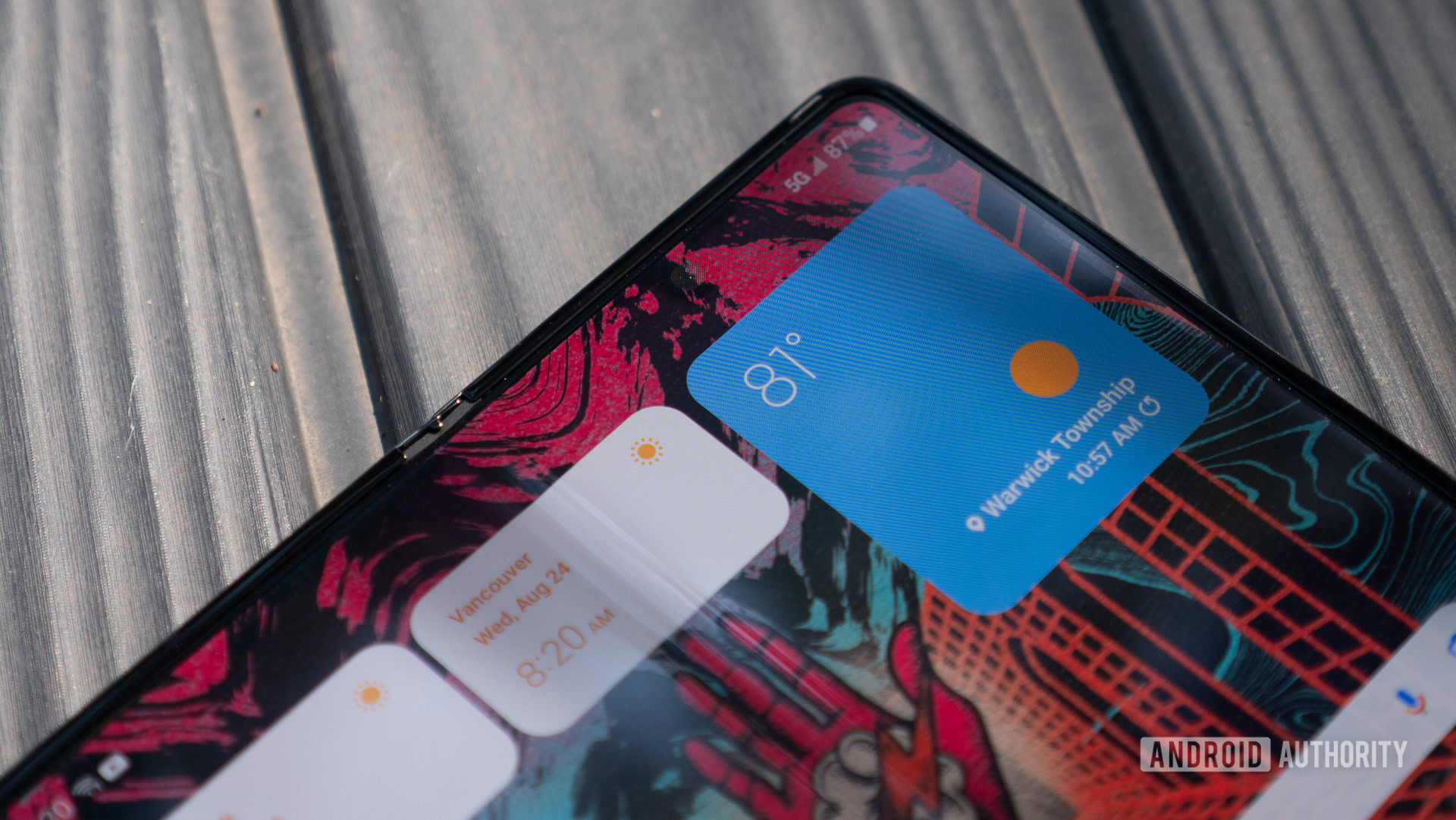
My Fold 4 suffered from a different issue, as you can see in the image above. Over time, these screen protectors start to lift at the edges of the crease, presumably because of the repeated flexing as you open and close your phone. This doesn’t happen quite as often as it used to. My wife has been using foldables as her only phone since the Z Flip 4, and the Flip 6 she’s had since it was released never had the lifting issue, although we did get it replaced recently because of scratching.
When my Fold 4 bubbled, I had three options for getting it fixed: Send it away to Samsung and be without the phone for 2-3 weeks, pay extra to have a technician come to my home and do it, or take it to one of the larger EE stores. EE is one of the major carriers in the UK and performs official repairs on Samsung phones, in and out of warranty, whether you’re an EE customer or not. I’ve used EE for this before, and I’ve always been satisfied, but the nearest store that does these repairs is over an hour away, and I was curious to see how difficult this would be. So, I decided to pick a fourth option and do it myself.
I replaced my Fold 4’s screen protector — you shouldn’t

Zac Kew-Denniss / Android Authority
I’m a screen protector perfectionist. I’ll spend half an hour meticulously cleaning a phone to make sure that the screen protector goes on without a single speck of dust getting in the way, and I’ve even dabbled with the Whitestone screen protectors, where you apply liquid adhesive and cure it with a UV lamp. Doing this on a folding phone was the final frontier for me, and I wanted to see how different it would be. The risk I took was calculated, but I’m terrible at maths.
I bought a Vizvera screen protector, which had a solid rating and a reasonable price here in the UK, although I couldn’t find it on Amazon US. One of the reasons I chose it is that, unlike a lot of the kits I looked at, this one came with an alignment bracket that the phone fits into, ensuring the new screen protector will be lined up properly. I was hopeful, especially at the value proposition of it coming with two inner screen protectors, as well as two additional screen protectors for the cover display. Unfortunately, my hopes were misplaced.
Don’t want to miss the best from Android Authority?


The installation was straightforward enough. After slotting the screen protector onto the posts on the alignment tool, you peel back the protector in sections, using a squeegee to press it onto the screen. The part that went wrong is getting rid of air bubbles. Despite how it may look in the photos above, there are no pieces of dust or debris — I cleaned the phone thoroughly. What you see here is trapped air, and that’s a bigger problem than it sounds.
I could see the Fold 4’s display starting to flex, and I certainly didn’t want to break my phone.
Usually, you can use the squeegee included in the kit to push the air bubbles towards the nearest edge, but that’s easier said than done in this case. Two things make the removal of air bubbles difficult: First, the adhesive used is stronger than what you’d use on a normal phone. Second, a folding screen isn’t solid, and pushing too hard with the squeegee could break your screen. In my attempts, there were occasions when I could see the Fold 4’s display starting to flex, and I certainly didn’t want to break my phone. I tried both of the screen protectors included in the kit, and both let me down in the same way. Even worse, just days later, the one I left on there has started peeling up in the same place the original did.
An official replacement is the way to go

Ryan Haines / Android Authority
I’ve replaced the screen protector on my Fold 4 the proper way, and the DIY way, and getting Samsung or a repair partner to replace it is the way to go. Not only do you get a better result, but it hardly costs more than doing it yourself. Most of the replacement screen protectors on Amazon are $15, whereas getting it done by Samsung is only $20. An extra $5 for a proper screen protector that will be bubble-free is a small price to pay, and worth it in my opinion. The only time I would recommend doing it yourself is if your phone is damaged in any way.
I called EE to ask how much it would be to get this done in the UK, and was told that Samsung doesn’t allow it to provide pricing until the phone has been inspected for damage. In fact, if your phone has any battle scars, you won’t be able to get the screen protector replaced unless you also pay to have everything else fixed. In my case, the Fold 4 has a cracked back, hidden by a skin, and if the engineer peeled that off, I’d have to pay to have the rear glass replaced. If you’re in the same situation, then perhaps going the DIY route is the right idea. Otherwise, get Samsung to do it for you.
Would you replace your own foldable screen protector? Or would you rather not take the risk? Let us know in the comments.
Thank you for being part of our community. Read our Comment Policy before posting.