The Google Assistant is not long for this world, and will be replaced by Gemini on every single device in the coming months. But while the transition has been largely straightforward and seamless on Android devices, the search giant is still actively working on the transition plan for its smart home device family. Late last year, the company announced that it would finally begin testing Gemini for Home across its existing hardware line before releasing a new smart speaker later in 2026.
After gaining access to the Gemini for Home preview program a few weeks ago, I’ve been using it as my primary voice assistant across several Google Home speakers to see how well it stacks up against its predecessor. How did it pan out? Let’s start with the good news.
Are you looking forward to Gemini on your Google Home devices?
9527 votes
Gemini for Home: Stellar first impression, but not perfect
I won’t mince words: Gemini for Home feels like a massive upgrade over the Google Assistant. If you’ve used the latter for any amount of time, you’re probably all too familiar with its “Sorry, I don’t understand” response to even basic questions. This is especially true for longer commands — measurement conversions work all the time, but ask for ingredient substitutions and you only have a 50-50 chance of getting the right answer from the Assistant. Gemini, on the other hand, can easily handle any question you throw at it.
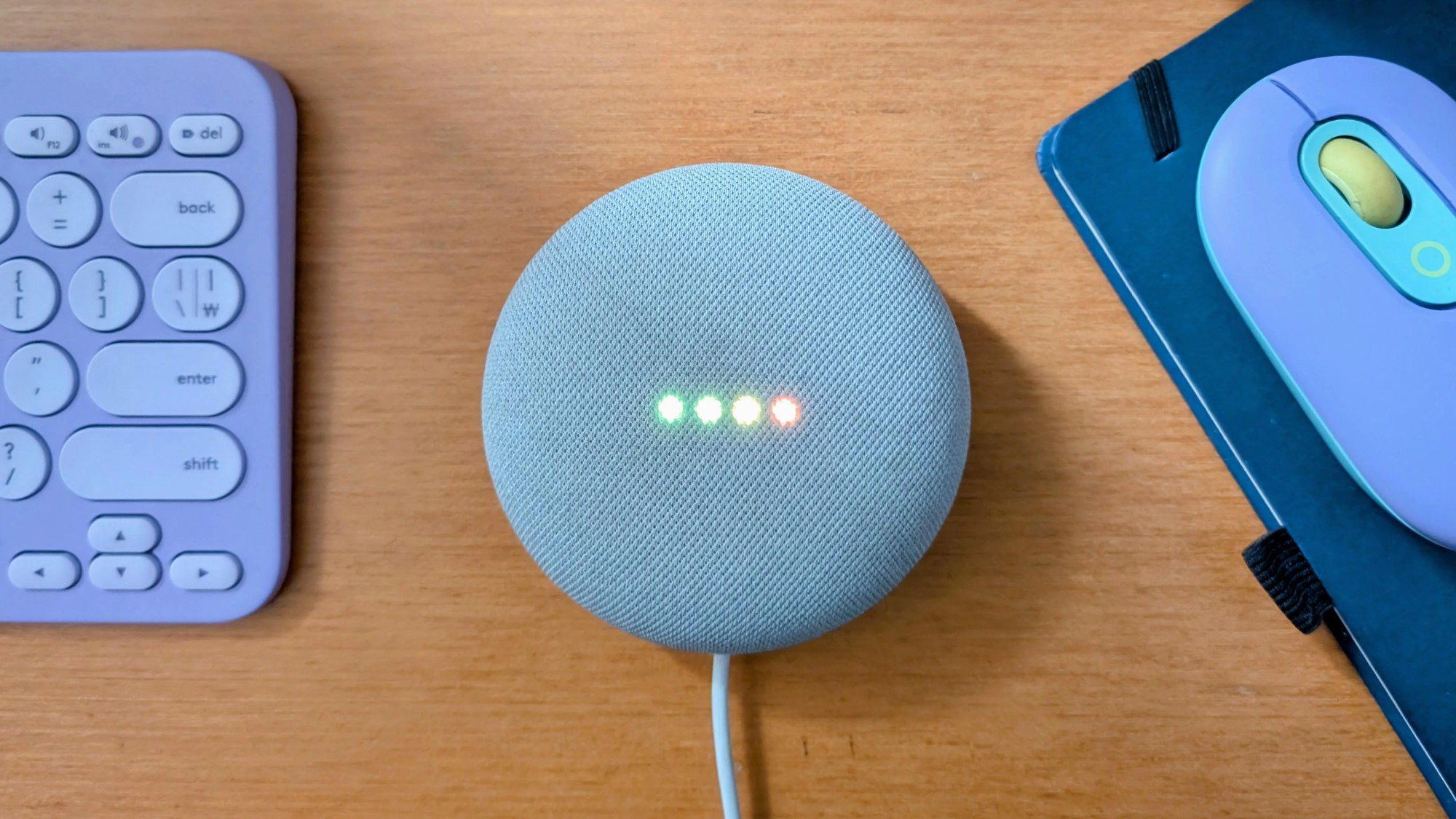
Case in point: one evening, I casually asked my smart speaker from across the room how long I should blanch broccoli before tossing it in the air fryer. Unsurprisingly, my aging Google Home Mini misheard my query and interpreted the “air fryer” in my question as “Air France”.
Under the old Google Assistant, I wouldn’t have expected a response to this question. The Assistant’s ability, or willingness, to answer open-ended questions was always something of a gamble. But Gemini is a different story. It correctly inferred my intent from the rest of the prompt and offered useful advice, as you can see in the screenshot below.
This showcases the biggest upside to Gemini: it can understand nuance and context. A malformed query, like the one above, will still yield a response. And this is not a one-off either. Time after time, I noticed that Gemini effortlessly responded to incorrect commands and long-form questions that I wouldn’t have even dared to ask the Google Assistant – the examples above speak for themselves.
That said, the generative AI model is far from perfect. While writing this article, I repeated the same question about blanching broccoli to my smart speaker. But while it interpreted every single word correctly this time around, Gemini gave me a completely different answer compared to a few days ago.
Why did this happen? My best guess is that the AI model simply disregarded the nonsensical bit in my previous prompt, or the Air France bit, a few days ago instead of autocorrecting it to “air fryer”. This meant I got broad instructions on blanching broccoli instead of the specific cooking method I requested. And since I used a smart speaker with no display, I had no way of knowing that Gemini was responding to a malformed prompt.
While this could absolutely happen to anyone, I believe this is an isolated example where context matters more than usual. You have to remember to take Gemini’s responses with a grain of salt, as you would on any device, but I’ve found that it’s accurate enough most of the time to be useful.
Don’t want to miss the best from ?


The bad, and the ugly

While Gemini excels at answering nearly any question under the sun, it falls short in fulfilling its role as a helpful assistant in its current form. In some cases, it even struggled with tasks that the older Google Assistant could handle.
The most frustrating limitation I’ve encountered is Gemini’s inconsistent handling of multiple instructions at once. With the Google Assistant, it has long been possible to chain two or even three instructions together using a simple “and” separator. Most people rely on this feature to control multiple lights at once, but it has also worked for any combination of commands like asking for the weather and setting a timer simultaneously.
Gemini stumbles when you ask it to perform multiple Asssitant-era commands at once.
Given Gemini’s far superior natural language capabilities, you would expect it to handle this feature without any drama. But that hasn’t always been the case in my experience. Recently, I noticed that when I asked Gemini to turn off a light and relay the weather forecast, it refused to do the latter. And in another instance, when I asked for the weather and the details of any upcoming timers, Gemini responded with the forecast but refused to look for active timers.
To be clear, Gemini does have the capability to execute multi-part commands and does so correctly about half of the time. But this inconsistency means that Google Home’s longstanding reliability complaints won’t disappear overnight.
The other major downside to Gemini is that it lacks the longstanding Continued Conversation feature that the Google Assistant offered on smart speakers and displays. In a nutshell, this allows you to ask follow-up questions and provide clarifications without constantly repeating the Hey Google wake word after each response.
Google’s decision to get rid of Continued Conversation is baffling since Gemini encourages you to be much more conversational at every step of the way. So why has it gone away? Google hasn’t admitted it, but the leading theory is that it would cannibalize the existence of Gemini Live, the AI’s real-time conversation mode. And in order to use this feature on a smart speaker or display, you first have to fork over $10 each month for a Google Home Premium subscription.
Google has killed Continued Conversation in favor of Gemini Live, a paid feature.
Needless to say, most long-time Google Home users aren’t happy about losing Continued Conversation after upgrading to Gemini. I’ve personally used the feature on my Google Home Mini speakers for close to a decade. The worst part is that my first-gen speakers don’t support Gemini Live and likely never will. So even though I pay a princely sum for Google’s AI Pro subscription, I’m unable to use a feature I previously had access to — since 2017!
The final downside to Gemini was one that I only noticed after a while: slightly longer wait times for responses. This isn’t too surprising since the large language model powering Gemini requires significantly more computational power than the simple decision-tree nature of the Google Assistant. Luckily, long delays don’t happen often and you’re only left waiting a couple of seconds for most responses.
It’s possible that newer devices like Google’s upcoming Nest smart speaker will improve on the latency front. But even as it currently stands on older devices, I think it’s a small price to pay for a much more capable assistant.
Should you upgrade to Gemini for Home?

Ryan Haines /
Based on my findings, you might be tempted to dismiss Gemini for Home as a half-baked experiment. However, I feel it’s worth reiterating just how transformative the new AI is to the overall experience of using these aging devices.
A few months ago, I rarely used my smart speakers for general questions and would almost always pick up my phone to ask questions or look up information. That’s no longer the case now that I’m confident I can always get an informed response using just my voice. And while the lack of Continued Conversation stings, I’m grateful that my decade-old smart speakers are getting the Gemini update in any capacity.
Gemini has rekindled my interest in Google’s smart speakers and made them meaningfully useful.
Having said that, the experience is far from flawless from an Assistant replacement standpoint. Gemini sometimes refuses to execute rather basic commands, and this is a pattern of behavior other users have reported as well. Likewise, some important features like transit time estimates don’t seem to be available at the moment.
If you don’t think these limitations will bother you, though, Gemini for Home is already a worthy upgrade. It’s only available in the US and Canada at the moment, though, and you’ll have to sign up for the Public Preview program in the Google Home app. Just be warned that there’s no way to undo the Gemini for Home update and go back to the Google Assistant.
Thank you for being part of our community. Read our Comment Policy before posting.