By using this site, you agree to the Privacy Policy and Terms of Use.
Accept
World of SoftwareWorld of SoftwareWorld of Software
  • News
  • Software
  • Mobile
  • Computing
  • Gaming
  • Videos
  • More
    • Gadget
    • Web Stories
    • Trending
    • Press Release
Search
  • Privacy
  • Terms
  • Advertise
  • Contact
Copyright © All Rights Reserved. World of Software.
Reading: iOS 26.2 Finally Fixed Liquid Glass – Here’s How – BGR
Share
Sign In
Notification Show More
Font ResizerAa
World of SoftwareWorld of Software
Font ResizerAa
  • Software
  • Mobile
  • Computing
  • Gadget
  • Gaming
  • Videos
Search
  • News
  • Software
  • Mobile
  • Computing
  • Gaming
  • Videos
  • More
    • Gadget
    • Web Stories
    • Trending
    • Press Release
Have an existing account? Sign In
Follow US
  • Privacy
  • Terms
  • Advertise
  • Contact
Copyright © All Rights Reserved. World of Software.
World of Software > News > iOS 26.2 Finally Fixed Liquid Glass – Here’s How – BGR
News

iOS 26.2 Finally Fixed Liquid Glass – Here’s How – BGR

News Room
Last updated: 2026/01/14 at 4:11 AM
News Room Published 14 January 2026
Share
iOS 26.2 Finally Fixed Liquid Glass – Here’s How – BGR
SHARE


José Adorno/BGR

iOS 26 was the most ambitious iPhone operating system update since the iOS 7 revamp. Of course, with such a major change, not everyone was going to like the update, and during the iOS 26 beta cycle, Apple frequently adjusted the look and feel of Liquid Glass in an attempt to appease users. According to the company, Liquid Glass is intended to make the operating system “more expressive and delightful” without becoming unfamiliar.

This new design brings a more interactive UI that reflects and refracts light on objects. That said, with the first public iteration of Liquid Glass and iOS 26, Apple couldn’t deliver on its vision, and it wasn’t until the iOS 26.2 beta releases arrived that the company started to offer the same level of Liquid Glass animation that we had seen at WWDC. That included more skeuomorphic icons and a better balance between glassiness and readability. Not only does iOS 26.2 fix Liquid Glass, but Apple made several tweaks in the past couple of months to make it better than when it was first introduced.

Readability improvements in iOS 26.2
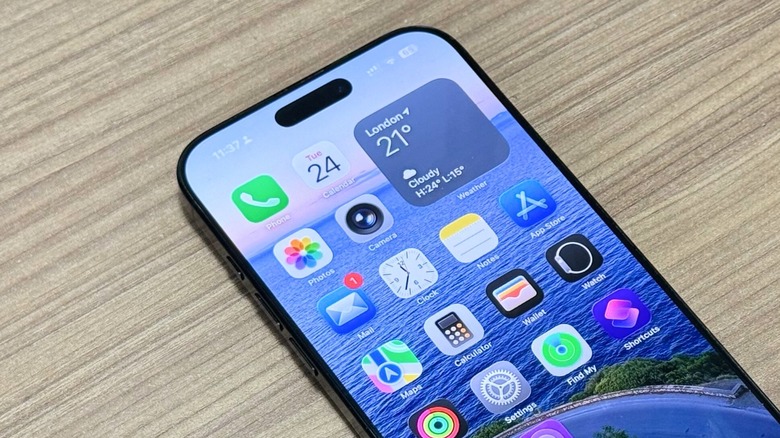

iOS 26 Home Screen on the iPhone 16 Pro Max
José Adorno/BGR

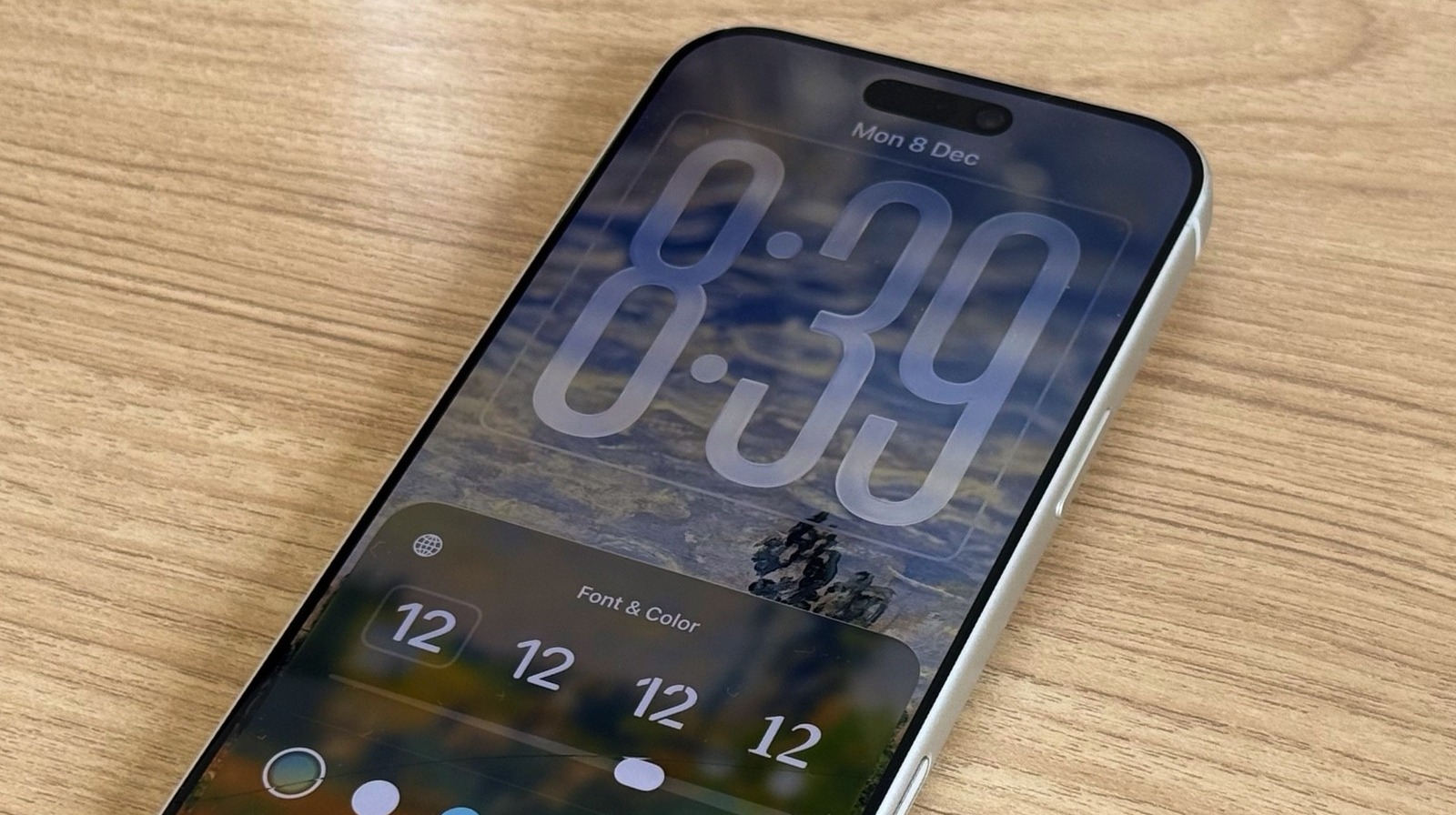
With iOS 26.2, Apple improved the readability of the Lock Screen Clock by adding new “Glass” and “Solid” options. You can find them by long-pressing the wallpaper on the Lock Screen, tapping Customize, and then tapping on the Lock Screen’s Clock. While the company says it’s bringing more options to match user’s wallpapers in the future, this is a great way to make Liquid Glass more readable.

Another change Apple made as part of iOS 26.1 was giving users the ability to reduce the transparency of Liquid Glass. By going to Settings > Accessibility > Display & Text Size, you can tap a the Reduce Transparency toggle to blur some backgrounds to increase legibility. Another option is heading to Settings > Display & Brightness > Liquid Glass, and switching from “Clear” to “Tinted.” Apple says tinted mode increases opacity while adding more contrast.

While I do like how Apple tweaked Liquid Glass over the past two major iOS updates, I did ditch the “Clean” option for icons due to the poor readability on the wallpapers I currently use. Besides that, I continue to rock Apple’s original settings. Still, if you continue to find it hard to read or use iOS 26, you should definitely mess around with these new Liquid Glass options to find a look that works for you.

Sign Up For Daily Newsletter

Be keep up! Get the latest breaking news delivered straight to your inbox.
By signing up, you agree to our Terms of Use and acknowledge the data practices in our Privacy Policy. You may unsubscribe at any time.
Share This Article
Facebook Twitter Email Print
Share
What do you think?
Love0
Sad0
Happy0
Sleepy0
Angry0
Dead0
Wink0
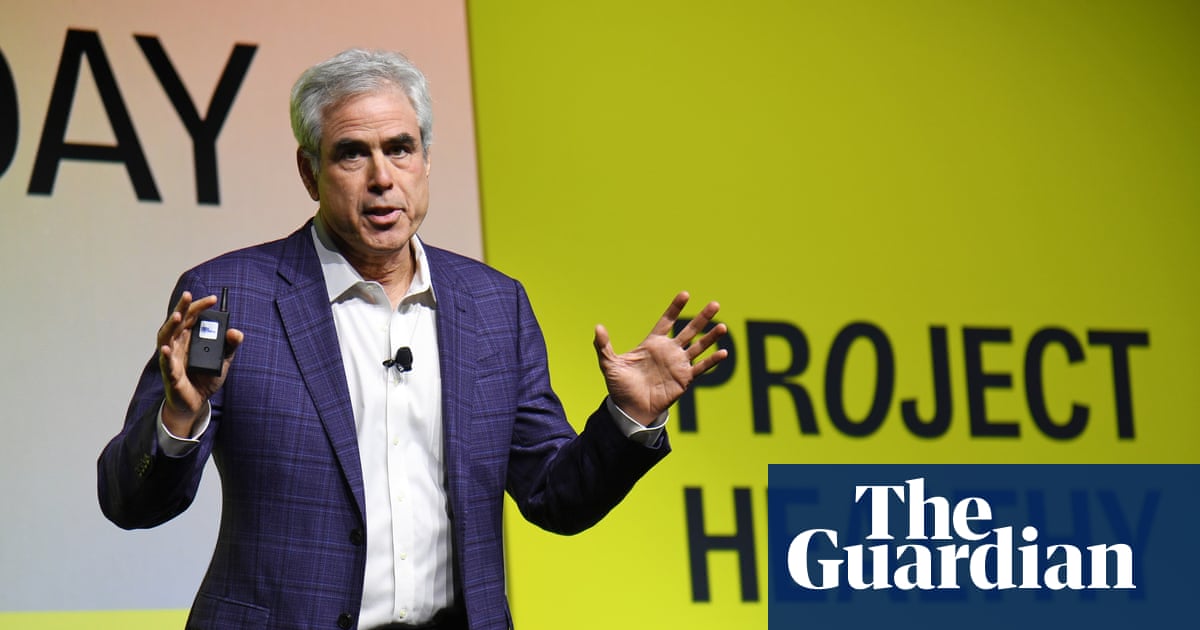
Previous Article Wes Streeting asks US expert Jonathan Haidt to address officials on social media ban for under-16s Wes Streeting asks US expert Jonathan Haidt to address officials on social media ban for under-16s
Next Article Best MacBook deal: Save 0 on the Apple M4 MacBook Air Best MacBook deal: Save $200 on the Apple M4 MacBook Air
Leave a comment

Leave a Reply Cancel reply

Your email address will not be published. Required fields are marked *

Stay Connected

248.1k Like
69.1k Follow
134k Pin
54.3k Follow

Latest News

9 Apple products we’ll likely see this year – from a foldable to a budget MacBook
Gadget
Platform-as-a-Product: Declarative Infrastructure for Developer Velocity
News
After 2025 miss, Lebara Nigeria prioritises agent network expansion
Computing
Cooking Dinner in the Air Fryer? Avoid the Olive Oil and Use This Instead
News

You Might also Like

Platform-as-a-Product: Declarative Infrastructure for Developer Velocity
News

Platform-as-a-Product: Declarative Infrastructure for Developer Velocity

22 Min Read
Cooking Dinner in the Air Fryer? Avoid the Olive Oil and Use This Instead
News

Cooking Dinner in the Air Fryer? Avoid the Olive Oil and Use This Instead

7 Min Read
Apple to fine-tune Gemini independently, no Google branding on Siri, more – 9to5Mac
News

Apple to fine-tune Gemini independently, no Google branding on Siri, more – 9to5Mac

7 Min Read
Definely’s head of AI named as next CTO – UKTN
News

Definely’s head of AI named as next CTO – UKTN

2 Min Read
//

World of Software is your one-stop website for the latest tech news and updates, follow us now to get the news that matters to you.

Quick Link

  • Privacy Policy
  • Terms of use
  • Advertise
  • Contact

Topics

  • Computing
  • Software
  • Press Release
  • Trending

Sign Up for Our Newsletter

Subscribe to our newsletter to get our newest articles instantly!

World of SoftwareWorld of Software
Follow US
Copyright © All Rights Reserved. World of Software.
Welcome Back!

Sign in to your account

Lost your password?