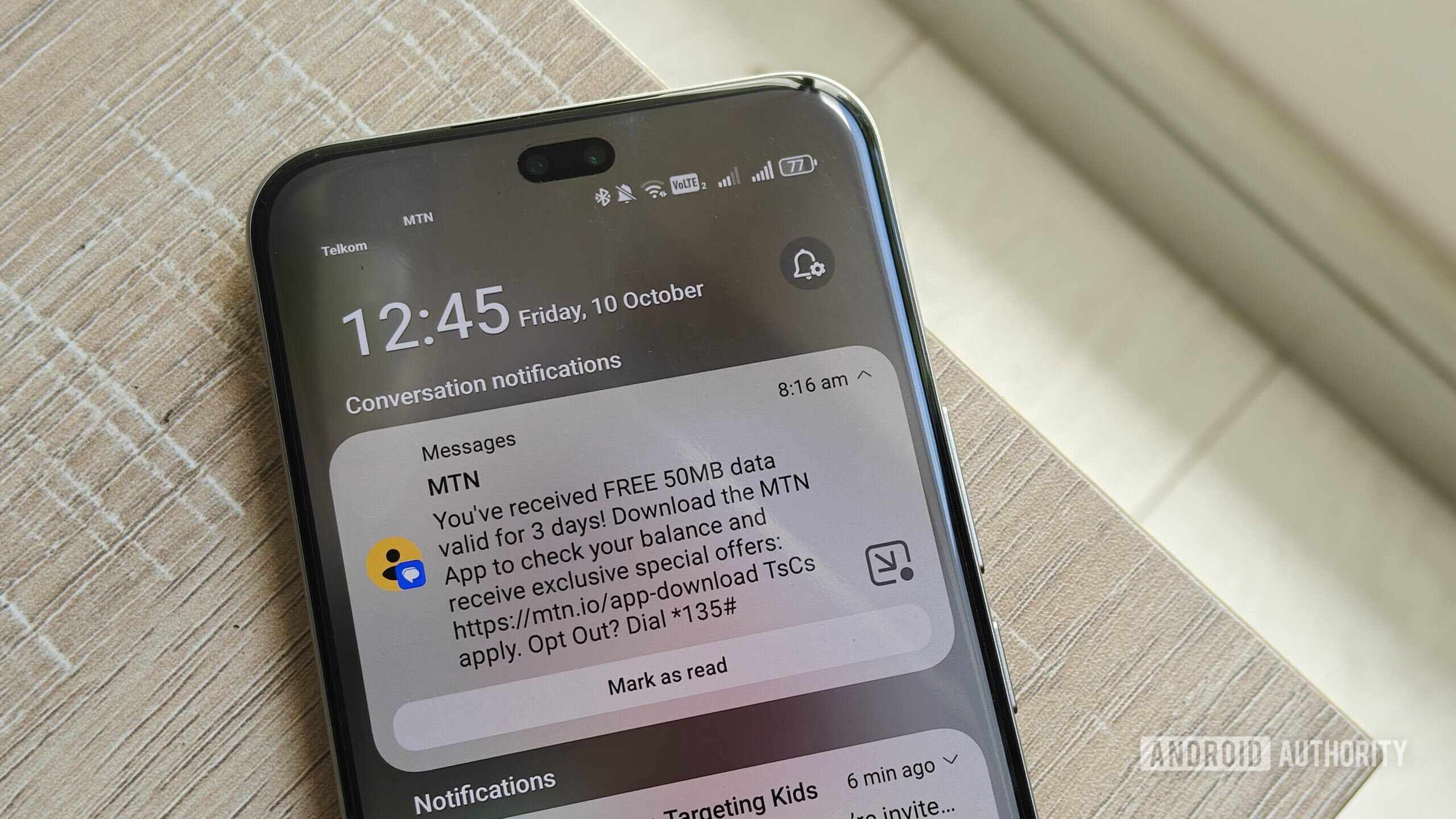
Megan Ellis / Android Authority
There have been many times that Android phones have copied UI elements that were first introduced on iPhones. I’m not usually that picky about these features since I frequently switch between Android phone brands and have become used to differing approaches.
The exception, however, is when it comes to UI elements that affect the way I use my phone. It’s why I still use navigation buttons on every phone, rather than gestures. Split notifications are another development I’m not fond of — but my most recent device gave me no choice.
Do you prefer split or combined notifications on your phone?
1085 votes
Split notifications are becoming the norm on Android

Joe Maring / Android Authority
For as long as I can remember, Android smartphones have included a combined notifications and control panel. But in recent years, more brands have been incorporating split notifications. This setup separates notifications and your control panel/quick settings into two separate screens. When swiping down from the top of your screen, depending on the side of the screen you choose (left or right), the UI will bring up either your notifications or settings. You can swipe right or left to access the separate screens.
The first time I really noticed this was when Samsung launched One UI 7, giving you the option to choose between combined or separate panels. But as I’ve tried out different smartphone brands, I’ve noticed it across more flavors of Android. This includes Honor’s MagicOS, Xiaomi’s HyperOS, and realme’s realme UI. Meanwhile, Google is working on split notifications for Android. OnePlus phones also have the option for split notifications.
More Android manufacturers are including split notifications in their UI as a choice, but some have incorporated the split panel as the default.
Brands like Samsung and realme still give you a choice about which format to use — but for some brands, split notifications are the only option available. This includes Xiaomi and Honor’s latest OSes.
My daily driver is currently the Honor 400 Pro. I absolutely love the phone, but its UI has been a consistent frustration for me. While it allows me to customize the appearance of notifications and which items appear in my control panel, I can’t change to a combined notification panel.
I decided that the UI quirks were worth the trade-off for its camera capabilities and large battery, so I kept the device as my daily driver in the hopes that the UI would grow on me.
Months later, split notifications still frustrate me

Mishaal Rahman / Android Authority
I figured I would eventually get used to the different style of navigation to access my notifications and quick settings. I was correct in terms of switching between the two panels, since I now automatically swipe to switch between them thanks to muscle memory.
However, it still frustrates me months later. I’m right-handed, so more often than not I swipe down on the right side of the screen. Swiping on the left is more difficult, as I have to stretch my thumb across the screen to do this. This means that I often have to switch between the two panels with additional swipes, rather than getting the selection right the first time around.
It also makes checking the time more annoying while I’m using my device. The time and date only appear on my notification panel, while the control center doesn’t have this information. My power button and settings shortcuts are also only available on the control center panel. I eventually changed my physical power button to allow me to switch the phone off rather than launching Gemini, but I still spend way too much time on additional swipes for what used to be simple actions.
Now, some people will say that splitting notifications provides productivity benefits. If you want to just change a setting on your phone, like setting eye comfort mode or turning off your Wi-Fi, you won’t be distracted by notifications.
Due to my executive dysfunction, split notifications hamper my productivity rather than improve it.
However, I haven’t seen any benefit to keeping these panels separate. I waste a lot more time fiddling between the panels and sometimes even forget what I was going to do when I unlocked my phone in the first place.
I experience a lot of executive dysfunction due to my ADHD, autism, fibromyalgia, and chronic migraines. So that time spent switching between panels is frustrating and counterproductive. I thought muscle memory would eventually set in, but months later, I’m still dealing with this. Maybe I shouldn’t be surprised — after all, I still frequently press the wrong light switch in a room despite living in my apartment for almost a decade.
I totally understand that for some people, split notifications work better for them. It’s the same way that while I just don’t have enough mental bandwidth to remember a variety of gestures, people I know have not used the navigation bar in years.
My frustration is not that the option is there for others, but rather that the choice is being taken away in some cases.
Android is about choice — and it should remain that way

Ryan Haines / Android Authority
One of the reasons I have always preferred Android over iPhone is that it gave me choices. I could choose which hardware I preferred for my phone, which companion devices I wanted to use with my phone, and how I would like to customize my UI (or choose a different Android launcher entirely).
While I sometimes compare myself to an old man yelling at clouds due to my strong preferences and habits on my devices, I am pretty flexible when new elements only affect the appearance of the UI.
Design trends shouldn’t come at the cost of the user experience and accessibility.
But when it comes to the essential features that affect the way we use our devices, I’m less agreeable. Chasing design trends shouldn’t come at the cost of the user experience. After all, people’s brains work differently. What might improve the aesthetics for one person might create frustration for another. I’d also argue that design should never come at the cost of accessibility.
I have no problem with brands introducing split notifications as a choice. But it should remain a choice, not something that is forced on users that the feature doesn’t work for.
As much as I like my phone, this frustration does mean I will be a lot more discerning when it comes to which OS I use in the future. Because the notification panel is a system-level feature, it’s not as simple as just choosing another launcher.
Hopefully, this is just a hiccup for some brands, rather than the beginning of less customizable versions of Android.
Thank you for being part of our community. Read our Comment Policy before posting.