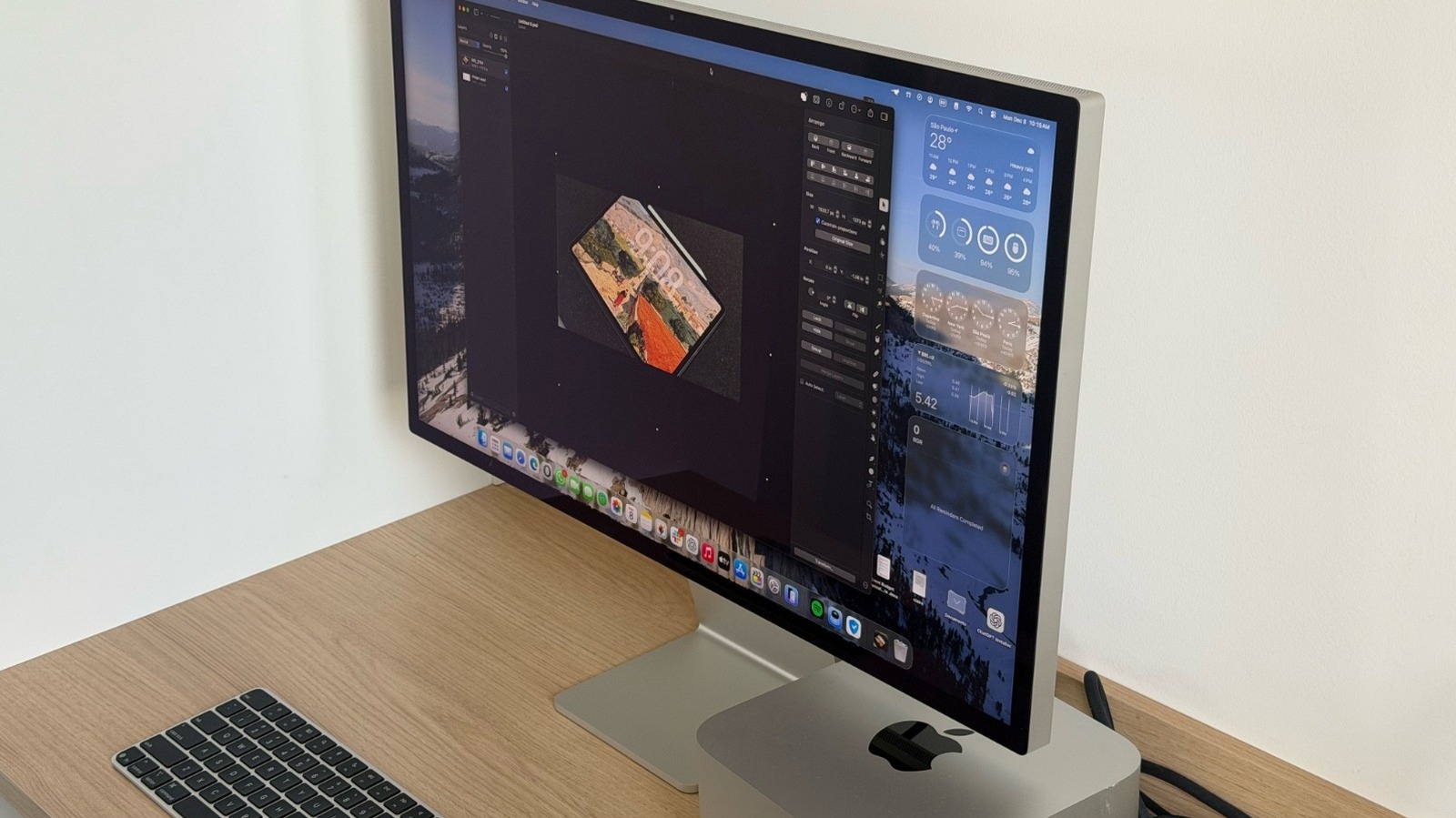
macOS 26.4 is the upcoming software update for devices running macOS Tahoe. It will soon roll out to all Apple Silicon Macs and a few remaining Intel computers, as Apple prepares to phase out the Intel options later this year once it releases macOS 27 to all users. While we wait for the upcoming features and changes with Apple’s next major software release, we already have a solid idea of what to expect from a closer update, macOS 26.4, which includes new emojis, improved battery settings, and more.
However, more than talking about features that are coming with macOS 26.4, it’s important to address those that are not. Some of the most important functions of iOS 26.4 are simply not available in the latest beta of macOS. For example, redesigned playlists and albums (some of the new iOS 26.4 features coming to Apple Music) aren’t included in this macOS release, nor is the “Upcoming Concerts” tab. Apple Podcasts also isn’t adding the new video experience seen on iOS, which enables HTTP Live Streaming (HLS) technology for high-quality video streaming. While these features could come in a future software update, as it stands, they represent a growing gap between Apple’s platforms.
New emojis are launching soon
Apple has a habit of introducing new emojis with x.4 versions of its operating systems. In the company’s current round of beta tests, new emojis became available with iOS 26.4 beta 4, as well as the equivalent versions of Mac, iPad, Apple Watch, and Apple Vision Pro firmware. For compatibility reasons, Apple follows recommendations from the Unicode Consortium when introducing new emojis. The non-profit will first introduce a preview of the emojis it plans to add to its latest standard (in this case, v17.0), then companies like Apple, Google, and Samsung can start work on adopting them.
Over the past few years, the number of figures being added has dramatically decreased. With iOS 26.4 (and macOS Tahoe 26.4), there are eight new figures, in addition to skin tone modifiers for people wrestling and dancers with bunny ears. Among the new options, the new distorted face (pictured above) seems like it might be the most popular emoji of this era. With iOS 18.4 and iOS 17.4, Apple had less than 10 new figures each — but three years ago, with iOS 16.4, the company added 31 new emojis. Despite Apple’s push toward Genmoji, emojis continue to be the standard way most people communicate emotion, so new additions are welcome even if they’re fewer and further between.
Battery charge limit comes to the Mac
Over the years, Apple has expanded the Charge Limit feature from iPhones to iPads, Apple Watches, and even AirPods models. This allows users to select a percentage where their device will stop charging, which can help reduce battery aging and keep devices feeling newer for longer. With macOS 26.4, Apple is expanding this feature to the Mac.
In System Settings under Battery, users can select from options between 80% and 100% to improve battery aging. With Apple Silicon Macs offering first-class power efficiency, users should still be able to enjoy several hours of browsing the web, working on their projects, and more, even with Charge Limit set to its lowest option. Meanwhile, preventing the device from charging all the way to 100% should help the battery last longer before needing a replacement.
The new Charge Limit feature shouldn’t be confused with the existing Optimized Battery Charging option on Macs, which has been around since macOS Big Sur. This option allows your Mac to learn from your daily charging routine so that it can wait until you’d typically need to use the device on battery before charging past 80%. That said, new ways to help your devices last longer are always good to have.
Freeform is now part of the Apple Creator Studio bundle
While macOS 26.4 doesn’t add the extra Apple Music and Apple Podcasts features that iOS 26.4 brought, it is delivering what Apple promised when it introduced the Apple Creator Studio bundle. This release is also bringing exclusive features to Freeform users.
Released in January 2026, Apple Creator Studio includes several creativity apps in a single subscription, as the company continues to focus on its services for businesses. For $12.99 per month or $129 per year, users can get access to Final Cut Pro, Logic Pro, Pixelmator Pro, Motion Compressor, MainStage, Keynote, Pages, and Numbers, with a few exclusive features that the regular versions of these apps don’t offer. Now, starting with macOS 26.4, Apple is also including Freeform in the deal.
This collaborative digital whiteboard app was released in December 2022 alongside iOS 16.2, iPadOS 16.2, and macOS Ventura 13.1. It is similar to Figma in that it lets you add text, drawings, images, files, links, and more to an infinite canvas. According to Apple, with a Creator Studio subscription, users can unlock new intelligent features, which include advanced Image Creation and Editing tools, like the ability to create new images, upscale low-resolution content, and generate crop suggestions. An Apple Creator Studio subscription will also unlock premium content from a curated library of images and graphics, and you get a boost from Apple’s other creativity apps, as you can connect Pixelmator Pro, Final Cut Pro, and Logic Pro with Freeform. In addition to all of that, users also get a new app icon that is exclusive to Creator Studio subscribers.
Safari’s compact tab bar makes a comeback
With the release of macOS Tahoe, Apple removed Safari’s Compact tab bar setting. Interestingly enough, the company also removed several features from iPadOS 26.2 after introducing the Liquid Glass redesign on that platform, and it eventually brought them back with subsequent software updates. Now, Apple is doing the same with macOS Tahoe 26.4, as it’s re-adding the Compact tab layout for users.
As noted by 9to5Mac, this feature is now available for beta testers of macOS 26.4 and iPadOS 26.4. The main difference between the classic look and the compact one is that all the pages will be on the same row, whereas the classic look displays them below the search bar. With that, the company continues to give Safari users options to suit how they prefer to surf the web.
Unlike other major software updates, macOS Tahoe only brought a few updates to Safari. These included expanded privacy protection with Advanced Fingerprinting Protection and Safari Web Extension Packager, which improved how developers upload an extension to App Store Connect to have it converted and packaged for release.