By using this site, you agree to the Privacy Policy and Terms of Use.
Accept
World of SoftwareWorld of SoftwareWorld of Software
  • News
  • Software
  • Mobile
  • Computing
  • Gaming
  • Videos
  • More
    • Gadget
    • Web Stories
    • Trending
    • Press Release
Search
  • Privacy
  • Terms
  • Advertise
  • Contact
Copyright © All Rights Reserved. World of Software.
Reading: Missed A Message On WhatsApp? Soon You Can Ask The App To Remind You, Here’s How
Share
Sign In
Notification Show More
Font ResizerAa
World of SoftwareWorld of Software
Font ResizerAa
  • Software
  • Mobile
  • Computing
  • Gadget
  • Gaming
  • Videos
Search
  • News
  • Software
  • Mobile
  • Computing
  • Gaming
  • Videos
  • More
    • Gadget
    • Web Stories
    • Trending
    • Press Release
Have an existing account? Sign In
Follow US
  • Privacy
  • Terms
  • Advertise
  • Contact
Copyright © All Rights Reserved. World of Software.
World of Software > Mobile > Missed A Message On WhatsApp? Soon You Can Ask The App To Remind You, Here’s How
Mobile

Missed A Message On WhatsApp? Soon You Can Ask The App To Remind You, Here’s How

News Room
Last updated: 2025/12/03 at 8:39 PM
News Room Published 3 December 2025
Share
Missed A Message On WhatsApp? Soon You Can Ask The App To Remind You, Here’s How
SHARE

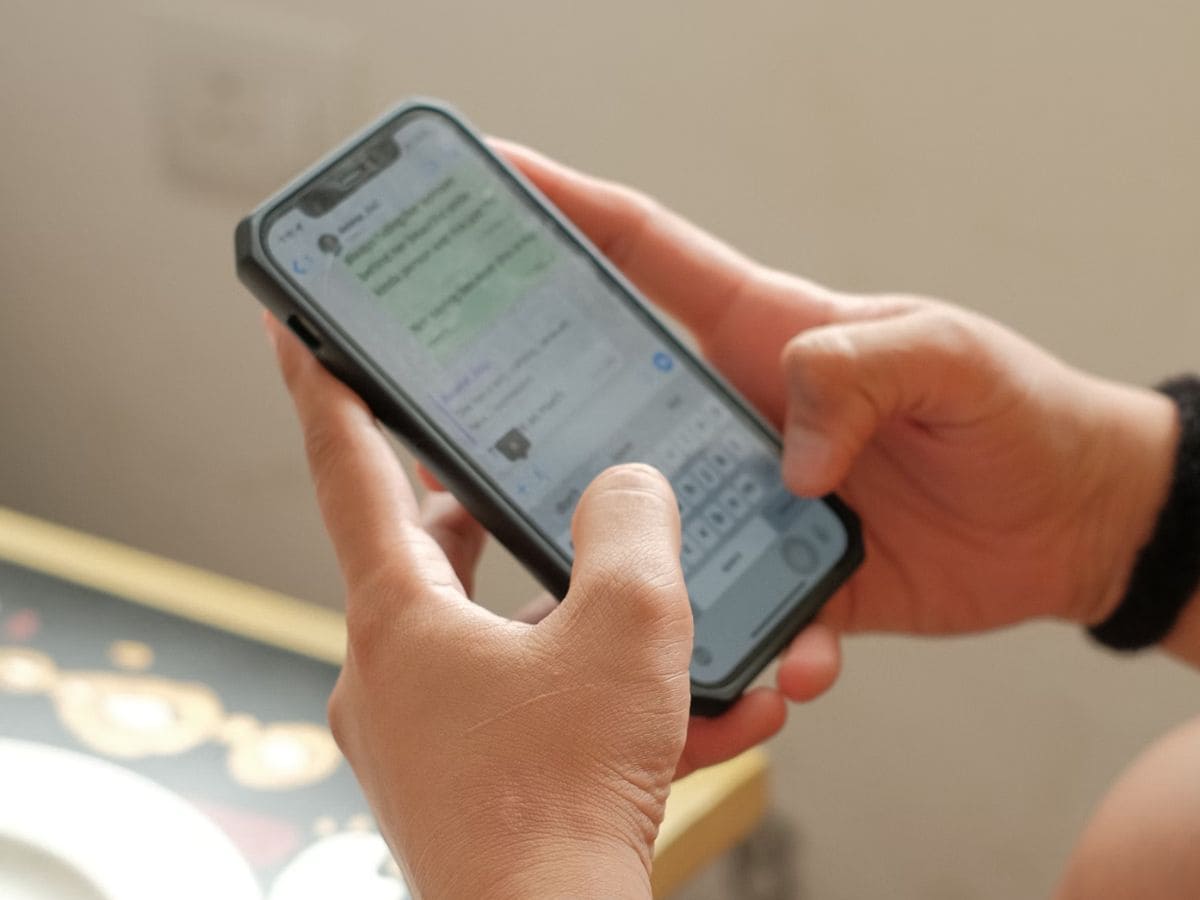
We all have been in that situation, a message lands on WhatsApp, you open it, you think you’ll reply in a bit, and then.. you forget! To tackle this, WhatsApp is testing a message reminder option for iPhones and Android phones. Also Read: WhatsApp Hacked? Here’s How To Get It Back Fast

Instead of starring texts or saving screenshots, you may soon be able to set a reminder directly inside the app. The feature is currently being tested for some beta users and is expected to roll out to more devices gradually. When available, you can choose preset time intervals or even set your own custom reminder for a specific message. Once the reminder is triggered, WhatsApp pushes a notification to your phone, helping you revisit the message at the time you set. news Also Read: How 3.5 Billion WhatsApp Accounts were mapped Using a Simple Trick: Researchers Expose a Loophole in the App

Who can use it right now?

This feature is currently available for select users on recent beta builds and on some iPhone versions, including release 25.25.74. So if you don’t see it on your phone, don’t worry – the update may take a few more days to reach everyone. Whenever it lands, you can revisit this guide and start using it instantly.

One more condition, you’ll need to be on the latest WhatsApp app version (beta or public when released) to access the reminder option.

How to set a WhatsApp message reminder

Once you receive the update, there are two main ways it may appear on your phone:

Option 1 (inside message box)

  • Open WhatsApp on your phone
  • Go into the chat where you want to set a reminder
  • Long-press the Send button next to the message box
  • Tap the 3-dot menu (top-right)
  • Select Remind Me
  • Choose from preset options: In 2 hours, In 8 hours, or In 24 hours
  • Or tap Custom and then select your date & time

Option 2 (inside message bubble menu)

  • Open a conversation
  • Long-press on a message bubble
  • Tap More
  • Select Remind Me
  • Pick a timer or set a custom time

After setting a reminder, a small bell symbol may appear near the selected text bubble, indicating that the reminder is active.

How to cancel a reminder

If you change your plan or no longer need the alert:

  • Long-press on the message showing the bell icon
  • Tap More
  • Select Cancel Reminder

The reminder will be removed immediately, and you won’t receive any follow-up alert for that message.


Sign Up For Daily Newsletter

Be keep up! Get the latest breaking news delivered straight to your inbox.
By signing up, you agree to our Terms of Use and acknowledge the data practices in our Privacy Policy. You may unsubscribe at any time.
Share This Article
Facebook Twitter Email Print
Share
What do you think?
Love0
Sad0
Happy0
Sleepy0
Angry0
Dead0
Wink0
Previous Article ReactOS Lands Improvements For Its USB Stack – Fixing Various Blue Screens of Death ReactOS Lands Improvements For Its USB Stack – Fixing Various Blue Screens of Death
Next Article Central Illinois police are grappling with the content of artificial intelligence Central Illinois police are grappling with the content of artificial intelligence
Leave a comment

Leave a Reply Cancel reply

Your email address will not be published. Required fields are marked *

Stay Connected

248.1k Like
69.1k Follow
134k Pin
54.3k Follow

Latest News

Husnhysn.fGsbshsNnShshuvhNxGnnfns
News
Google TV with Gemini needs this new Alexa Plus feature, like, yesterday
News
Antigravity’s 360-degree drone is here to help you forget DJI
News
Samsung records another smashing success that has changed the foldable phone market
News

You Might also Like

Warner is in the most delicate moment in its history, but HBO continues to impress with its plans for 2026
Mobile

Warner is in the most delicate moment in its history, but HBO continues to impress with its plans for 2026

9 Min Read
John Giannandrea, Apple’s head of AI, leaves his position
Mobile

John Giannandrea, Apple’s head of AI, leaves his position

3 Min Read
Bank transfers will be blocked for 4 days, your salary may be late at Christmas!
Mobile

Bank transfers will be blocked for 4 days, your salary may be late at Christmas!

3 Min Read
Cisco takes a step forward in its network security strategy with Resilient Infrastructure
Mobile

Cisco takes a step forward in its network security strategy with Resilient Infrastructure

2 Min Read
//

World of Software is your one-stop website for the latest tech news and updates, follow us now to get the news that matters to you.

Quick Link

  • Privacy Policy
  • Terms of use
  • Advertise
  • Contact

Topics

  • Computing
  • Software
  • Press Release
  • Trending

Sign Up for Our Newsletter

Subscribe to our newsletter to get our newest articles instantly!

World of SoftwareWorld of Software
Follow US
Copyright © All Rights Reserved. World of Software.
Welcome Back!

Sign in to your account

Lost your password?