


Cybersecurity education simply isn’t taught widely in the US, and that’s a major problem. According to Keeper’s most recent Cybersecurity in Schools report, 82% of US K–12 schools experienced at least one cyber incident between July 2023 and December 2024. Contrast that with Keeper’s previous report, which found that just 21% of parents surveyed said their child’s school provided guidance on creating secure passwords. In the same survey, 19% admitted to reusing passwords across personal and school accounts, indicating that lackluster cybersecurity education in schools is just one part of the problem.
Kids may latch onto internet-connected tech quickly, but that doesn’t mean they know how to use it safely without guidance from the adults in their lives. After all, criminals target kids on gaming platforms, and AI-generated disinformation and misinformation spread like wildfire on social media. Keeping kids safe online means giving them the tools and knowledge they need to fend off predators and scammers, while also helping them develop the media literacy required to resist persuasive marketing messages. There’s a lot that you should do to teach kids to be safer online, but some of it is a lot easier said than done. Let’s talk about why the cybersecurity education gap exists, and how we can all work to close it.
Why Kids Need Cybersecurity Education
“We’re in front of screens all day, every day. Kids are interacting with technology in the same ways that adults interact with technology,” said London Walker, a student who wrote a book, The ABCs of Cybersecurity, with her mother, Claudia Walker, an author and educator.
Those statements drive home the need for comprehensive cybersecurity education at all stages of a child’s development. When more kids understand the tech they’re using, they can take the risks that coming using these devices seriously. London, a high school senior, told me that her classes have always been computer-based, but throughout her years in the US school system, she received little to no instruction on how the devices she uses to complete her courses work or how to use them responsibly.
(Credit: HBCU Prep School)
The Walkers published the children’s book in 2023, after Claudia spent time researching work by groups like Black Girls in Cyber and ShareTheMicInCyber, and identified an urgent need for cybersecurity education in schools. That same year, the author duo visited the White House to participate in a roundtable about “The State of Cybersecurity in the Black Community.”
I spoke to the Walkers earlier this year about ways we adults can talk about cybersecurity to younger people. London, 17, said that teenagers and adults tend to clash over online safety rules when a parent or teacher resorts to control or fear-based tactics. In one example, Walker said assigning blanket rules for online activity at school isn’t effective because, “Even though there are parameters set, it can’t be the last conversation. It can’t just be like, OK, we’re going to ban these five websites that we know students go on during class.”
As I’ve noted in my article about free parental control apps, most older kids and teens will figure out how to access banned games or get around website blockers, so such parental control features can signal a lack of trust and do more harm than good. Instead, I asked readers to talk to their kids about why they don’t want them browsing adult websites or accessing certain apps, and to install those apps only with the child’s consent.
Walker recommended an additional, crucial step: “Educate the kids. If you just tell them, ‘You should be scared,’ that’s not going to deter any teenager from playing Roblox during class. If you’re talking to them about sharing passwords and sharing data and data breaches, you open them up to understanding the actual risks.”
5 Practical Ways to Teach Kids Cybersecurity
To be fair to adults, many of us weren’t taught about online safety in school either. Heck, when I was in high school, our computer lab had a single Windows 95 desktop for important work, while the rest were Windows 3.1 and seemed to be capable only of running Oregon Trail. So, it makes sense that a lot of parents don’t know where to begin when it comes to teaching kids to be safer online. Luckily, you don’t need to know a lot of jargon or have a computer science degree to understand online security basics. Here are some simple ideas to start establishing a home cybersecurity curriculum:
1. Model Good Cybersecurity Habits
First, I recommend spending a little time checking off tasks (and learning why you’re doing them) on PCMag’s cybersecurity checklist. You should consider holding back from oversharing online, too. Scammers can use the information your family shares on social media or in chat messages to commit identity theft. Be a good role model by protecting your personal information online and teaching kids to do the same. Here are a few easy habit changes you can try today: give up as little info as possible while online shopping, don’t post photos of your children on your public social media accounts, and stop entering personal information or photos into ChatGPT or other LLMs.
2. Tailor Cybersecurity Lessons to Your Child’s Age
Next, search for appropriate cybersecurity resources that take your child’s age and education level into account.
“We’re giving our children access to phones, and they’re able to maneuver them better than their grandparents,” said Claudia Walker while discussing age-appropriate guidelines. Both Walkers stressed that customizing online safety lessons is crucial to delivering these messages effectively. For example, a 7-year-old and a 17-year-old are unlikely to use the internet in the same way, and the same rules shouldn’t apply to both kids. A teenager will require reasons and data to back up an adult’s claims of online dangers and risks. “Explain things to us like we’re adults and not like we’re 5-year-old kids”, said London.

Get Our Best Stories!
Stay Safe With the Latest Security News and Updates

By clicking Sign Me Up, you confirm you are 16+ and agree to our Terms of Use and Privacy
Policy.
Thanks for signing up!
Your subscription has been confirmed. Keep an eye on your inbox!
It’s never too early to start talking to kids about cybersecurity. Claudia gave the following kid-friendly example: “We leave the house with our children, we say, ‘OK, we’ve got to lock the door because you don’t want anyone else to be able to get into our house. We want to protect our home.’ Have those same conversations about passwords.”
There’s a lot of cybersecurity advice available online, but a lot of it is woefully out of date and won’t be applicable to every child at every stage in their development. That’s why I recommend starting your educational journey by looking through the K-12 learning standards recommended by cyber.org. The guidelines are appropriate starting points for teaching kids about cybersecurity throughout primary and secondary school.
3. Build a Cybersecurity Toolkit for Your Child
Kids of all ages will benefit from access to a password manager. Password managers eliminate the need to remember complex passwords and keep your online accounts safe. You don’t have to buy a password manager; the ones built into iOS and Android will work for most people’s needs. If you want to easily share passwords, though, invest in a family or premium-level password manager and let your kids maintain their own logins. Once the child is familiar with the password manager, consider adding an authenticator app and a secure messaging app to the toolkit, since kids will need to secure their accounts with MFA and talk with friends and family online.
Recommended by Our Editors
4. Encourage Healthier Online Habits
While the US government’s food pyramid has changed a lot since I was a kid, junk food still takes up the smallest slice at the top. When it comes to online activity, approach social media and short-form entertainment platforms like TikTok, Instagram, or YouTube as junk food. Everyone deserves a little treat every now and then, but the quick dopamine hits you’ll get from consuming short-form content shouldn’t make up the bulk of your online diet.
In a similar vein, you’ll need to keep an eye on your child’s engagement on social platforms. Kids often use the internet for gaming, social media, and streaming. You may be able to spot potential online scams or other inappropriate chatter by observing your child’s online activity (with consent).
If your children are under 10 years old, consider keeping their computer or other online device in a public area of the home, so they can talk to you in person about any iffy online behavior they encounter, and you can keep an eye on what they do online.
5. Teach Kids to Question What They See Online
In a similar vein, just as kids can’t trust every person they meet online, it’s important for them to know they can’t trust every source of information online either. It’s incredibly easy these days to fake photos, videos, or audio clips with generative AI-powered apps. It’s also easy to use LLMs like ChatGPT to plagiarize text or modify it for malicious purposes or, just as often, for jokes and memes. Show your kids how to verify whether media is real or fake, and find sources to vet information they find online.
Set Clear Household Rules for Online Activity

(Credit: MoMo Productions via Getty Images)
When you give children their first internet-connected devices, take the time to establish house rules, explain why they exist, and keep an open, ongoing dialogue about them. Try a few of these suggestions to start:
-
Do not store credit card information or other sensitive information in online accounts.
-
Scan privacy policies for data collection red flags before downloading new apps or other software.
-
Create and store all login information in a password manager.
-
Do not download apps from sources other than Google Play or Apple’s App Store.
-
Don’t click links from people you don’t know.
-
Don’t send money to anyone you haven’t met in person.
Why Parental Controls Aren’t Enough
In the past, I’ve discussed the benefits and limitations of using parental control software to keep kids safe online. The best parental control applications can make it a little harder for your child to access websites with adult subject matter, but they aren’t end-all, be-all solutions. Software isn’t good at teaching kids how not to fall for scammers chatting them up on random Discord servers or how to spot and avoid common phishing attempts via chat, email, or direct message. That’s where parenting takes over. Until schools start teaching kids how to interact online safely, it’s up to the adults in their lives to take charge of their cybersecurity education.
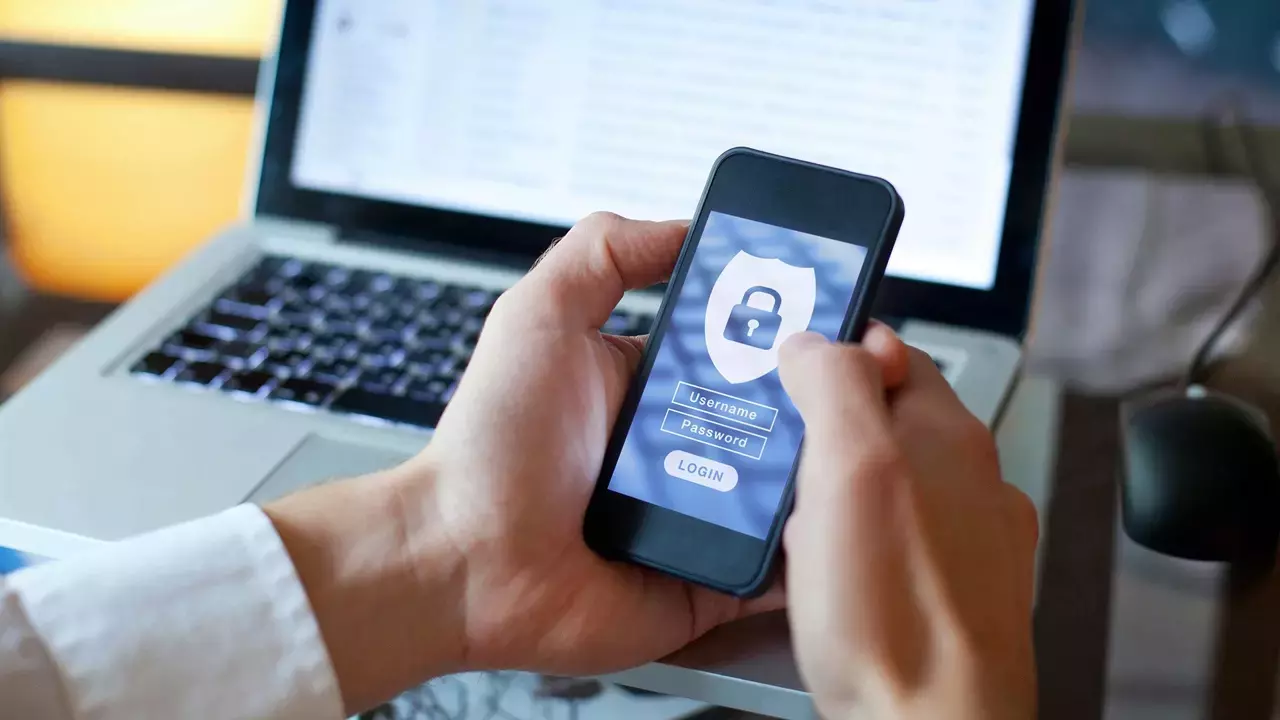

It’s Surprisingly Easy to Be More Secure Online
About Our Expert

Kim Key
Senior Writer, Security
Experience
I review privacy tools like hardware security keys, password managers, private messaging apps, and ad-blocking software. I also report on online scams and offer advice to families and individuals about staying safe on the internet. Before joining PCMag, I wrote about tech and video games for CNN, Fanbyte, Mashable, The New York Times, and TechRadar. I also worked at CNN International, where I did field producing and reporting on sports that are popular with worldwide audiences.
In addition to the categories below, I exclusively cover ad blockers, authenticator apps, hardware security keys, and private messaging apps.
Read Full Bio


![Here’s Alicia Keys at Apple Grand Central for 50th anniversary experience [Gallery] – 9to5Mac](https://i0.wp.com/9to5mac.com/wp-content/uploads/sites/6/2026/03/Alicia-Keys-50th.jpg?resize=1200%2C628&quality=82&strip=all&ssl=1 "Here’s Alicia Keys at Apple Grand Central for 50th anniversary experience [Gallery] – 9to5Mac")


