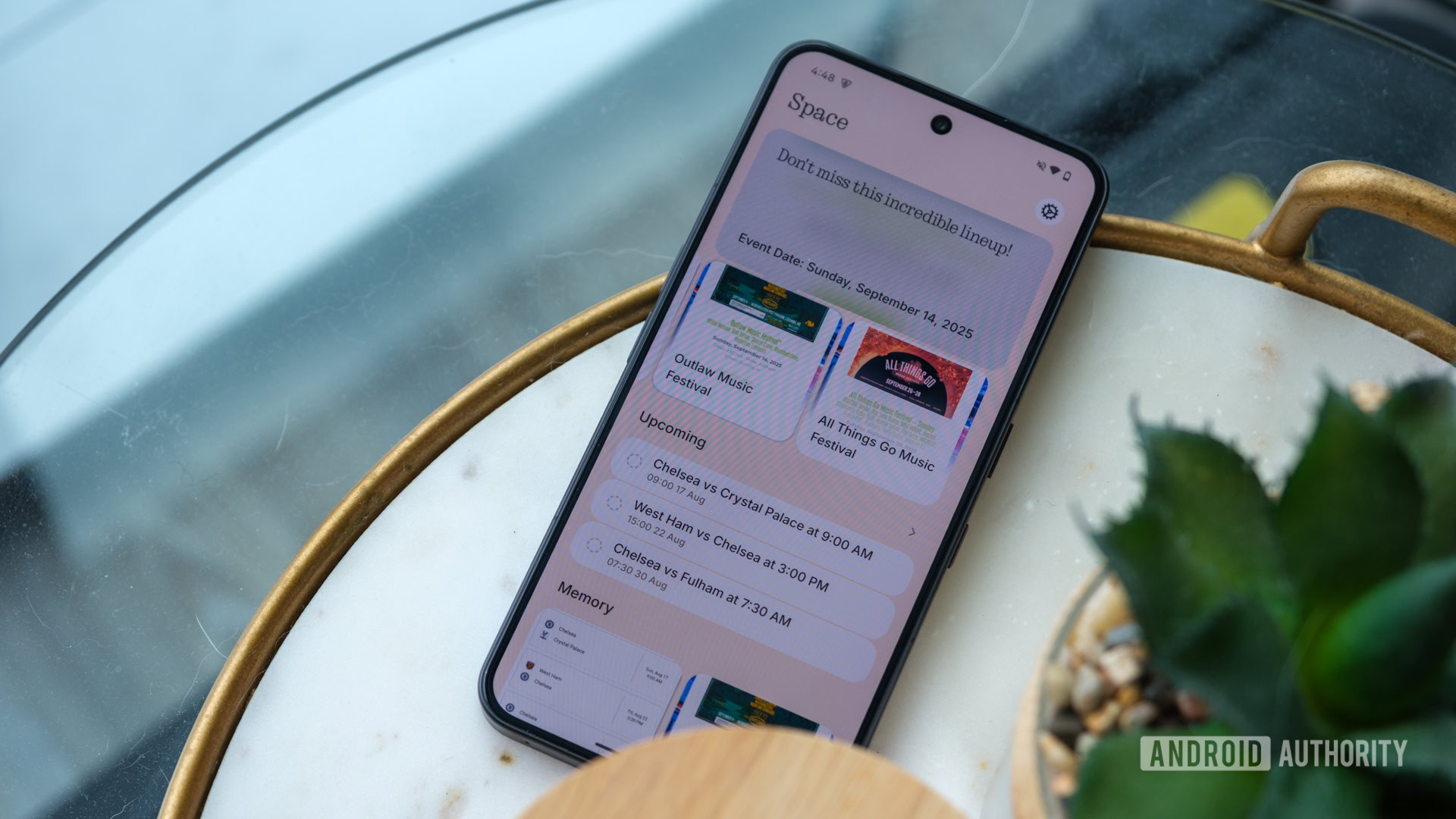
Ryan Haines / Android Authority
TL;DR
- Nothing’s Essential Space feature can now identify related captures and link them together.
- A “Related Captures” category will appear below the capture you’re currently looking at.
- This update is rolling out for the Nothing Phone 3, Phone 3a series, and the CMF Phone 2 Pro.
Certain Nothing phones offer an AI-powered productivity hub known as Essential Space. As one of the company’s key features, it allows you to record video, capture screenshots, generate reminders, and more. The latest update to the app should help make it easier to find the captures you’re looking for.
Don’t want to miss the best from Android Authority?


Over on X (formerly Twitter), Nothing revealed that it is rolling out something new for Essential Space called “Related Captures.” This update will add a Related Captures category to the details page, just below the capture you’re currently viewing.
Launching today: Related Captures!
Link your different Captures together, swipe seamlessly between them, even when in full screen.
Keep everything clean, connected, and easy to find.
As the name suggests, this feature identifies other captures related to the one you’re looking at. It then groups these other captures into a list that you can scroll through. Nothing states that this feature will “Keep everything clean, connected, and easy to find.”
The phone brand notes that if you have auto-update enabled on your phone, you won’t need to do anything. This update should be applied automatically as long as you’re connected to Wi-Fi. If you don’t have auto-update enabled, then you’ll need to visit the Google Play Store and manually update the app. Related Captures is rolling out for the Nothing Phone 3, Phone 3a series, and the CMF Phone 2 Pro.
Thank you for being part of our community. Read our Comment Policy before posting.