Mishaal Rahman / Android Authority
Notification Organizer was part of the November 2025 Pixel Drop announcement, but Google had mentioned that the feature would be released in December. Now the feature is finally here, saving Pixel users on the latest Android 16 QPR2 update from unnecessary interruptions. If you’re wondering how to get started with the new Notification Organizer feature, here’s how to set it up on your Pixel phone, which phones will get it, and how to use it.
Have you received the Notification Organizer feature on your supported Pixel?
45 votes
Supported devices for Notification Organizer
Notification Organizer is supported on the following phones:
- Pixel 9
- Pixel 9 Pro
- Pixel 9 Pro XL
- Pixel 9 Pro Fold
- Pixel 10
- Pixel 10 Pro
- Pixel 10 Pro XL
- Pixel 10 Pro Fold
Notably, the Pixel 9a is not supported, nor are older Pixel lineups, such as the Pixel 8 series, or the first-generation Pixel Fold.
Since this is a Pixel-specific feature, it cannot be used on Android phones from other manufacturers, such as Samsung, OnePlus, or Xiaomi, at this time.
Don’t want to miss the best from Android Authority?


How to set up Notification Organizer on your supported Pixel
To get Notification Organizer on your supported Pixel, you need to fulfill additional criteria:
- Be on the latest Android 16 QPR2 stable update (build number BP4A.251205.006) or newer stable release.
- Set your region in Settings > System > Language & region to one of the following supported regions:
- Australia
- Canada
- Germany
- Japan
- United Kingdom
- United States
- Set your system language in Settings > System > Language & region to English.
When I flipped the region on my phone to the US, I did not immediately get the Notification Organizer feature. Instead, I had to reboot and let my phone rest for a while (with sufficient battery, preferably 80% or above) for it to download and activate the feature.
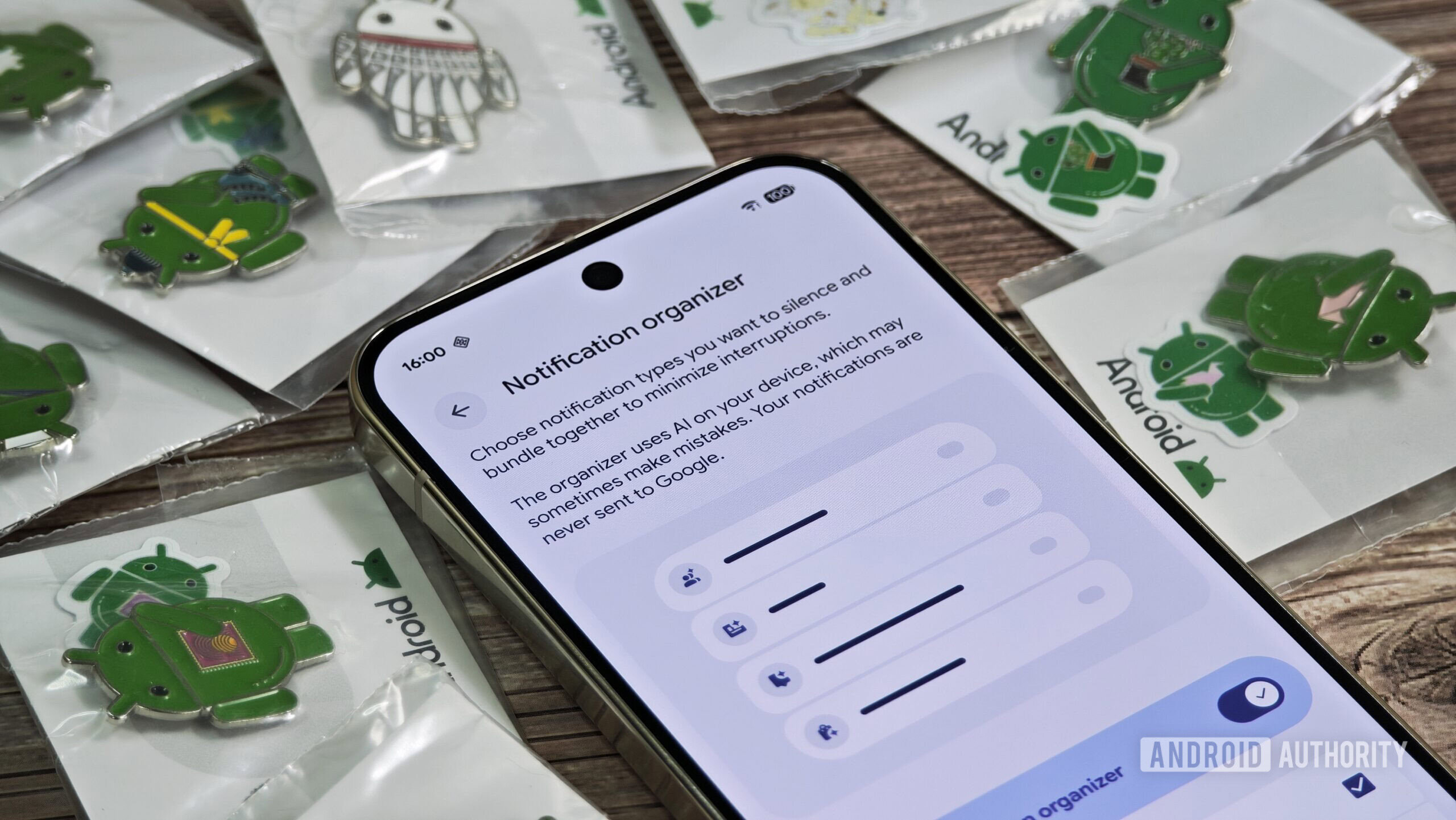
Eventually, the Notification Organizer feature shows up in Settings > Notifications > Notification organizer.
If you’ve received the feature but find that it doesn’t work, I recommend disabling and then re-enabling it. In my case, that kick-started the feature, and all my notifications got organized.
How to use Notification Organizer to manage your notification clutter
Notification Organizer uses on-device AI to analyze notifications and determine if they fit into any of the pre-determined and user-selected categories. If they do, they are bundled and silenced, minimizing interruptions on your phone. As a user, you don’t actually have to do anything beyond enabling the feature.
These are the categories notifications can be bundled into by Notification Organizer:
- Promotions: Sales, new features, and more
- News: Top stories, editorials, and more
- Social: Likes, posts, and more
- Suggested: Newsletters, recommended media, and more
Of these, “Promotions” and “News” are enabled by default, while users can choose to enable “Social” and “Suggested.”
In the screenshots above from a test app that I created to show off this feature, you can see that multiple notifications were categorized and silenced for the “Suggested” and “Promotions” categories. The user isn’t disturbed by the notification and can easily dismiss the category of notification with a single swipe, all while retaining access to the notification in case it is useful.
The Notification Organizer feature doesn’t categorize all notifications from a single app into one bundle, though. Instead, it determines where to place them based on their content, not the app that sent them. In the screenshot above, all three types of notifications are sent by the same test app, but you can see that conversational messages are not picked up by the Notification Organizer (i.e., they do disturb and notify the user, as intended), while the Promotions and Suggested notifications are.
Are you going to use Notification Organizer on your Pixel phone?
0 votes
Since the feature uses on-device AI, no data from your notifications is shared with anyone or uploaded anywhere, protecting your privacy.
Is the Notification Organizer feature on Pixels actually good?
In my brief use, I can see how Notification Organizer on Pixels will be a big help for users who allow all apps to send all notifications (which is practically all users). I’ve been overrun by useless notifications on my Android phones for decades at this point, and I religiously remove notification permissions from any app that sends me even a single useless or spam notification. With Notification Organizer, I can be a bit more generous with which apps can send me notifications, relying on my Pixel 9 Pro XL’s on-device AI to ensure that I don’t get unnecessarily disturbed by just a coupon code notification.
Thank you for being part of our community. Read our Comment Policy before posting.