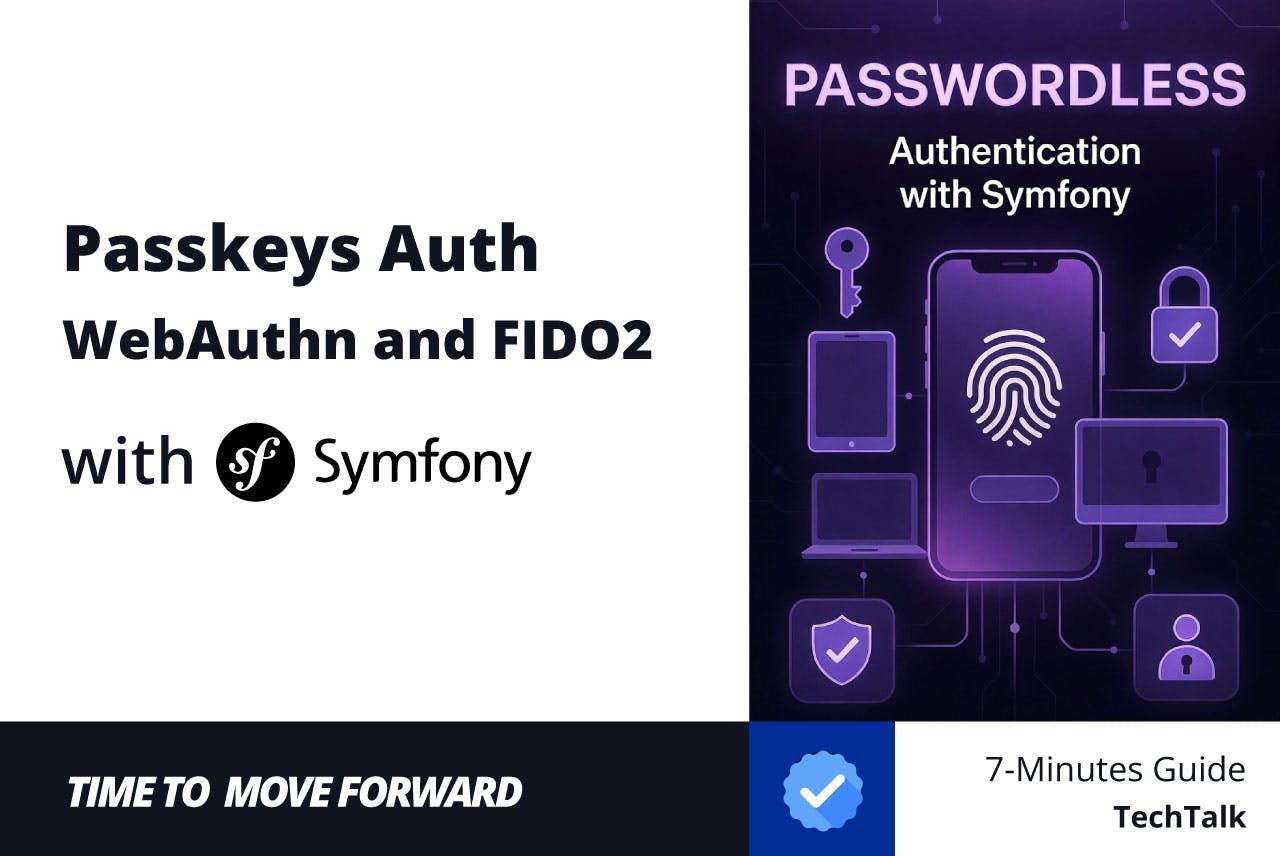
In the modern web era, passwords are no longer sufficient. They are the root cause of over 80% of data breaches, subject to phishing, reuse, and terrible complexity rules. The industry has spoken: Passkeys are the future.
Passkeys, built on the Web Authentication (WebAuthn) and FIDO2 standards, replace traditional passwords with cryptographic key pairs. Your device (iPhone, Android, Windows Hello, YubiKey) stores a private key, while the server only ever sees the public key. No hashes to steal, no passwords to reset, and inherently phishing-resistant.
In this comprehensive guide, we will build a 100% passwordless authentication system using Symfony and the official web-auth/webauthn-symfony-bundle. We will eliminate the concept of a password entirely from our application. No fallback, no “reset password” links. Just pure, secure, biometric-backed passkeys.
Core Architecture & Requirements
Passkeys work by replacing a shared secret (password) with a public/private key pair. The private key never leaves the user’s Apple device (iPhone, Mac, iPad), and the public key is stored on your Symfony server.
Technical Stack
- PHP: 8.2 or higher (Required for the latest WebAuthn libs)
- Symfony: 7.4 LTS
- Database: PostgreSQL, MySQL, or SQLite for dev (to store Credential Sources)
- Primary Library: web-auth/webauthn-symfony-bundle
Essential Packages
Run the following command to install the necessary dependencies:
composer require web-auth/webauthn-symfony-bundle:^5.2
                 web-auth/webauthn-stimulus:^5.2
                 symfony/uid:^7.4
We use @simplewebauthn/browser via AssetMapper (which provides excellent wrapper functions for the native browser WebAuthn APIs) because Apple Passkeys require a frontend interaction that is best handled via a Stimulus controller in a modern Symfony environment, or you can use React/Vue modules.
Database Schema: The Credential Source
This is where our application dramatically diverges from a traditional Symfony app. We are going to strip passwords entirely from the system.
Standard Symfony User entities aren’t equipped to store Passkey metadata (like AAGUIDs or public key Cose algorithms). We need a dedicated entity to store the credentials.
The User Entity
Our User entity implements SymfonyComponentSecurityCoreUserUserInterface. Noticeably absent is the PasswordAuthenticatedUserInterface.
namespace AppEntity;

use AppRepositoryUserRepository;
use DoctrineORMMapping as ORM;
use SymfonyComponentSecurityCoreUserUserInterface;
use SymfonyComponentUidUuid;
use SymfonyComponentValidatorConstraints as Assert;

#[ORMEntity(repositoryClass: UserRepository::class)]
#[ORMTable(name: '`user`')]
class User implements UserInterface
{
    #[ORMId]
    #[ORMGeneratedValue]
    #[ORMColumn]
    private ?int $id = null;

    #[ORMColumn(length: 255, unique: true)]
    private ?string $userHandle = null;

    #[ORMColumn(length: 180, unique: true)]
    #[AssertNotBlank]
    #[AssertEmail]
    private ?string $email = null;

    public function __construct()
    {
        $this->userHandle = Uuid::v4()->toRfc4122();
    }

    ...
}
The PublicKeyCredentialSource Entity
A single user can have multiple passkeys (e.g., Face ID on their phone, Touch ID on their Mac, a YubiKey on their keychain). We need an entity to store these public keys and their associated metadata.
Create src/Entity/PublicKeyCredentialSource.php. This entity must be capable of translating to and from the bundle’s native WebauthnPublicKeyCredentialSource object.
Crucially, we must preserve the TrustPath. Failing to do so destroys the attestation data needed if you ever require high-security enterprise hardware keys.
namespace AppEntity;

use AppRepositoryPublicKeyCredentialSourceRepository;
use DoctrineORMMapping as ORM;
use WebauthnPublicKeyCredentialSource as WebauthnSource;

#[ORMEntity(repositoryClass: PublicKeyCredentialSourceRepository::class)]
#[ORMTable(name: 'webauthn_credentials')]
class PublicKeyCredentialSource extends WebauthnSource
{
    #[ORMId]
    #[ORMGeneratedValue]
    #[ORMColumn]
    private ?int $id = null;

    public function getId(): ?int
    {
        return $this->id;
    }
}
The CredentialSourceRepository
You must also implement a CredentialSourceRepository that implements WebauthnBundleRepositoryPublicKeyCredentialSourceRepository.
namespace AppRepository;

use AppEntityPublicKeyCredentialSource;
use DoctrineBundleDoctrineBundleRepositoryServiceEntityRepository;
use DoctrinePersistenceManagerRegistry;
use SymfonyComponentObjectMapperObjectMapperInterface;
use WebauthnBundleRepositoryPublicKeyCredentialSourceRepositoryInterface;
use WebauthnBundleRepositoryCanSaveCredentialSource;
use WebauthnPublicKeyCredentialSource as WebauthnSource;
use WebauthnPublicKeyCredentialUserEntity;

class PublicKeyCredentialSourceRepository extends ServiceEntityRepository implements PublicKeyCredentialSourceRepositoryInterface, CanSaveCredentialSource
{
    public function __construct(ManagerRegistry $registry, private readonly ObjectMapperInterface $objectMapper)
    {
        parent::__construct($registry, PublicKeyCredentialSource::class);
    }

    public function findOneByCredentialId(string $publicKeyCredentialId): ?WebauthnSource
    {
        return $this->findOneBy(['publicKeyCredentialId' => $publicKeyCredentialId]);
    }

    public function findAllForUserEntity(PublicKeyCredentialUserEntity $publicKeyCredentialUserEntity): array
    {
        return $this->findBy(['userHandle' => $publicKeyCredentialUserEntity->id]);
    }

    public function saveCredentialSource(WebauthnSource $publicKeyCredentialSource): void
    {
        $entity = $this->findOneBy(['publicKeyCredentialId' => base64_encode($publicKeyCredentialSource->publicKeyCredentialId)])
            ?? $this->objectMapper->map($publicKeyCredentialSource, PublicKeyCredentialSource::class);

        $this->getEntityManager()->persist($entity);
        $this->getEntityManager()->flush();
    }
}
The WebAuthn bundle relies on abstract interfaces to find and persist users and credentials. Our repositories must implement these interfaces.
The UserRepository
The UserRepository implements PublicKeyCredentialUserEntityRepositoryInterface. Because we want the bundle to handle user creation automatically during a passkey registration, we also implement CanRegisterUserEntity and CanGenerateUserEntity.
namespace AppRepository;

use AppEntityUser;
use DoctrineBundleDoctrineBundleRepositoryServiceEntityRepository;
use DoctrinePersistenceManagerRegistry;
use SymfonyComponentUidUuid;
use WebauthnBundleRepositoryCanGenerateUserEntity;
use WebauthnBundleRepositoryCanRegisterUserEntity;
use WebauthnBundleRepositoryPublicKeyCredentialUserEntityRepositoryInterface;
use WebauthnExceptionInvalidDataException;
use WebauthnPublicKeyCredentialUserEntity;

class UserRepository extends ServiceEntityRepository implements PublicKeyCredentialUserEntityRepositoryInterface, CanRegisterUserEntity, CanGenerateUserEntity
{
    public function __construct(ManagerRegistry $registry)
    {
        parent::__construct($registry, User::class);
    }

    public function saveUserEntity(PublicKeyCredentialUserEntity $userEntity): void
    {
        $user = new User();
        $user->setEmail($userEntity->name);
        $user->setUserHandle($userEntity->id);

        $this->getEntityManager()->persist($user);
        $this->getEntityManager()->flush();
    }

    public function generateUserEntity(?string $username, ?string $displayName): PublicKeyCredentialUserEntity
    {
        return new PublicKeyCredentialUserEntity(
            $username ?? '',
            Uuid::v4()->toRfc4122(),
            $displayName ?? $username ?? ''
        );
    }

    ...
Configuration: Bridging Symfony and Apple
Apple requires specific “Relying Party” (RP) information. This identifies your application to the user’s iCloud Keychain.
WebAuthn Configuration
Create or update config/packages/webauthn.yaml:
webauthn:
    allowed_origins: ['%env(WEBAUTHN_ALLOWED_ORIGINS)%']
    credential_repository: 'AppRepositoryPublicKeyCredentialSourceRepository'
    user_repository: 'AppRepositoryUserRepository'
    creation_profiles:
        default:
            rp:
                name: '%env(RELYING_PARTY_NAME)%'
                id: '%env(RELYING_PARTY_ID)%'
    request_profiles:
        default:
            rp_id: '%env(RELYING_PARTY_ID)%'
WebAuthn is incredibly strict about domains. A passkey created for example.com cannot be used on phishing-example.com. To ensure our application is portable across environments, we define our Relying Party (RP) settings in the .env file.
Open .env or .env.local and add:
###> web-auth/webauthn-symfony-bundle ###
RELYING_PARTY_ID=localhost
RELYING_PARTY_NAME="My Application"
WEBAUTHN_ALLOWED_ORIGINS=localhost
###< web-auth/webauthn-symfony-bundle ###
In production, RELYINGPARTYID must be your exact root domain (e.g., example.com), and WebAuthn requires a secure HTTPS context. Browsers only exempt localhost for development.
The Registration Flow (Creation)
Passkey registration is a two-step handshake:
- Challenge: The server generates a unique challenge and “Creation Options.”
- Attestation: The browser (Safari/Chrome) asks the user for FaceID/TouchID, signs the challenge, and sends the “Attestation Object” back to the server.
The Frontend: Stimulus and CSRF
Security is paramount. Even though WebAuthn is inherently phishing-resistant, your endpoints are still vulnerable to traditional Cross-Site Request Forgery (CSRF) if left unprotected. We will pass Symfony’s built-in CSRF tokens via headers in our fetch() calls.
Assuming you have a standard CSRF helper (like csrfprotectioncontroller.js that extracts the token from a meta tag or hidden input), we inject it into our Passkey controller.
import { Controller } from '@hotwired/stimulus';
import { startRegistration, startAuthentication } from '@simplewebauthn/browser';
import { generateCsrfHeaders } from './csrf_protection_controller.js';

export default class extends Controller {
    static values = {
        optionsUrl: String,
        resultUrl: String,
        isLogin: Boolean
    }

    connect() {
        console.log('Passkey controller connected! 🔑');
    }

    async submit(event) {
        event.preventDefault();

        const username = this.element.querySelector('[name="username"]')?.value;

        if (!this.isLoginValue && !username) {
            alert('Please provide a username/email');
            return;
        }

        const csrfHeaders = generateCsrfHeaders(this.element);

        try {
            // 1. Fetch options
            const response = await fetch(this.optionsUrlValue, {
                method: 'POST',
                headers: { 'Content-Type': 'application/json', ...csrfHeaders },
                body: username ? JSON.stringify({ username: username, displayName: username }) : '{}'
            });

            if (!response.ok) {
                const errorData = await response.json().catch(() => ({}));
                throw new Error(errorData.errorMessage || 'Failed to fetch WebAuthn options from server');
            }

            const options = await response.json();

            // 2. Trigger Apple's Passkey UI (Create or Get)
            let credential;
            if (this.isLoginValue) {
                credential = await startAuthentication({ optionsJSON: options });
            } else {
                credential = await startRegistration({ optionsJSON: options });
            }

            // 3. Send result back to verify
            const result = await fetch(this.resultUrlValue, {
                method: 'POST',
                headers: { 'Content-Type': 'application/json', ...csrfHeaders },
                body: JSON.stringify(credential)
            });

            if (result.ok) {
                window.location.reload();
            } else {
                const errorText = await result.text();
                alert('Authentication failed: ' + errorText);
            }
        } catch (e) {
            console.error(e);
            alert('WebAuthn process failed: ' + e.message);
        }
    }
}
Routing
You need to ensure the routing type for webauthn exists. Create config/routes/webauthn_routes.yaml:
webauthn_routes:
    resource: .
    type: webauthn
Security Bundle Integration
To allow users to log in with their Passkey, we need to configure the Symfony Guard (now the Authenticator system).
In config/packages/security.yaml:
security:
    providers:
        app_user_provider:
            entity:
                class: AppEntityUser
                property: email
    firewalls:
        dev:
            pattern: ^/(_(profiler|wdt)|css|images|js)/
            security: false
        main:
            lazy: true
            provider: app_user_provider

            webauthn:
                authentication:
                    routes:
                        options_path: /login/passkey/options
                        result_path: /login/passkey/result
                registration:
                    enabled: true
                    routes:
                        options_path: /register/passkey/options
                        result_path: /register/passkey/result
                success_handler: AppSecurityAuthenticationSuccessHandler
                failure_handler: AppSecurityAuthenticationFailureHandler

            logout:
                path: app_logout
    access_control:
        - { path: ^/dashboard, roles: ROLE_USER }
The Authentication Failure Handler
Because WebAuthn ceremonies involve AJAX fetch() requests from the frontend, a standard Symfony redirect on failure (e.g., trying to register an email that already exists) will be silently swallowed by the browser, resulting in a frustrating user experience.
We implement a custom AuthenticationFailureHandler that returns a clean 401 Unauthorized JSON response when the request is AJAX.
Create src/Security/AuthenticationFailureHandler.php:
namespace AppSecurity;

use SymfonyComponentHttpFoundationJsonResponse;
use SymfonyComponentHttpFoundationRedirectResponse;
use SymfonyComponentHttpFoundationRequest;
use SymfonyComponentHttpFoundationResponse;
use SymfonyComponentRoutingGeneratorUrlGeneratorInterface;
use SymfonyComponentSecurityCoreExceptionAuthenticationException;
use SymfonyComponentSecurityHttpAuthenticationAuthenticationFailureHandlerInterface;
use SymfonyComponentSecurityHttpSecurityRequestAttributes;

readonly class AuthenticationFailureHandler implements AuthenticationFailureHandlerInterface
{
    public function __construct(private UrlGeneratorInterface $urlGenerator) {}

    public function onAuthenticationFailure(Request $request, AuthenticationException $exception): RedirectResponse|JsonResponse
    {
        if ($request->getContentTypeFormat() === 'json' || $request->isXmlHttpRequest()) {
            return new JsonResponse([
                'status' => 'error',
                'errorMessage' => $exception->getMessageKey(),
            ], Response::HTTP_UNAUTHORIZED);
        }

        // Store the error in the session
        $request->getSession()->set(SecurityRequestAttributes::AUTHENTICATION_ERROR, $exception);

        return new RedirectResponse($this->urlGenerator->generate('app_login'));
    }
}
The Authentication Success Handler
Since Passkeys often bypass the traditional login form, you need to define where the user goes after a successful “Handshake.”
namespace AppSecurity;

use SymfonyComponentHttpFoundationRedirectResponse;
use SymfonyComponentHttpFoundationRequest;
use SymfonyComponentRoutingGeneratorUrlGeneratorInterface;
use SymfonyComponentSecurityCoreAuthenticationTokenTokenInterface;
use SymfonyComponentSecurityHttpAuthenticationAuthenticationSuccessHandlerInterface;

readonly class AuthenticationSuccessHandler implements AuthenticationSuccessHandlerInterface
{
    public function __construct(private UrlGeneratorInterface $urlGenerator) {}

    public function onAuthenticationSuccess(Request $request, TokenInterface $token): RedirectResponse
    {
        return new RedirectResponse($this->urlGenerator->generate('app_dashboard'));
    }
}
Verification & Apple-Specific Gotchas
- HTTPS is mandatory: Browsers will not expose navigator.credentials on insecure origins (except localhost).
- RP ID Match: Ensure the id in webauthn.yaml exactly matches your domain. If you are on dev.example.com, your RP ID should be example.com.
- Apple AAGUID: Apple devices often return a “Zero AAGUID” (all zeros). If your library is configured to strictly validate authenticators via metadata, you may need to allow “Unknown Authenticators” in your configuration.
Conclusion
Transitioning to Apple Passkeys with Symfony 7.4 isn’t just a security upgrade; it’s a significant improvement to your user experience. By removing the friction of password managers, “forgot password” emails, and complex character requirements, you increase conversion and user retention.
As a senior developer or lead, your priority is ensuring that this implementation remains maintainable. By sticking to the WebAuthn-Symfony-Bundle and PHP 8.x attributes, you ensure that your codebase remains idiomatic and ready for future Symfony LTS releases.
Summary Checklist for Deployment
- SSL/TLS: Ensure your production environment uses a valid certificate (Passkeys will fail on plain HTTP).
- RP ID Strategy: Decide if you want to support subdomains by setting your Relaying Party ID to the top-level domain.
- Backup Methods: Always provide a secondary login method (like Magic Links or a traditional password) for users on older devices that do not support FIDO2.
- Metadata Validation: For high-security apps, consider enabling the web-auth/webauthn-metadata-service to verify that the Passkey is indeed coming from an Apple device and not an unauthorized emulator.
Source Code: You can find the full implementation and follow the project’s progress on GitHub: [https://github.com/mattleads/PasskeysAuth]
Let’s Connect!
If you found this helpful or have questions about the implementation, I’d love to hear from you. Let’s stay in touch and keep the conversation going across these platforms:
- LinkedIn: [https://www.linkedin.com/in/matthew-mochalkin/]
- X (Twitter): [https://x.com/MattLeads]
- Telegram: [https://t.me/MattLeads]
- GitHub: [https://github.com/mattleads]