

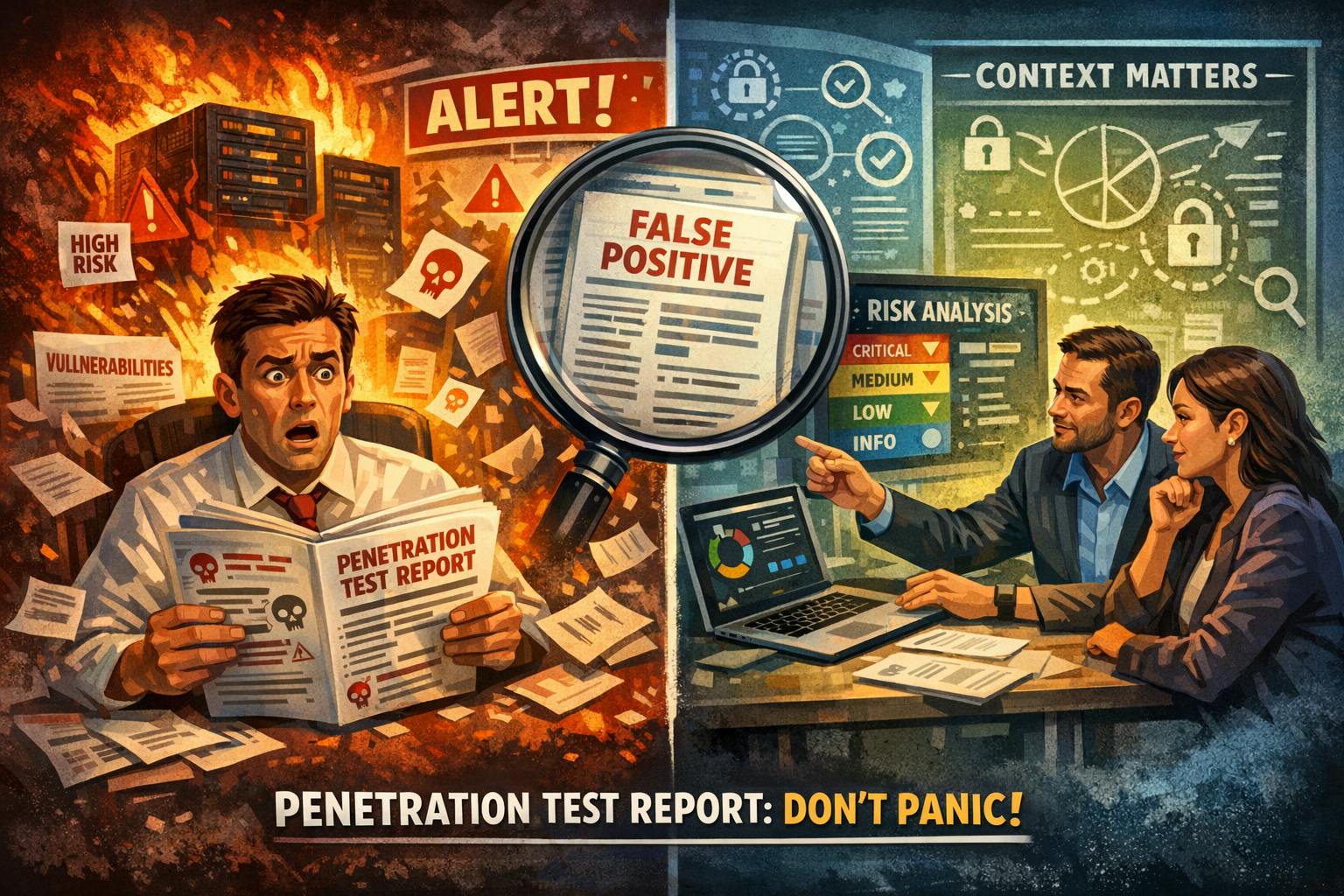
I’ve watched the same movie play out too many times: a management team receives a penetration testing report, sees a wall of findings with scary-sounding names, and immediately assumes their platform is on fire.
It’s not on fire. It’s almost never on fire.
But the report sure makes it look like it is. And that’s the problem I keep running into – not with the platforms, but with how people read these reports.
The Translation Problem
When you’re a CTO or an external CTO-as-a-Service advisor, part of the job is translating between the world of security tooling and the world of business decision-making. These two worlds speak very different languages. Security tools speak in volumes of automated findings. Business leaders speak in risk, cost, and “should I be worried right now?”
That gap is where the panic starts.
Over the years, I’ve learned to get ahead of it. Before every VAPT (Vulnerability Assessment and Penetration Testing) cycle, I walk my clients through what to expect from the results – what the findings actually mean, what’s noise, and what deserves real attention. It’s part education, part expectation management, and part gentle reminder that a 200-page PDF full of findings does not mean the sky is falling. Sometimes it just means the scanner was very thorough and a bit too enthusiastic.
The goal is simple: give non-technical stakeholders the mental framework to read a VAPT report without losing sleep. Because the report is only half of the story. The other half – the part that actually matters – is interpreting those findings in the context of your platform, your architecture, and your specific business requirements.
The Anatomy of a VAPT Report (For Humans)
Here’s what most people don’t realize about penetration testing: the raw output of any engagement is never the final verdict on your security. It’s a starting point for analysis.
VAPT teams rely on automated scanning tools to generate their initial findings. These tools are designed to cast an absurdly wide net. They flag anything that could theoretically be a concern. And I mean anything. Your OAuth integration with Google? Flagged. Your CDN serving static assets from a different domain? Flagged. A cookie that JavaScript can access because your entire framework was literally designed that way? You better believe that’s flagged. Any open port on the server, even port 80 or 443? Yup, also flagged.
This isn’t a flaw in the process. It’s how the process works. The tools are doing their job. The question is what happens next.
The Quality Gap Nobody Talks About
And here’s where it gets interesting.
Not all VAPT teams are created equal. In fact, there’s a pretty dramatic quality spectrum, and where your team falls on it determines whether you receive a useful, contextualised security assessment or a PDF-shaped anxiety attack.
Budget-oriented teams tend to optimize for volume. They run the tools, collect the output, and forward everything to the client with minimal filtering. The result? A report with dozens – sometimes hundreds – of findings, many of which are informational noise or outright false positives. It looks impressive. It fills a lot of pages. But it creates exactly the kind of alarm that derails productive conversations about actual security.
I’ve seen reports where the same exact finding was listed separately for every URL on the platform. Same issue, same root cause, same “vulnerability” – just presented 147 times to make the PDF thicker.
More experienced teams – and yes, they typically cost more – invest significant effort in triaging their tool output before presenting it. They separate the signal from the noise. They tell you what actually matters and why. They cross-reference previous engagement results instead of re-investigating known behaviours from scratch. Their reports are shorter, more accurate, and infinitely more useful. You’re paying for judgment, not just scanning hours.
Severity Levels: A Quick Decoder Ring
Every VAPT report categorises findings by severity. Here’s the practical translation:
Critical and High – Stop what you’re doing and fix these. These represent real, exploitable vulnerabilities. In a well-maintained platform with regular dependency updates, strong authentication, and proper encryption, these should be rare. If your report is full of them, you have a genuine problem. If it has zero, congratulations – that’s the goal.
Medium and Low – Read these with a calm mind. They often represent theoretical risks, hardening suggestions, or configuration preferences. Many are informational. Think of them as a security consultant saying “you could also do this” rather than “your house is currently on fire.”
Informational – These are diagnostic notes. They describe how your platform behaves. They don’t indicate risk. You can acknowledge them and move on.
The number of findings in a report tells you almost nothing about how secure your platform is. A report with 150 findings and zero criticals is a dramatically better result than one with 5 findings and 2 criticals.
False Positives: The Uninvited Guests
Every – and I mean every – VAPT engagement produces false positives. These are findings that automated tools flag as potential issues, but which, upon analysis, turn out to be expected framework behaviors, design decisions, or artifacts of the cloud infrastructure itself.
In a recent engagement, we documented over 20 false positives across two reports. The cloud provider’s own security infrastructure was triggering alerts during the scan – the scanning tools were essentially detecting the host’s defence systems and reporting them as application vulnerabilities. That’s like a home inspector flagging your alarm system as a security risk. Technically, something happened. Practically, it’s the opposite of a problem.
Context Is Everything
If there’s one thing I want people to take away from this, it’s this: a VAPT report must always be read in the context of the specific platform it was conducted against.
Security is not a one-size-fits-all discipline. A finding that represents a genuine vulnerability on one platform could be an intentional design decision on another. Session tokens in URLs? Alarming – unless they’re part of a standard OAuth handshake with a provider like Google or Twitter, in which case they’re temporary, scoped, and exactly where they’re supposed to be. Cross-domain script includes? Suspicious – unless they’re loading Google’s reCAPTCHA or your SSO integration, in which case they’re essential.
The report is half the truth. The contextual analysis is the other half. Without both, you’re making decisions based on incomplete information – and in my experience, those decisions tend to lean toward unnecessary panic and wasted remediation effort.
If you have a VAPT cycle coming up, prepare your stakeholders before the report lands. It’ll save you a week of damage-control conversations that didn’t need to happen.


