Effective animation has long been a creative format that required one of two things; excellent design skills or industry-level software to create Oftentimes, both. It never made the jump to user-generated social content as easily as video because creative and technical barriers remained just that slightly bit higher.
However, progress marches on and those barriers are finally lowered, especially in this new era of generative AI and production. Now, user-generated animation is much more accessible and as such, is experiencing its long awaited debut on social media.
If you are new to social media animation, this guide will walk you through everything you need to know, from tools and styles to platforms and practical tips.
Why Animation Works So Well on Social Media
Social platforms are noisy, fast-moving spaces. Animation offers a clear advantage: it stands out. With dynamic visuals, playful motion, and endless creative freedom, even simple animations can outperform static images or live-action clips in certain contexts.
Key benefits include:
- Thumb-stopping visuals: Movement catches the eye during endless scrolling.
- Brand personality: Animation lets you be quirky, heartfelt, bold or abstract, whatever suits your tone.
- Simplified storytelling: Complex ideas can be broken down visually, with motion and metaphor doing the heavy lifting.
- Flexible formats: From short loops to full explainer videos, animation is incredibly versatile.
- Cost-effective: For certain content types, animation can be produced faster and more affordably than traditional video.
- Character driven content: Animated characters can be excellent brand ambassadors, and offer something unique over live-action people.
Common Animation Types Used on Social Media
There is no one-size-fits-all approach, but here are a few of the most popular styles:
1. Motion Graphics
Motion graphics are a type of animation that brings simple and accessible graphic design elements to life through movement. Unlike character animation or traditional cartoons, motion graphics focus on text, shapes, icons, and visual elements to communicate ideas, often used in explainer videos, commercials, and social media content. They combine the principles of graphic design with animation to create clean, impactful visuals that clarify complex information or add energy to otherwise static content.
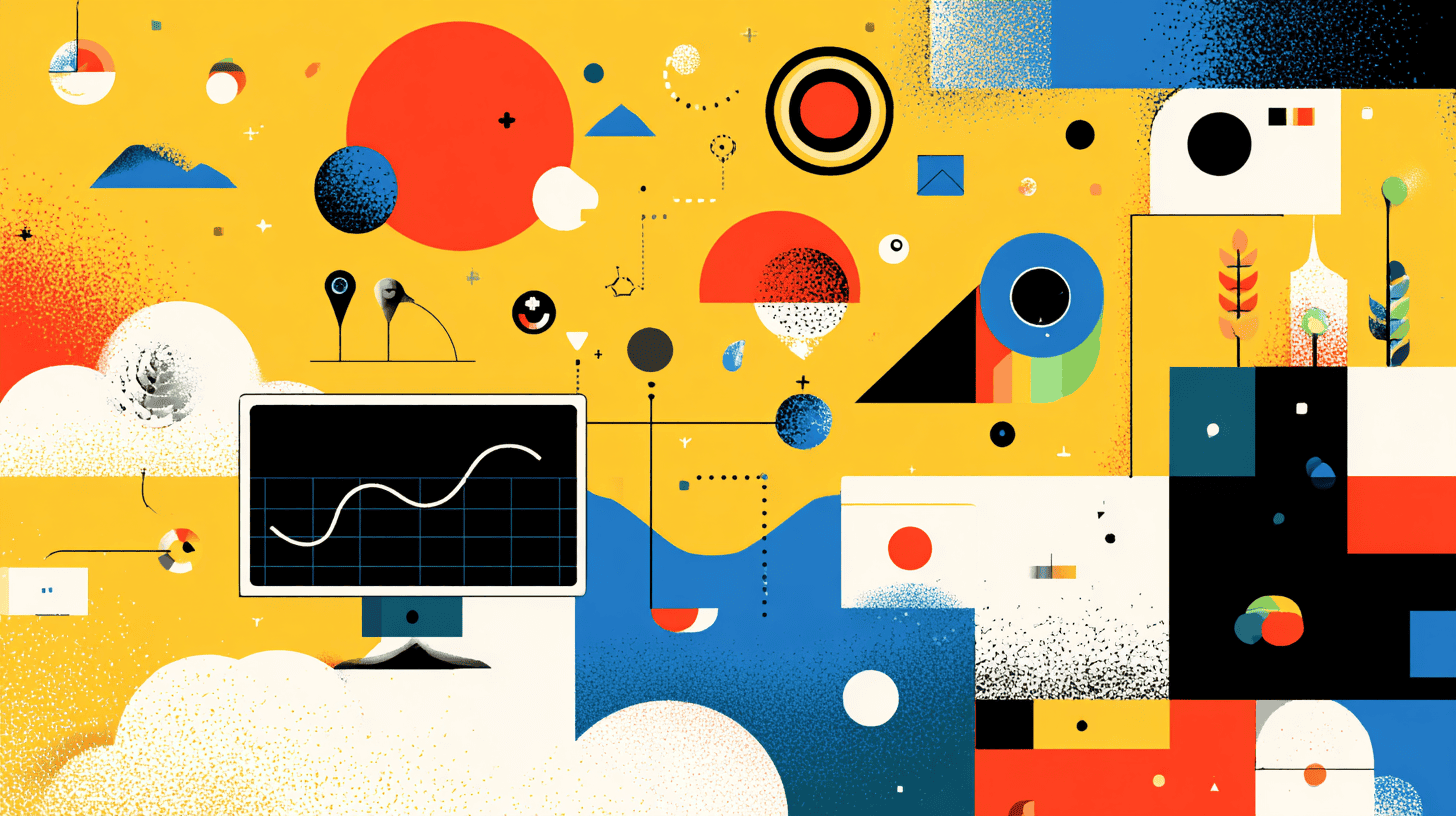
2. 2D Animation
2D animation refers to flat, two-dimensional designs that move across a screen. Characters, environments, and objects are created in a digital or hand-drawn style and move almost exclusively on two planes. 2D animation refers to this type of movement, but in terms of style and design, it can be massively varied.
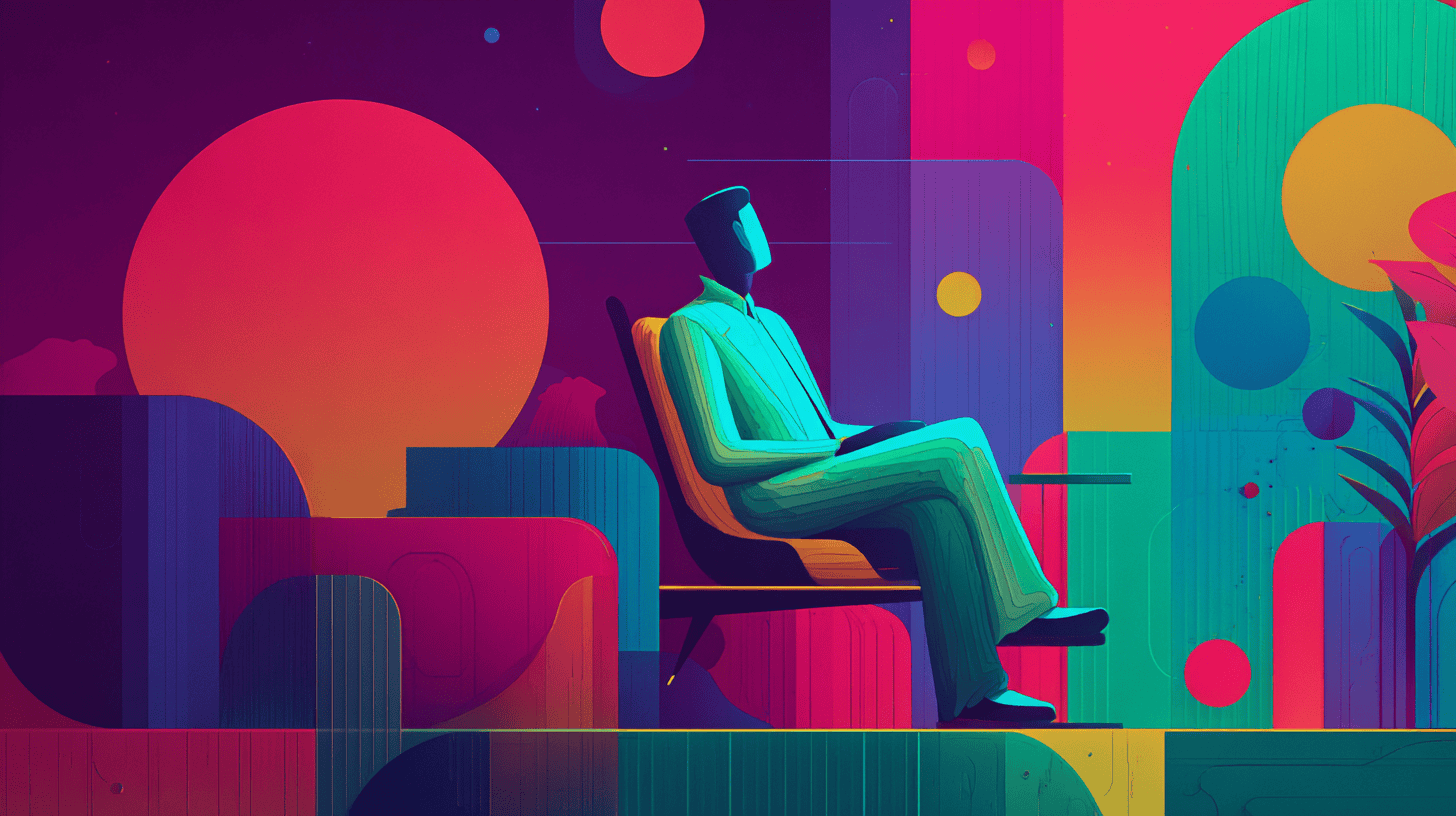
3. 3D Animation
3D animation creates the illusion of depth, realism, and physicality by rendering objects in a three-dimensional space. This technique is used in everything from blockbuster films to architectural visualisations and product demos. For social media, 3D animation can make your content feel premium and visually rich, but it often comes with longer production times and higher budgets. When used well, it’s impressive, polished, and scroll-stopping.
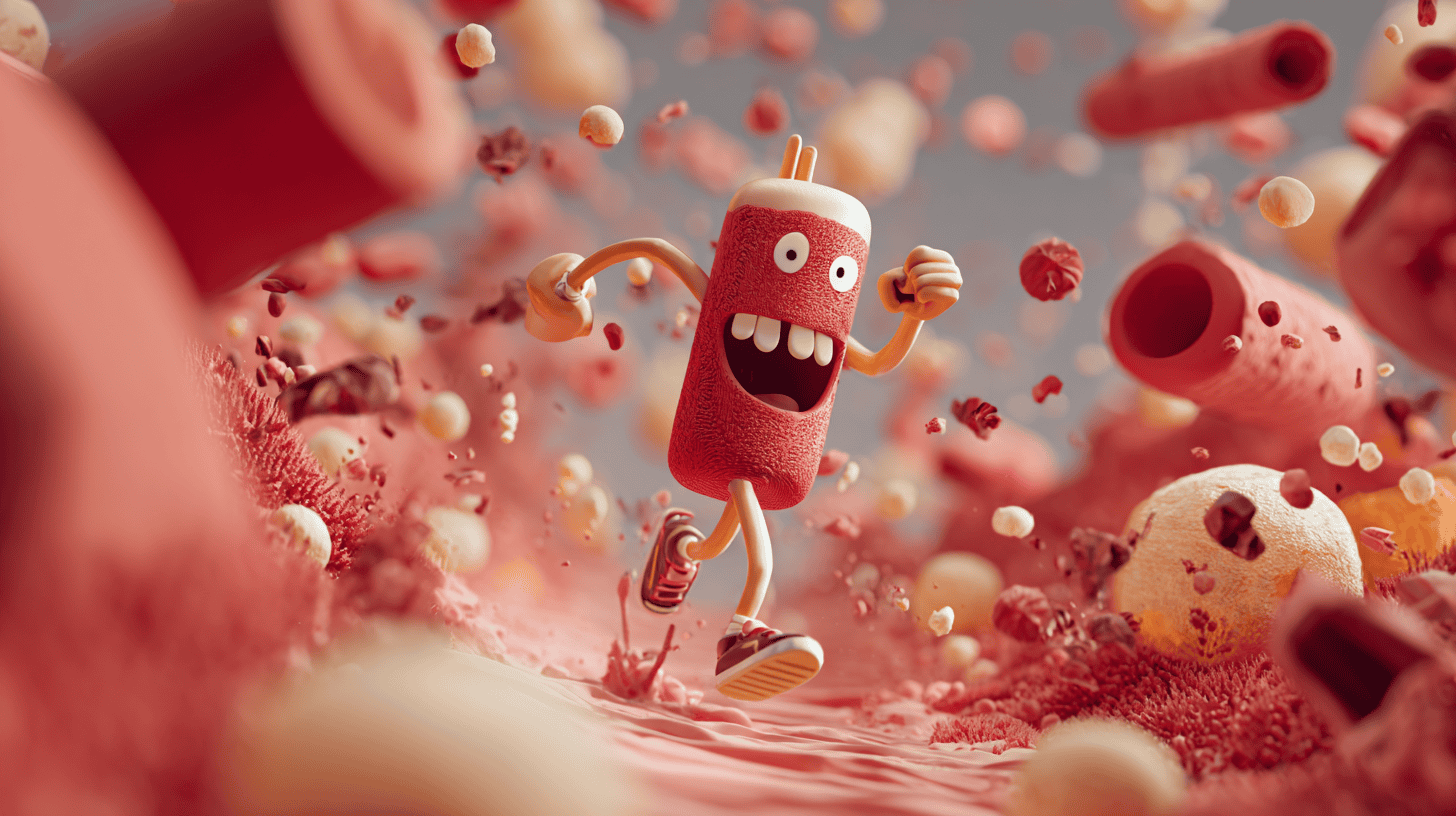
4. Stop Motion
Stop motion is a handcrafted technique that involves photographing objects or illustrations one frame at a time, then stitching those frames together to create movement. It’s tactile and time-consuming, but visually unique, every frame feels deliberate and full of character. On social media, stop motion works beautifully for product shots, handmade content, or anything where charm and originality matter more than speed. If you’re talented with physical crafts, then stop motion is something you can create relatively simply with your mobile phone camera.

5. Kinetic Typography
Typography animation is all about making words move. This could be animated quotes, lyric videos, or energetic text overlays that emphasise speech in a video. It is often used to reinforce messaging, highlight emotions, or make voiceover-led content more engaging. It’s especially effective on platforms like Instagram Reels and TikTok, where viewers often watch with the sound off but still want to follow the story.
Choosing the Right Platforms
Different platforms reward different kinds of animation:
- Instagram: Short loops, Reels, and Stories are ideal for punchy animations.
- TikTok: Fast-paced, often humorous or trend-led content. Great for character animation or animated storytelling.
- LinkedIn: Thoughtful motion graphics or animated explainers perform well, especially for B2B messaging.
- Facebook: Longer animations and ads can still work here, particularly for paid campaigns.
- X: GIFs and short animated posts work best, often with a humorous or reactive tone.
- YouTube Shorts: Good for longer-form animation and vertical explainers.
Tools for Beginners
You do not need to be a professional animator to get started. Here are a few beginner-friendly tools:
- Canva: Basic animation features in a drag-and-drop interface.
- Adobe Express: Simple to use and integrates well with the Adobe ecosystem.
- Doodly: Create simple whiteboard-style animations
- Animaker: Cloud-based with templates for social formats.
For more advanced users:
- After Effects: The industry standard for motion design and animation.
- Blender: Free 3D animation software.
- Procreate (iPad): Great for hand-drawn frame-by-frame animation.
Using AI Tools to Simplify Animation
AI is becoming an increasingly powerful ally in animation, especially for solo creators or small teams looking to produce high-quality content without the traditional time or budget demands. From generating visuals to automating motion and voiceovers, there’s now a toolkit of AI-powered platforms designed to fast-track the animation process.
Midjourney for Image Generation
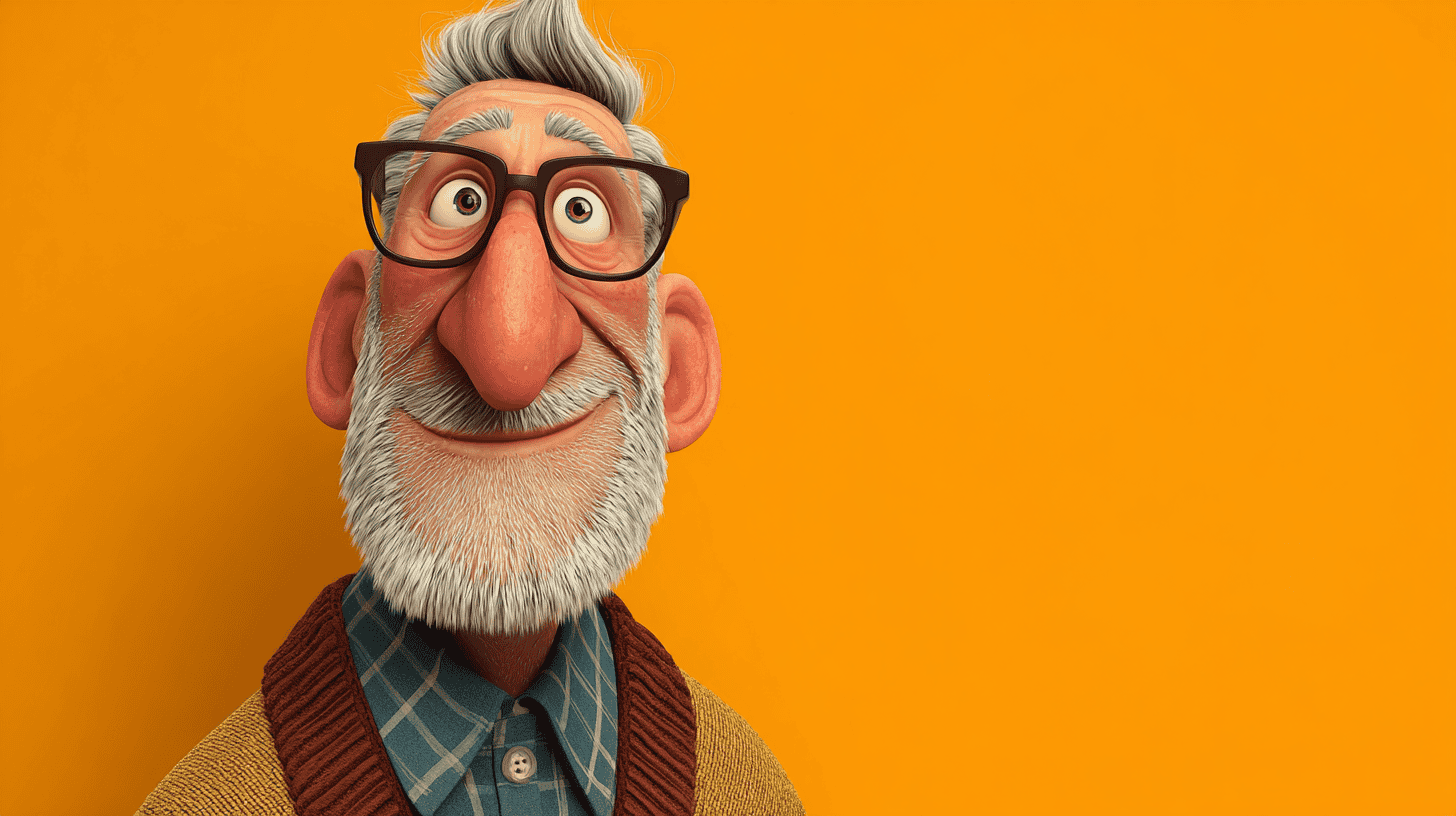
Midjourney is a generative AI platform that can create stunning, stylised images from text prompts. You can use it to concept backgrounds, characters, props, or entire visual styles before animating. It’s especially useful during the early stages of development, helping you rapidly explore visual directions or create assets to animate later.
Runway & VEO3 for AI-Powered Animation
Runway and Google’s VEO3 are at the forefront of AI-driven video creation. Runway allows you to animate still images (generated from Midjourney) and when combined with audio files, even lip sync your character without heavy VFX software.
VEO3, still in limited release, promises high-fidelity, cinematic AI video from simple prompts, a future-facing tool likely to become essential for creators as it rolls out.
These platforms can bring static Midjourney images to life, apply motion effects, or even generate entirely new scenes without needing a traditional animation pipeline.
ElevenLabs for Voiceovers
Voiceover can be one of the trickier, more expensive aspects of animation, especially if you’re just getting started. ElevenLabs offers high-quality AI-generated voices that sound remarkably human. You can choose from a range of tones, accents, and languages, or clone a voice for consistency across multiple videos. It’s ideal for explainer videos, product walkthroughs, or narrative-driven animations where you need clear, professional audio without hiring voice talent.
Tips for Strong Animated Content
1. Start with the message
Animation should always serve your message, not distract from it. Before you touch design, characters, or movement, get clear on what you’re trying to say. Are you raising awareness, explaining a product, or driving a sale? Every frame should support that goal. Flashy visuals might grab attention, but if they muddle the message, they’re doing more harm than good.
2. Keep it short and sharp
For social media, less really is more. Aim for 6 to 15 seconds, long enough to say something, short enough to hold attention. Remember, viewers are often swiping, multitasking, or watching in a queue. You’ve got about two seconds to hook them, so get to the point fast and avoid any unnecessary buildup.
3. Design for silent playback
Most social media videos are watched with the sound off, especially on platforms like Instagram, LinkedIn, or TikTok. Use animated subtitles, on-screen text, or visual storytelling to make sure your content still lands without audio. If your message relies on voiceover alone, you’re losing half your audience.
4. Stick to your brand
Your animation should feel like you. Stick to your existing brand assets; colour palette, typefaces, tone of voice, and visual style. Consistency builds recognition and trust. Whether it’s a snappy promo or a how-to animation, make sure it feels like part of your wider marketing universe.
5. Use loops cleverly
Looping animations can be incredibly effective when done well. A seamless loop keeps viewers watching longer, increases replays, and boosts shareability. On platforms like Instagram or TikTok, looping content often performs better with the algorithm because it keeps people on the post. Use it for product reveals, logo builds, or playful motion cycles that reward repeat views.
6. Test different ratios
Different platforms, different formats. Square (1:1) is great for Instagram feed, vertical (9:16) dominates Reels and TikTok, and horizontal (16:9) is still the default for YouTube. Design with flexibility in mind and test which format performs best with your audience. Tools like Adobe After Effects or Canva allow you to easily reframe animations without starting from scratch.
7. Always include a call to action
Animation without purpose is just noise. Whether it’s “Visit our website,” “Share with a friend,” or “Tap to shop,” your video should guide viewers towards an action. The CTA can be visual, verbal, or written, just make sure it’s present and aligns with your objective.
Content Ideas to Get Started
Need inspiration? Try these beginner-friendly formats:
- Quote animations
- Animated stats or infographics
- Mini product showcases
- How-to animations
- Behind-the-scenes loops
- Customer review animations
- Animated countdowns or announcements
- Top tips or listicles
- Holiday or seasonal greetings
When to Hire a Studio
While DIY animation tools are great for testing the waters, there comes a point where working with a professional animation studio makes sense. If you need:
- A large campaign with consistent branding
- Custom characters or original design
- High-end polish for TV or paid social ads
- Technical integrations like voiceover, scripting or sound design
Measuring Success
Social media animation is not just about looking pretty. Here’s what to track:
- Views and reach: Are people seeing your content?
- Engagement rate: Likes, shares, comments, saves.
- Click-through rate (CTR): Especially for ads or links.
- Watch time: Are people watching to the end?
- Conversions: If your animation is part of a wider campaign.
Final Thoughts on Social Media Animation for Beginners
Animation is one of the most creative and effective tools in the social media toolkit. Whether you are a startup founder, marketer, or content creator, the ability to animate opens up new ways to tell your story. You do not need to be a Pixar veteran to get started. Start small, stay consistent, and have fun with it.