By using this site, you agree to the Privacy Policy and Terms of Use.
Accept
World of SoftwareWorld of SoftwareWorld of Software
  • News
  • Software
  • Mobile
  • Computing
  • Gaming
  • Videos
  • More
    • Gadget
    • Web Stories
    • Trending
    • Press Release
Search
  • Privacy
  • Terms
  • Advertise
  • Contact
Copyright © All Rights Reserved. World of Software.
Reading: Spotify ‘Exclusive Mode’ brings hi-fi audio to your desktop: here’s how to enable it
Share
Sign In
Notification Show More
Font ResizerAa
World of SoftwareWorld of Software
Font ResizerAa
  • Software
  • Mobile
  • Computing
  • Gadget
  • Gaming
  • Videos
Search
  • News
  • Software
  • Mobile
  • Computing
  • Gaming
  • Videos
  • More
    • Gadget
    • Web Stories
    • Trending
    • Press Release
Have an existing account? Sign In
Follow US
  • Privacy
  • Terms
  • Advertise
  • Contact
Copyright © All Rights Reserved. World of Software.
World of Software > News > Spotify ‘Exclusive Mode’ brings hi-fi audio to your desktop: here’s how to enable it
News

Spotify ‘Exclusive Mode’ brings hi-fi audio to your desktop: here’s how to enable it

News Room
Last updated: 2026/03/20 at 5:36 PM
News Room Published 20 March 2026
Share
Spotify ‘Exclusive Mode’ brings hi-fi audio to your desktop: here’s how to enable it
SHARE

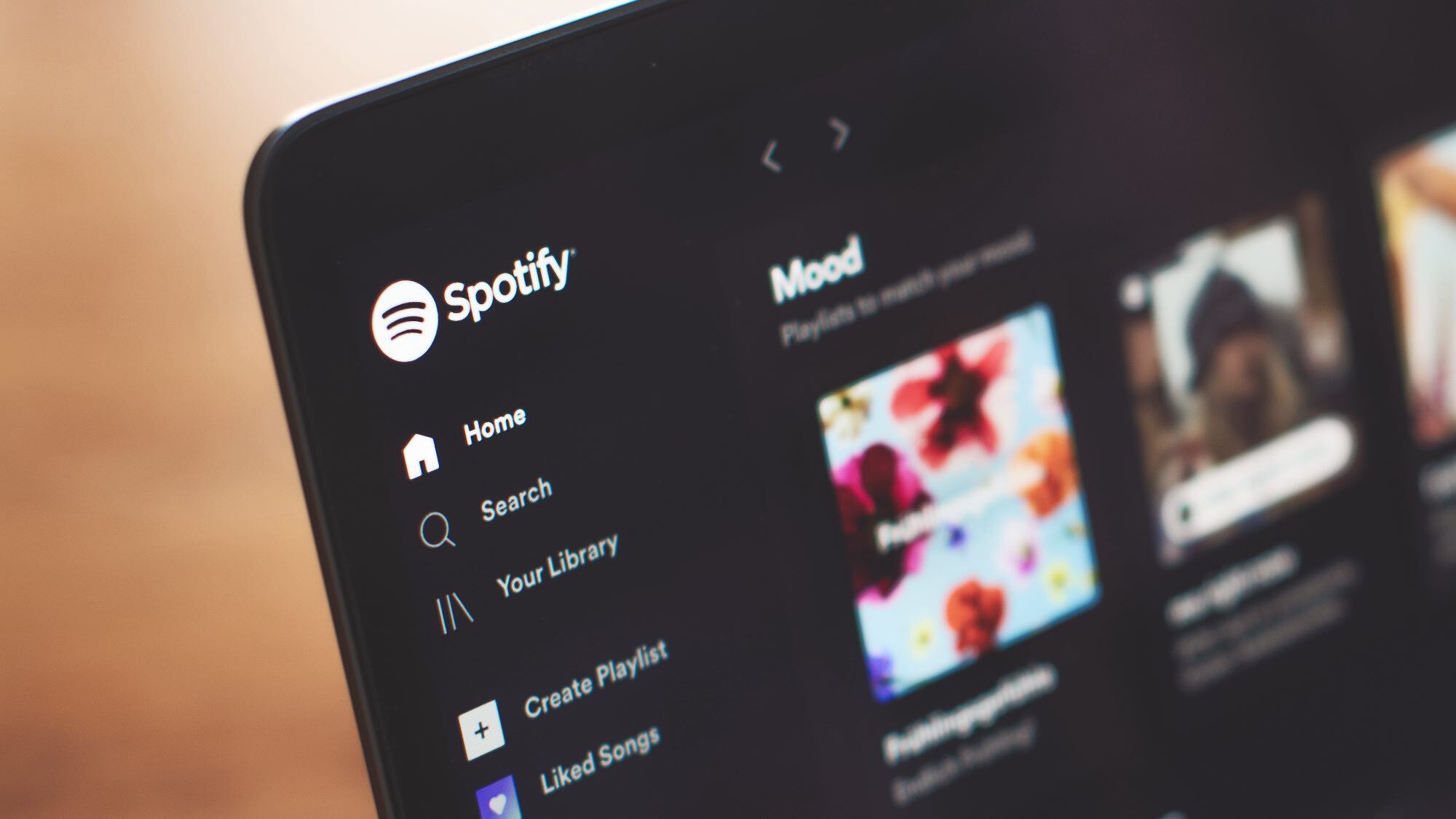
After years of teasing, Spotify finally added lossless audio for Spotify Premium users last September. In a surprise move, Spotify just released a new hi-fi audio feature for its Windows desktop app.

Spotify has lagged behind some of the best music streaming services when it comes to hi-fi audio, but the company is finally playing catch up.

The music streamer dropped “Exclusive Mode” this week, which lets Spotify take control of your computer’s audio processing to deliver music as it was recorded with bit-perfect playback up to 24-bit/44.1 kHz FLAC.

Article continues below


You may like

Spotify says that Exclusive mode is “ideal for listeners with external audio equipment (like a DAC or audio interface) who want the purest possible sound.” The announcement posts claims that your computer can alter audio before it reaches your DAC by resampling it, mixing in other system sounds or adjusting the volume.

The mode overrides that potential alteration to ensure that you get the highest quality version of the track.

Exclusive Mode is free for Premium subscribers.

How to turn on Exclusive mode

  • Ensure external DAC or audio interface is connected to your desktop
  • Open Spotify and navigate to Settings
  • Select Playback
  • Go to Audio Output, select your device from the dropdown menu
  • Toggle on Exclusive mode

Some caveats

(Image credit: Spotify)

Mac users are out of luck for now, though Spotify says an Apple version is in the works.

Get instant access to breaking news, the hottest reviews, great deals and helpful tips.

Additionally, Spotify says that while “exclusive mode” is on, other apps will be “unable to play sound through that device.” You’ll need to switch your computer’s default audio output to another device if you have multiple audio devices playing sound.

Also, Exclusive mode is unavailable for music videos, podcasts, preview clips or canvas clips.

The blog post notes that exclusive mode will work with speakers straight up but it does work best with a DAC or audio interface.

For more information checkout the Spotify support page or the blog post announcement.


Google News

Follow Tom’s Guide on Google News and add us as a preferred source to get our up-to-date news, analysis, and reviews in your feeds.



More from Tom’s Guide

Sign Up For Daily Newsletter

Be keep up! Get the latest breaking news delivered straight to your inbox.
By signing up, you agree to our Terms of Use and acknowledge the data practices in our Privacy Policy. You may unsubscribe at any time.
Share This Article
Facebook Twitter Email Print
Share
What do you think?
Love0
Sad0
Happy0
Sleepy0
Angry0
Dead0
Wink0
Previous Article These Monitor Deals are off the Charts: Save 37% on Top-Rated Screens Thanks to Early Amazon Spring Sale These Monitor Deals are off the Charts: Save 37% on Top-Rated Screens Thanks to Early Amazon Spring Sale
Next Article Wine 11.5 Release Is Big: Syscall User Dispatch Feature Supported On Linux Wine 11.5 Release Is Big: Syscall User Dispatch Feature Supported On Linux
Leave a comment

Leave a Reply Cancel reply

Your email address will not be published. Required fields are marked *

Stay Connected

248.1k Like
69.1k Follow
134k Pin
54.3k Follow

Latest News

You can still get a free gift card with your Samsung Galaxy S26 series purchase!
News
OpenAI to launch ChatGPT superapp, ‘AI research intern’ –  News
OpenAI to launch ChatGPT superapp, ‘AI research intern’ – News
News
The 13 Best Social Media Analytics Tools for 2025
Computing
Sonatype Launches Guide to Enhance Safety in AI-Assisted Code Generation
News

You Might also Like

You can still get a free gift card with your Samsung Galaxy S26 series purchase!
News

You can still get a free gift card with your Samsung Galaxy S26 series purchase!

4 Min Read
OpenAI to launch ChatGPT superapp, ‘AI research intern’ –  News
News

OpenAI to launch ChatGPT superapp, ‘AI research intern’ – News

5 Min Read
Sonatype Launches Guide to Enhance Safety in AI-Assisted Code Generation
News

Sonatype Launches Guide to Enhance Safety in AI-Assisted Code Generation

3 Min Read
Mister Rogers Finds a New Neighborhood on YouTube, and It's Free
News

Mister Rogers Finds a New Neighborhood on YouTube, and It's Free

4 Min Read
//

World of Software is your one-stop website for the latest tech news and updates, follow us now to get the news that matters to you.

Quick Link

  • Privacy Policy
  • Terms of use
  • Advertise
  • Contact

Topics

  • Computing
  • Software
  • Press Release
  • Trending

Sign Up for Our Newsletter

Subscribe to our newsletter to get our newest articles instantly!

World of SoftwareWorld of Software
Follow US
Copyright © All Rights Reserved. World of Software.
Welcome Back!

Sign in to your account

Lost your password?