Adamya Sharma / Android Authority
Imagine the opening scene of a sci-fi movie. You swipe up to unlock your phone. The camera zooms into the screen, and suddenly you’re hurled through infinite space at light speed — stars, comets, and debris flashing past until you land in a dimension centuries ahead of what you left behind.
That’s exactly how switching to the Pixel 10 felt after living with iPhone’s AI (non)efforts.
Okay, maybe there’s a tiny bit of exaggeration there, but the sentiment is real. I went from an iPhone 16 Pro Max to the Pixel 10, and Google’s AI absolutely crushed it. Apple isn’t even playing the same game.
Feature for feature, Google is light-years ahead of Apple, and here’s what stood out the most for me.
Have you ever switched phones because of AI features?
0 votes
Gemini vs Siri

Ryan Haines / Android Authority
The other day, I asked Siri which state Coimbatore (a South Indian city) is in. It did give me the right answer — but only after tapping ChatGPT for help. That’s like pulling out a fighter jet to go five blocks away.
Here’s another example: I asked Siri about the day’s weather. That’s the simplest kind of query for a voice bot. It couldn’t have messed that up, right? It gave me a quick overview about imminent rain, but when I followed up with “what about this evening?” it hit me with the classic: Sorry, I don’t understand.
At this point, Siri is basically an alarm-setter when the phone isn’t within reach. That’s it.
Gemini, on the other hand, is smart — all caps. It doesn’t just answer fast, since it doesn’t need to seek external help, it even understands my messy, twisted phrasing and follow-ups without missing a beat. And its breadth of cross-service access makes it feel less like a voice assistant and more like an agent.
Gemini everywhere

Robert Triggs / Android Authority
We’re racing towards an agentic future, and Android already gives you a peek into it. For instance, Gemini integrates deeply with Workspace apps, which makes natural language queries ridiculously useful.
Last week, I had half a dozen packages arriving from different stores. Hunting through emails to track them all would’ve been a headache — and you don’t want me in that mood. So, I asked Gemini to list my incoming packages. It scanned Gmail and spat out a neat digest of product names, store names, and delivery dates. Done and dusted within seconds.
More than a year ago, Apple teased its ‘agentic’ Siri that could control everything on your screen, but reality check: it still struggles with the simplest commands. Gemini can’t browse apps for you yet, but it can analyze what’s on your screen and respond contextually.
For me personally, Gemini’s multilingual support is a game-changer. Multilinguals know how our speech flows across languages, often mid-sentence. Most assistants just give up at that point, but Gemini keeps up — it understands me no matter the jumbled-up language I speak in (third screenshot above). What utter familiarity it brings, as if I’m chatting with an old friend.
Photos on AI steroids
Yes, iPhones now have an AI eraser tool, but it’s shabby at best. Compare that with Google’s Magic Eraser, which has been around for years, and Magic Editor, which goes further by generating realistic fills for removed objects. Apple’s version feels like just a fancy glow animation with little substance.
On Pixel, I can reframe, move things, erase elements, remove fences (finally!) — sometimes perfectly, sometimes not — but at least I can.
Even when using an iPhone, if a photo needs serious AI edits, I switch to Google Photos. Apple just can’t handle anything beyond deleting a clean, obvious object. Throw it a complex task and you’ll hear your iPhone cry — or maybe yourself.
Circle to Search

C. Scott Brown / Android Authority
There’s a certain magic in circling anything on your screen and having Google fetch the answer. I’ve used it on things my friends share on WhatsApp, random screenshots, even stuff I wasn’t sure how to describe in words. And it’s only getting better with live translation as you scroll, so no more digging for hidden browser translate buttons.
The iPhone has a similar tool, but it’s not a native solution and requires you to share the screenshot with ChatGPT. iOS 26 is improving on such existing Visual Intelligence features, but the implementation seemed clunky in demo videos — you first need to take a screenshot, then select the option to look it up. And here’s the plot twist — it still uses Google Search.
SO WHY NOT JUST USE GOOGLE IN THE FIRST PLACE???
Apologies for yelling, but Apple’s lack of real AI while making a show of ‘Apple Intelligence’ drives me nuts.
A whole lot more…with a catch

Rita El Khoury / Android Authority
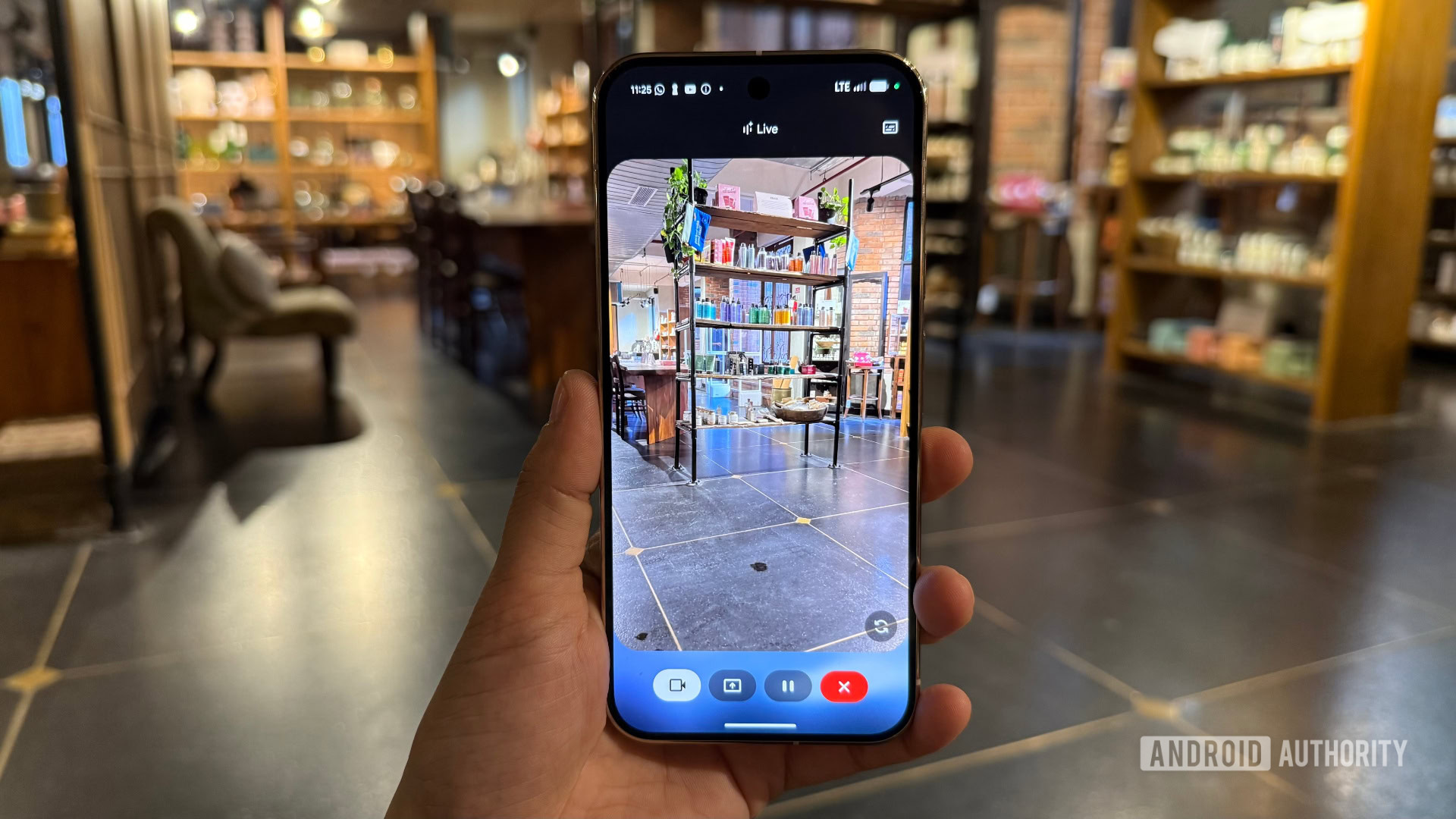
Apple is huffing and puffing to catch up, while Google is already playing with futuristic stuff. In Gemini Live, you can enable the camera so AI can literally see what you see and offer suggestions in real time. I mess around with it occasionally, but it left me impressed when it read my Punjabi handwriting with 70-80% accuracy when I was expecting it to not even pick out the language correctly. In another instance, a friend of mine used Gemini Live with the camera enabled to place his mesh routers for the best signal between units. That’s an utterly wild use case.
And that’s just the tip. Pixel 10 also packs (or will soon support) AI-assisted Add Me in camera, call screening, natural search in Google Photos, Pixel Studio, smart summaries, Magic Cue, Camera Coach — the list is endless. I am yet to start using them fully, so I can see how fun my coming year is going to be.
But Gemini isn’t perfect. Replacing Assistant with Gemini on my phone has been a tad rough. It’s slower occasionally, since it still relies on Assistant’s smart home know-how, and sometimes gets confused. For example, I named my AC for easy voice control, yet Gemini always asks me which AC I mean, while Assistant never had that issue.
And Google randomly killed off one of my favorite new features: creating YouTube Music playlists based on mood, artists, or random prompts. That felt like a true AI superpower — but one day, poof, it was gone. I still try it occasionally, hoping it’ll magically work again, but no luck so far.
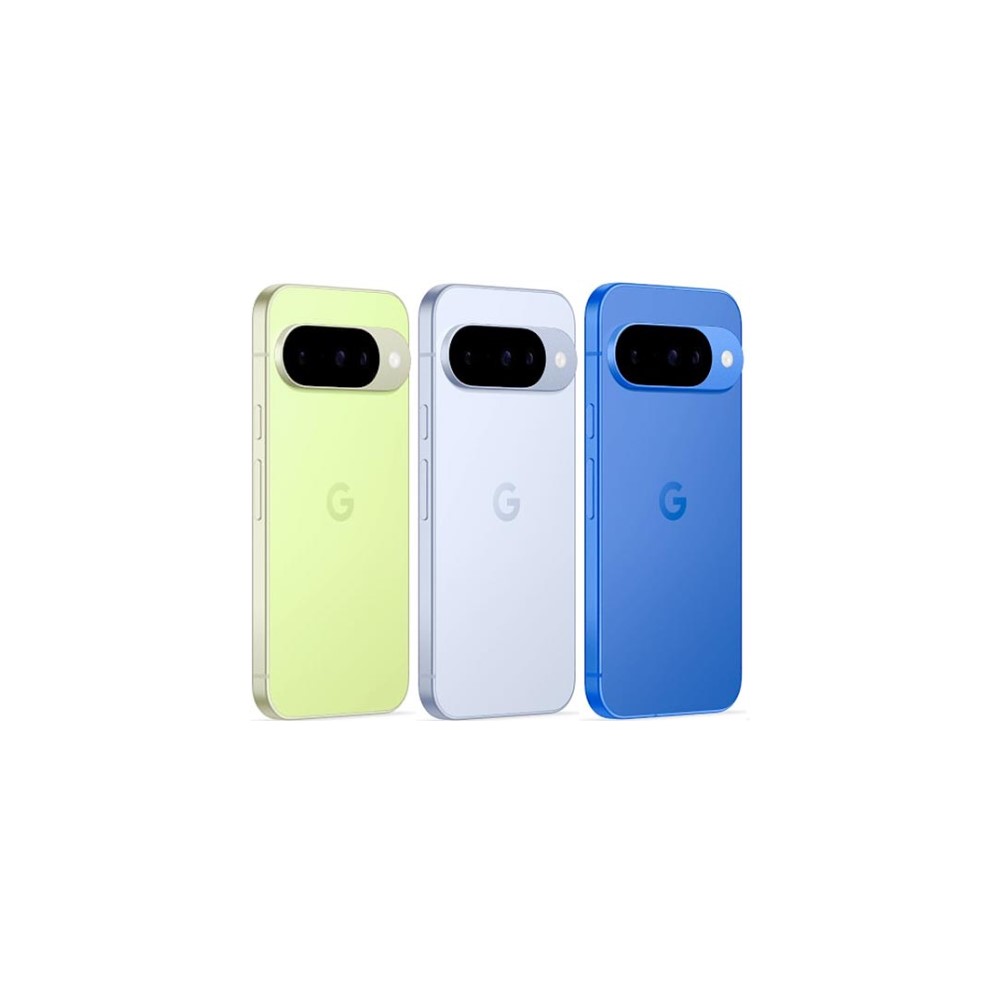
Google Pixel 10
New optical zoom camera
Long-term updates
Loaded with Google AI features
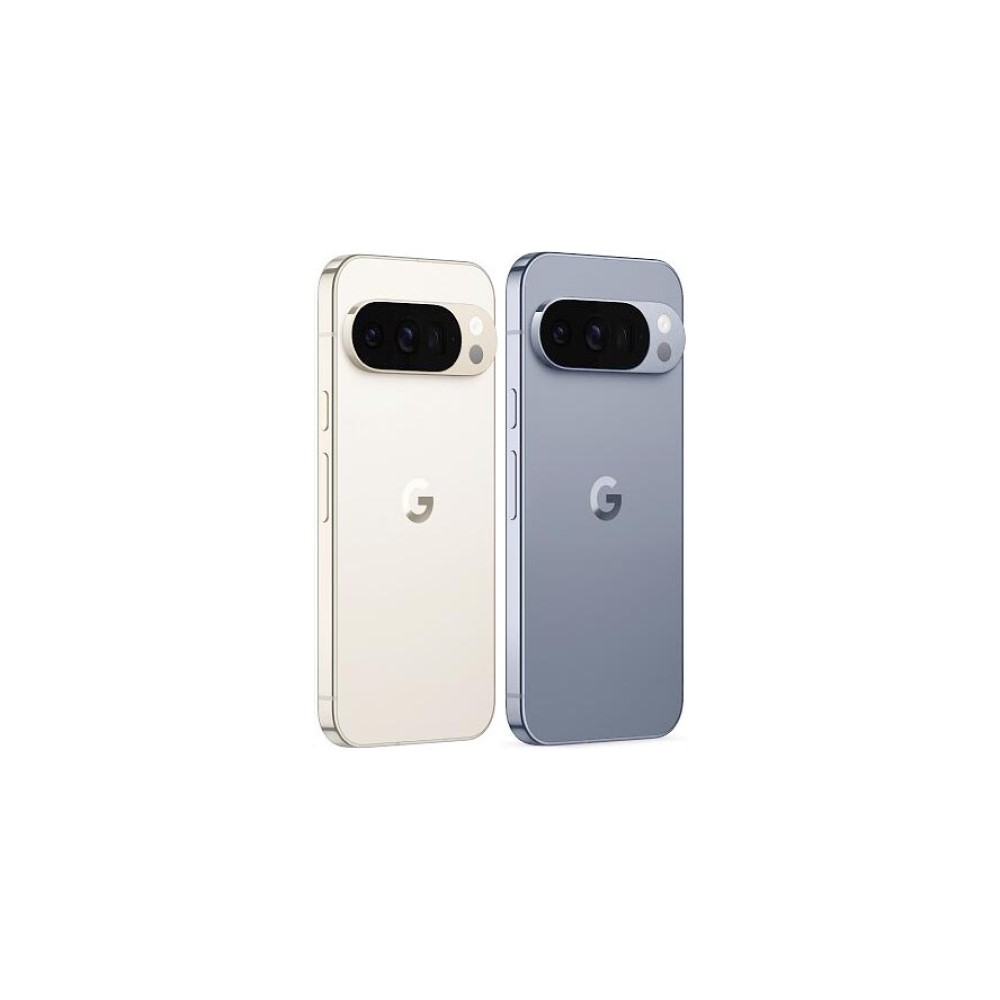
Google Pixel 10 Pro
Top-tier specs with small display
Excellent cameras
Powerful AI tools
Top-notch software
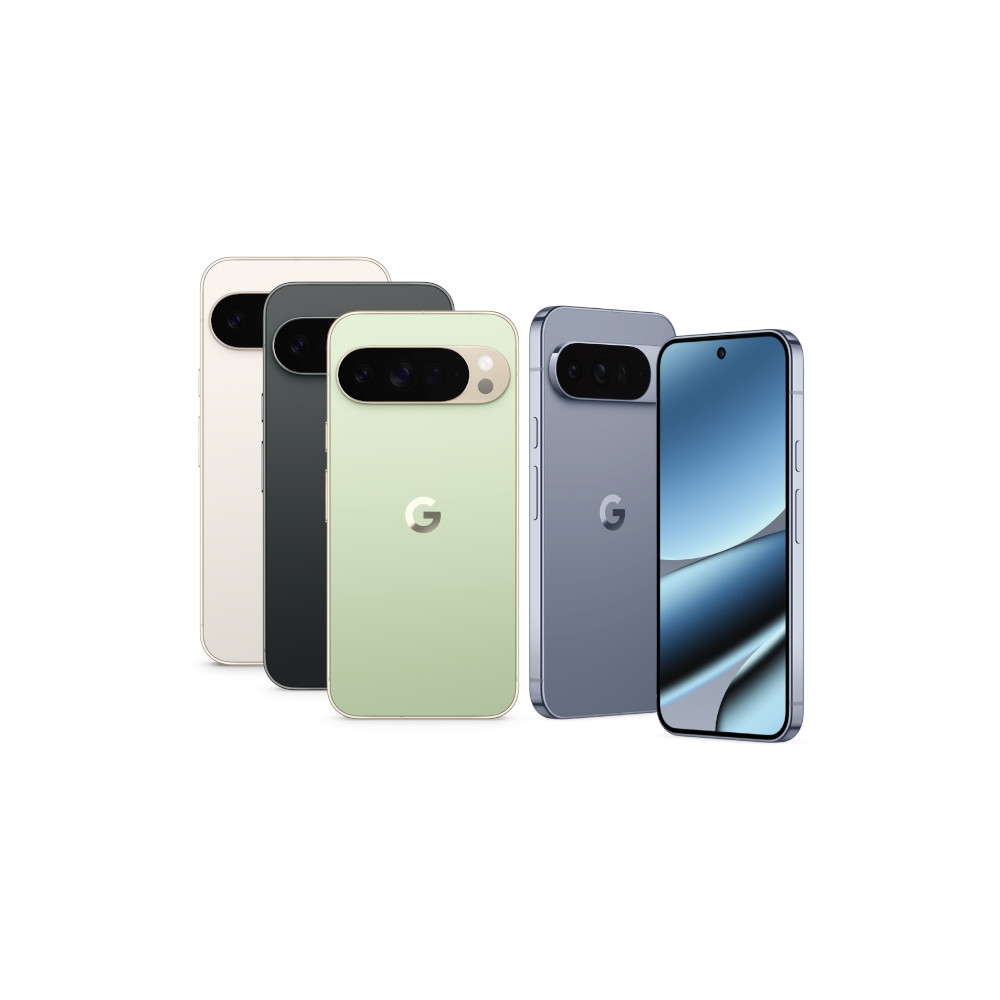
Google Pixel 10 Pro XL
Biggest non-folding Pixel phone
Best specs and AI features
Thank you for being part of our community. Read our Comment Policy before posting.