As always, many of this year’s best apps are ones you’ve probably never heard of.
Sure, there are some big names on this list, particularly in the buzzy field of artificial intelligence, but the real standouts of 2025 innovated on a smaller scale. They give you better ways to take notes or remember things, write with just your voice, have fun snapping photos, or even indulge in some gaming classics.
For this list, “apps” include desktop and mobile software, along with browser extensions and web tools. Some apps are entirely new, while others received transformative updates that make them worthy of a fresh look. Hopefully, you’ll discover something that quickly becomes a must-have.
Productivity
Raycast: Open Raycast with a keyboard shortcut, and you can quickly find files, search the web, access your clipboard history, paste frequently written text snippets, reposition your windows, look up emojis, ask AI questions, and more. It’s a Swiss Army knife of time-saving tools for power users, and it finally arrived on Windows and iOS this year to complement the long-running Mac version. ,Windows, Mac, iOS,
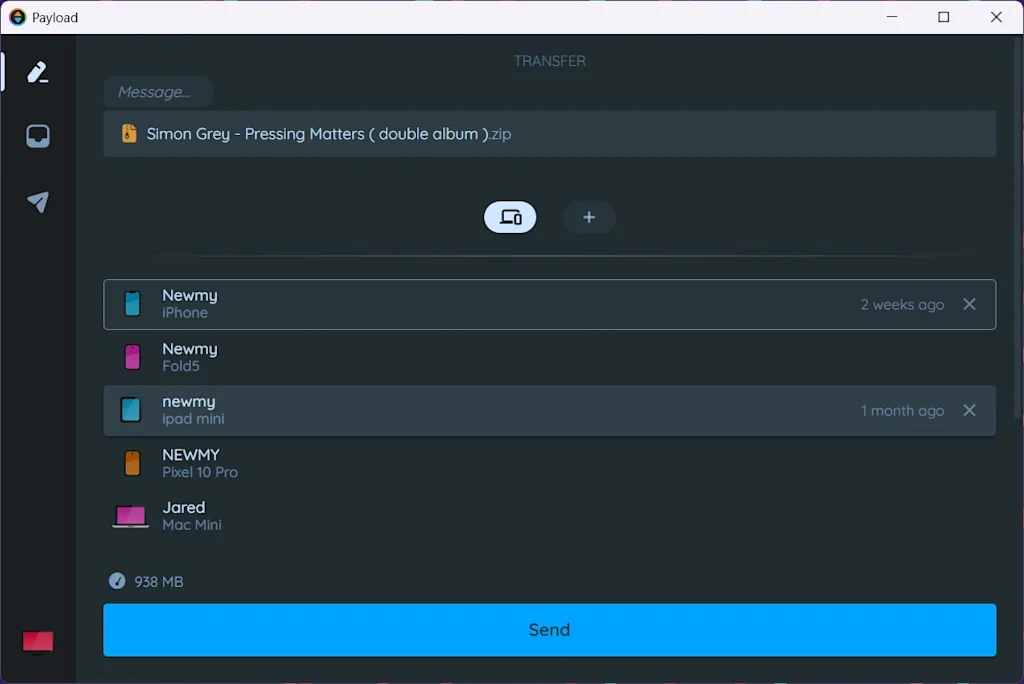
Payload: Cloud storage is great, but sometimes you need a faster way to send files to yourself. Payload checks your Wi-Fi network for any devices where its app is installed, then uses that connection to transfer files almost instantly, without ever leaving your local network. Previously desktop-only, Payload arrived on mobile devices this year and launched an optional online service for remote file sharing. ,Windows, Mac, Linux, iOS, Android,
Ghost Capture App: This free app streamlines the act of adding items to your to-do list. Just long-press the little ghost icon and say what you’re trying to accomplish, and it will create a task that syncs to either Apple Reminders or Google Tasks with no extra buttons to push. ,iOS,
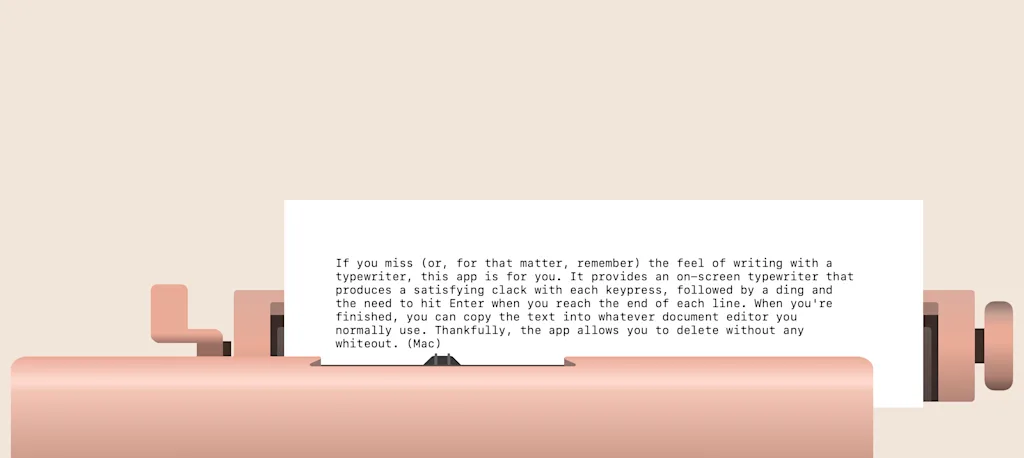
Monotype: Typewriter Simulator: If you miss ,or, for that matter, remember) the feel of writing with a typewriter, this app is for you. It provides an on-screen typewriter that produces a satisfying clack with each key press, followed by a ding and the need to hit Enter ,or, more appropriately, Return) at the end of each line. When you’re finished, you can copy the text into whatever document editor you normally use. Thankfully, the app allows you to delete without any Wite-Out. ,Mac,