WhatsApp has announced an update for the holiday season with nine changes focused on calls, states, AI or the most interesting: the new multimedia center in the computer version. We tell you all the news that is already coming to your devices.
New answering machine
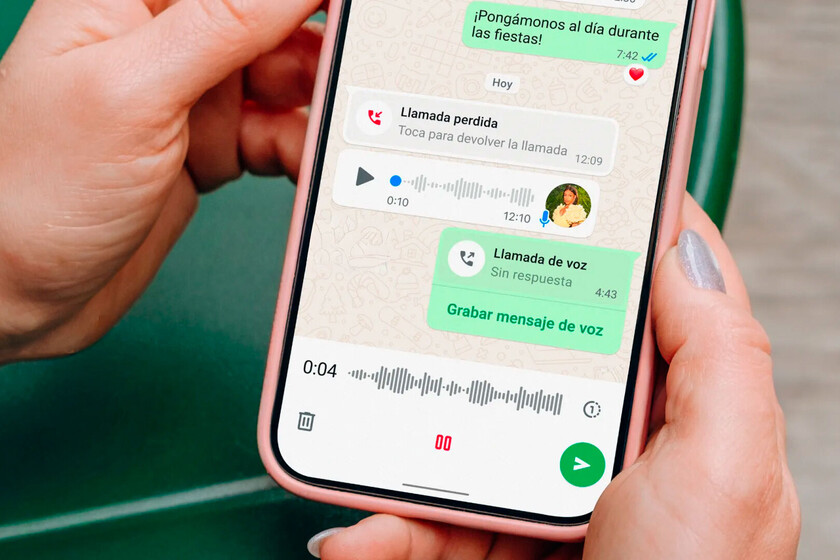
“Leave your message after the signal.” This is what the classic answering machine tells us when someone doesn’t pick up our call and WhatsApp has decided that it wants to have its own. The app already has voice and video calls, but it lacked the answering machine to have the complete telephone experience.
The novelty is called ‘Missed Call Messages’ and allows us to leave a message if we call someone and they don’t answer us, something quite typical especially during the holiday season.
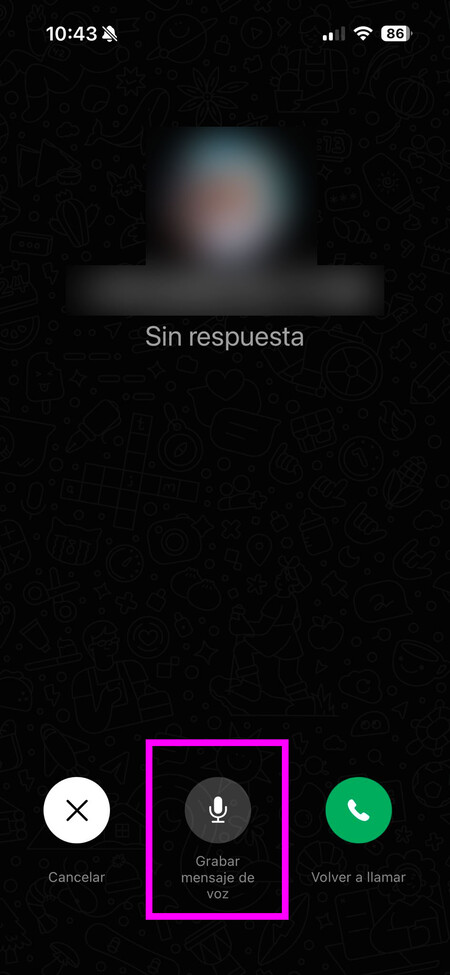
Now, when you make a call or video call and there is no response, a button will appear on the screen to record a video or audio messagedepending on whether it is a normal call or a video call.
Audio chats and group calls
A while ago a new button appeared in WhatsApp groups. What it does is that we can open audio chats between the members we select from the group. Pressing the button creates an audio room so you can discuss a specific topic without it ending up being an endless text conversation that others may not be interested in. The novelty that comes with this update is that now participants will be able to use reactions to intervene without interrupting the speaker.
Group video calls are also common during the holiday season and with this version comes a new feature that makes it easier to follow the conversation. When someone speaks, they will appear highlighted on the screen.

New multimedia center on your computer
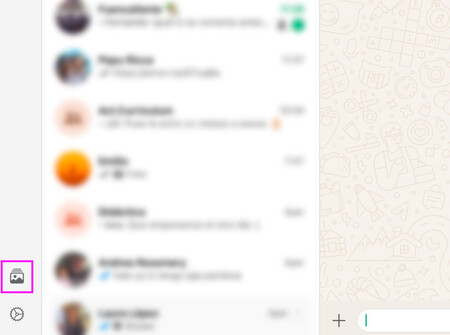
The new multimedia center icon.
The most interesting news comes to the version for the computer. Until now, if you wanted to search for an image you had to do it within the chat where it was shared, but with this update comes a single multimedia center for all photos, documents and links.
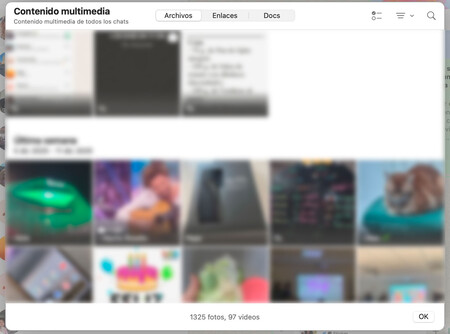
All photos, videos, links and documents in the same place.
It’s displayed with an image icon in the left sidebar, along with access to archived chats, restricted chats, and featured messages. All the documents, messages, images and videos that we have received in the last 14 days will appear there. Allows you to sort them according to age and size.
At the moment I have only been able to test this function on Mac, on Windows the app has not been updated.
Improvements to Meta AI
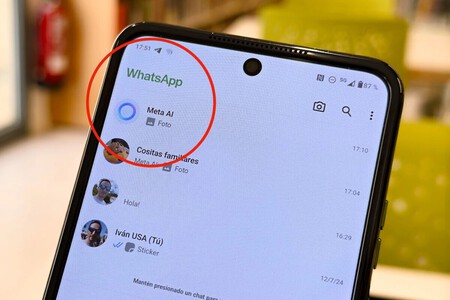
One of the capabilities of Meta AI, also known as “the blue WhatsApp circle”, is to be able to generate images with the prompt that we give it. You have updated the Midjourney and Flux models, so you should now create better quality images.
If you want to level up your Christmas greetings, now too you can ask him to convert them into an animation. After generating the image, just say “Animate it” and it will create a short video.
Other news
The update also brings other improvements such as the links we send will have a clearer preview, in addition to simplifying URLs that are too long. Also premieres new stickers within statesincluding song lyrics and Instagram-style questions. Finally, if you have a WhatsApp channel or participate in one, there is a new questions feature so administrators can interact with the audience.
To install the update on your mobile, open the App Store or Google Play (depending on whether you use iPhone or Android), search for WhatsApp and click on the ‘Update’ button.
Images | WorldOfSoftware, WhatsApp
In WorldOfSoftware | When Meta forced us to use its AI chatbot on WhatsApp, it did not have a detail: the European Commission