

By using this site, you agree to the Privacy Policy and Terms of Use.
Accept
World of SoftwareWorld of SoftwareWorld of Software
  • News
  • Software
  • Mobile
  • Computing
  • Gaming
  • Videos
  • More
    • Gadget
    • Web Stories
    • Trending
    • Press Release
Search
  • Privacy
  • Terms
  • Advertise
  • Contact
Copyright © All Rights Reserved. World of Software.
Reading: The NFC Reader On The Back Of Your Smartphone Isn’t Just For Tap-To-Pay – BGR
Share
Sign In
Notification Show More
Font ResizerAa
World of SoftwareWorld of Software
Font ResizerAa
  • Software
  • Mobile
  • Computing
  • Gadget
  • Gaming
  • Videos
Search
  • News
  • Software
  • Mobile
  • Computing
  • Gaming
  • Videos
  • More
    • Gadget
    • Web Stories
    • Trending
    • Press Release
Have an existing account? Sign In
Follow US
  • Privacy
  • Terms
  • Advertise
  • Contact
Copyright © All Rights Reserved. World of Software.
World of Software > News > The NFC Reader On The Back Of Your Smartphone Isn’t Just For Tap-To-Pay – BGR
News

The NFC Reader On The Back Of Your Smartphone Isn’t Just For Tap-To-Pay – BGR

News Room
Last updated: 2026/04/12 at 9:09 AM
News Room Published 12 April 2026
Share
The NFC Reader On The Back Of Your Smartphone Isn’t Just For Tap-To-Pay – BGR
SHARE


Fg Trade/Getty Images

We may receive a commission on purchases made from links.

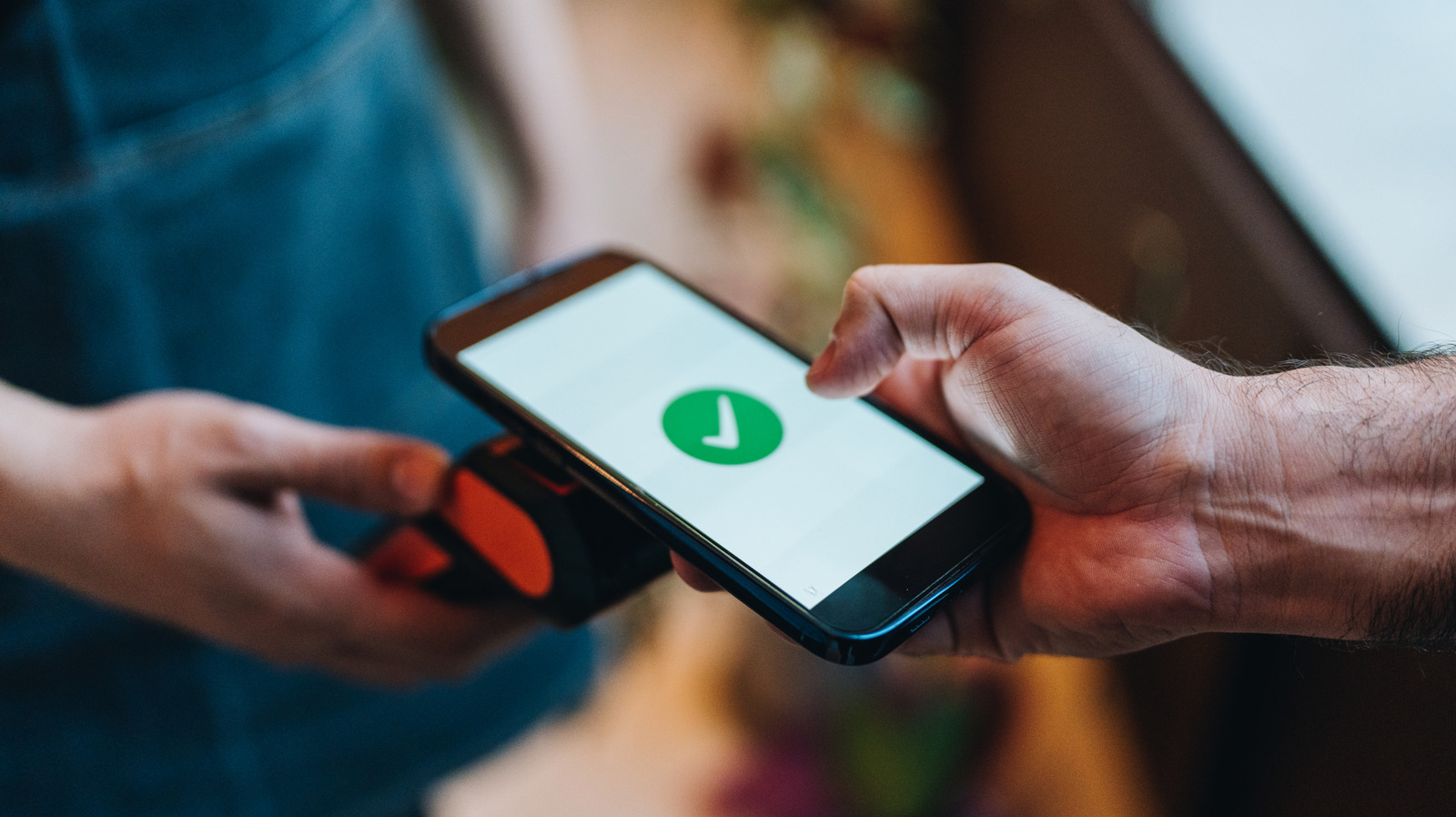
Near Field Communication (NFC) is a data-exchanging technology that enables wireless waves to be transmitted between two components: the active one, which is your device, the one sending the data, and a passive one, like an NFC sticker or a smart poster, all done via electromagnetic field induction. You’ll see this technology in action when you tap the back of your phone to a terminal to pay for something with a contactless payment method, like Apple Pay. It can also be used to enable and use digital transit passes, such as those for your local public transportation system.

The primary weakness of NFC, which is also why it’s typically considered a safer transmission approach, is that the wireless signal is relatively short. So you really need to be close (in touching distance) for it to work. Moreover, you can set a condition that scanning the tag only works by unlocking your phone via a “Require device unlock for NFC” option for additional security (this option is OEM dependent).

But if distance is a factor and you don’t have access to your phone, then you’re going to have trouble taking advantage of features like reading tags or sharing your Wi-Fi credentials through this feature. These are nifty features, but they’re not the only things the NFC reader embedded in your phone can do. It turns out there are three modes in which NFC operates: card emulation mode, reader and writer mode, and peer-to-peer mode.

NFC lets you share digital business cards and contact info on the fly
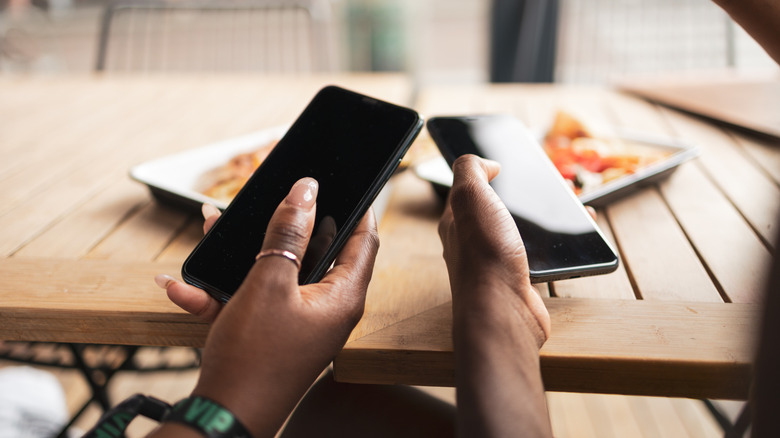

Two hands holding two mobile devices together in close proximity at a restaurant
Mstudioimages/Getty Images

Networking is the name of the game when you’re a freelancer; you simply don’t know who you’re going to bump into or what new project you’re going to find. And part of networking is exchanging contact information at events and conferences. Hence, you might be interested in creating a small profile on your phone that includes your name, number, portfolio link, and e-mail, then tying that to an NFC business card. Plus, you can update it dynamically if anything changes — which is especially useful if you decide to create a new email or swap your phone number.

To get started, make sure NFC is enabled on your device via the settings app. On Android phones, this can be found under Connections or Connected devices. If you’re on an iPhone, NFC should be enabled by default on modern devices (iPhone 6 or later). Next, prepare your digital card and connect it to a purchased NFC-supported card or tag — platforms like Blinq, Linktree, and Popl are popular and easy to use.

You can also use an NFC writer app to link the profile to a blank NFC card, though some services combine the two. Once you’ve linked everything together, you just need to bring that card to an event and be in close proximity to tap your card; devices with NFC enabled will see the sent contact info prompt, and the other person can choose to save it.

Use NFC tags for smart home automation
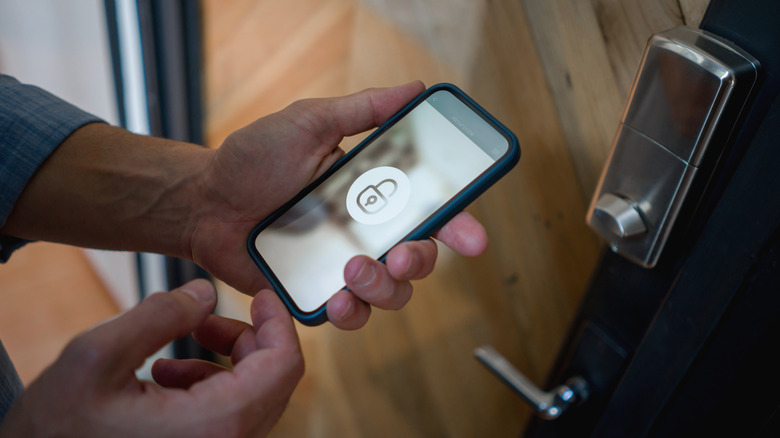

a person holding a phone with a lock symbol on it near a door lock
Andresr/Getty Images

Managing your valuable smart home automation system through a physical smart home hub can be a bit cumbersome. Though you don’t have to deal with all of it exclusively through an app or via voice commands if you don’t want to. Setting up NFC tags with SmartThings (you will need a third-party app to enable NFC) and Home Assistant can still be just as effective. For example, you can use NFC tags for smart locks. So, placing a phone near the NFC-tagged door can unlock it.

What you’re essentially doing is adding a passive tag near the lock, then using the phone to open the app that manages it to trigger the automation (disengage the lock). It does require some preparation, such as using something like the Tasker (Home Assistant app works too)/Shortcuts apps to set up the automation beforehand. Once it’s all set up, though, you just need to tap your phone against the tag at the door, and it completes everything based on its specified programming. This also allows you to bypass the need to use a central, physical smart home hub altogether.

This isn’t the only magic NFC tags can perform in home automation. They can also control smart lights, adjust the thermostat, or even your garage door. Tags open up a lot of potential; you just need to have the automations/customized conditions make sense with your routines and have your phone with you.

Sign Up For Daily Newsletter

Be keep up! Get the latest breaking news delivered straight to your inbox.
By signing up, you agree to our Terms of Use and acknowledge the data practices in our Privacy Policy. You may unsubscribe at any time.
Share This Article
Facebook Twitter Email Print
Share
What do you think?
Love0
Sad0
Happy0
Sleepy0
Angry0
Dead0
Wink0
Previous Article Qinglong, China’s first full-sized general-purpose humanoid robot · TechNode Qinglong, China’s first full-sized general-purpose humanoid robot · TechNode
Next Article iOS Event Handling Evolution: UIKit Responder Chain and SwiftUI Gestures | HackerNoon iOS Event Handling Evolution: UIKit Responder Chain and SwiftUI Gestures | HackerNoon
Leave a comment

Leave a Reply Cancel reply

Your email address will not be published. Required fields are marked *

Stay Connected

248.1k Like
69.1k Follow
134k Pin
54.3k Follow

Latest News

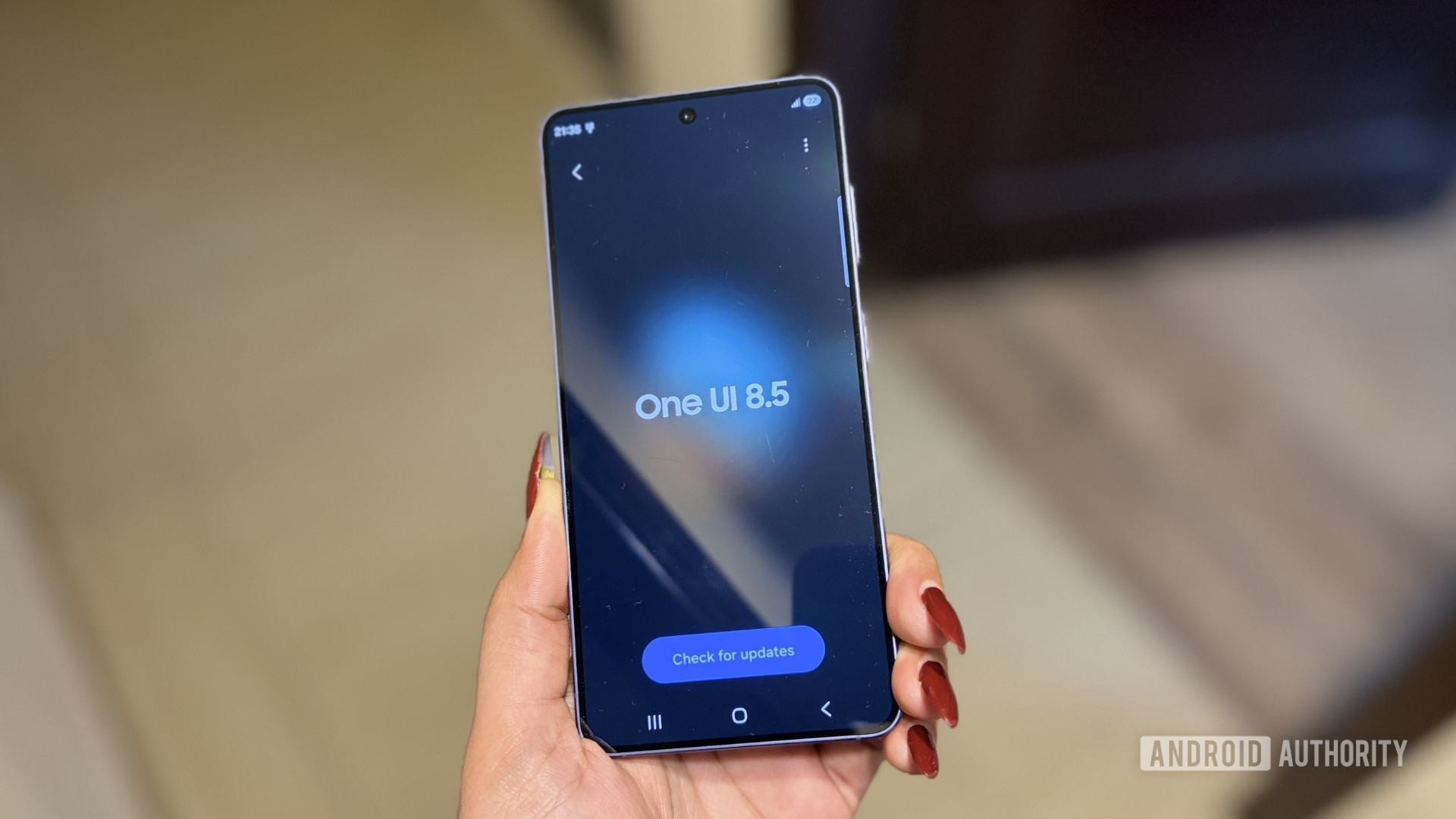
Samsung expands One UI 8.5 beta to much older flagships and budget phones
News
The TechBeat: Librarians vs “Data Cartels”: What’s Going On? (4/12/2026) | HackerNoon
Computing
China’s local governments consider purchasing Tesla cars for the first time: report · TechNode
Computing
‘Abhorrent’ step-incest porn to be banned with up to five years in prison
News

You Might also Like

Samsung expands One UI 8.5 beta to much older flagships and budget phones
News

Samsung expands One UI 8.5 beta to much older flagships and budget phones

2 Min Read
‘Abhorrent’ step-incest porn to be banned with up to five years in prison
News

‘Abhorrent’ step-incest porn to be banned with up to five years in prison

6 Min Read
Cisco buys Galileo to strengthen Splunk’s agentic monitoring capabilities –  News
News

Cisco buys Galileo to strengthen Splunk’s agentic monitoring capabilities – News

7 Min Read
Premier League Soccer 2026: Watch Chelsea vs. Man City Live
News

Premier League Soccer 2026: Watch Chelsea vs. Man City Live

7 Min Read
//

World of Software is your one-stop website for the latest tech news and updates, follow us now to get the news that matters to you.

Quick Link

  • Privacy Policy
  • Terms of use
  • Advertise
  • Contact

Topics

  • Computing
  • Software
  • Press Release
  • Trending

Sign Up for Our Newsletter

Subscribe to our newsletter to get our newest articles instantly!

World of SoftwareWorld of Software
Follow US
Copyright © All Rights Reserved. World of Software.
Welcome Back!

Sign in to your account

Lost your password?
