

By using this site, you agree to the Privacy Policy and Terms of Use.
Accept
World of SoftwareWorld of SoftwareWorld of Software
  • News
  • Software
  • Mobile
  • Computing
  • Gaming
  • Videos
  • More
    • Gadget
    • Web Stories
    • Trending
    • Press Release
Search
  • Privacy
  • Terms
  • Advertise
  • Contact
Copyright © All Rights Reserved. World of Software.
Reading: The one Kindle feature you should always turn off and why
Share
Sign In
Notification Show More
Font ResizerAa
World of SoftwareWorld of Software
Font ResizerAa
  • Software
  • Mobile
  • Computing
  • Gadget
  • Gaming
  • Videos
Search
  • News
  • Software
  • Mobile
  • Computing
  • Gaming
  • Videos
  • More
    • Gadget
    • Web Stories
    • Trending
    • Press Release
Have an existing account? Sign In
Follow US
  • Privacy
  • Terms
  • Advertise
  • Contact
Copyright © All Rights Reserved. World of Software.
World of Software > Gadget > The one Kindle feature you should always turn off and why
Gadget

The one Kindle feature you should always turn off and why

News Room
Last updated: 2026/01/31 at 3:07 PM
News Room Published 31 January 2026
Share
The one Kindle feature you should always turn off and why
SHARE

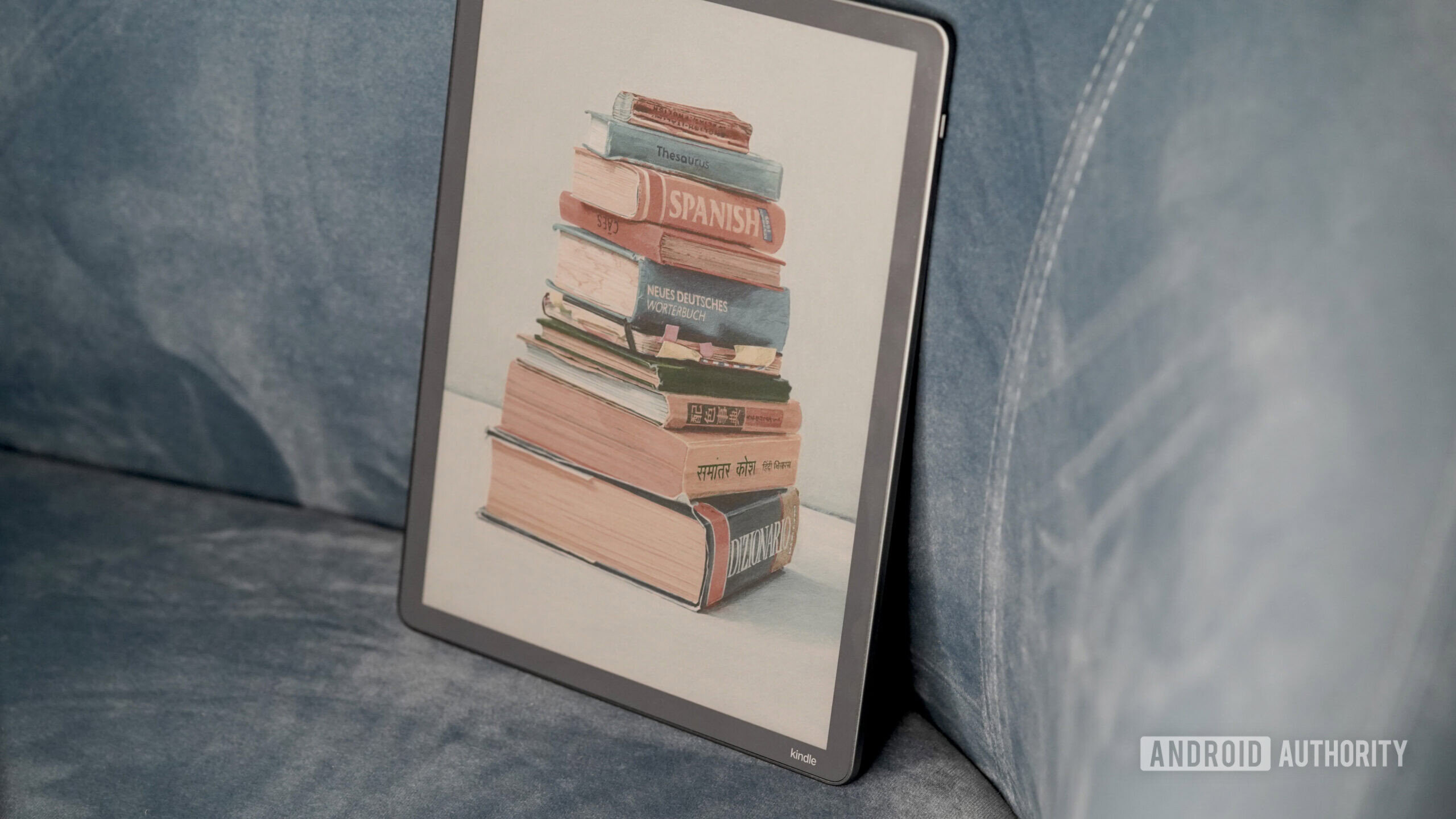
I’ve recently set up a new Kindle Scribe Colorsoft, which means it’s time for me to grumble once again about an ancient feature that still irks me: Popular Highlights. There’s a difference between deciding what matters in a book and having it pointed out for you. Popular Highlights is one of the more intrusive examples of the latter, and it’s the first setting I turn off every time I set up a new e-reader.

Do you like Kindle’s Popular Highlights feature?

468 votes

How Popular Highlights changes how you read

Kaitlyn Cimino /

Popular Highlights is pretty much exactly what it sounds like. The feature automatically tracks passages that Kindle readers have consistently highlighted. Once enough people mark the same section, Kindle underlines it for everyone, along with a count showing how many readers have done so. In theory, the idea is to draw attention to passages that resonate widely. For me, the underlines act more like distracting markups. Every time I come across one, I feel like I’ve bought a secondhand textbook someone went to town on with a highlighter.

Popular Highlights make my Kindle reads feel like pre-owned books.

I start giving extra weight to moments simply because other people flagged them first, a subtle slide into groupthink that can range from misplaced emphasis to outright spoilers. In fiction, especially, that shift can flatten pacing or straight up ruin a plot twist. In other words, they’re a lot like the first time I saw The Sixth Sense with my brother, who said, “Did you see he got shot and then they never showed the hospital?” immediately after the opening scene.

I may sound particular, but I’m not alone. Even after years of integration, Popular Highlights keeps surfacing as a point of discussion. A recent Reddit thread about the feature picked up renewed attention earlier this week, with many users focusing on how the feature subtly alters their reading experience.

Not all the complaints are about explicit spoilers, but those are the ones that strike a chord with me most. Others describe the annoyance of passages that feel pre-labeled as significant, along with a sense that the text is competing with metadata generated by people who already finished the book. Even when nothing is technically revealed, readers quip that they just don’t care to know what other people felt compelled to highlight. One user compared the tool to laugh tracks, while others joke about how some highlights are just bizarre.

They can pull readers out of the plot or, at times, even spoil it.

On the other hand, some Redditors like the feature for the very reason I find it intrusive. A few say they enjoy seeing what passages resonated with a larger audience, likening it to an imaginary book club. Some users also find Popular Highlights a useful shortcut to key ideas they might otherwise skip. Others are simply curious.

Don’t want to miss the best from ?

google preferred source badge light@2xgoogle preferred source badge dark@2x

Opting out

A Kindle Scribe Colorsoft dispalys the menu where users can enable or disable Popular Highlights.

Kaitlyn Cimino /

It is strange to me that Popular Highlights is an opt-out setting rather than an opt-in one. Many Kindle users don’t realize it’s a setting at all, assuming the underlines are part of the book’s formatting. To me, that covertly introduces a second layer of authorship, and that layer is muddy.

To turn off Popular Highlights

  • Open any book on your Kindle.
  • Tap the top of the screen and select the Aa menu.
  • Open the “More” tab.
  • Toggle Popular Highlights off. The exact wording can vary slightly by device or app version.

Popular Highlights isn’t inherently bad. As mentioned, there are plenty of people who find it intriguing to see what others have marked up. But to safeguard my reading habit (AKA escapism), I turn them off as soon as I power up for the first time. If the feature works for you, there’s no reason to disable it. If it doesn’t, turning it off restores your library to what most people expect when they open a brand-new book.

Thank you for being part of our community. Read our Comment Policy before posting.

Sign Up For Daily Newsletter

Be keep up! Get the latest breaking news delivered straight to your inbox.
By signing up, you agree to our Terms of Use and acknowledge the data practices in our Privacy Policy. You may unsubscribe at any time.
Share This Article
Facebook Twitter Email Print
Share
What do you think?
Love0
Sad0
Happy0
Sleepy0
Angry0
Dead0
Wink0
Previous Article Paradex Boosts $DIME Airdrop Allocation Ahead of Token Launch Paradex Boosts $DIME Airdrop Allocation Ahead of Token Launch
Next Article Epstein Files release: Microsoft permanently banned Jeffrey Epstein from Xbox Live Epstein Files release: Microsoft permanently banned Jeffrey Epstein from Xbox Live
Leave a comment

Leave a Reply Cancel reply

Your email address will not be published. Required fields are marked *

Stay Connected

248.1k Like
69.1k Follow
134k Pin
54.3k Follow

Latest News

Today's NYT Strands Hints, Answer and Help for Feb. 1 #700 – CNET
News
Online Apple Store makes buying a Mac more like buying an iPhone
News
Reolink Elite Floodlight WiFi Review: Outdoor Security With Bright Lights and a Panoramic View
News
This hyper-niche public transport app is my new obsession
Gadget

You Might also Like

This hyper-niche public transport app is my new obsession
Gadget

This hyper-niche public transport app is my new obsession

6 Min Read
Keep Your Hands Warm With These Toasty Touchscreen Gloves
Gadget

Keep Your Hands Warm With These Toasty Touchscreen Gloves

5 Min Read
Paradex Boosts $DIME Airdrop Allocation Ahead of Token Launch
Gadget

Paradex Boosts $DIME Airdrop Allocation Ahead of Token Launch

5 Min Read
How Smart Cafes Are Using Second-Hand Commercial Fridges to Stay Profitable in 2026
Gadget

How Smart Cafes Are Using Second-Hand Commercial Fridges to Stay Profitable in 2026

6 Min Read
//

World of Software is your one-stop website for the latest tech news and updates, follow us now to get the news that matters to you.

Quick Link

  • Privacy Policy
  • Terms of use
  • Advertise
  • Contact

Topics

  • Computing
  • Software
  • Press Release
  • Trending

Sign Up for Our Newsletter

Subscribe to our newsletter to get our newest articles instantly!

World of SoftwareWorld of Software
Follow US
Copyright © All Rights Reserved. World of Software.
Welcome Back!

Sign in to your account

Lost your password?