Kaitlyn Cimino / Android Authority
I’ve reviewed enough e-readers to know that most of the hacks floating around are either painfully obvious or so niche they only matter if you’re already deep in the weeds. Every so often, though, a tip pops up that’s unreasonably useful. Setting a custom screensaver is exactly the kind of trick my deeply introverted personality loves to see.
Do you use custom screensavers on your e-reader?
0 votes
A small annoyance with big visibility

Kaitlyn Cimino / Android Authority
If you’ve ever closed your Kobo in public and regretted that the title of your book is put on full display, you already understand the appeal. By default, Kobo e-readers show the cover of the most recently opened book as the sleep screen. It’s fine most of the time, but it can get awkward fast if that book isn’t something you necessarily want to broadcast.
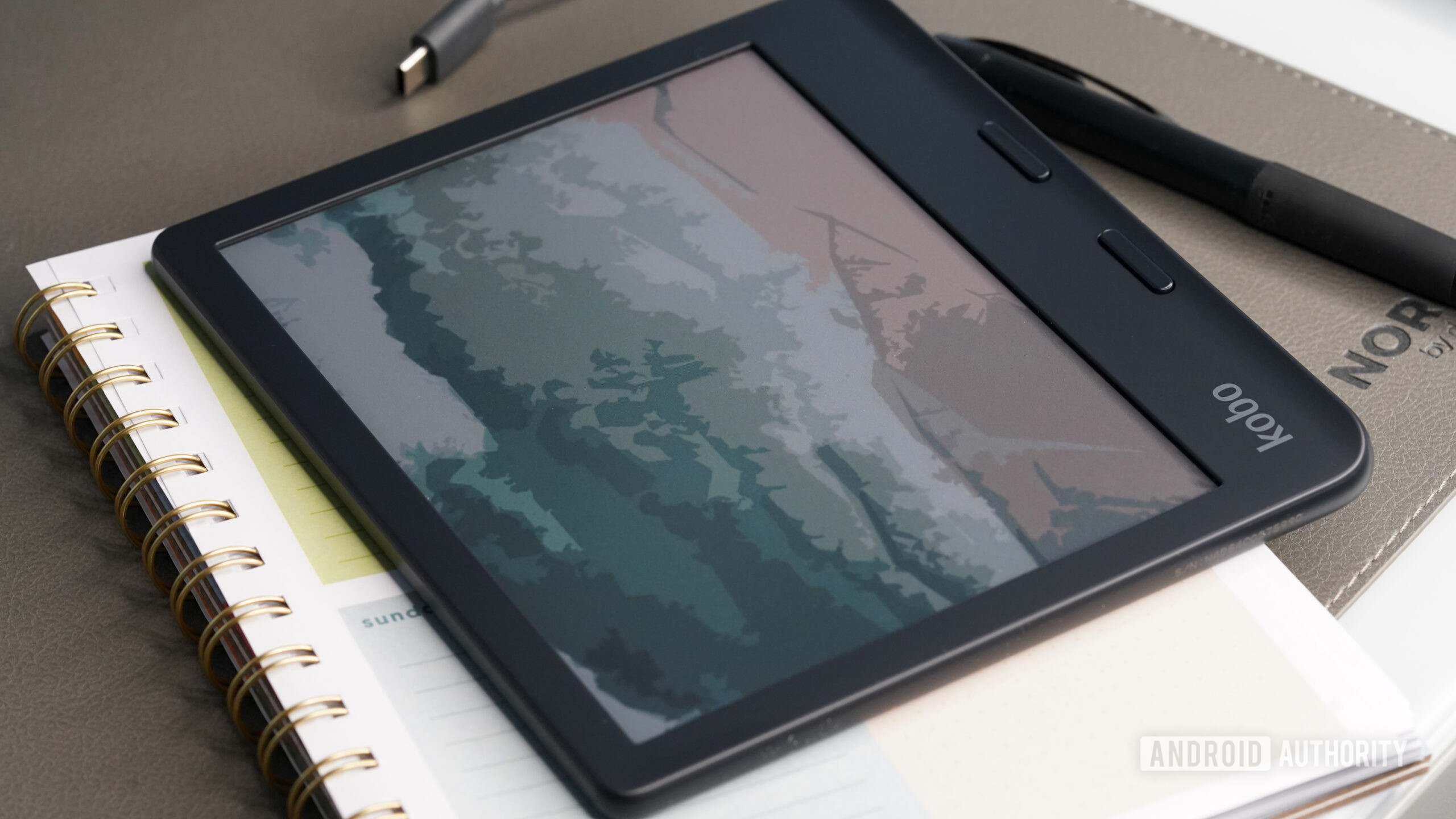
If you’ve ever regretted your book title being on full display, you’ll understand the appeal.
Fortunately, you can replace the auto-feature with a custom screen, and doing so doesn’t require jailbreaking or third-party software. You simply upload an image to a specific folder, toggle some settings, and get yourself a little more privacy.
How to set a custom screensaver on your Kobo

Kaitlyn Cimino / Android Authority
- Plug your Kobo into a PC or Mac using a USB-C cable and tap Connect on the device.
- On your computer, open the Kobo’s storage, likely labeled KOBOeReader, and locate the .kobo folder. Inside, create a new folder and name it screensaver in all lowercase letters.
- Drop one or more images into the screensaver folder.
- Use a high-resolution portrait image and let Kobo handle scaling.
- Add multiple images to create a rotating gallery.
- Eject the device from your computer, then unplug it.
- On your Kobo, go to Settings > Energy saving and privacy and toggle on Show book covers full screen.
Notably, I used a Mac to install my screensavers and .Kobo was a hidden folder. I used Command + Shift + . (period) to make it visible. Some users have also reported needing to play around with their e-reader’s settings, and in some cases, toggling Show book covers full screen off instead of on reportedly works.
Why it’s worth the (minimal) effort

Kaitlyn Cimino / Android Authority
I’m usually obsessive about screensavers. My phone and tablet are carefully personalized down to lock screen widgets and background images. But my e-reader is one device I’ve left completely untouched. And yet, the static image is what people see most often, whether the reader is sitting on a coffee table or resting on an airplane tray.
A custom screensaver adds privacy and personalizationt to your Kobo e-reader.
I’m not out here reading anything wildly outlandish, but years of being roasted by a college roommate for my Eragon phase clearly left a mark. Some content consumption habits never fully recover. I wouldn’t call this a must-do hack for every Kobo owner, but I get why it’s a popular Reddit discussion point, and now that I’ve tried it, I don’t see myself going back.
Not everyone is using the trick purely for discretion, either. Some Redditors treat custom screensavers as an opportunity to mess with onlookers, uploading comically offensive or wildly misleading fake book covers. The hack is the same, just deployed in pursuit of a little more chaos.
Don’t want to miss the best from Android Authority?


Thank you for being part of our community. Read our Comment Policy before posting.