By using this site, you agree to the Privacy Policy and Terms of Use.
Accept
World of SoftwareWorld of SoftwareWorld of Software
  • News
  • Software
  • Mobile
  • Computing
  • Gaming
  • Videos
  • More
    • Gadget
    • Web Stories
    • Trending
    • Press Release
Search
  • Privacy
  • Terms
  • Advertise
  • Contact
Copyright © All Rights Reserved. World of Software.
Reading: What Electronics Need To Be Scanned At TSA Security? – BGR
Share
Sign In
Notification Show More
Font ResizerAa
World of SoftwareWorld of Software
Font ResizerAa
  • Software
  • Mobile
  • Computing
  • Gadget
  • Gaming
  • Videos
Search
  • News
  • Software
  • Mobile
  • Computing
  • Gaming
  • Videos
  • More
    • Gadget
    • Web Stories
    • Trending
    • Press Release
Have an existing account? Sign In
Follow US
  • Privacy
  • Terms
  • Advertise
  • Contact
Copyright © All Rights Reserved. World of Software.
World of Software > News > What Electronics Need To Be Scanned At TSA Security? – BGR
News

What Electronics Need To Be Scanned At TSA Security? – BGR

News Room
Last updated: 2025/10/18 at 8:08 PM
News Room Published 18 October 2025
Share
What Electronics Need To Be Scanned At TSA Security? – BGR
SHARE


Frame Stock Footage/Shutterstock

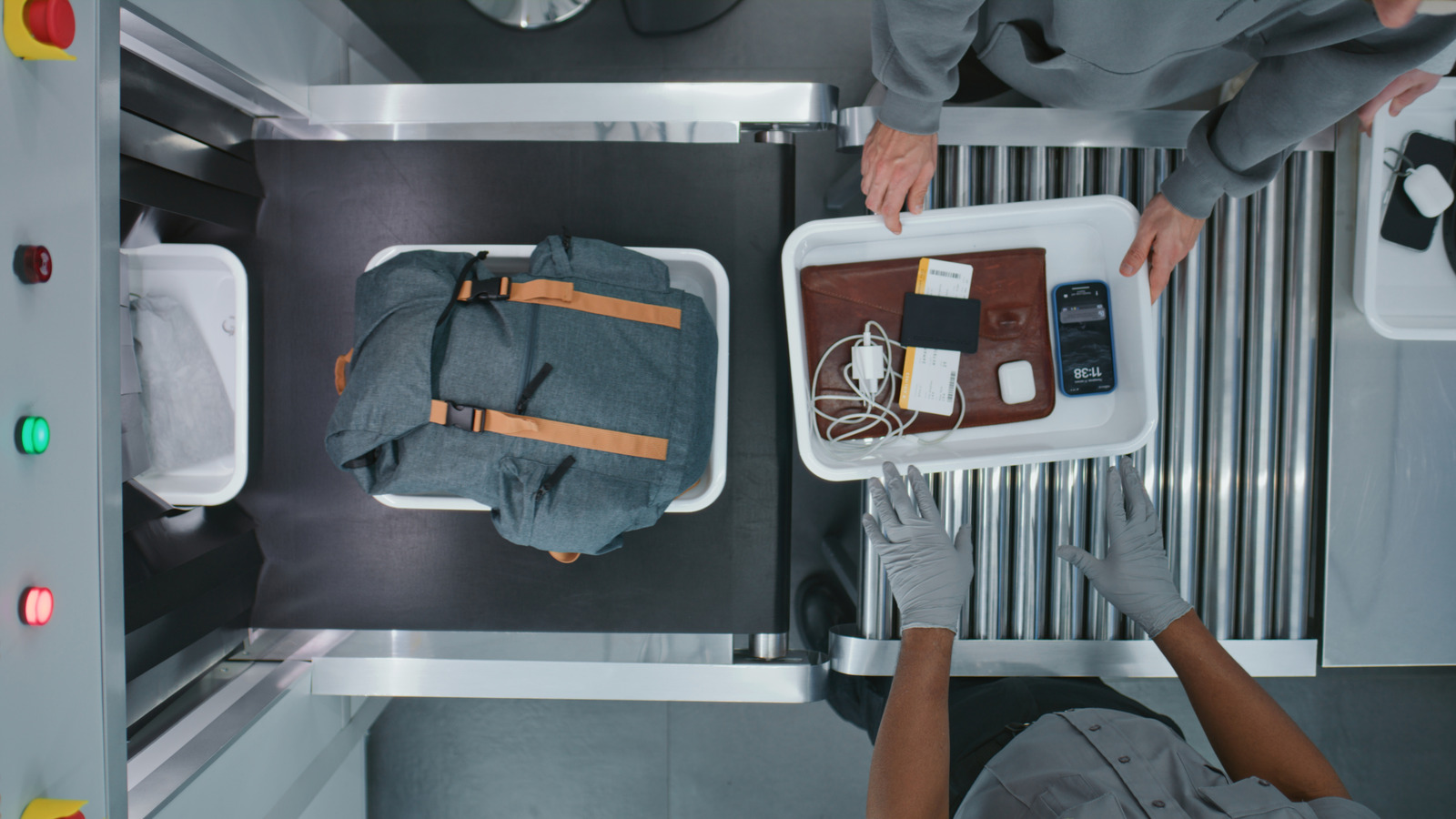
Ah, yes, the infamous TSA security checkpoint process where you have to remove most, if not all, electronics from your bag, take off shoes, your belt, any metal or jewelry, hats, you know the drill. Except, things are changing. Recently, the TSA actually dropped the shoe removal rule for domestic airport travelers. Moreover, a few policies have also changed in the interest of brevity, including TSA electronics rules specifically. But other than noting which devices you can and can’t bring, among other things, it’s also helpful to know how you have to engage at checkpoints. Sure, you don’t have to remove your shoes anymore, but what electronics do actually need to be scanned at TSA security out of your bag?

As a general guideline, the TSA will usually tell you anything larger than a smartphone needs to be removed from your bag and put into a bin, with the largest devices like laptops going in their own separate bins. But also, that’s more of an unofficial rule, which means it’s at every agent’s discretion and they can still ask you to remove certain items. Retro handhelds are usually about the size of a smartphone, you may have to remove those, certainly a Steam Deck or Nintendo Switch. Cameras can usually stay in the bag, but may need to be removed when in their own case or if they’re extra large. 

Laptops and tablets always need to come out. Large charging bricks or power banks may need to be removed. Portable drones and sometimes accessories may need to be removed. Even electronics-based toys may need to be scanned separately if kids are tagging along. Curious minds might inquire why these electronics need to come out of their homely bags and receive exclusive scans. That requires a brief, yet separate explanation.

Why do you have to remove large electronics for scanning?
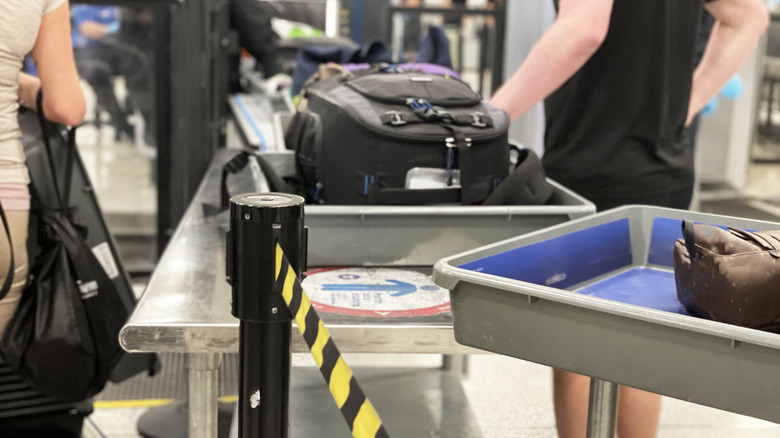

Luggage and bags going through TSA security scans.
Salameh Dibaei/Getty Images

Did you know that you can bring robot vacuums on a flight? It’s true, you can find them in the complete list of allowable items, which is wild. Also, toy robots, toy guns and weapons, small televisions, speakers, and solar panels if you check with airlines first, but no rocket launchers, unfortunately. Other electronics the TSA bans from carry-ons include stun guns and tasers, hair straighteners and curling irons, and power tools. Yes, fellow geeks, TSA lets you bring video game consoles in your carry-on. Many of these devices still need to be removed from your bag and put into a bin while passing through security checkpoints, namely for separate scanning. That’s because dense electronic components like batteries, metal circuitry, and the internal hardware can block viewpoints while scanning. In other words, if your laptop is in the very back of a bag and the machine is scanning from the back inwards it can block the view of other items in there, making it difficult for agents to thoroughly check belongings.

Moreover, large items are visually inspected for tampering to ensure they’re not disguised — like, and bad analogy here, a bomb or IED built into a phone or tablet. While not always true, modified electronics can be a sign that something is awry. Some airports utilize new 3D scanning technologies that work better with items outside of bags, too. That also explains why you have to put large items in a separate bin and why you’re directed not to put other things on top or obscure views. The agents and the machines need a clear view of everything in the bin, including what’s inside the devices. The good news is as the scanning technologies get better, these rules may change.


Sign Up For Daily Newsletter

Be keep up! Get the latest breaking news delivered straight to your inbox.
By signing up, you agree to our Terms of Use and acknowledge the data practices in our Privacy Policy. You may unsubscribe at any time.
Share This Article
Facebook Twitter Email Print
Share
What do you think?
Love0
Sad0
Happy0
Sleepy0
Angry0
Dead0
Wink0
Previous Article The Tudor Black Bay Chrono gets a tortoiseshell dial for the United States GP | Stuff The Tudor Black Bay Chrono gets a tortoiseshell dial for the United States GP | Stuff
Next Article iOS 26.1 to iOS 26.4 Will Add These New Features to Your iPhone iOS 26.1 to iOS 26.4 Will Add These New Features to Your iPhone
Leave a comment

Leave a Reply Cancel reply

Your email address will not be published. Required fields are marked *

Stay Connected

248.1k Like
69.1k Follow
134k Pin
54.3k Follow

Latest News

Waymo robotaxis froze during the San Francisco blackout, exposing a new failure mode
News
AI Is Breaking the Labor Market – Here’s What Comes Next
News
The 10 most notable technology trends for the IT sector in 2026
Mobile
unSunswNSvngnfBssWs
News

You Might also Like

Waymo robotaxis froze during the San Francisco blackout, exposing a new failure mode
News

Waymo robotaxis froze during the San Francisco blackout, exposing a new failure mode

4 Min Read
AI Is Breaking the Labor Market – Here’s What Comes Next
News

AI Is Breaking the Labor Market – Here’s What Comes Next

13 Min Read

unSunswNSvngnfBssWs

0 Min Read
Why Are Cars Getting Rid Of Android Auto? – BGR
News

Why Are Cars Getting Rid Of Android Auto? – BGR

4 Min Read
//

World of Software is your one-stop website for the latest tech news and updates, follow us now to get the news that matters to you.

Quick Link

  • Privacy Policy
  • Terms of use
  • Advertise
  • Contact

Topics

  • Computing
  • Software
  • Press Release
  • Trending

Sign Up for Our Newsletter

Subscribe to our newsletter to get our newest articles instantly!

World of SoftwareWorld of Software
Follow US
Copyright © All Rights Reserved. World of Software.
Welcome Back!

Sign in to your account

Lost your password?