By using this site, you agree to the Privacy Policy and Terms of Use.
Accept
World of SoftwareWorld of SoftwareWorld of Software
  • News
  • Software
  • Mobile
  • Computing
  • Gaming
  • Videos
  • More
    • Gadget
    • Web Stories
    • Trending
    • Press Release
Search
  • Privacy
  • Terms
  • Advertise
  • Contact
Copyright © All Rights Reserved. World of Software.
Reading: What Happens If Your Smart Thermostat’s Battery Dies? – BGR
Share
Sign In
Notification Show More
Font ResizerAa
World of SoftwareWorld of Software
Font ResizerAa
  • Software
  • Mobile
  • Computing
  • Gadget
  • Gaming
  • Videos
Search
  • News
  • Software
  • Mobile
  • Computing
  • Gaming
  • Videos
  • More
    • Gadget
    • Web Stories
    • Trending
    • Press Release
Have an existing account? Sign In
Follow US
  • Privacy
  • Terms
  • Advertise
  • Contact
Copyright © All Rights Reserved. World of Software.
World of Software > News > What Happens If Your Smart Thermostat’s Battery Dies? – BGR
News

What Happens If Your Smart Thermostat’s Battery Dies? – BGR

News Room
Last updated: 2026/03/02 at 1:22 AM
News Room Published 2 March 2026
Share
What Happens If Your Smart Thermostat’s Battery Dies? – BGR
SHARE


Monkey Business Images/Shutterstock

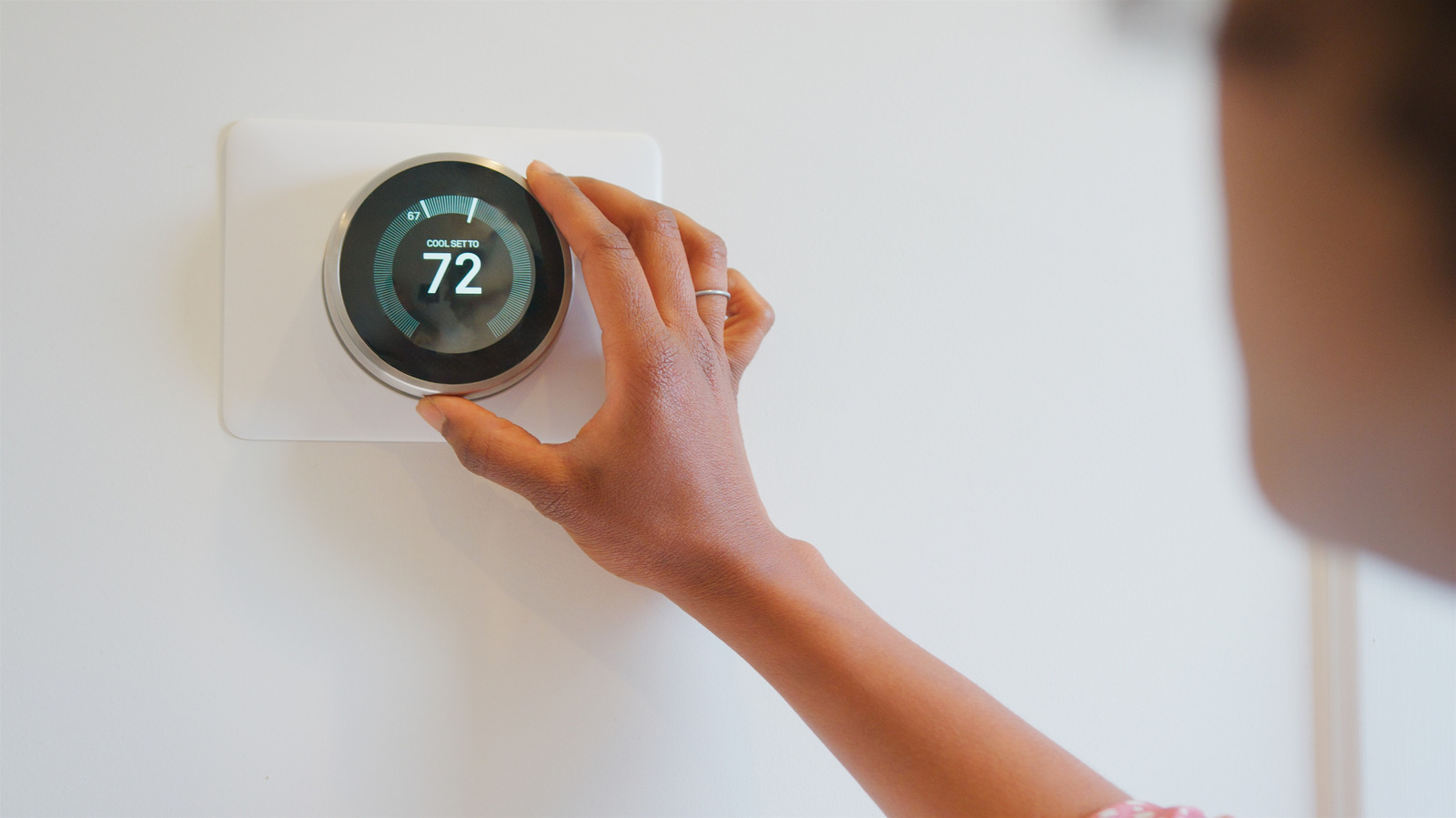
Some smart thermostats actually have a built-in battery that’s meant to complement the hard-wiring, delivering power to the unit. Not everyone knows that, but it’s true. Devices like the Google Nest Thermostat may even display a low-battery warning, which could leave users scratching their heads if they weren’t aware of this. In the Nest thermostat, specifically, you cannot change those batteries; instead, you’re supposed to charge the device using a USB cable.

But what about older or alternate brand thermostats? How do you change those batteries or handle a low-power indicator? It varies from thermostat type to type, as some do include interchangeable and disposable batteries while others don’t. What you should know, however, is that the backup batteries are meant to act as an extra power source even when your home’s power is steady and available. That battery powers the thermostat’s internals, particularly the control board that’s used to tell the heating or cooling system what to do. If the battery dies, even if there’s still power, there’s a chance the device may not communicate properly with the HVAC system, in which case, it won’t work as intended.

Sometimes, a thermostat may seem to be working fine with a screen that powers on, but realistically, it’s failing to maintain the correct temperatures or activate the auto climate controls as programmed. You might be able to use the basic features of a Google Nest thermostat without internet, but without power, that’s a different story. The batteries ensure there’s enough voltage for the internals at all times. Batteries should last for roughly eight months to a year of continuous use, and you should be changing them regularly, along with other maintenance tasks, like replacing air filters.

Why does the battery even matter in select units?
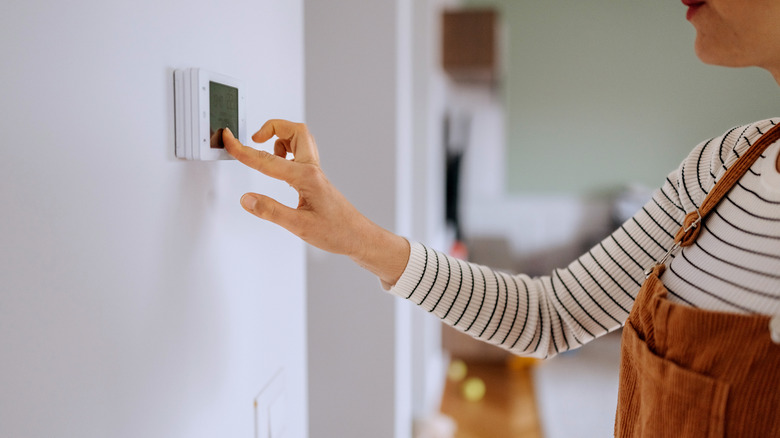

Woman interacting with a digital thermostat on the wall.
Pekic/Getty Images

The first thing to note is that not all smart thermostats or Wi-Fi thermostats have batteries. There are some systems that use what’s known as a C-wire or common wire, drawing their power from your home’s main circuit breaker. In homes that lack the C-wire, battery-operated thermostats are necessary. But for some systems, they’re always necessary — the Google Nest Thermostat is a great example. Frankly, there are a lot of major and relevant smart thermostats available, each with its own configurations.

Those batteries, in the units where they exist, provide necessary power to the internal components like the control board, but also help to save programmed settings and may keep the thermostat itself operational during power outages. For something like a smart thermostat where energy savings and smart operations are programmed — it’s how they help you save money on energy bills — the batteries can certainly power the adaptive learning and keep the system memory working as intended. So, the short and simple answer is that yes, the batteries matter, regardless of whether the thermostat is connected to a main power source, and you want to keep the batteries swapped in and charged whenever applicable.




Sign Up For Daily Newsletter

Be keep up! Get the latest breaking news delivered straight to your inbox.
By signing up, you agree to our Terms of Use and acknowledge the data practices in our Privacy Policy. You may unsubscribe at any time.
Share This Article
Facebook Twitter Email Print
Share
What do you think?
Love0
Sad0
Happy0
Sleepy0
Angry0
Dead0
Wink0
Previous Article iPad Pro with vapor chamber cooling will wait until early 2027 iPad Pro with vapor chamber cooling will wait until early 2027
Next Article Samsung announces S26, S26 Plus, and S26 Ultra AI smartphones Samsung announces S26, S26 Plus, and S26 Ultra AI smartphones
Leave a comment

Leave a Reply Cancel reply

Your email address will not be published. Required fields are marked *

Stay Connected

248.1k Like
69.1k Follow
134k Pin
54.3k Follow

Latest News

Star Wars Actress Daisy Ridley Led A Zombie Movie That Deserves More Fans – BGR
News
Blender iPad App Development Halted as Android Tablets Get Priority
News
Vivo’s next phone will launch with a professional camera rig
News
23 Nigerian states budget .15 million for tech in 2026
23 Nigerian states budget $97.15 million for tech in 2026
Computing

You Might also Like

Star Wars Actress Daisy Ridley Led A Zombie Movie That Deserves More Fans – BGR
News

Star Wars Actress Daisy Ridley Led A Zombie Movie That Deserves More Fans – BGR

5 Min Read
Blender iPad App Development Halted as Android Tablets Get Priority
News

Blender iPad App Development Halted as Android Tablets Get Priority

3 Min Read
Vivo’s next phone will launch with a professional camera rig
News

Vivo’s next phone will launch with a professional camera rig

3 Min Read
This ridiculous Ultra phone is officially going global with crazy camera add-ons
News

This ridiculous Ultra phone is officially going global with crazy camera add-ons

3 Min Read
//

World of Software is your one-stop website for the latest tech news and updates, follow us now to get the news that matters to you.

Quick Link

  • Privacy Policy
  • Terms of use
  • Advertise
  • Contact

Topics

  • Computing
  • Software
  • Press Release
  • Trending

Sign Up for Our Newsletter

Subscribe to our newsletter to get our newest articles instantly!

World of SoftwareWorld of Software
Follow US
Copyright © All Rights Reserved. World of Software.
Welcome Back!

Sign in to your account

Lost your password?