

By using this site, you agree to the Privacy Policy and Terms of Use.
Accept
World of SoftwareWorld of SoftwareWorld of Software
  • News
  • Software
  • Mobile
  • Computing
  • Gaming
  • Videos
  • More
    • Gadget
    • Web Stories
    • Trending
    • Press Release
Search
  • Privacy
  • Terms
  • Advertise
  • Contact
Copyright © All Rights Reserved. World of Software.
Reading: What Happens To Your TV When You Don’t Update It – BGR
Share
Sign In
Notification Show More
Font ResizerAa
World of SoftwareWorld of Software
Font ResizerAa
  • Software
  • Mobile
  • Computing
  • Gadget
  • Gaming
  • Videos
Search
  • News
  • Software
  • Mobile
  • Computing
  • Gaming
  • Videos
  • More
    • Gadget
    • Web Stories
    • Trending
    • Press Release
Have an existing account? Sign In
Follow US
  • Privacy
  • Terms
  • Advertise
  • Contact
Copyright © All Rights Reserved. World of Software.
World of Software > News > What Happens To Your TV When You Don’t Update It – BGR
News

What Happens To Your TV When You Don’t Update It – BGR

News Room
Last updated: 2026/02/15 at 4:22 AM
News Room Published 15 February 2026
Share
What Happens To Your TV When You Don’t Update It – BGR
SHARE


José Adorno/BGR

Just like your smartphone, tablet, or computer, your TV also needs software updates. While they’re not as regular as with other tech devices, they do exist and can be important for ensuring you have the latest technologies, app compatibility, and even improved security features. Still, if you don’t update your display by the time a new update is available, you don’t need to worry.

After all, updating your TV can lead to other issues, as many users have reported over the years, such as deteriorated image quality, poor Wi-Fi connectivity, and even getting an unusual bug that will disrupt your usual experience. While an update can go sideways with any device, factory resetting your TV or returning to a previous firmware update can be tricky, if not impossible.

There are arguments for always updating your TV’s software or leaving it the way it is. Fortunately, in this article, you’ll better understand when it’s a great option to update your television and when the best you can do is to leave it the way it has always been.

Practical perks of updating your TV

TV set with mountain landscape on screen in room
New Africa/Shutterstock

Updating your smart TV can come with important features. For example, Samsung has added new functions to its TVs, such as support for HDR10+ on compatible QLED and NeoQLED TVs, the Gaming Hub experience, and even expanded SmartThings support. If you never update your TV, you might miss a crucial feature that you’re not taking advantage of.

Another perk of updating your display is avoiding app incompatibility. Sometimes streaming apps can change a requirement of usage on their end, and this means the TV manufacturers also have to run a software update to prevent your favorite streaming app from not working properly. While this is rare, it can avoid a headache when you just want to catch up with the latest episode of HBO Max’s “The Knight of the Seven Kingdoms.”

Last but not least, updating your TV can protect you from possible attacks from hackers. Even though these attacks also don’t happen often, hackers might be able to get permissions from your TV to connect with several other home devices, such as security cameras, sensors, fridges, and more, putting your house in danger. That said, updating your TV takes only a few minutes and can give you some real peace of mind.

When waiting to update your TV could be your best ally


Modern living room with TV, stylish fan, and indoor plants
Vanit Janthra/Getty Images

As mentioned at the beginning of this article, most manufacturers take forever to update their TVs because there’s usually no reason to do so. However, if you find online that people are complaining about a worse HDR experience, washed-out colors, Wi-Fi issues, or TVs bricking after a software update, you might think twice before rushing to get the latest firmware version.

Just like a smartphone, tablet, or computer, it’s good to be cautious about software updates. The first recommendation is to check online if other people had issues with the version your TV is trying to install; if not, go for it. After all, companies claim those firmware updates are made to improve your general experience, not the other way around. Still, unlike the manufacturer, who reported an actual security flaw or that something will stop working, you don’t need to worry about updating your technology’s software as soon as they become available.

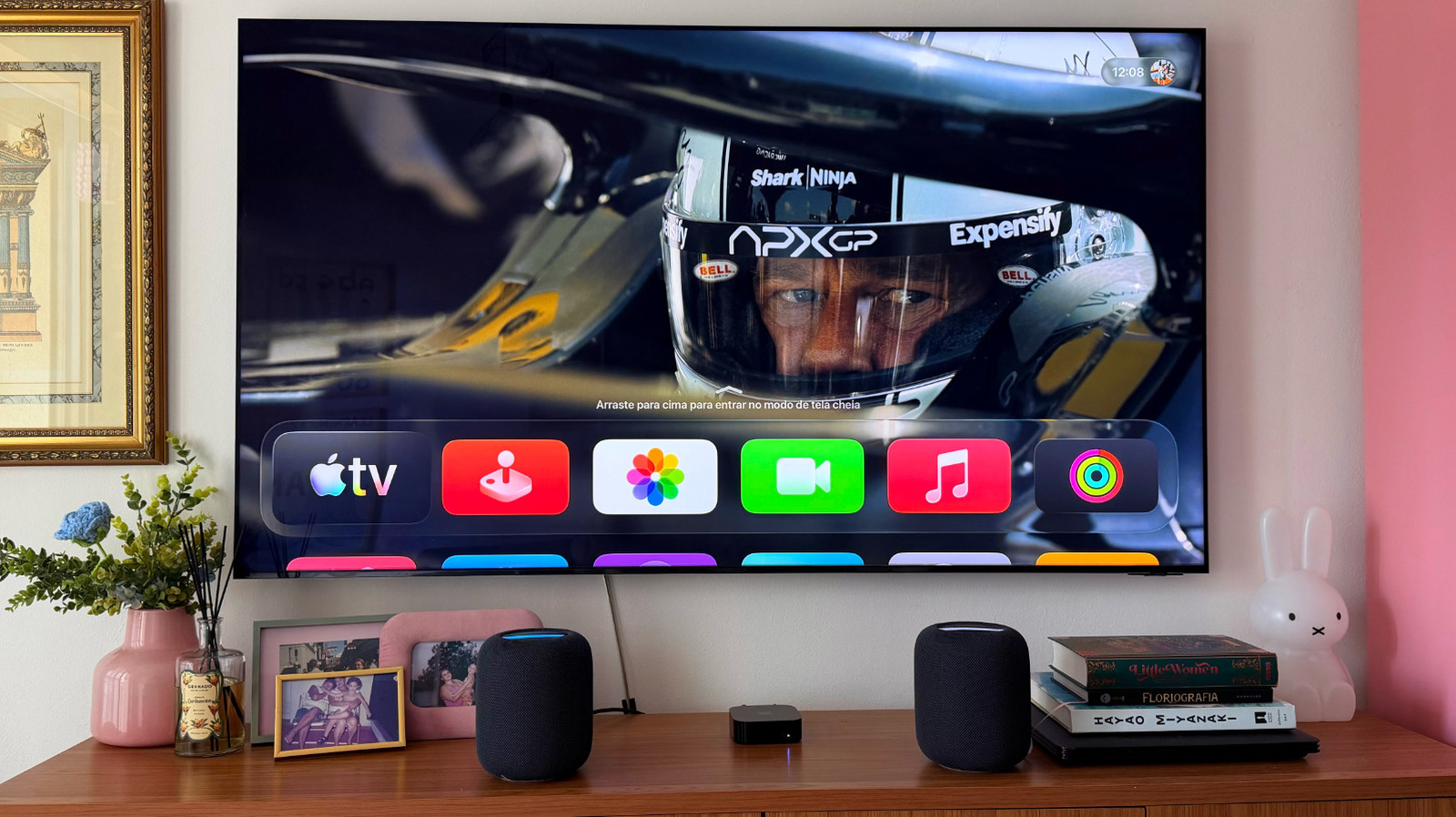
Besides that, if you’re happy with the performance of your TV, using a set-top box, like an Apple TV, can ensure you don’t need to worry about faulty firmware updates, as the Apple TV will do all your display’s work since all your streaming apps, AirPlay support, which are things Apple TV does better than your smart TV. and everything else will be running there. That said, between not updating and always updating, the golden tip is to check online what changes in that version, and if there isn’t something major, just keep your TV the way it is.




Sign Up For Daily Newsletter

Be keep up! Get the latest breaking news delivered straight to your inbox.
By signing up, you agree to our Terms of Use and acknowledge the data practices in our Privacy Policy. You may unsubscribe at any time.
Share This Article
Facebook Twitter Email Print
Share
What do you think?
Love0
Sad0
Happy0
Sleepy0
Angry0
Dead0
Wink0
Previous Article Luna Ring Gen 2 review: packs smarts but lacks finesse Luna Ring Gen 2 review: packs smarts but lacks finesse
Next Article Siri delays, Health delays, and Apple Creator Studio limits on the AppleInsider Podcast Siri delays, Health delays, and Apple Creator Studio limits on the AppleInsider Podcast
Leave a comment

Leave a Reply Cancel reply

Your email address will not be published. Required fields are marked *

Stay Connected

248.1k Like
69.1k Follow
134k Pin
54.3k Follow

Latest News

Acer Veriton NUC AI Review: This Basic Business Box Needs a Price Chop
News
The 3 best VPNs of 2026 will make you feel like a ghost
News
Apple enhances the security of some iPhone models with iOS 26.3. Is your iPhone included?
News
Are phone carriers finally taking customer loyalty seriously?
News

You Might also Like

Acer Veriton NUC AI Review: This Basic Business Box Needs a Price Chop
News

Acer Veriton NUC AI Review: This Basic Business Box Needs a Price Chop

3 Min Read
The 3 best VPNs of 2026 will make you feel like a ghost
News

The 3 best VPNs of 2026 will make you feel like a ghost

5 Min Read
Apple enhances the security of some iPhone models with iOS 26.3. Is your iPhone included?
News

Apple enhances the security of some iPhone models with iOS 26.3. Is your iPhone included?

6 Min Read
Are phone carriers finally taking customer loyalty seriously?
News

Are phone carriers finally taking customer loyalty seriously?

7 Min Read
//

World of Software is your one-stop website for the latest tech news and updates, follow us now to get the news that matters to you.

Quick Link

  • Privacy Policy
  • Terms of use
  • Advertise
  • Contact

Topics

  • Computing
  • Software
  • Press Release
  • Trending

Sign Up for Our Newsletter

Subscribe to our newsletter to get our newest articles instantly!

World of SoftwareWorld of Software
Follow US
Copyright © All Rights Reserved. World of Software.
Welcome Back!

Sign in to your account

Lost your password?