When you connect a new USB drive or external drive to a laptop, phone, or another storage-compatible device, it’s mostly unusable until you format it. Formatting a drive helps prepare and set up the empty file system used to store and access the data it contains. It also prepares the drive for use with a particular operating system, as different software uses different organization systems. For example, a USB drive you use with a Windows computer will be formatted differently than a USB drive you format in Linux, although some file formats offer cross-platform support. Phones, mobile devices like tablets, and even game consoles require storage devices to be formatted, as well. Before you set an SD card as default storage on Android phones, for example, the system formats the card to a compatible file system (FAT32, ext4, or exFAT).
The three most common file formats for USB drives are FAT32, exFAT, and NTFS. There are other options, like APFS for macOS and ext4 for Linux, but we’re going to focus on the big three. Each of these formats has its advantages and drawbacks, and which one you choose will depend on your storage needs. We’ll discuss how to pick the right one for your situation in a bit, but first, it’s important to know that you can usually change your mind later on if necessary.
How to change between USB drive file systems
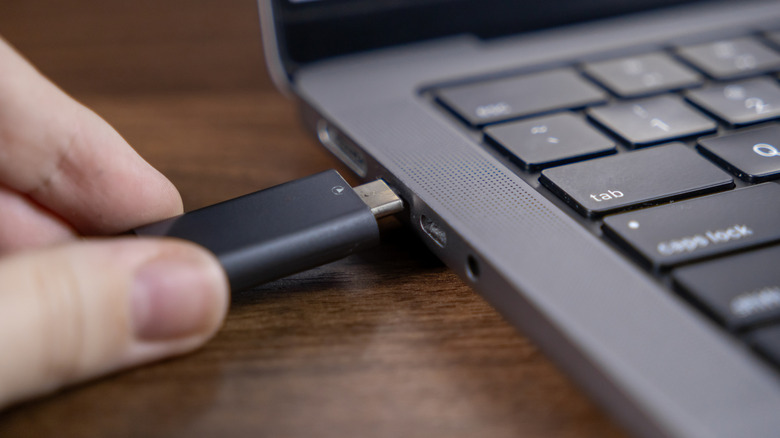
You can actually change the file system in use on your USB or internal drives. It’s important to note that when you reformat a USB drive, all existing data becomes incredibly difficult to recover. Think of it as a big reset. Consequently, make sure you have your old data backed up before you format a USB drive you plan to reuse.
To change file systems, you use a drive formatting tool like Disk Management in Windows, mkfs in Linux distributions, and Disk Utility on Mac. Most devices automatically recognize a blank drive when you plug it in, but if not, you can use the respective tools to format or reformat in your preferred file system.
Reformatting an old drive has several practical uses. For example, instead of tossing old hard drives, you can reuse them by reformatting and installing a new OS or creating backup storage. As a general rule, you should always wipe and reformat a drive before reusing it to prevent data from ending up where you don’t want it. While a clever DIY gadget can turn an old SSD into an external drive, for instance, it’s a good idea to wipe and format the drive before you start plugging it into other devices.
FAT32 vs exFat vs NTFS: Which is best?

When it comes to determining which USB format is best, the winner depends on your situation. For example, FAT32 is compatible with most operating systems, as well as devices like game consoles and phones, making it a top option when you need to use your USB drive interchangeably between ecosystems. That portability is often one key reason for using a removable USB drive in the first place. But FAT32 has a storage limit of 2TB per partition, and files can be no larger than 4GB each. If you’re working with very large files or need more storage all in one place, one of the other formats will probably be a better option.
NTFS is an excellent choice for handling large files and high-capacity storage needs, and it supports features like data compression to enhance performance. The drawback to NTFS is that it’s only fully functional in Windows. In macOS or Linux, NTFS drives are read-only, which means you can access the files there, but you can’t delete, create, or update them directly. But again, if you know you’re only ever going to use Windows devices, NTFS is a solid choice.
Finally, exFAT can be a reliable middle ground between the other two options, with support for large file sizes and drives — 128 petabytes maximum for both. Most operating systems can read and write exFAT data, though some of them require additional utility software to make that happen. Modern game consoles from PS4 to the Xbox Series X also support exFAT. Like FAT32 and NTFS, though, exFAT has its downsides. Chief among those are a lack of file-level encryption and generally poor performance when working with large files.

![A Complete Guide to B2B Influencer Marketing in [current_date format=’Y’] |](https://bulk.ly/wp-content/uploads/2025/05/B2B-influencer-marketing.png "A Complete Guide to B2B Influencer Marketing in [current_date format=’Y’] |")