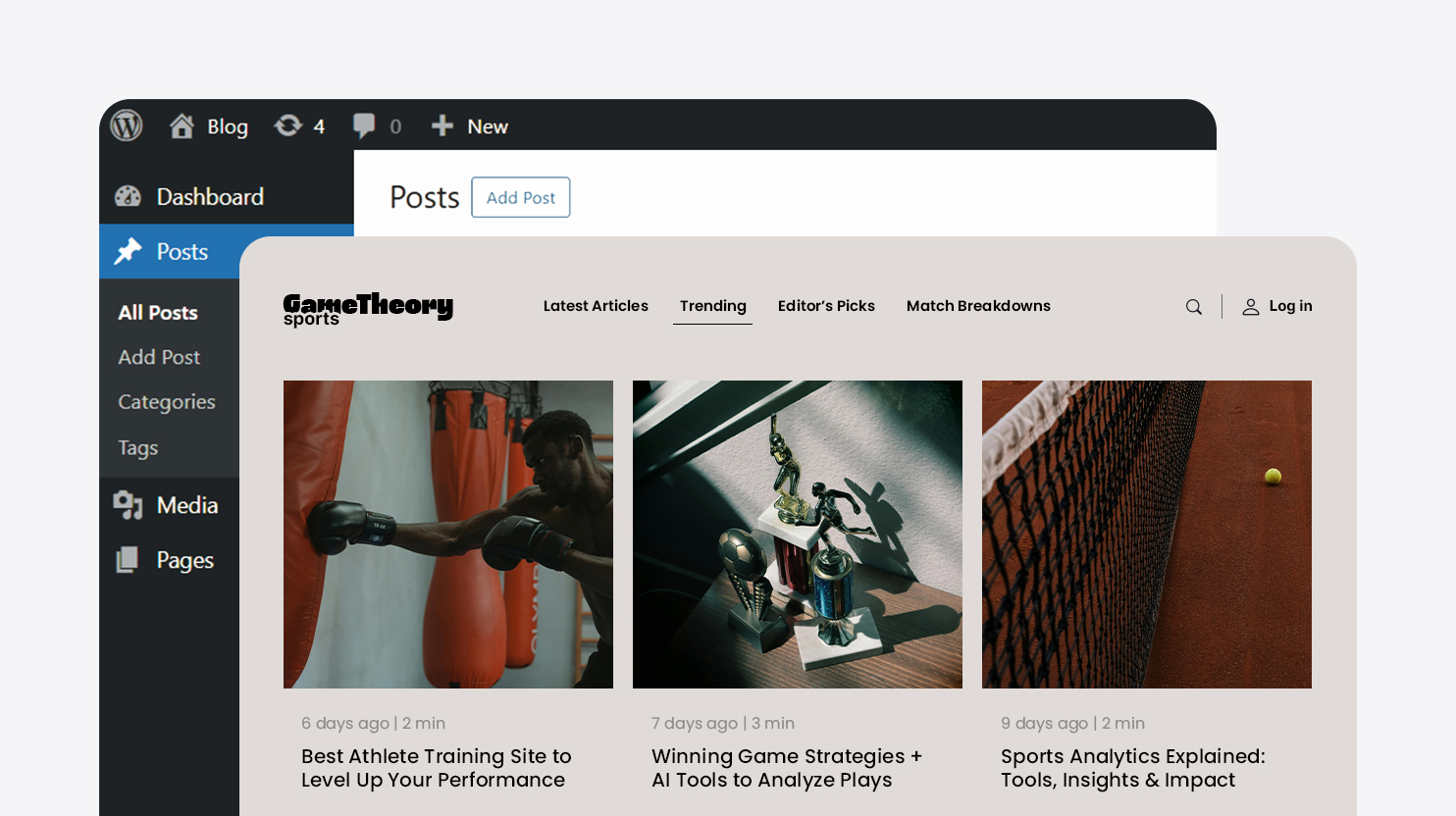
AI-generated websites can look finished quickly, but they do not automatically come with the structure needed to grow. A content management system (CMS) like WordPress gives that generated draft an organized content system, so the site can support more pages, more functionality, and more changes without becoming harder to manage.
That is part of what separates a modern AI website builder from a more complete platform like the 10Web Agentic Website Builder. Website generation is only the first step. What matters next is whether the site has a real system for content, functionality, extensibility, and long-term updates.
Why do AI-generated sites need a CMS?
AI can generate layouts, write copy, suggest images, and assemble pages, but websites need a system that stores, organizes, and displays website content after the first draft is created. A CMS controls how that content is saved, how it connects to other content, and how it gets updated over time.
With 10Web’s Agentic Website Builder, the CMS layer helps AI-generated sites move beyond a quick first draft and to become something a business can keep building on.
A CMS gives an AI-generated site the structure it needs for:
- Extensible functionality and integrations
- Clearer navigation
- Stronger internal linking
- Safer updates and editorial control
For example, an AI-native website builder can generate a homepage, About page, Services page, and Contact page in minutes. But if that website later needs to add more case studies, team profiles, industry pages, or a resource center? The CMS provides the structure that AI-generated sites need to keep those pieces organized within a single site.
Pages, Posts, and Custom Post Types create unique, dynamic content
A CMS like WordPress uses a template hierarchy to display different types of content on demand.
Static pages, like a home page, typically use the Page template. These types of web pages are usually evergreen. They’re meant for content that defines the business rather than content that changes frequently. About, Contact, Pricing, FAQ, and Privacy Policy pages are common examples.
Content that uses the Posts template for content published over time, such as blog articles, updates, or news. They work well because the CMS already knows how to sort them by date, group them into archives, and organize them with categories and tags.
Custom Post Types, or CPTs, are where the CMS becomes much more powerful. A CPT is used for structured collections that do not fit neatly into Pages or Posts. Services, portfolio items, testimonials, team members, case studies, events, properties, and courses are all common examples.
In practice, websites use:
- Pages for evergreen sections like About, Contact, or Pricing
- Posts for blog articles, updates, or news
- Custom Post Types for structured collections like services, listings, portfolios, or team members
This is also where an AI-native website builder often needs a second layer of planning. The system may generate one long Services page at launch, and that may be enough to get started. But once each service needs its own detail page, internal links, and reusable layout, that content usually needs a more structured model.
In reality, AI can create the first version of content quickly, but the CMS determines whether that content can be reused intelligently later.
What are taxonomies, templates, and dynamic fields?
Taxonomies, templates, and dynamic fields are the tools that organize content into a usable website. They help group similar content, control presentation, and keep repeated information consistent across the site.
A taxonomy is a way to classify content. In most CMS platforms, Categories and Tags are the most familiar examples. Categories group broad themes, while Tags add more specific labels. Custom taxonomies do the same thing for specialized content. For example, a site for:
- Recipes might organize entries by cuisine or dietary type.
- Real estate might classify listings by neighborhood, property type, or status.
- A service business might group offerings by industry or client segment.
A template controls layout. A single template defines how one item appears, such as one case study or one team profile. An archive template defines how a group of related items appears, such as all services, all blog posts in a category, or all listings in one location. Once templates exist, the site can display many different types of content consistently instead of designing every page from scratch.
Dynamic fields are the reusable pieces of information inside that template structure. For example:
- A team profile may include name, title, department, and LinkedIn URL
- The service page may include a summary, pricing approach, industry focus, and a call to action
- A property listing may include price, square footage, address, and availability
WooCommerce is a strong real-world example because it uses all three. Products are structured content entries with product categories and tags. Product pages use templates with data such as price, stock status, and SKU in dynamic fields.
Displaying dynamic content allows ecommerce stores, service directories, resource hubs, and portfolio libraries to scale far beyond a handful of pages without becoming impossible to manage.
Making sense of publishing: roles and permissions
Roles and permissions help teams manage publishing and updates faster without losing control. That matters even more when AI speeds up content creation, because the challenge is often making sure the right people can review, approve, and publish it quickly and easily.
A CMS usually handles this through role-based access. In a typical setup:
- Author: creates and edits content
- Editor: reviews and publishes content
- Administrator: controls broader settings, permissions, themes, and plugins
These roles are really about responsibility. A website owner may want a freelancer to draft blog posts without giving access to sitewide settings. A marketing lead may need to update landing pages, but doesn’t need system configuration access. An agency may want a client to review copy without having full control over the entire site.
This is one reason AI website builders still need a strong CMS foundation. AI can accelerate drafting and iteration, but that increases the need for review, accountability, and controlled publishing.
Revision history tracks fast AI-generated changes
Revisions and restore matter because faster editing creates more opportunities for mistakes. AI can rewrite sections, generate variations, expand content, or simplify messaging in seconds. That speed is useful, but it also means teams need a reliable way to compare versions and roll back changes when needed.
Revision history provides that safety net. It stores earlier versions of content so teams can review what changed or restore a better version if a new edit does not work. Draft and preview workflows add another layer of protection by letting people test updates before they go live.
Imagine a team using an AI chat-based editor to rewrite the homepage before a product launch. The new copy may sound sharper, but it may also remove key details, weaken search relevance, or create a mismatch with the campaign sending traffic to that page. Revision history makes it possible to recover the stronger version without rebuilding the page from memory.
That is why revisions are not just a convenience feature. They are part of the governance system that makes chat-based website editing, natural language to code workflows, and other AI-assisted editing methods practical. AI makes experimentation faster. Revision history and restore make experimentation safer.
How does a CMS help a website grow without a rebuild?
A CMS helps a website grow by separating content from one specific page design or editing mode, so the site can evolve without starting over.
Most businesses do not stand still after launch. A creator may start with a portfolio and newsletter, then later add courses or memberships. A small business may begin with a brochure site, then add service pages, event registrations, testimonials, or ecommerce through WooCommerce. An agency may expand into city pages, team bios, case studies, and lead-generation assets.
Without a CMS, that growth often becomes manual and repetitive. New sections have to be created as exceptions. Layouts drift apart. Navigation becomes harder to maintain. Internal linking becomes less consistent. With a structured CMS, the site expands through systems it already knows how to manage:
- content types
- templates
- taxonomies
- user roles
- reusable fields
This is part of what makes 10Web’s Agentic Website Builder different from one-shot website generation tools. The goal is not only to generate pages quickly, but to create a production-ready site that can continue evolving through the same system after launch.
Flexibility when the site changes later
WordPress is useful even if the design, editor, or front end changes later, because the CMS continues to manage the content and structure underneath.
Websites are rarely considered finished. Businesses redesign them, teams adopt new workflows, and new channels appear. A company may start with a standard site and later use a visual editor, an AI chat-based editor, or even a different front-end layer while keeping the same content foundation in place.
The same logic applies to design systems. CMS-specific tools like theme.json, design tokens, and block patterns help carry consistent styling across a growing site. Most business owners do not need to know those terms in detail. The important point is that structured CMS protects the value of the content and design logic already in place, instead of forcing a complete do-over every time the site evolves.
That is one reason CMS-backed platforms continue to matter even as AI website builders become more capable. Website generation goes a long way, but the CMS provides the extensible foundation.
What is the practical takeaway for business owners and teams?
AI can generate a website quickly, but a CMS like WordPress is what makes that website usable over time.
It gives the site structure, keeps related content organized, helps teams manage changes safely, and makes future growth easier. When evaluating an AI website builder, the key question is whether those flashy AI-generated pages have a real content system behind them.
It’s important to ask if the builder can:
- Support Pages, Posts, and structured content types?
- Organize content through categories, templates, and reusable fields?
- Handle approvals, revisions, and future expansion?
- Help the site grow without becoming a disconnected set of pages?
Those are the questions that matter more than ever once the launch is over. AI helps you get the first version live. A CMS is what helps that first version become a real website.