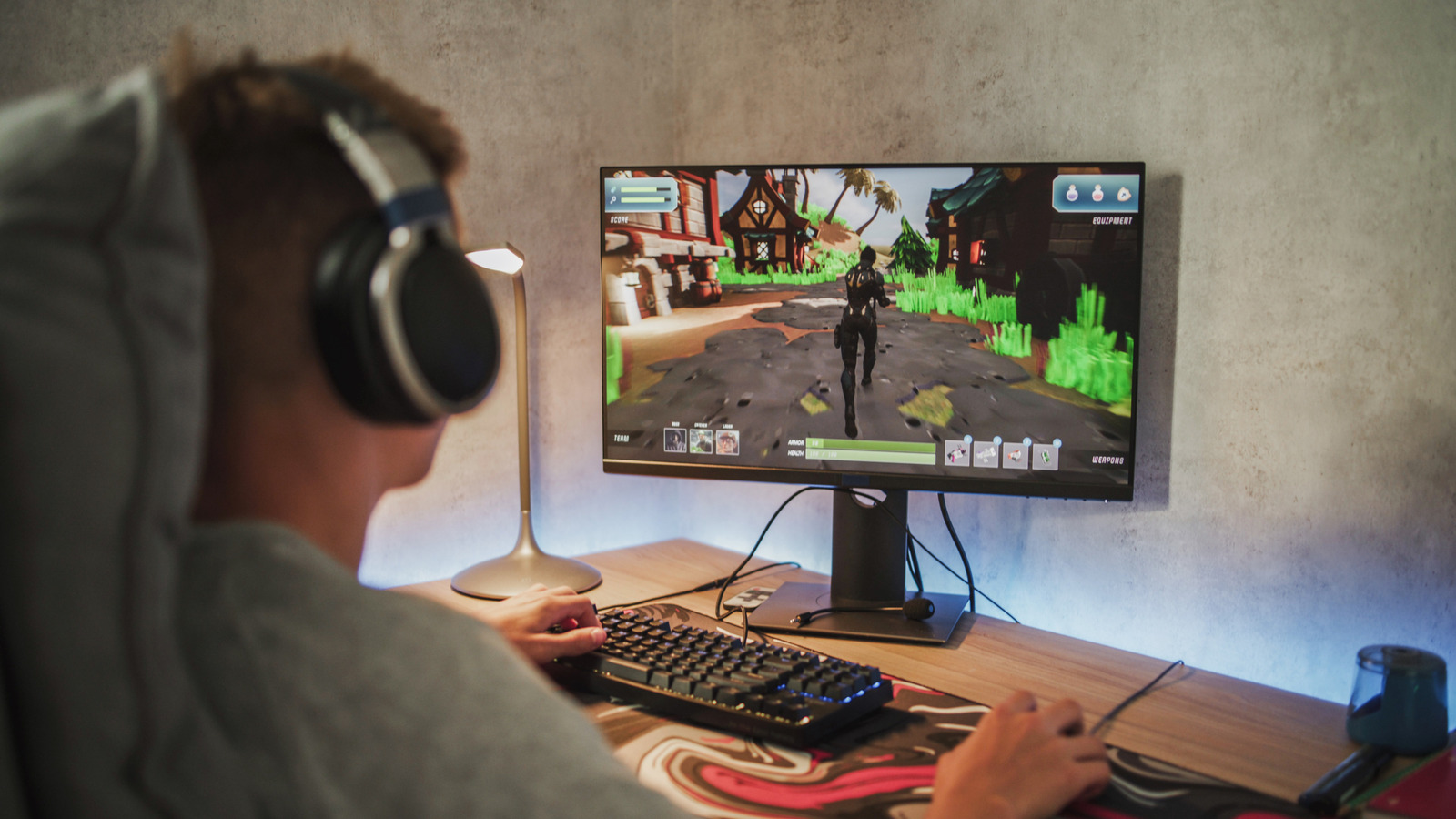
When you browse the shelves at your local electronics store, or do the same online, you’ll likely notice something curious. Regular TVs are notably affordable these days, a direct contrast as compared to the price point attached to (typically) much smaller computer monitors. You could find a 55-inch or larger smart TV with a 4K resolution for about the same price, or less, than you can find your average 27-inch 1440p monitor. Why the stark price difference, with the lower-resolution monitor seemingly being more expensive in relation to its specs? Aren’t both the TV and the monitor employing the same technologies?
The reality is much more nuanced. Yes, in some cases modern TVs are utilizing the same technologies as contemporary computer displays. However, the price difference equates to the technology prioritized in each of these systems, the market itself — competition, namely — and the overall experience they provide. For example, PC monitors place more of an emphasis on select aspects of visual fidelity, such as higher pixel densities, input speeds, and refresh rates. High-end gaming monitors heavily prioritize refresh rate, going as high as 165Hz or 240Hz, which is still rare to see even in high-end TV sets. Moreover, a 1440p monitor could actually produce better overall performance — despite having a lower technical pixel density — than a 4K TV. Plus, the TV hardware market is extremely competitive, with lots of brands offering low-cost options, which drives down prices.
Collectively, these traits make PC monitors more costly despite coming in smaller sizes. It also explains why some TVs, like Hisense models, are so cheap: They can deprioritize some more-specific features and technologies to deliver a low-cost but comparable TV.
Understanding the picture differences
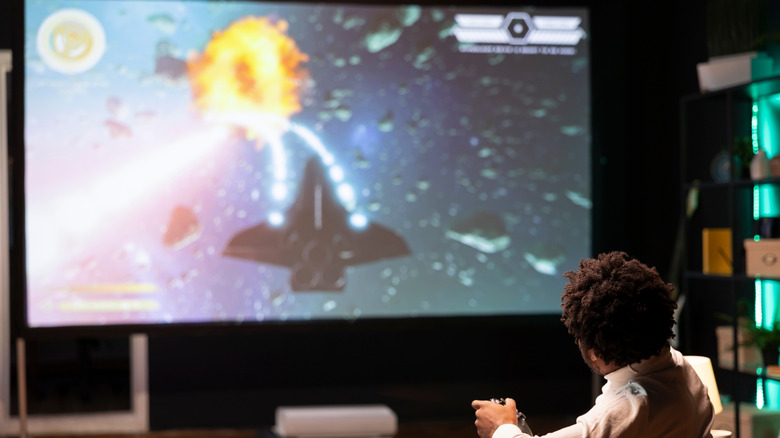
When considering resolution, most look at the pixel count, like 1920 by 1080 for 1080p HD, or 3840 by 2160 for 4K, not the pixel density — how many pixels are displayed in a particular area. The pixel density, denoted by PPI or pixels per inch, is typically considered to be more important for computer monitors, and tends to be more concentrated because you’re sitting closer to the display. A 27-inch monitor usually has a high PPI or pixel density much higher than your average TV.
When you watch a TV, you’re usually relaxed, on your couch, quite a few feet away. Compare that to a computer monitor or display, which you’re likely much closer to, sitting against the edge of your desk or tabletop. A TV doesn’t need to have a higher pixel density for this reason, but in monitors it essentially gives them a sharper, clearer look, even at a lower resolution like 1080p. However, cost aside, 4K monitors can afford you much more screen real estate, which can be useful at work, or at home. Overall, though, screens with a higher pixel density cost more to manufacture, and therefor cost more to buy.
Monitors also focus more on color accuracy over high brightness and vibrancy settings. There’s a reason for that, too. If you’re working on images or graphics, including photos, you want the colors to be as accurate as possible so the end result comes out precise. A monitor that cranks up the color saturation and brightness would make it difficult to work with raw images, and they may end up looking different as a result when viewing the media on other devices. However, compare this to a TV, where you’re watching shows and movies: A higher brightness level and more saturated colors often makes things feel a bit more cinematic. And like a high PPI count, better color accuracy costs more to achieve.
You should also consider input speed and refresh rate
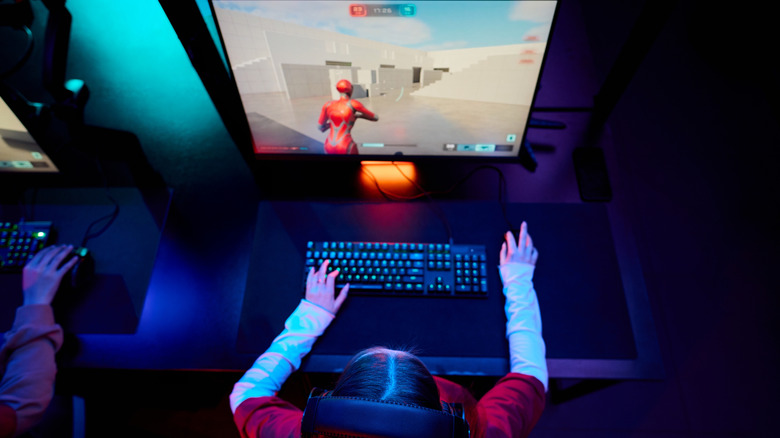
While there are high-end 4K and 8K TVs that boast impressive refresh rates up to 240Hz, many remain in the range of 60Hz to 120Hz. The refresh rate is the number of times per second that a panel or display updates the onscreen images from the source. The higher the refresh rate, the faster the image production, creating more fluid, responsive onscreen visuals — especially in high-speed action scenes common to live sports or gaming. That’s why some of the best gaming monitors on the market have high refresh rates. Response time also plays a role, which is the time it takes the monitor to change a single pixel — smaller response times are preferred, and also prioritized in monitors.
Going hand-in-hand with refresh rate and response time is the input speed of the port, cable, or connector that syncs up devices. TVs and entertainment devices usually rely on HDMI, versus a PC and monitor’s DisplayPort — though HDMI is also a common solution for PC gaming. DisplayPort can typically accommodate higher resolutions at higher framerates between a graphics processing unit (GPU) and monitor, although the HDMI standard and DisplayPort are currently engaged in a technical specs battle. Currently, HDMI 2.2 offers the best specs, despite being new-to-market and lacking support at this time. Further, PCs and computer monitors also support AMD FreeSync and NVIDIA G-Sync, variable refresh rate (VRR) technologies from the most prominent GPU manufacturers. Some TVs offer support for variable rates, but it’s not common.
All of these technical considerations serve to increase the general cost of monitors. As technology improves, these features may become less costly, which could lead to TVs and larger panels that offer better specifications.