By using this site, you agree to the Privacy Policy and Terms of Use.
Accept
World of SoftwareWorld of SoftwareWorld of Software
  • News
  • Software
  • Mobile
  • Computing
  • Gaming
  • Videos
  • More
    • Gadget
    • Web Stories
    • Trending
    • Press Release
Search
  • Privacy
  • Terms
  • Advertise
  • Contact
Copyright © All Rights Reserved. World of Software.
Reading: Yes, You Can Plug A Keyboard Into Your Nintendo Switch 2 – Here’s How – BGR
Share
Sign In
Notification Show More
Font ResizerAa
World of SoftwareWorld of Software
Font ResizerAa
  • Software
  • Mobile
  • Computing
  • Gadget
  • Gaming
  • Videos
Search
  • News
  • Software
  • Mobile
  • Computing
  • Gaming
  • Videos
  • More
    • Gadget
    • Web Stories
    • Trending
    • Press Release
Have an existing account? Sign In
Follow US
  • Privacy
  • Terms
  • Advertise
  • Contact
Copyright © All Rights Reserved. World of Software.
World of Software > News > Yes, You Can Plug A Keyboard Into Your Nintendo Switch 2 – Here’s How – BGR
News

Yes, You Can Plug A Keyboard Into Your Nintendo Switch 2 – Here’s How – BGR

News Room
Last updated: 2026/04/06 at 9:00 PM
News Room Published 6 April 2026
Share
Yes, You Can Plug A Keyboard Into Your Nintendo Switch 2 – Here’s How – BGR
SHARE


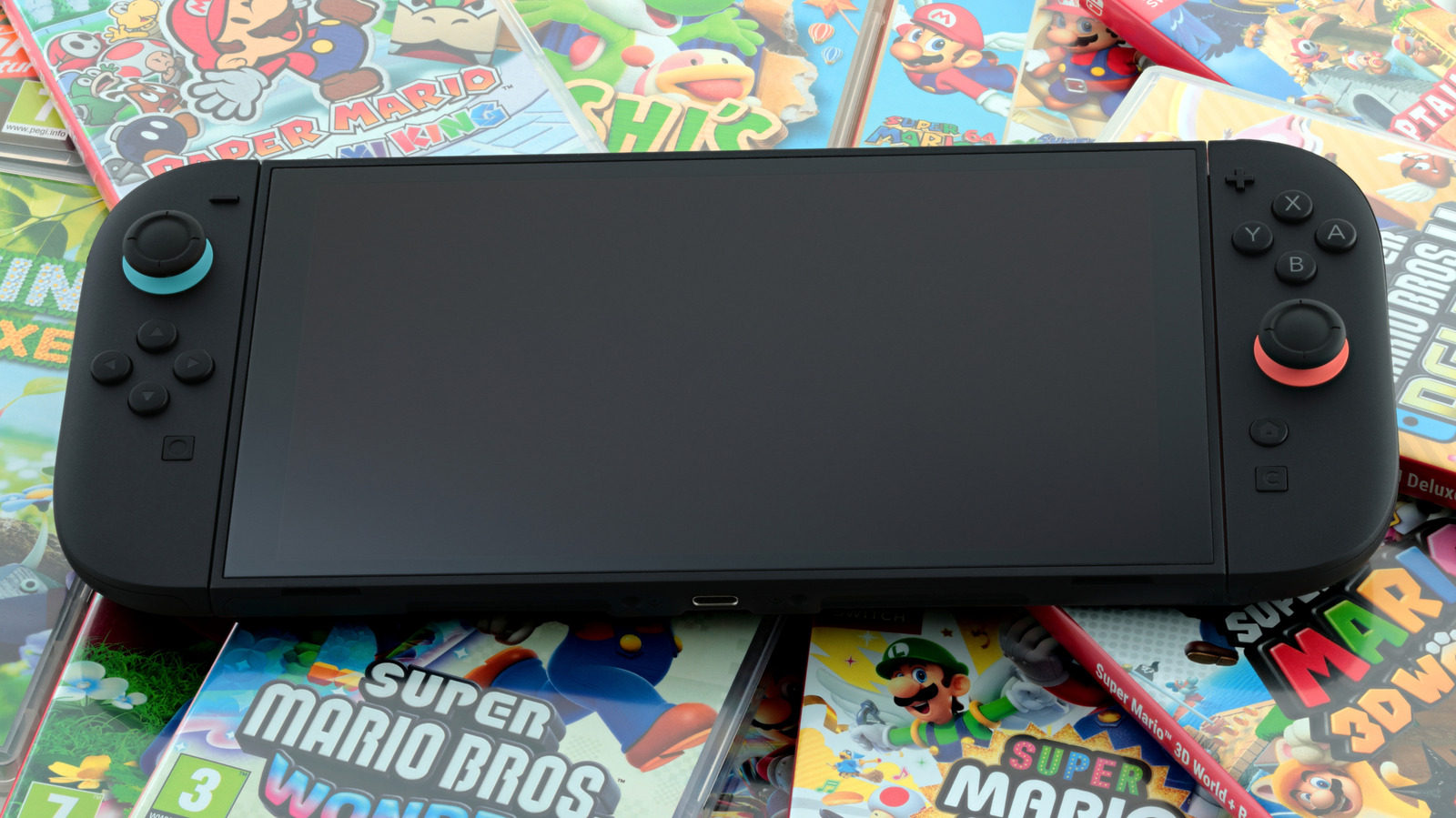
rvlsoft/Shutterstock

Your Nintendo Switch 2 is hiding a cool little secret. Launched back in June 2025, the sequel to Nintendo’s original hybrid console has plenty of features that can make it worth buying. Along with new Joy-Con 2 controllers and upgraded hardware, its backwards compatibility and increased storage make it a solid next-gen system. It’s great for accessing a wealth of games, new and old. However, in addition to the features you may already know about, the Nintendo Switch 2 also has another neat little trick up its sleeve.

We’re always surprised by some of the things a Nintendo Switch 2 can actually do, and it turns out connecting a keyboard and mouse is not only possible, it’s actually pretty easy. While you will need a USB keyboard (or mouse) to accomplish this, the process is incredibly straightforward. There are some benefits of connecting these peripherals to your machine, though you may find that you need to do some experimenting when it comes to figuring out game compatibility.

It’s interesting to find that the Nintendo Switch 2 natively supports these accessories, as it’s not really something Nintendo advertises with the system. Though the company can brick your system way easier than you may think, Nintendo actually mentions keyboard support in its help documentation, so there’s little to worry about on that front. Keeping that in mind, here’s how to get started with adding some additional accessories to your Nintendo Switch 2.

How to use a keyboard on a Nintendo Switch 2 (and why)
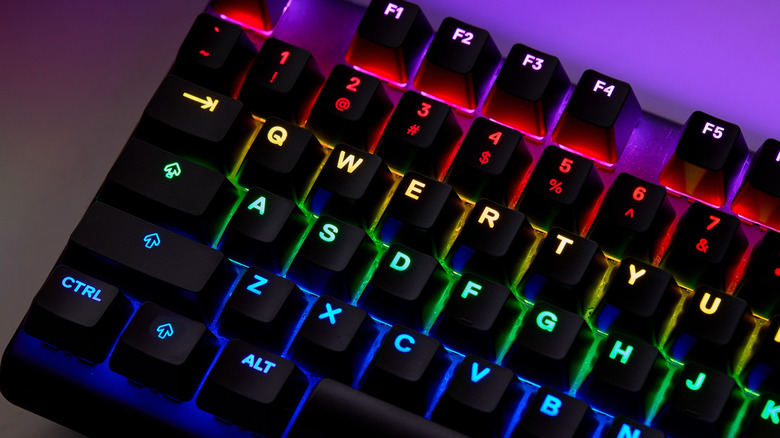

An illuminated RGB QWERTY keyboard, showcasing its red, yellow, green, and blue colors
BETO SANTILLAN/Shutterstock

A keyboard with a Nintendo Switch 2 can be useful for a variety of purposes. For example, you can use a keyboard and mouse combo with a game like Cyberpunk: 2077, which may be preferred by those used to playing these games on a PC. You can also use a keyboard for messaging other users within GameChat, the Switch 2’s built-in messaging feature.

If you’re looking to connect a keyboard to your Nintendo Switch 2, it’s actually a pretty easy process. There’s either the option of connecting it directly to the Switch 2 through the USB-C port at the top of the device, or you can place the Switch in its dock and connect a keyboard through the dock’s USB-A inputs. You can find the ports on the side of the dock, but note that if you connect a mouse, it overrides a Joy-Con controller’s pointer system. This means you’ll be navigating the screen with the mouse.

While making the connection is as simple as plugging things into a USB port, there are a couple of items to note. You’ll have to go with the dock option if you want to use both a keyboard and a mouse at the same time, and keep in mind that not every game is going to feature mouse and keyboard support. It may take a bit of experimentation on your part, but if you have either of these accessories lying around, it’s worth giving a try. And, hey, once you have some new toys connected, you might also be inspired to figure out how to transfer your games to the Nintendo Switch 2.


Sign Up For Daily Newsletter

Be keep up! Get the latest breaking news delivered straight to your inbox.
By signing up, you agree to our Terms of Use and acknowledge the data practices in our Privacy Policy. You may unsubscribe at any time.
Share This Article
Facebook Twitter Email Print
Share
What do you think?
Love0
Sad0
Happy0
Sleepy0
Angry0
Dead0
Wink0
Previous Article 9to5Rewards Giveaway: MacBook Pro and BenQ 4K Nano Gloss Monitor – 9to5Mac 9to5Rewards Giveaway: MacBook Pro and BenQ 4K Nano Gloss Monitor – 9to5Mac
Next Article DeepSeek launches new AI model with 671 billion parameters, rivaling GPT-4o · TechNode DeepSeek launches new AI model with 671 billion parameters, rivaling GPT-4o · TechNode
Leave a comment

Leave a Reply Cancel reply

Your email address will not be published. Required fields are marked *

Stay Connected

248.1k Like
69.1k Follow
134k Pin
54.3k Follow

Latest News

Clubhouse App: What It Is & How To Use It
Computing
Google just launched a special-edition Pixel, but you probably can’t buy it
News
The HackerNoon Newsletter: OpenAI Bought TBPN Because PR Can’t Keep Up With AI (4/6/2026) | HackerNoon
Computing
Scammers have switched to using QR codes in fake traffic violation texts — don’t fall for this
News

You Might also Like

Google just launched a special-edition Pixel, but you probably can’t buy it
News

Google just launched a special-edition Pixel, but you probably can’t buy it

3 Min Read
Scammers have switched to using QR codes in fake traffic violation texts — don’t fall for this
News

Scammers have switched to using QR codes in fake traffic violation texts — don’t fall for this

5 Min Read
'Daredevil: Born Again' Season 2: Episode 4 Release Time
News

'Daredevil: Born Again' Season 2: Episode 4 Release Time

4 Min Read
LifeStation Sidekick Home Review
News

LifeStation Sidekick Home Review

4 Min Read
//

World of Software is your one-stop website for the latest tech news and updates, follow us now to get the news that matters to you.

Quick Link

  • Privacy Policy
  • Terms of use
  • Advertise
  • Contact

Topics

  • Computing
  • Software
  • Press Release
  • Trending

Sign Up for Our Newsletter

Subscribe to our newsletter to get our newest articles instantly!

World of SoftwareWorld of Software
Follow US
Copyright © All Rights Reserved. World of Software.
Welcome Back!

Sign in to your account

Lost your password?