Creating a cloud backup of your photos, videos, and files lets you access them from any device and keep them safe. You can also free up your Android phone storage and restore your content if you lose your device, damage it, or upgrade to a new model.
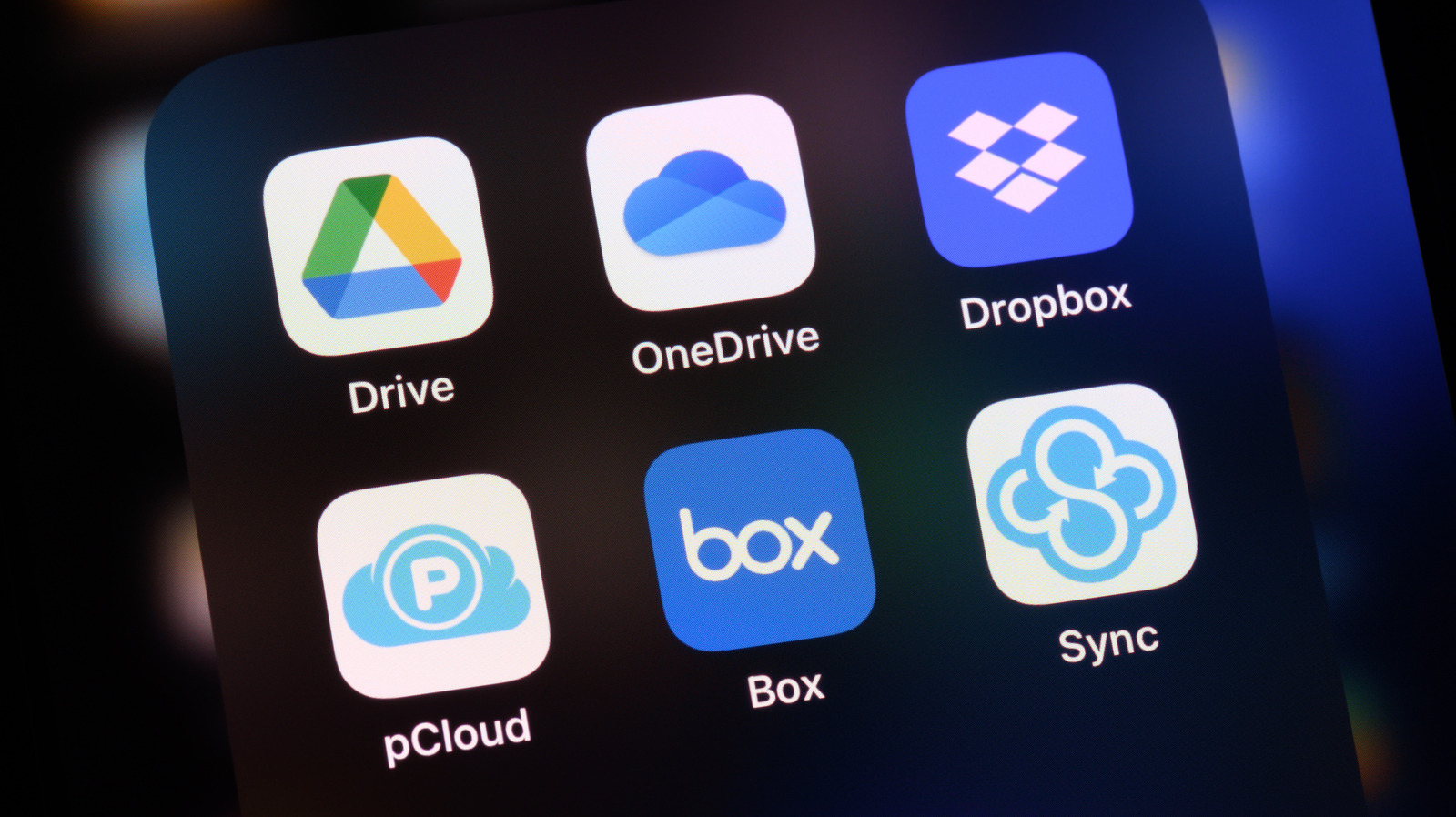
However, services like Google Drive, Dropbox, and OneDrive typically limit free storage to around 15-20 gigabytes. This may not be sufficient to upload all your data, especially if you record 4K videos and take plenty of pictures. In such cases, people often pay around $100 a year for services like Google One to get more cloud storage space. While it solves the problem, cloud backups can be painfully slow on an unstable Wi-Fi connection, and could also raise concerns for the privacy conscious as well since all your data is stored on remote servers.
Local backups, on the other hand, provide a quicker way to save your data without relying on cloud storage. You can connect your Android phone to an external hard drive or a flash drive to copy your photos and videos and free up phone storage as well. To create a local backup, you need a USB flash drive, an external hard drive, or a portable solid-state drive (SSD).
Here’s what you need to get started
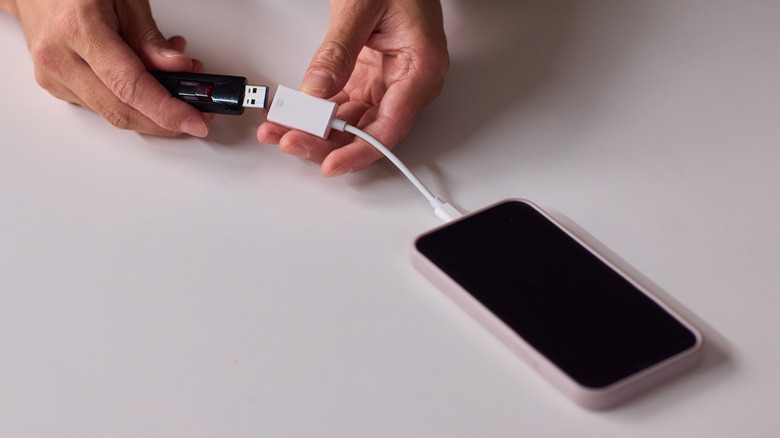
While USB-C drives are easy to use since most Android phones feature a USB-C slot, for external hard drives and SSDs, you will need an On-The-Go (OTG) adapter that converts your phone’s USB-C port into a standard USB-A port. For small backups, flash drives are ideal, which typically offer 64GB-512GB storage space. If you have plenty of videos and pictures, external hard drives and SSDs can be a better option for faster reading speed and 1-4 TB storage space.
Plug the external drive into your phone using an OTG adapter, then open your phone’s file manager to locate the external drive and check the available storage space. Copy or move data from folders such as Download, Documents, Photos and Videos. You can either copy the data, or move it from your phone’s storage to make space on your device. Creating local backups to an external drive is easy, but manual transfers are not practical for everyday use.
Instead, you can download apps from the Google Play Store that can automatically back up data whenever you connect your phone to an external drive. Apps like FolderSync offer the option to schedule automatic backups. There are some downsides as well: Unlike cloud backups, local backups typically don’t include app data, system settings, or text messages. However, if you’ve exhausted your 15GB Google Cloud storage and don’t want to pay for subscriptions, you can use an external hard drive to back up your Android phone without any Wi-Fi or subscription fee.