By using this site, you agree to the Privacy Policy and Terms of Use.
Accept
World of SoftwareWorld of SoftwareWorld of Software
  • News
  • Software
  • Mobile
  • Computing
  • Gaming
  • Videos
  • More
    • Gadget
    • Web Stories
    • Trending
    • Press Release
Search
  • Privacy
  • Terms
  • Advertise
  • Contact
Copyright © All Rights Reserved. World of Software.
Reading: You Can Store Your Car Keys On Your iPhone – Here’s How – BGR
Share
Sign In
Notification Show More
Font ResizerAa
World of SoftwareWorld of Software
Font ResizerAa
  • Software
  • Mobile
  • Computing
  • Gadget
  • Gaming
  • Videos
Search
  • News
  • Software
  • Mobile
  • Computing
  • Gaming
  • Videos
  • More
    • Gadget
    • Web Stories
    • Trending
    • Press Release
Have an existing account? Sign In
Follow US
  • Privacy
  • Terms
  • Advertise
  • Contact
Copyright © All Rights Reserved. World of Software.
World of Software > News > You Can Store Your Car Keys On Your iPhone – Here’s How – BGR
News

You Can Store Your Car Keys On Your iPhone – Here’s How – BGR

News Room
Last updated: 2025/11/22 at 12:30 PM
News Room Published 22 November 2025
Share
You Can Store Your Car Keys On Your iPhone – Here’s How – BGR
SHARE


Stockcam/Getty Images

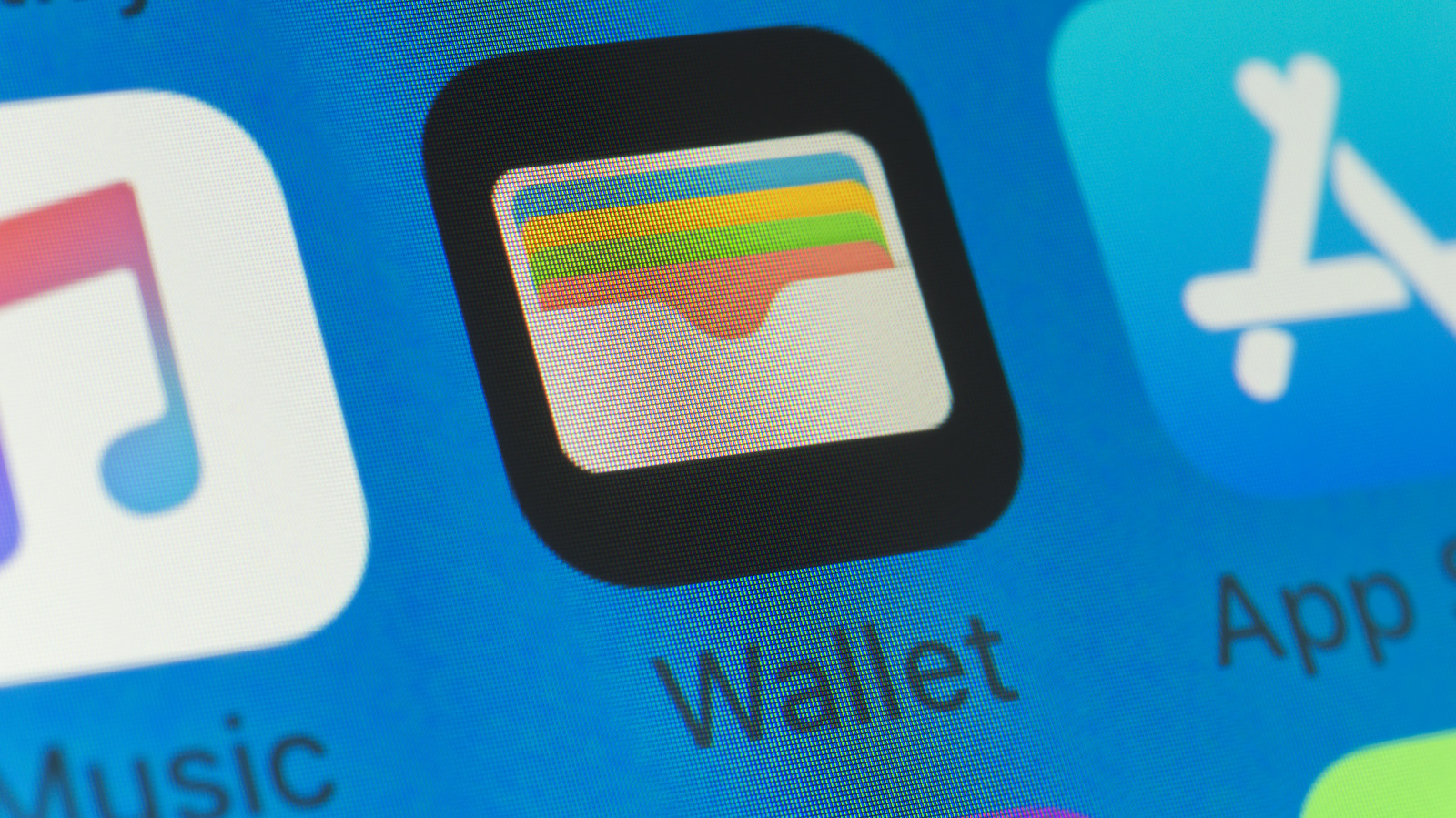
Imagine never needing your key fob again because your iPhone has become the key to your car. With the right vehicle and most recent version of iOS, you can walk up to your car, tap your door handle, and drive off with zero physical key in hand. That’s exactly what Apple’s digital car key feature enables for supported vehicles, and if you’re already in the Apple ecosystem, it’s worth knowing how to set it up. 

To create a digital car key, you’ll need your automaker’s companion app, such as MyBMW, The Mercedes-Benz App, MyHyundai Bluelink, Kia Connect, or Genesis Connected Services. Once installed, open the app and look for an option labeled “Digital Key” or “Digital Vehicle Key.” Before the setup begins, make sure your iPhone is running the latest version of iOS, as this will provide you with access to the most up-to-date vehicle compatibility list. You’ll also likely need your physical key fob during setup. Tap the fob to your iPhone when prompted to link it to your device; this verifies ownership and pairs your car with your Apple Wallet. Then, when directed, place your iPhone on the NFC reader inside the car (typically located near the center console). This step will finalize the connection between your phone and vehicle.

Once setup is complete, your car will recognize your iPhone as a digital key. Depending on your vehicle model and Apple Wallet settings, the doors may unlock automatically as you approach with your iPhone in your pocket or bag if you have Express Mode enabled on your iOS device. If you have Passive Entry enabled, you may be required to pull the car handle while carrying your iPhone to unlock the vehicle.

Unlocking and driving with Apple Wallet
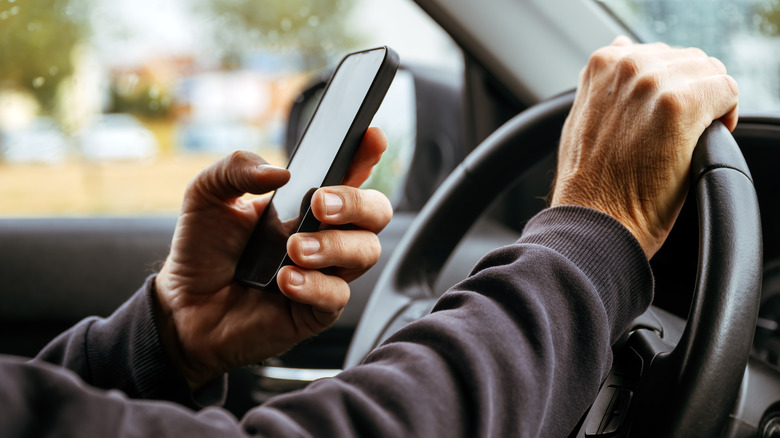

A driver holding an iPhone behind the steering wheel.
Bitsandsplits/Getty Images

With everything linked together now, you should be able to walk up to your car and hold your iPhone near the door handle. On compatible vehicles, the NFC reader will activate, and the Wallet app pops up, showing your car key. You can simply tap to unlock. Once you get in your car, place your iPhone on the key reader inside. That’s the equivalent of inserting a key into your transmission; now you can press the start button or shift into drive.

When locking the car, either use the phone to relock the handle or rely on the vehicle’s lock button. No key fob is needed. If you’re already deep in Apple’s ecosystem, eliminating yet another physical key is a nice way to keep things simple. It provides for less bulk in your pocket and fewer spare keys floating around. As the list of supported vehicles grows, you may find this becoming the new norm rather than a niche feature.

However, it should be noted that because the ecosystem is still young, compatibility is limited. If your vehicle isn’t on the supported list, you’ll still need the traditional key fob. Because this relies on secure pairing and cryptographic work, you’ll need to trust your car’s manufacturer’s app and ensure you’re running the latest iOS update. If you’re curious whether your vehicle is on the support list, you can check it out here, courtesy of Apple. 



Sign Up For Daily Newsletter

Be keep up! Get the latest breaking news delivered straight to your inbox.
By signing up, you agree to our Terms of Use and acknowledge the data practices in our Privacy Policy. You may unsubscribe at any time.
Share This Article
Facebook Twitter Email Print
Share
What do you think?
Love0
Sad0
Happy0
Sleepy0
Angry0
Dead0
Wink0
Previous Article Walmart’s Black Friday sale is here! 45+ best deals on TVs, appliances, and more Walmart’s Black Friday sale is here! 45+ best deals on TVs, appliances, and more
Next Article Bezos is back in startup mode, Amazon gets weird again, and the great old-car tech retrofit debate Bezos is back in startup mode, Amazon gets weird again, and the great old-car tech retrofit debate
Leave a comment

Leave a Reply Cancel reply

Your email address will not be published. Required fields are marked *

Stay Connected

248.1k Like
69.1k Follow
134k Pin
54.3k Follow

Latest News

Every Amazon Fire TV Stick Should Be Using This One Audio Setting – BGR
News
Speculation over higher gaming taxes hits Tencent shares, experts say unfounded · TechNode
Computing
Adobe actually won’t discontinue Animate
News
Check your phone: February Pixel update is rolling out now
News

You Might also Like

Every Amazon Fire TV Stick Should Be Using This One Audio Setting – BGR
News

Every Amazon Fire TV Stick Should Be Using This One Audio Setting – BGR

5 Min Read
Adobe actually won’t discontinue Animate
News

Adobe actually won’t discontinue Animate

1 Min Read
Check your phone: February Pixel update is rolling out now
News

Check your phone: February Pixel update is rolling out now

3 Min Read
M5 Pro and M5 Max MacBook Pro Launch Imminent as Reseller Stock Dwindles
News

M5 Pro and M5 Max MacBook Pro Launch Imminent as Reseller Stock Dwindles

4 Min Read
//

World of Software is your one-stop website for the latest tech news and updates, follow us now to get the news that matters to you.

Quick Link

  • Privacy Policy
  • Terms of use
  • Advertise
  • Contact

Topics

  • Computing
  • Software
  • Press Release
  • Trending

Sign Up for Our Newsletter

Subscribe to our newsletter to get our newest articles instantly!

World of SoftwareWorld of Software
Follow US
Copyright © All Rights Reserved. World of Software.
Welcome Back!

Sign in to your account

Lost your password?