By using this site, you agree to the Privacy Policy and Terms of Use.
Accept
World of SoftwareWorld of SoftwareWorld of Software
  • News
  • Software
  • Mobile
  • Computing
  • Gaming
  • Videos
  • More
    • Gadget
    • Web Stories
    • Trending
    • Press Release
Search
  • Privacy
  • Terms
  • Advertise
  • Contact
Copyright © All Rights Reserved. World of Software.
Reading: You Can Turn Your Old Dash Cam Into A Webcam – Here’s How – BGR
Share
Sign In
Notification Show More
Font ResizerAa
World of SoftwareWorld of Software
Font ResizerAa
  • Software
  • Mobile
  • Computing
  • Gadget
  • Gaming
  • Videos
Search
  • News
  • Software
  • Mobile
  • Computing
  • Gaming
  • Videos
  • More
    • Gadget
    • Web Stories
    • Trending
    • Press Release
Have an existing account? Sign In
Follow US
  • Privacy
  • Terms
  • Advertise
  • Contact
Copyright © All Rights Reserved. World of Software.
World of Software > News > You Can Turn Your Old Dash Cam Into A Webcam – Here’s How – BGR
News

You Can Turn Your Old Dash Cam Into A Webcam – Here’s How – BGR

News Room
Last updated: 2026/03/14 at 1:31 PM
News Room Published 14 March 2026
Share
You Can Turn Your Old Dash Cam Into A Webcam – Here’s How – BGR
SHARE


Photomet/Getty Images

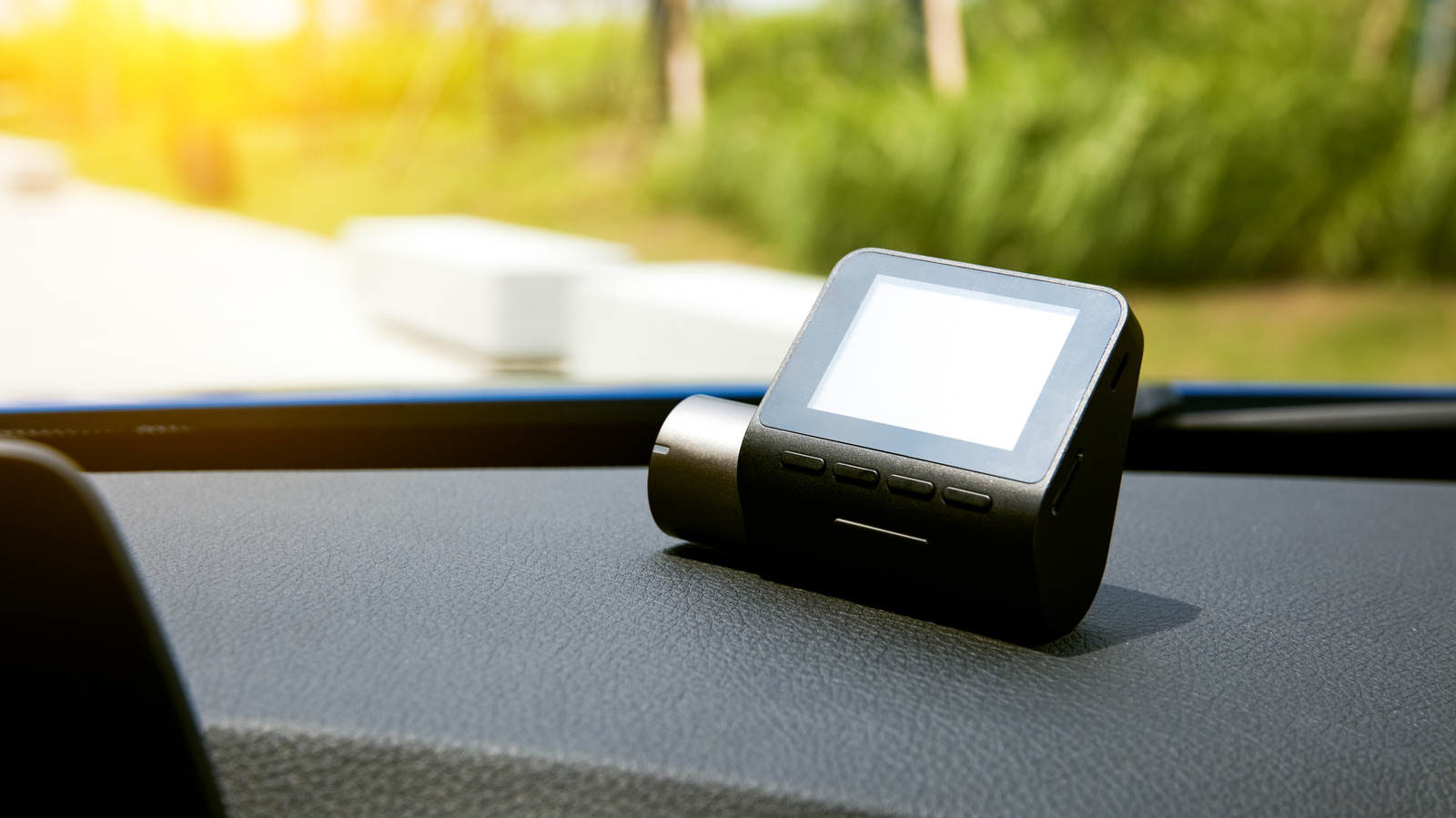
You can take several devices and turn them into a webcam if you don’t have a dedicated camera for your desktop — or if you don’t have a laptop with a built-in webcam. For example, you can turn an old smartphone into a usable webcam. Of course, with everyone using a smartphone these days, there’s almost no need for webcams at all. You can make video calls, take conference calls, or join meetings, all from your phone. But if you’d rather sit at your desk and use a more traditional setup, without spending money on a webcam specifically, there’s another neat trick you can pull off. You may be able to use an old dash cam and set that up the same way.

Now, it’s important to note that this won’t work with every dash cam on the market. That’s because the connection between the computer and the camera depends on the USB connectivity. What you’re looking for is a camera that uses UVC (USB video class), the protocol that allows cameras to communicate with a computer or various devices, particularly while streaming video and audio.

The simple way to check is to plug your dash cam into your computer via USB and wait for a mode-select screen to show up. If nothing like that appears, simply check if the computer recognizes the camera. Most operating systems, including Windows, Linux, and macOS should recognize a UVC camera and allow you to select and use it as such. If you notice the dash cam is recognized as a mass storage device or USB storage, it probably doesn’t support UVC. You can also refer to the original user manual or documentation for the dash cam.

Even if your computer recognizes it, the dash cam may not work
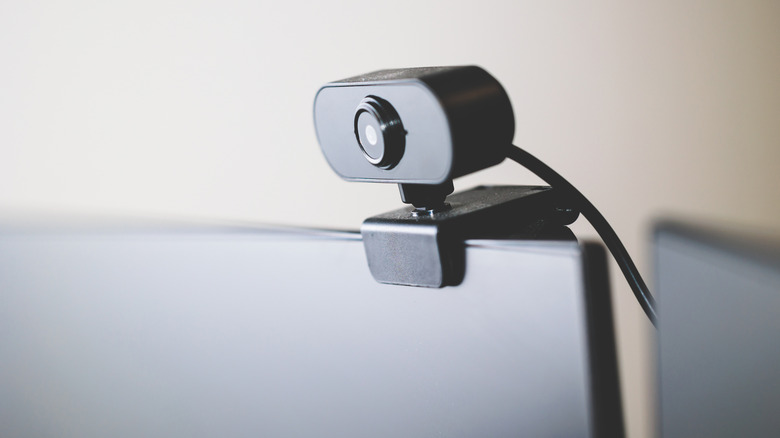

Close-up of a webcam mounted to the top of a desktop PC monitor
Jenson/Shutterstock

Even if the dash cam you want to use supports UVC over USB, there’s no guarantee it will function correctly as a webcam. That’s because dash cams are designed to record continuously in one big loop with automated recording based on various events, like when the car starts up. They’re not really intended for live streaming. In addition, a lot of dash cams require dedicated power, usually a 12-volt supply. Most USB ports on computers provide only 5 volts of power, so you may need to plug the dash cam into an external power source.

An alternative way to connect a dash cam is to use an HDMI port, if available, and feed that through a capture card. Because there’s such a variety of devices on offer, and the process itself is likely to be hit-or-miss, there’s really no clear way to recommend setting up a dash cam other than through trial and error. I personally had a Vantrue dash cam lying around that I was able to plug into my computer via USB and get it recognized and working. I did have to use a USB data cable versus a standard charging cable. That’s another thing to check if your dash cam isn’t immediately recognized by your computer.

Interestingly, you can also do the opposite. You can take an old Android phone and repurpose it as a dash cam in your vehicle with a fairly easy DIY method. That doesn’t really help you if you need a webcam, but it’s still pretty neat to know how much you can repurpose all these old gadgets and tech.



Sign Up For Daily Newsletter

Be keep up! Get the latest breaking news delivered straight to your inbox.
By signing up, you agree to our Terms of Use and acknowledge the data practices in our Privacy Policy. You may unsubscribe at any time.
Share This Article
Facebook Twitter Email Print
Share
What do you think?
Love0
Sad0
Happy0
Sleepy0
Angry0
Dead0
Wink0
Previous Article Astounding Stories of Super-Science, October, 2022 – Table of Links | HackerNoon Astounding Stories of Super-Science, October, 2022 – Table of Links | HackerNoon
Next Article OpenClaw AI Agent Flaws Could Enable Prompt Injection and Data Exfiltration OpenClaw AI Agent Flaws Could Enable Prompt Injection and Data Exfiltration
Leave a comment

Leave a Reply Cancel reply

Your email address will not be published. Required fields are marked *

Stay Connected

248.1k Like
69.1k Follow
134k Pin
54.3k Follow

Latest News

GIMP 3.2 Released With Many Improvements
Computing
The Little Cameras On Coca-Cola Machines Aren’t For Pouring Drinks – BGR
News
Is Physical Automation the Next Big Opportunity for AI Startups? | HackerNoon
Computing
How I use Gemini Gems to master new skills faster than ever
News

You Might also Like

The Little Cameras On Coca-Cola Machines Aren’t For Pouring Drinks – BGR
News

The Little Cameras On Coca-Cola Machines Aren’t For Pouring Drinks – BGR

3 Min Read
How I use Gemini Gems to master new skills faster than ever
News

How I use Gemini Gems to master new skills faster than ever

13 Min Read
iFixit MacBook Neo teardown confirms that it is Apple's most repairable laptop since 2012
News

iFixit MacBook Neo teardown confirms that it is Apple's most repairable laptop since 2012

1 Min Read
There’s now a creepy desk which means you never have to stop working
News

There’s now a creepy desk which means you never have to stop working

5 Min Read
//

World of Software is your one-stop website for the latest tech news and updates, follow us now to get the news that matters to you.

Quick Link

  • Privacy Policy
  • Terms of use
  • Advertise
  • Contact

Topics

  • Computing
  • Software
  • Press Release
  • Trending

Sign Up for Our Newsletter

Subscribe to our newsletter to get our newest articles instantly!

World of SoftwareWorld of Software
Follow US
Copyright © All Rights Reserved. World of Software.
Welcome Back!

Sign in to your account

Lost your password?