By using this site, you agree to the Privacy Policy and Terms of Use.
Accept
World of SoftwareWorld of SoftwareWorld of Software
  • News
  • Software
  • Mobile
  • Computing
  • Gaming
  • Videos
  • More
    • Gadget
    • Web Stories
    • Trending
    • Press Release
Search
  • Privacy
  • Terms
  • Advertise
  • Contact
Copyright © All Rights Reserved. World of Software.
Reading: Your HDMI 2.1 Ports Might Be ‘Fake’ – Here’s Why – BGR
Share
Sign In
Notification Show More
Font ResizerAa
World of SoftwareWorld of Software
Font ResizerAa
  • Software
  • Mobile
  • Computing
  • Gadget
  • Gaming
  • Videos
Search
  • News
  • Software
  • Mobile
  • Computing
  • Gaming
  • Videos
  • More
    • Gadget
    • Web Stories
    • Trending
    • Press Release
Have an existing account? Sign In
Follow US
  • Privacy
  • Terms
  • Advertise
  • Contact
Copyright © All Rights Reserved. World of Software.
World of Software > News > Your HDMI 2.1 Ports Might Be ‘Fake’ – Here’s Why – BGR
News

Your HDMI 2.1 Ports Might Be ‘Fake’ – Here’s Why – BGR

News Room
Last updated: 2025/12/11 at 7:38 PM
News Room Published 11 December 2025
Share
Your HDMI 2.1 Ports Might Be ‘Fake’ – Here’s Why – BGR
SHARE


tomeqs/Shutterstock

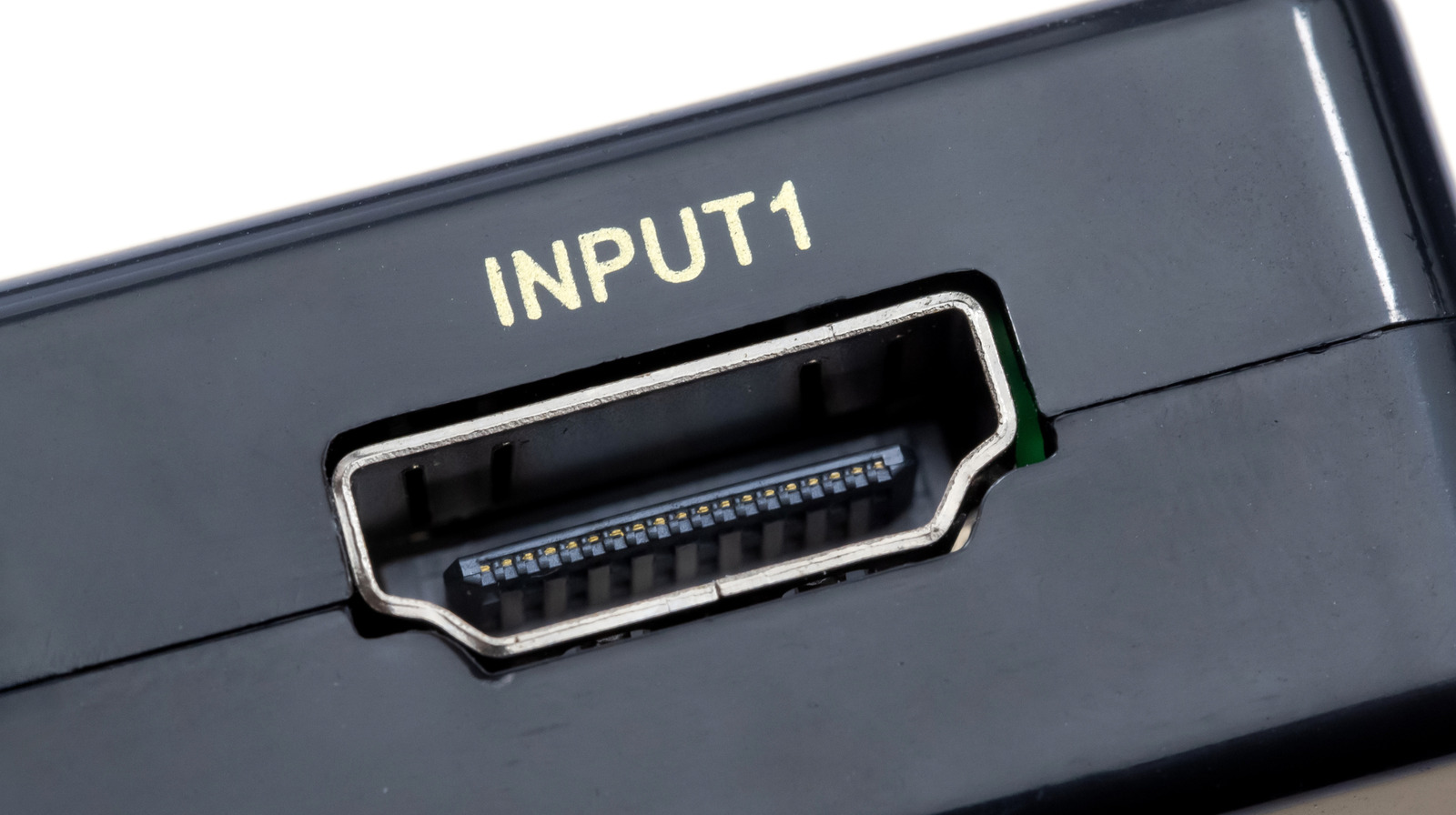
Buying consumer tech has always been a challenge, but what happens when you can’t even trust a product’s official HDMI specs? This is a conundrum that came to light when TFT Central — a computer monitor-focused publication — reached out to the HDMI Forum regarding the Xiaomi Fast LCD Monitor 24.5-inch 240Hz version. The display in question listed HDMI 2.1 in its official specifications, even though the monitor only supports up to 1080p resolution and a 240Hz refresh rate.

Up to this point, the HDMI 2.1 standard had several assumed specs, including 4K/120Hz, 48Gbps bandwidth, variable refresh rate (VRR), and auto low latency mode (ALLM). But thanks to TFT Central’s curiosity, representatives from HDMI.org provided information that makes the HDMI 2.1 label more ambiguous when seen on TVs and monitors moving forward.

According to the organization, many features typically associated with HDMI 2.1 (higher bandwidths, VRR, ALLM) are purely optional. As part of the same newsflash, HDMI.org also claimed that HDMI 2.0 no longer exists. Instead, the features of HDMI 2.0 tech are now a subset of the HDMI 2.1 standard.

It wasn’t long ago that BGR reported on the upcoming Steam Machine’s HDMI identity crisis, but that was a case of under-promising and over-delivering — the hardware is labeled HDMI 2.0, but actually supports 2.1 capabilities.

HDMI 2.1 isn’t always HDMI 2.1
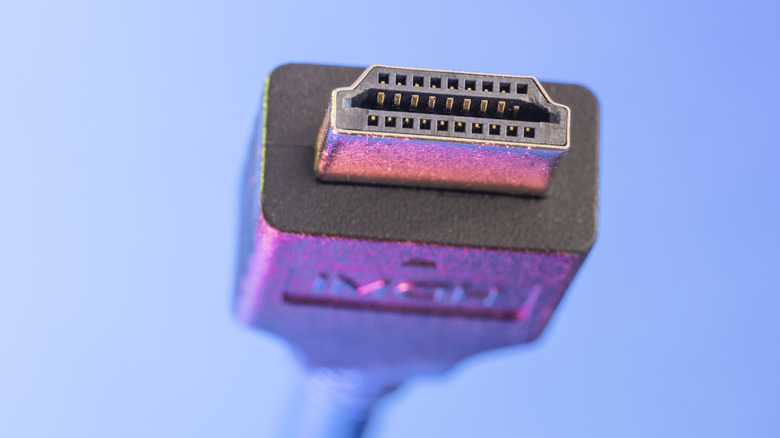

An HDMI cable against a blue-purple background.
Jlgutierrez/Getty Images

Instead of just focusing on HDMI tips and tricks to get the best picture quality, consumers will now have to read the fine print to see precisely what specs an HDMI 2.1-certified product supports. To be clear, “proper” HDMI 2.1 should support the fixed Rate Link (FRL) signaling technology, which replaced the older transition minimized differential signaling (TMDS) spec associated with HDMI 2.0 and older standards.

Without FRL support, features like 4K/120Hz, 48Gbps, VRR, and ALLM simply won’t be possible, even if the manufacturer claims the HDMI inputs are all 2.1 certified. This is exactly what happened with the Xiaomi monitor mentioned above: The official product description says the display supports HDMI 2.1, when in reality, it only supports TMDS, 1920 x 1080 resolution, and a 240Hz refresh rate. Technically, at least according to TFT Central, this makes it an HDMI 2.0 monitor, not up to the HDMI 2.1 designation.

One caveat: HDMI.org also indicated that if a device claims HDMI 2.1 compliance, the manufacturer needs to state which features the device supports, ostensibly reducing consumer confusion.

Choose your HDMI port (and cable) wisely
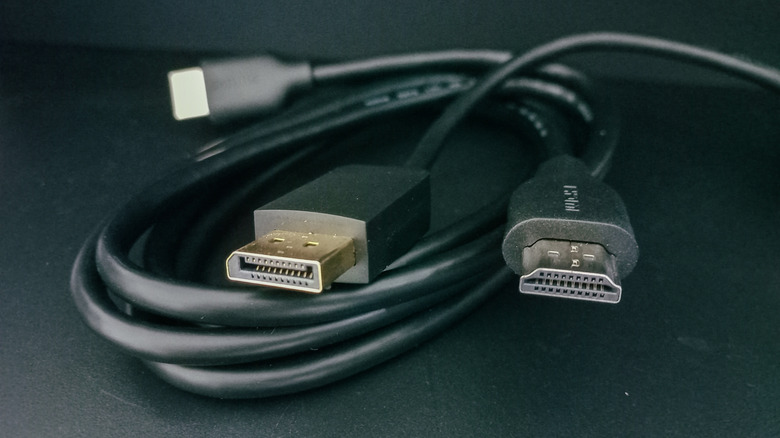

A bundle of HDMI cables looped, against a black background.
Yori Meirizan/Getty Images

Looking ahead, will it even matter which HDMI port you use on your TV or monitor? That all depends on what you’re looking to get out of your AV setup. If you want uncompressed Dolby Atmos for all compatible smart TV apps, you’ll still want to stick with hardware that supports HDMI eARC, which is often a complete HDMI 2.1 connection with 4K/120Hz, 48Gbps, and other 2.1 staples.

It’s also a good idea to double-check HDMI cables that are labeled as 2.1 compliant. Look for post-FRL-powered features like 4K/120Hz, 48Gbps, and VRR, and assume that if you don’t see one of these features listed on the cable packaging or product page, the cable probably doesn’t support them.

While most HDMI ports will still work just fine for everyday viewing, you’ll want to be extra mindful of the inputs you’re working with (and what specs they actually support) when connecting game consoles like the PlayStation 5 and Xbox Series X. The same goes for gaming PCs, as well as premium home theater soundbars with built-in HDMI switching.



Sign Up For Daily Newsletter

Be keep up! Get the latest breaking news delivered straight to your inbox.
By signing up, you agree to our Terms of Use and acknowledge the data practices in our Privacy Policy. You may unsubscribe at any time.
Share This Article
Facebook Twitter Email Print
Share
What do you think?
Love0
Sad0
Happy0
Sleepy0
Angry0
Dead0
Wink0
Previous Article When Public Data Disappears: The Quiet Restoration of SSN Issuance Records | HackerNoon When Public Data Disappears: The Quiet Restoration of SSN Issuance Records | HackerNoon
Next Article James Webb has opened the door to a fascinating world James Webb has opened the door to a fascinating world
Leave a comment

Leave a Reply Cancel reply

Your email address will not be published. Required fields are marked *

Stay Connected

248.1k Like
69.1k Follow
134k Pin
54.3k Follow

Latest News

House panel advances kids safety bills despite Democratic opposition
News
KISS or Die: Why Senior Engineers Fail at Startups | HackerNoon
Computing
How iPhone’s best travel companion will save you money – 9to5Mac
News
Amazon Prime Video pulls AI-powered recaps after Fallout flub
News

You Might also Like

House panel advances kids safety bills despite Democratic opposition
News

House panel advances kids safety bills despite Democratic opposition

0 Min Read
How iPhone’s best travel companion will save you money – 9to5Mac
News

How iPhone’s best travel companion will save you money – 9to5Mac

6 Min Read
Amazon Prime Video pulls AI-powered recaps after Fallout flub
News

Amazon Prime Video pulls AI-powered recaps after Fallout flub

2 Min Read
Best Internet Providers in Chicago, Illinois
News

Best Internet Providers in Chicago, Illinois

15 Min Read
//

World of Software is your one-stop website for the latest tech news and updates, follow us now to get the news that matters to you.

Quick Link

  • Privacy Policy
  • Terms of use
  • Advertise
  • Contact

Topics

  • Computing
  • Software
  • Press Release
  • Trending

Sign Up for Our Newsletter

Subscribe to our newsletter to get our newest articles instantly!

World of SoftwareWorld of Software
Follow US
Copyright © All Rights Reserved. World of Software.
Welcome Back!

Sign in to your account

Lost your password?