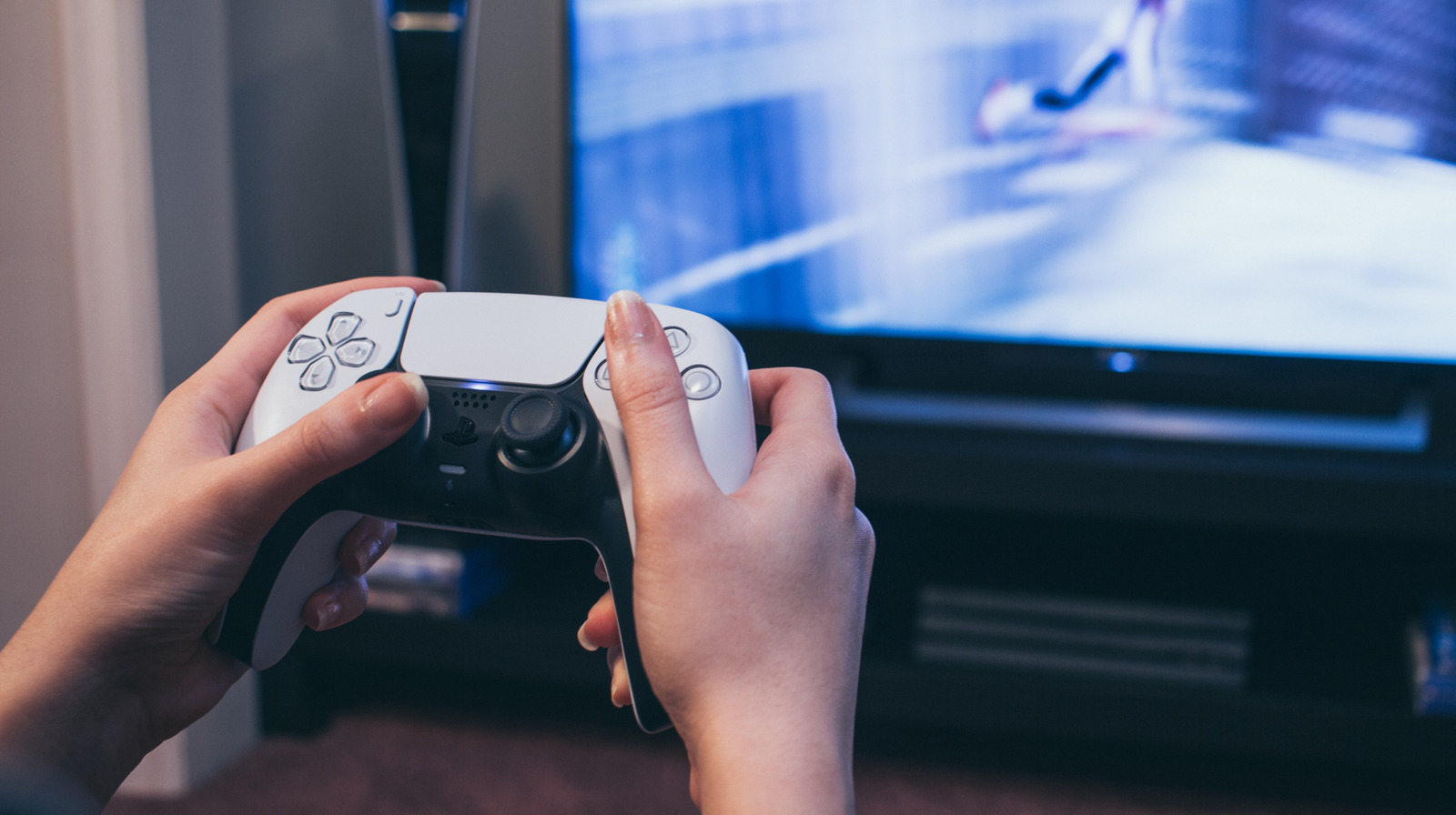
Not all HDMI ports are created equal. If your PlayStation 5 is plugged into the wrong HDMI port, you might be losing out on visual performance and overall image quality. Most modern TVs have one or two HDMI 2.1 ports, while the rest are likely using the older HDMI 2.0 standard. To get the most out of your PS5, be sure to plug it into an HDMI 2.1 slot.
Your HDMI 2.1 port might not be clearly labeled, though. Some manufacturers label HDMI 2.1 as Gaming, eARC, or 4K 120Hz. Check to make sure your HDMI cable itself also meets the HDMI 2.1 standard, or else you won’t reap the benefits of “Ultra High Speed HDMI,” even if you’re plugged into the correct port. The PS5 does come packaged with an HDMI 2.1 cable, so you likely have nothing to worry about in that regard.
Why does the type of port matter so much, anyway? It’s because HDMI 2.1 supports 48Gbps bandwidth that can deliver uncompressed video at up to 8K resolution with HDR at 60Hz, or 4K video at 120Hz. The PlayStation 5 is entirely capable of hitting those numbers with certain games, as long as the TV is capable of displaying at the target resolution and refresh rate. The PS5 Pro model, released in November 2024, can achieve this with even more games thanks to AI upscaling, and can even output 8K at 60Hz.
What difference does using the wrong HDMI port make?
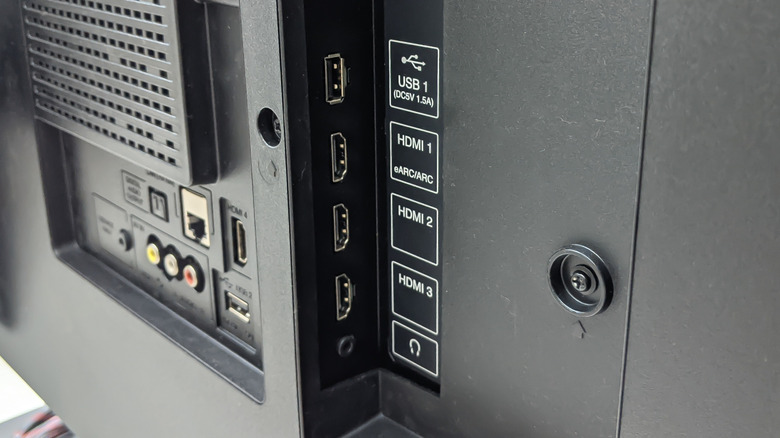
An HDMI 2.0 port only supports 4K resolution output at up to 60Hz refresh rate. If your PS5 is plugged into this type of port, you will not get to enjoy features like Variable Refresh Rate or a 120 FPS framerate. On one hand, you might not even notice the problem right away. Your games will still work and play just fine, but you won’t be getting the ideal refresh rate or overall visual experience.
To put it another way: You simply are not experiencing the gameplay you paid for if your PlayStation 5 is plugged into the wrong HDMI port. This is especially true if you sprang for a PS5 Pro. A major selling point of this premium model is its ability to display in 8K, which is only possible over HDMI 2.1. You can still enjoy the enhanced performance and memory capabilities of your PS5 Pro over an HDMI 2.0 connection, but smoothness and resolution will take a hit.
HDMI 2.1 was introduced in 2017. If you’re still rocking a TV from a decade ago, you probably don’t have any HDMI 2.1 slots whatsoever. Modern smart TVs are great for gaming and other entertainment needs, but make sure to check how many HDMI 2.1 slots a TV has before you finalize your shopping — this will help you plan your living room tech setup based around your TV accordingly.