When you go to install your new Roku device on your TV, you may believe all HDMI ports are created equal and it won’t matter where you plug in that Roku, but you’d be wrong. Similar to USB, which is a universal port, HDMI — or High-Definition Multimedia Interface — is a connection for video and audio that supports a wide variety of entertainment devices, including media players, soundbars, and home theater systems. But there are different HDMI formats that can make all the difference for usability.
Roku does work with any HDMI port, yes, but depending on the model you own, especially a 4K model, you may need a specific type of port with the right functionality, like HDCP 2.2, a content protection protocol. TVs often include multiple HDMI ports, it’s true, but not all of them offer the same high-quality functionality. Today’s standard, HDMI 2.0, for example, supports 4K resolutions at 60Hz with HDR and Audio Return Channel (ARC) audio. Although not all HDMI 2.0 ports are compatible with ARC.
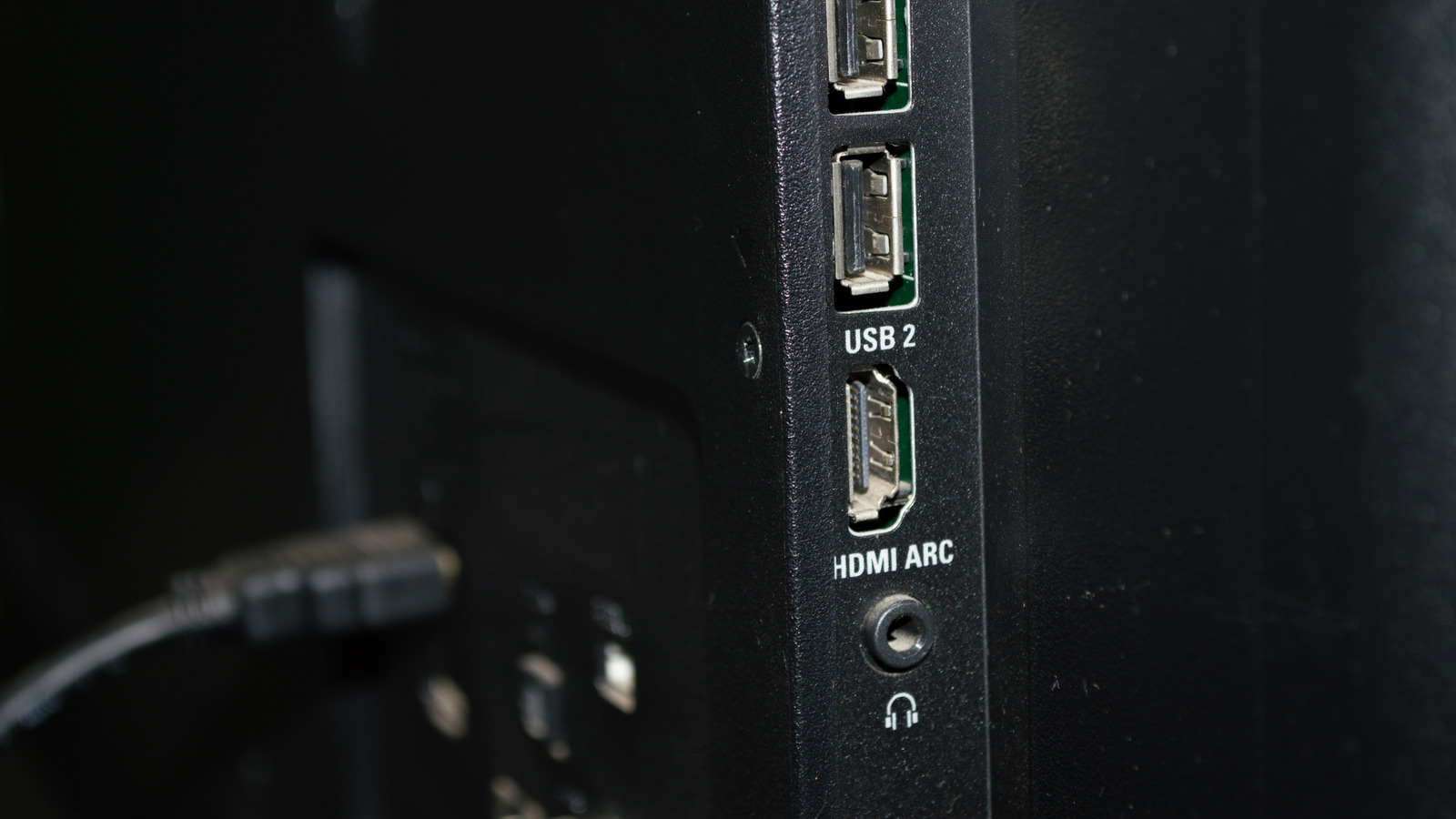
Another version, HDMI 2.1, supports 4K resolutions at 120Hz or 8K at 60Hz – both of which are significant bumps in visual experiences — with compatibility for variable refresh rates, Auto Low Latency Mode, and enhanced ARC (eARC). If you don’t pay attention to which input you are using, or just plug the device into the first open port, you might insert your Roku into the wrong one. How do you tell? Luckily, most of those ports are labeled, so it’s just a matter of paying attention. But first, understanding the differences between those HDMI ports is necessary.
Which HDMI port should you use for Roku?
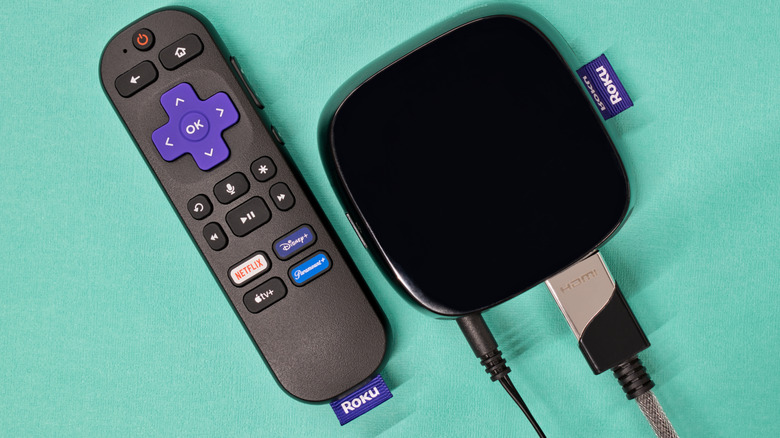
If you have many devices plugged into your television and Roku is not your primary entertainment platform, and you don’t mind a drop in visual or audio quality, any HDMI port will work. Although if you want to utilize a true 4K or 8K connection on compatible devices, you need at least an HDMI 2.1. In Roku’s case, the port also needs to support HDCP 2.2.
If you want to use any additional features like HDR, HDR10, and Dolby Vision with your Roku, you may need to reference your TV’s user manual to ensure you’re connecting to the right HDMI port(s). These features might only be available in specific connections that use the standard 2.0 format. Some newer TVs might have HDMI 2.2, the latest standard, in which case it’s a great idea to use that port. If you have a soundbar or surround audio system, you should connect that to your TV’s ARC or eARC port for audio out. You also need to make sure CEC and ARC are enabled to get that working correctly.
ARC/eARC: Usually the sweet spot for audio devices
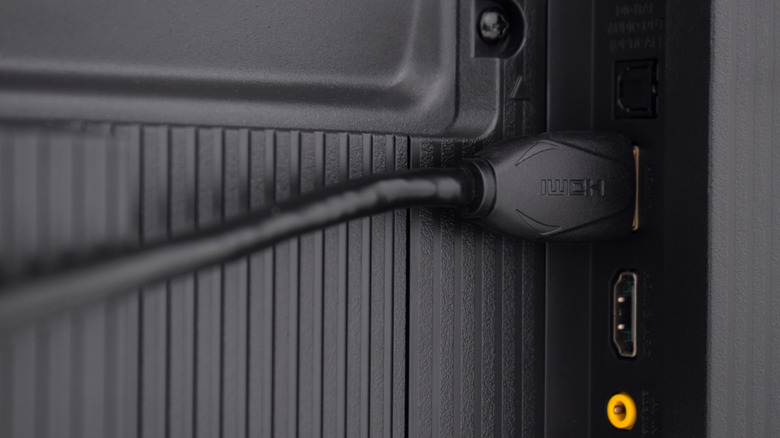
Alone, Roku devices don’t need ARC or eARC. These ports are usually labeled, and if for some reason they’re not, you can refer to your TV’s user manual to figure out where your ARC ports are. They offer higher bandwidths for video and audio, specifically for return streams when using an audio receiver or soundbar. Without ARC or eARC, you’d need to use multiple cables: One to connect your source to audio, another to link the audio system to your TV, and a third to connect your TV back to audio. ARC and eARC consolidate that down to one simple connection with a higher bandwidth. Not using these ports can result in diminished audio, and some devices, such as the Apple TV, can run into visual problems when not connected to the right HDMI port with ARC/eARC. Luckily, Roku devices don’t need them, but you still want the appropriate HDMI speed rating.
There is no standardization for what ports are included in a TV. This means that across brands, some TVs might have multiple ARC or eARC ports, while others might only have one or the other or might offer separate HDMI 2.0 and HDMI 2.1 ports. Typically, it’s best to use the highest speed and newest port available for your core media or streaming device, especially when connecting to additional audio equipment. Moreover, it’s possible a HDMI 2.1 ports might be “fake” (they don’t support features such as 4K/120Hz video) or not up to the correct specifications.
You should also know that even when connecting your Roku to the right ports, if it requires an additional cable, like with the Roku Express, the speed rating of the HDMI cable you use matters. You should stick with Premium High Speed and Ultra High Speed-rated cables for their higher bandwidth support.