By using this site, you agree to the Privacy Policy and Terms of Use.
Accept
World of SoftwareWorld of SoftwareWorld of Software
  • News
  • Software
  • Mobile
  • Computing
  • Gaming
  • Videos
  • More
    • Gadget
    • Web Stories
    • Trending
    • Press Release
Search
  • Privacy
  • Terms
  • Advertise
  • Contact
Copyright © All Rights Reserved. World of Software.
Reading: You’re Probably Using The Wrong USB Cable For Android Auto – Here’s Why – BGR
Share
Sign In
Notification Show More
Font ResizerAa
World of SoftwareWorld of Software
Font ResizerAa
  • Software
  • Mobile
  • Computing
  • Gadget
  • Gaming
  • Videos
Search
  • News
  • Software
  • Mobile
  • Computing
  • Gaming
  • Videos
  • More
    • Gadget
    • Web Stories
    • Trending
    • Press Release
Have an existing account? Sign In
Follow US
  • Privacy
  • Terms
  • Advertise
  • Contact
Copyright © All Rights Reserved. World of Software.
World of Software > News > You’re Probably Using The Wrong USB Cable For Android Auto – Here’s Why – BGR
News

You’re Probably Using The Wrong USB Cable For Android Auto – Here’s Why – BGR

News Room
Last updated: 2026/03/22 at 6:17 PM
News Room Published 22 March 2026
Share
You’re Probably Using The Wrong USB Cable For Android Auto – Here’s Why – BGR
SHARE


Andriy Baidak/Shutterstock

We may receive a commission on purchases made from links.

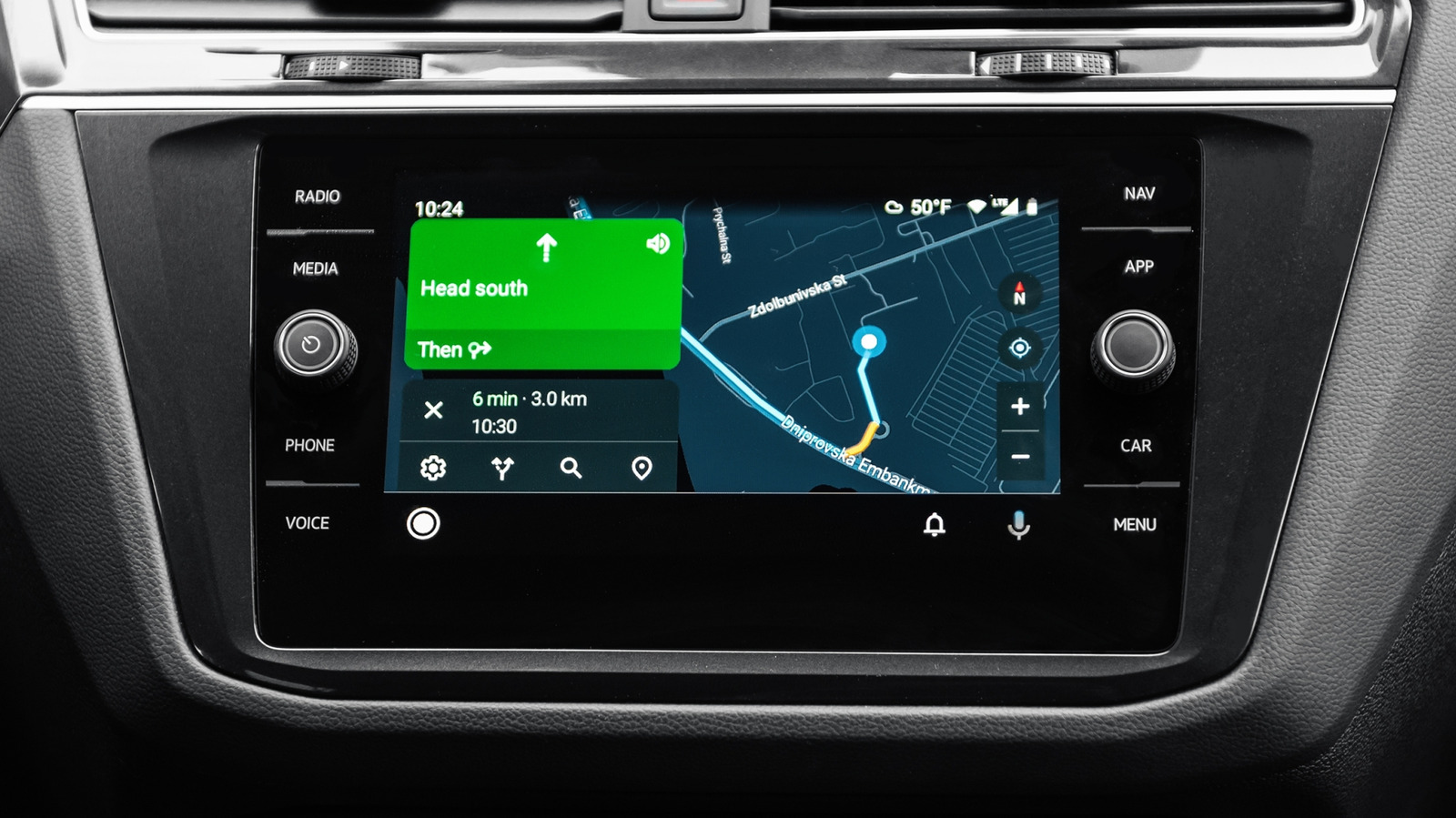
Many of us rely on Android Auto to get a projection of our phone’s apps and features, including the Gemini AI assistant, on our car’s infotainment screen. While it’s becoming more prevalent for car makers to include support for wireless Android Auto, most cars, particularly the more affordable models, still come with only wired Android Auto. That being said, you can pick up one of the wireless Android Auto adapters from Amazon, but there is still the potential for lag or incompatibility. Therefore, it’s often better to stick with wired Android Auto for a more consistent experience.

For the wired Android Auto to work seamlessly in your car, you need a high-quality USB cable. You can’t pick up just any USB cable and plug it into your car and phone, which is why you should question the safety of low-cost tech accessories from stores like Dollar Tree. So, if you are having a problem with your Android Auto connection, there is a good chance it’s because you’re using the wrong USB cable. Here’s why wrong USB cables can impact Android Auto and how you can pick the right cable.

Why is a high-quality USB cable important?
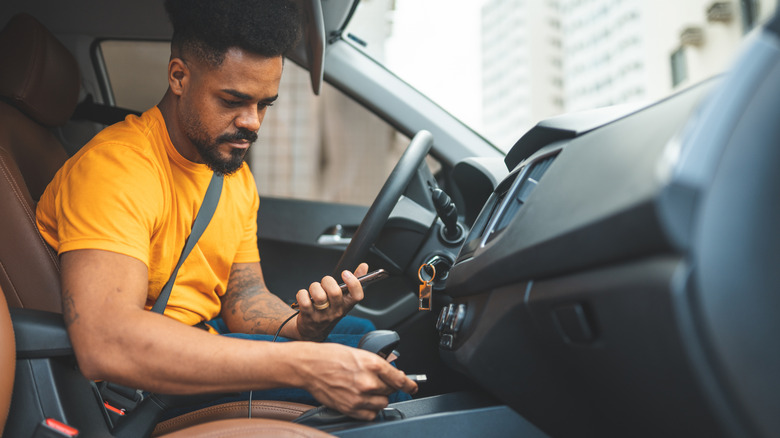

A person plugging a USB cable connected to their phone into a port in the car
Pollyana Ventura/Getty Images

In a wired Android Auto setup, the USB cable is responsible for carrying all the data between your phone and the car’s infotainment system. As Android Auto is simply a projection of your phone, everything you see on your infotainment system when it’s running Android Auto is coming from your phone, including any music you play, any calls you make or answer, and any maps. At the same time, the cable also sends power to your phone from the car’s USB port for charging it to ensure Android Auto doesn’t completely drain your phone’s battery.

This means if the cable is unable to manage the data and power connection between your car and the phone seamlessly, quickly, and consistently, your Android Auto experience suffers. You may see disconnections, lag in responses, patchy audio, and other performance. This is why Google recommends going with a high-quality USB cable for a reliable experience.

How to choose the right USB cable for Android Auto
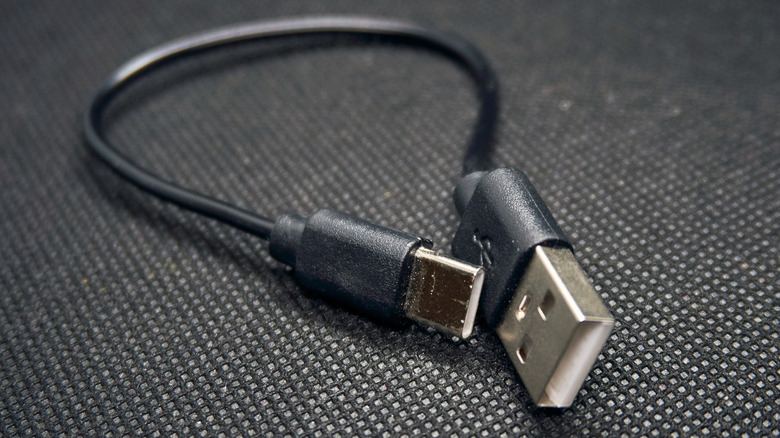

A USB Type-A to USB-C cable on a textured surface
Nick Anyone/Shutterstock

According to Google, the USB cable supplied by your phone manufacturer is typically your best bet for using Android Auto. However, it’s not always possible to use the cable that came bundled with your phone, such as the factory cable doesn’t match your car’s Android Auto port or you just don’t want to carry it around because you keep it at home for charging. In such cases, you can pick a USB cable from third-party manufacturers, but it’s important to keep some things in mind.

Google says it’s a good idea to stick with cables under 3 feet in length and don’t use USB hubs or cable extensions. More importantly, you can ensure you’re picking a high-quality cable by confirming it meets the standards of the USB Implementers Forum (USB-IF). USB-IF is the organization responsible for maintaining the USB protocol and its specifications. It has a nifty product search page on its website, which you can use to search for any specific cables and whether those are officially certified by it. For example, Cable Matter offers an excellent USB-A to USB-C cable (201041). A quick search for this model number on the USB-IF website reveals it was certified by the organization on May 27, 2025, indicating it meets their standards. Similarly, Anker’s A82G2 USB-A to USB-C cable is also listed as certified in USB-IF’s product database.

Finally, while a USB cable supporting the USB 2.0 generation can work with Android Auto, it’s often better to go with faster USB 3.2 Gen 1 or USB 3.2 Gen 2 cables to avoid any data transfer issues, as the newer USB cables support faster data transfers rates.


Sign Up For Daily Newsletter

Be keep up! Get the latest breaking news delivered straight to your inbox.
By signing up, you agree to our Terms of Use and acknowledge the data practices in our Privacy Policy. You may unsubscribe at any time.
Share This Article
Facebook Twitter Email Print
Share
What do you think?
Love0
Sad0
Happy0
Sleepy0
Angry0
Dead0
Wink0
Previous Article 3 Reasons BTC Whales Are Buying This New Altcoin Ahead of Q4 2026 3 Reasons BTC Whales Are Buying This New Altcoin Ahead of Q4 2026
Next Article 5 Android Apps That Are Probably Slowing Down Your Phone – BGR 5 Android Apps That Are Probably Slowing Down Your Phone – BGR
Leave a comment

Leave a Reply Cancel reply

Your email address will not be published. Required fields are marked *

Stay Connected

248.1k Like
69.1k Follow
134k Pin
54.3k Follow

Latest News

Mac users can now get Microsoft’s best tools for just  each
Mac users can now get Microsoft’s best tools for just $10 each
News
Microsoft outlines agentic AI security strategy with new Defender, Entra and Purview capabilities –  News
Microsoft outlines agentic AI security strategy with new Defender, Entra and Purview capabilities – News
News
The latest AI-integrated Windows OS is only  for a bit longer
The latest AI-integrated Windows OS is only $13 for a bit longer
News
The 2 Alternatives To USB Wi-Fi Adapters Actually Worth Using – BGR
News

You Might also Like

Mac users can now get Microsoft’s best tools for just  each
News

Mac users can now get Microsoft’s best tools for just $10 each

3 Min Read
Microsoft outlines agentic AI security strategy with new Defender, Entra and Purview capabilities –  News
News

Microsoft outlines agentic AI security strategy with new Defender, Entra and Purview capabilities – News

9 Min Read
The latest AI-integrated Windows OS is only  for a bit longer
News

The latest AI-integrated Windows OS is only $13 for a bit longer

3 Min Read
The 2 Alternatives To USB Wi-Fi Adapters Actually Worth Using – BGR
News

The 2 Alternatives To USB Wi-Fi Adapters Actually Worth Using – BGR

6 Min Read
//

World of Software is your one-stop website for the latest tech news and updates, follow us now to get the news that matters to you.

Quick Link

  • Privacy Policy
  • Terms of use
  • Advertise
  • Contact

Topics

  • Computing
  • Software
  • Press Release
  • Trending

Sign Up for Our Newsletter

Subscribe to our newsletter to get our newest articles instantly!

World of SoftwareWorld of Software
Follow US
Copyright © All Rights Reserved. World of Software.
Welcome Back!

Sign in to your account

Lost your password?