We may receive a commission on purchases made from links.
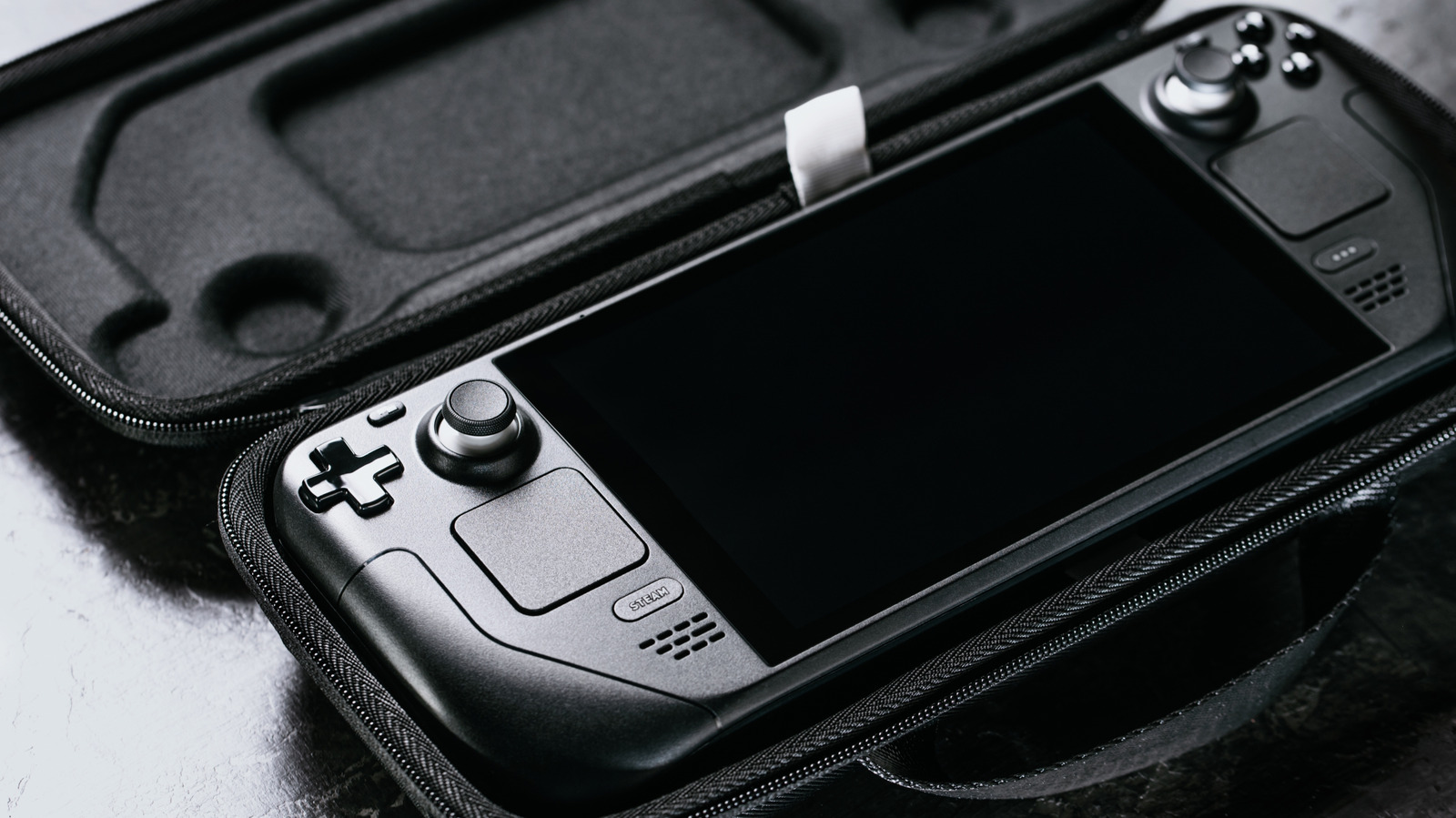
There’s a joke in the Linux world that each year will be the “year of the Linux desktop.” While Android made this phrase a reality, thanks to its Linux underpinnings and its 72% share of the mobile market, another contender has helped usher the operating system into the mainstream: Valve with the Steam Deck. Thanks to the company’s hard work with Proton to get Windows games running on Linux, the handheld PC now accounts for 21% of Linux gamers, with the OS use steadily growing, from 1.2% of PC market share in 2020 to over 4% in 2025. In other words, the Steam Deck is a viable option as a portable PC, thanks to the recent growth Linux has seen, leading even more users to switch.
You see, the Steam Deck offers a Desktop Mode that jumps from the console-like default interface to a proper computer running KDE. Valve likely chose this desktop environment for the Steam Deck because of its versatility and polish, and it runs on a custom read-only fork of Arch Linux, an immutable OS that prevents unauthorized changes. KDE, at its core, offers a wide range of settings that make it easy to configure and customize, whether you require a familiar Windows-like layout or prefer something closer to macOS.
Basically, the Steam Deck ships with a complete, highly customizable desktop OS that many aren’t aware of or often underestimate, since the machine defaults to a much slimmer console-like interface. But by docking your Deck to a TV or monitor, you can switch to Desktop Mode and have yourself a comfortable way to give your Steam Deck a new use, including working, browsing, playing games, and modding.
Desktop Mode shines brightest with a dock
Both Steam Deck LED and OLED models offer Zen 2 CPU architecture and RDNA 2 graphics, which are basically what the ninth-generation consoles are built on. Laptops also make use of this architecture combo, including devices from HP, Lenovo, and Framework. The chipset has proved its usefulness across hardware, from work environments to console and PC gaming. But rather than suffer working or playing on the Steam Deck’s 7.4-inch screen, you can connect your Deck and bring your computing to a bigger screen better suited to your tasks.
Of course, Valve sells an official Steam Deck Docking Station for $79.99 directly on Steam, though it comes with a few limitations despite the premium price. For example, the dock is designed only to fit the Steam Deck, whereas third party docks tend to support multiple handhelds and their differing thicknesses. Also, it’s an expensive Steam Deck hub compared to competitors that offer more features, such as the Ugreen Steam Deck Dock, which can also cradle Asus and Lenovo handhelds and conveniently offer 4K 120-hertz video output for only $45.99 — when not on sale.
Once you connect your Deck to a larger display, it’s much easier to use the handheld like a traditional PC. Docks usually have many connection ports, much like a laptop or a traditional desktop tower. Straight up, a Steam Deck can absolutely be used in Desktop Mode like any traditional PC with your favorite peripherals, like wireless mice and portable keyboards.
Mod your favorite games in Steam Deck’s Desktop Mode
Another benefit of the Steam Deck’s traditional Desktop Mode is that it’s much easier to browse the web and edit or move files, two key features when hunting down and applying game mods. Since the Steam Deck runs KDE, you can use Discover Software Center for most of your software needs. Install your favorite browser, like Firefox, and you can easily navigate the web and jump to sites like Nexus Mods. Once you get the content you want, open the download folder in Dolphin, KDE’s file manager, and copy the mod to the appropriate Steam game folder, and it’s off to the races. Basically, downloading and applying a mod is easily performed in Desktop Mode, just like modding on Windows.
But that’s not all. One of the easiest ways to install and manage compatibility tools like GE-Proton, as well as Heroic, Lutris, and Bottles, is with an app called ProtonUp-Qt, which you can install from the Discover Software Center. For anyone who wants to maximize their Steam Deck’s game compatibility and performance, the process is easy.
Whether you want to add 16:10 support to a game by quickly grabbing a file from Nexus Mods, or simply wish to install an entire suite of plugins and apps to extend your gaming, Desktop Mode is the easiest way to do it. And thanks to the software’s open design, the Steam Deck is also one of the handhelds with the most possibilities of modding and installing third-party software, a good thing for those who are new to taming Linux.