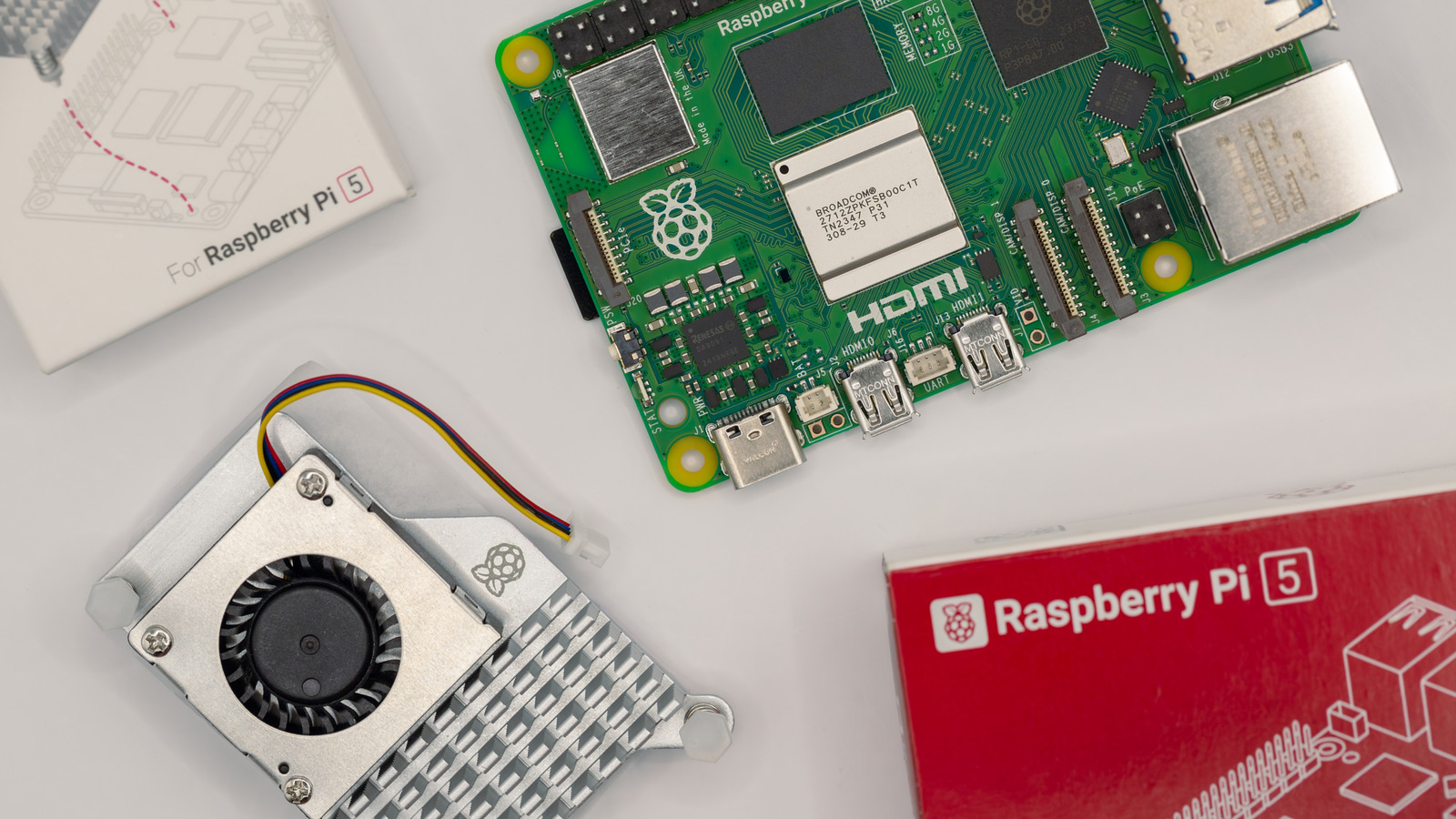
Raspberry Pis are some of the smallest yet most versatile computers, making them great for teaching, learning, and creation. If you have one, you can use it in a myriad of ways. Whether it’s doing a specific task with the right components, using it as a personal computer, or turning the Pi into a local AI agent, the options are endless.
But older Raspberry Pis aren’t as powerful as the new designs, so the old model that you got a few years ago might no longer suffice for your specific application. You might have even bought a new model and are wondering what you should do with the old one. Sure, you could sell it, but similar used designs could be going for so little that you’d rather let yours gather dust in a drawer.
While that old Pi model might not meet your needs, you can still put it to good use. You see, the advantage of having a Raspberry Pi, whether old or new, is that your imagination is your only limit. There are many ways to use your old Raspberry Pi, and we’ve put together four creative uses for you to consider.
Use it as a portable router
If you travel often for work and your old Raspberry Pi model has wireless connectivity, you can use it as a travel router. Using public Wi-Fi can be risky due to the many hidden dangers that come with open networks. Since you may need to connect to the internet while outside the house, whether to check work updates or order a taxi back home, the safest way to do so is via a travel (or pocket) router.
You can turn your Raspberry Pi into a portable router using free software such as RaspAP. RaspAP is wireless router software that runs on Debian-based machines such as the Raspberry Pi. It’s packed with features, such as an ad blocker and VPN, and is highly customizable.
The setup process can be a bit challenging if you aren’t familiar with the terminal, but for someone bold enough to buy a Raspberry Pi to play around with, it should be fairly straightforward, as you only need to run a few commands. Once RaspAP is up and running, all you need to do is connect your Pi model to the public Wi-Fi, and it’ll create a private network that your devices can use for better security.
Set up a network-attached storage (NAS)
If you have a couple of old hard disk drives (HDDs) or solid-state drives (SSDs) lying around with a good amount of storage, you can put them to use with your old Pi. Cloud storage services are definitely convenient. But while they give you limited free storage to get you started, they can really get expensive in the long run once you start storing gigabytes or terabytes of files. Your old Pi can come in handy in this case, as you can use it to set up a network-attached storage (NAS) for storing your media, photos, and any other files from your devices.
With an NAS, you can easily access your files whenever you want, locally while connected to the network or over the internet if you’re away from home. This way, your Raspberry Pi can actually help you save some money. To pull this project off, you’ll need a few supplies besides your Pi, such as a microSD card, a power supply, an Ethernet cable, and an SSD or HDD.
On the software side of things, you’ll need to install NAS software like OpenMediaVault, which gives you a nice interface for easy storage management. You can also install Nextcloud on the Pi, which is a more robust alternative to cloud services like Google Drive. With Nextcloud, you get seamless cross-device syncing akin to what you get with cloud storage services such as Google Drive and Dropbox.
Create a free, private VPN
Online security and privacy are more important than ever, and while there are tons of VPN apps on the market, some of them log your activity and then sell it to advertisers. On the other hand, most of the best VPNs that provide top-notch privacy and security come at a price. Instead of spending money on a VPN every single month, your old Raspberry Pi can save the day — and your wallet. This project is also pretty easy to pull off, as you only need a few items.
All you need is your Pi, a microSD card, a microSD card reader, an HDMI cable, and a power supply. You can also purchase a case if you want to get fancy, but it’s not necessary. Once you have the Pi up and running, you’ll install PiVPN via the terminal and run the installer, then follow the on-screen setup instructions to configure a WireGuard or OpenVPN VPN server.
After that, the only thing you need to do is forward the ports on your router to the Pi and, finally, generate VPN profiles for each of your devices so they can connect to the VPN. By connecting to a VPN, you’ll enhance the security of your devices via encryption and by hiding your IP address, and since it’s a personal server, you don’t need to pay a dime. Another advantage of setting up a VPN server using your Pi is that you can connect to your home network and access local devices (such as your smart home gadgets) from anywhere.
Use it as a web server
Hosting a website on the internet can cost money. By doing so, you’re essentially renting someone’s computer to serve your files over the internet. And, sure, your old Raspberry Pi might not be as powerful as the computers that web hosting companies rent out, but it’s capable of serving your small web development projects, like your personal website. You can also use your Raspberry Pi as a web server for any other personal web development projects, like running a tiny API server. Regardless, you can either use your Pi server as a testing environment for local deployments or expose your projects to the internet for remote access from anywhere.
In order to set up your Pi as a web server, you’ll need to install one of the most popular web server applications, like Nginx or Apache, followed by a bit of configuration. Once everything is set up, you can start the web server application, and you should be able to access your website on your network. Just remember: To expose your website to the internet, you’ll also need a domain name.