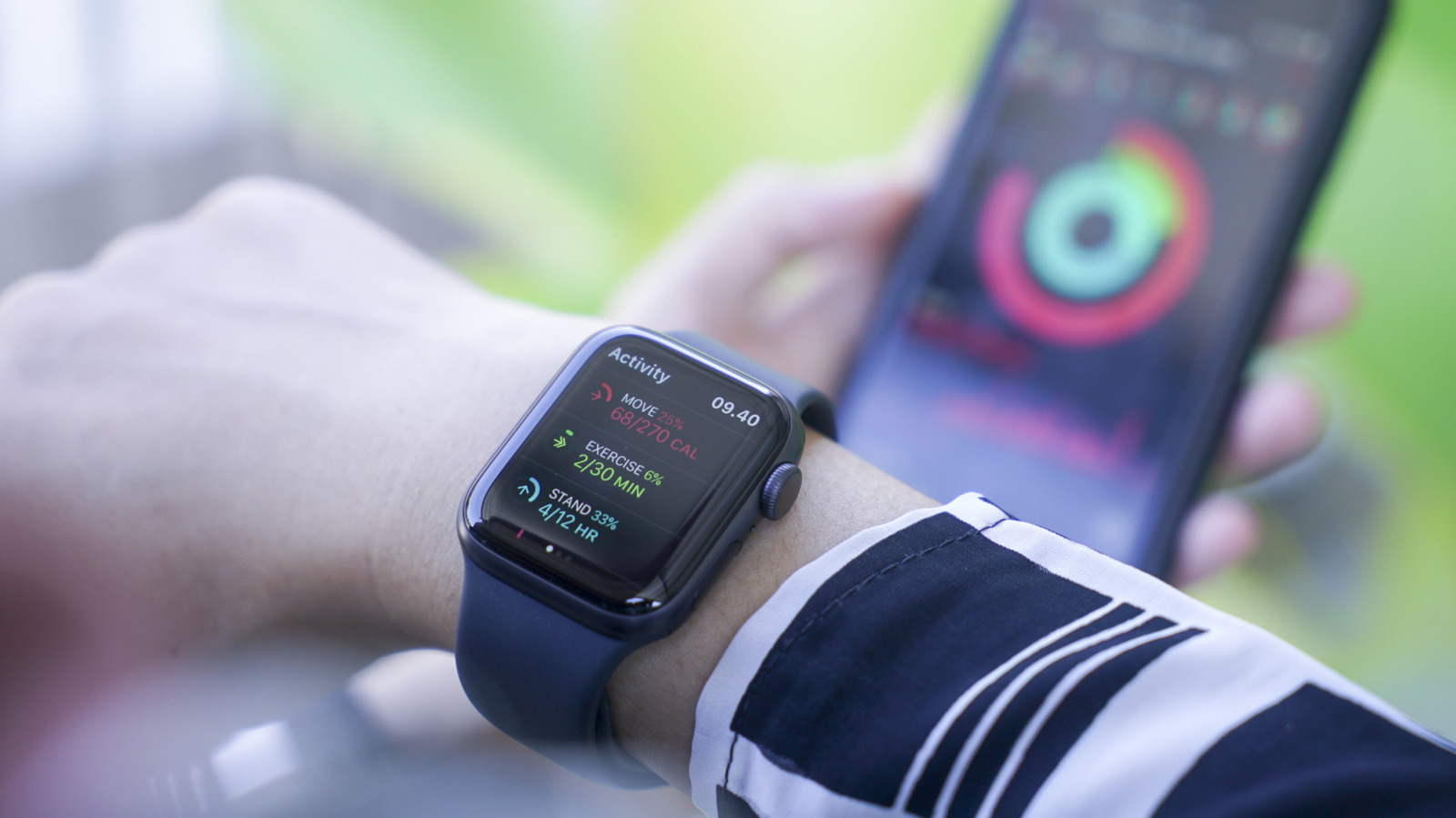
The Apple Watch is full of under-the-radar features that make it more than just a fitness tracker or entertainment device. That includes safety features, such as the ability to call emergency services and share your location with them just by pressing the side button. That, combined with the Apple Health app and related features, makes the wearable an underrated tool that can provide wearers with some peace of mind.
Some of the Apple Watch’s safety features are connected to things you probably already use, like the heart rate monitor and compass. Others activate when the device detects a major incident, allowing the user to call emergency services and even calling on their behalf if they are incapacitated. These are features you hope you never need, but you’ll be happy to have them if the situation arises, so we’ll go over some of the Apple Watch’s lesser-known safety features and cases where they have actually saved lives.
Heart rate monitor alerts
If you’ve ever exercised while wearing an Apple Watch, you probably know that it can monitor your heart rate. It does far more than that, though, as it’ll give you notifications if your heart rate becomes abnormally high or low, often a symptom of a larger health issue. While it can’t detect a heart attack and isn’t a substitute for regular doctor visits, the Apple Watch’s heart health notifications can alert users to seek medical treatment.
There are plenty of examples of this feature actually saving lives. In 2024, a 35-year-old Indian woman named Sneha Saha, who thought she was having a panic attack, was diagnosed with atrial fibrillation after her Apple Watch warned her to go to the hospital. That same year, 22-year-old Kamron Jones sought medical help after his Apple Watch gave him several alerts about an abnormally high heart rate, which turned out to be heart failure. Both were successfully treated and credit their smartwatch with saving their lives, with Saha saying she would not have sought medical attention were it not for the alerts. These examples show why the Apple Watch’s heart rate monitor and its warnings are great safety features, even — or maybe especially — for younger users who are less likely to be thinking about their cardiovascular health.
Backtrack
If you’re a hiker, especially one who likes hiking in remote locations, you need to be aware of the Apple Watch’s Backtrack feature. All you need to do to activate it is open the Compass app or hold down the side button until the Compass Backtrack and Emergency Call options appear. From there, hit the path icon in the bottom right corner and select Record Path. Then, if you get lost, just tap the icon again and choose Retrace Steps.
If you have an Apple Watch Ultra, accessing Backtrack is even simpler. Just go to the Settings app, hit the Action button, and tap Action, then Backtrack. Press the Action button to start Backtrack, and hit Record Path. From there, you can press the Action and side buttons simultaneously to swap between recording and retracing your path.
It’s worth noting that Backtrack doesn’t account for changes in elevation and isn’t meant to be used in crowded areas with Wi-Fi. Still, it’s clear how this feature could help a user return to safety even if they don’t have cell service, making it among the most important Apple Watch features and essential iPhone apps for every hiker.
Fall Detection
Another lesser-known feature of the Apple Watch is Fall Detection, which can detect a hard fall and alert the wearer with a tap, alarm, and notification. If you’re okay, you can dismiss it, but if you need help, you can quickly contact emergency services. More important and impressive, though, is how it reacts if the wearer is unable to respond. If the Apple Watch senses that you have been immobile for a full minute, it automatically calls emergency services and any emergency contacts you have saved and shares your location so they can reach you as quickly as possible.
Fall Detection is great for older adults for whom falls can be devastating, though some will already have medical alert devices. For those who don’t, the Apple Watch you’re already wearing could save your life, as it did for one Reddit user who blacked out in a parking lot after experiencing dizziness and shortness of breath. They were able to quickly get to the hospital because of Fall Detection and learned they had blood clots in their lungs, one of which was blocking oxygen flow to the heart. The Apple Watch even alerted the user’s wife since she was listed as an emergency contact, informing her of what happened and where.
Crash Detection
Similar to Fall Detection, your Apple Watch (and iPhone) can detect if you’ve been in a serious car accident and contact emergency services for you if necessary. If it senses a crash, the device will sound an alarm and alert the user, giving them the option to dismiss or call for help. After 30 seconds with no response, the watch or phone will automatically call emergency services and send a message to your emergency contacts with your location.
One Reddit user shared how Crash Detection made a difference after their Uber was rear-ended. Though they were knocked unconscious during the accident and don’t remember much about the immediate aftermath, they noticed the following morning that their watch had contacted 911, their friend, and their mother, who lives in Australia. Crash Detection is one of the Apple Watch’s best safety features, and it’s one you should definitely make sure you have turned on just in case.
Communicate via satellite
Finally, the Apple Watch Ultra 3 proves why it’s such a big upgrade with new features like satellite communication, which allows you to get in touch with loved ones or emergency services even when you’re off the grid. There are three parts to this — Emergency SOS, Messages, and location sharing — all of which you should set up and test ahead of time if you know you’re going to a place with no Wi-Fi or cell service.
In addition to being exclusive to the newest (and by far the most expensive) Apple Watch model, there are a lot of limits on these satellite features. They only work while you’re in certain countries, you’ll need a carrier plan to do anything except call emergency services, and they are only free for the first two years after activating your Apple Watch Ultra 3. Still, it’s a new and very cool feature that will likely improve in future updates.