We may receive a commission on purchases made from links.
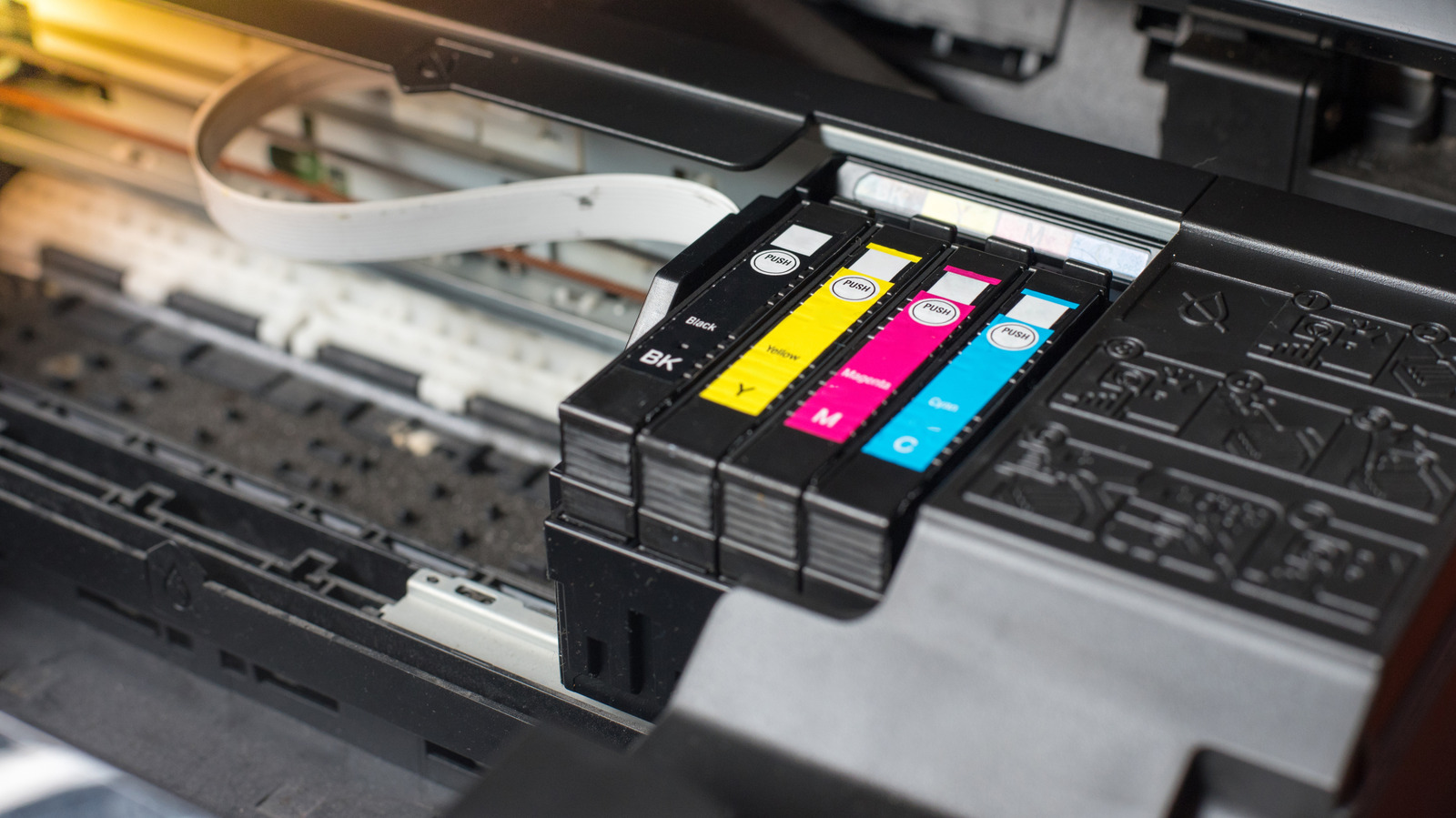
Finding a cheap printer is easy, since there are plenty of options available out there, but living with the cost is where the challenge truly begins. Many brands use the classic “razor and blade” as a business model, meaning that they often offer the hardware at a discounted price, sometimes at a loss, just to profit from ink and toner sales. That’s why, after a few months, your cartridge replacement costs can be as much as what you paid even for the best printer options.
A way to escape these unseen costs is to also look at the long-term costs of a printer you’re considering. For example, if you just print occasionally, a basic monochrome laser is a smart choice, since toner doesn’t dry out and stays cheap to print per page. However, if you use your printer often and also need color printouts, the best move is to skip ultra-cheap inkjets that have expensive cartridges and look instead for models that support third-party cartridges or refillable tanks.
By opting for one of these models, you keep your purchase economical not only on the printer price but also over time. Buying the right printer makes it possible to stay in control of how much you pay for ink refills or cartridges, without having to get locked into limited options. You can check the full methodology at the end of the article for more details about how we picked these printer options.
Brother HL-L2460DW
If you want a basic printer for your home and mainly for black and white pages, the Brother HL-L2460DW is one of the best options you can buy. Since it’s a laser printer, this model relies on dry toner powder instead of liquid ink, meaning that it won’t dry out if you let it sit for a few weeks without using it. In any case, it’s one of the best home office gadgets for remote workers and students.
On the performance side, this $180 printer also does well enough to be considered your next device, since it can print around 36 pages per minute. This means that, depending on the size of the document, you can have the printing done in just a few minutes. The HL-L2460DW model also connects via Wi-Fi, Ethernet, or USB, so it fits well on a shared home network if you’re not the only one using it.
This printer also has a really low running cost, since the manufacturer separates the drum unit from the toner cartridge, so you only need to replace this expensive part after 15,000 pages. The Brother HL-L2460DW is also open to third-party products, which means that you can buy cheaper cartridges for much less than a genuine one would cost, making it one of the cheapest printer options available.
Epson EcoTank ET-2850
The upfront price of $269 might not make the Epson EcoTank ET-2850 seem like an affordable printer option. That’s because one of the biggest selling points that this model has is the Supertank, which already comes with enough ink for printing around 7,500 black-and-white pages or 6,000 color ones, meaning that it is possible to use it for a long time before needing to replace the ink.
And when that time does come, you don’t need any specific cartridge to replace it. This model comes with a tank, so instead of buying an overpriced replacement every few months, it’s possible to pour a new ink bottle directly into the reservoir. Moreover, you have access to cheaper third-party options instead of relying only on original versions, so considering the tank size and the price of ink bottles, it’s a good investment.
Unlike other cheaper models, the Epson EcoTank ET-2850 is also an AIO device. It handles scanning and copying, and supports two-sided printing, which also helps to reduce paper consumption over time. However, the printer also has a downside, since at roughly 10 ppm for black and 5 ppm for color, it won’t really be fast when you need an important document done quickly.
Canon PIXMA MG3620
Especially made for those on a tight budget, the Canon PIXMA MG3620 can be bought for just $113.50 and is better for users who just want to print something now and then. So if it doesn’t make sense for you to spend $200 or more on a model to have little use for it, this printer from Canon can do the job right and also comes with some neat features, like Wi-Fi and two-sided printing, things that other models drop to cut costs.
As seen with some of the least reliable printer brands, this printer also comes with some trade-offs, which is a higher cost per page compared to the tank and laser options in the $200 price range. That said, the Canon MG3620 doesn’t force you into a pricing trap unlike other cheap inkjets, where you’re limited to buying cartridges made by the manufacturer. So it’s easy to find cartridges and pay an affordable price for them, which can be around $30.
In any case, while the Canon MG3620 can be a good budget printer, it’s important to know that this model is only good if you don’t need to use it frequently. The print speed is quite low, and larger documents can take a while to finish, so if you need to print a large volume of pages regularly, the better option is to spend more and get a better model.
HP Smart Tank 5101
While HP has a complicated reputation in the budget printer market, due to some subscription pushes and firmware locks that force users into the “Instant Ink” model, the Smart Tank 5101 is a departure from those practices. So it’s an option for those who like the hardware made by HP, but don’t want to commit to monthly fees like the other options that the manufacturer has available.
Also, the low cost to run this $259 printer is what makes it a standout at major electronics retail stores, since when you purchase a brand-new model, it includes up to three years of ink in the box. For many households, depending on how much you use it, that amount is sufficient to print comfortably for an extended period before needing to search for a refill. Moreover, the cartridge system uses HP 31 and 32XL bottles, which are far more affordable than other HP models.
Since third-party bottles can be found for around $12 to $15 each, the cost to run the HP Smart Tank 5101 is in line with what users can find in Epson and Canon printer models. Also the software made by HP is stable and user-friendly, making this model one of the best options for those interested in testing HP models, but without the subscription fee.
Brother MFC-J4335DW
Tank printers are great for printing at low cost, but their higher upfront prices can be hard to justify for many users. Standard cartridge inkjets flip that equation, yet they often punish you later with expensive refills and frequent replacements. The Brother MFC-J4335DW sits in the sweet spot around $210, using Brother’s INKvestment tank approach to keep the hardware accessible while still delivering a genuinely low cost per page, perfect for remote workers who don’t want a printer with business-class prices.
This model also has an internal reserve tank that holds extra ink, so even when the cartridge reads “empty,” you can often keep printing some extra pages while you buy the ink replacement, so no more running out of ink when printing an important report. Add this to a roughly 20 ppm print speed, and it becomes a strong tool to have at your home for multi-page scans, signed forms, and recurring paperwork.
Where the MFC-J4335DW really earns its keep is consumables. While the in-box ink lasts a long time, the printer supports LC506 series cartridges, rated for up to 5,000 pages before you have to replace them, a number higher than many typical inkjets can deliver. Even better, there’s healthy third-party support, with compatible XL cartridges commonly landing around $11-$35 each set, making monochrome printing especially one of the most efficient among models in the same price range.
How we selected each cheap printer
To choose each cheap printer on this list, we went far beyond the lowest sticker price. We dug into expert and user reviews to filter out the best models in this price range. Then we compared long-term ownership costs and features, focusing on ink or toner prices, page yield, printing speed, and how often you’re likely to replace them. We also tried to include models at different price points and speeds so they can fit a range of uses and budgets.
Also, many budget printers look like a bargain up front but lock you into proprietary cartridges that can be incredibly expensive over time. So, when selecting each printer here, we favored models that support reasonably priced original cartridges, third-party ink, or refillable tanks. Even if there are cheaper options available in stores, we excluded options that trap you in a costly cartridge ecosystem, because those models tend to become money pits instead of true savings.