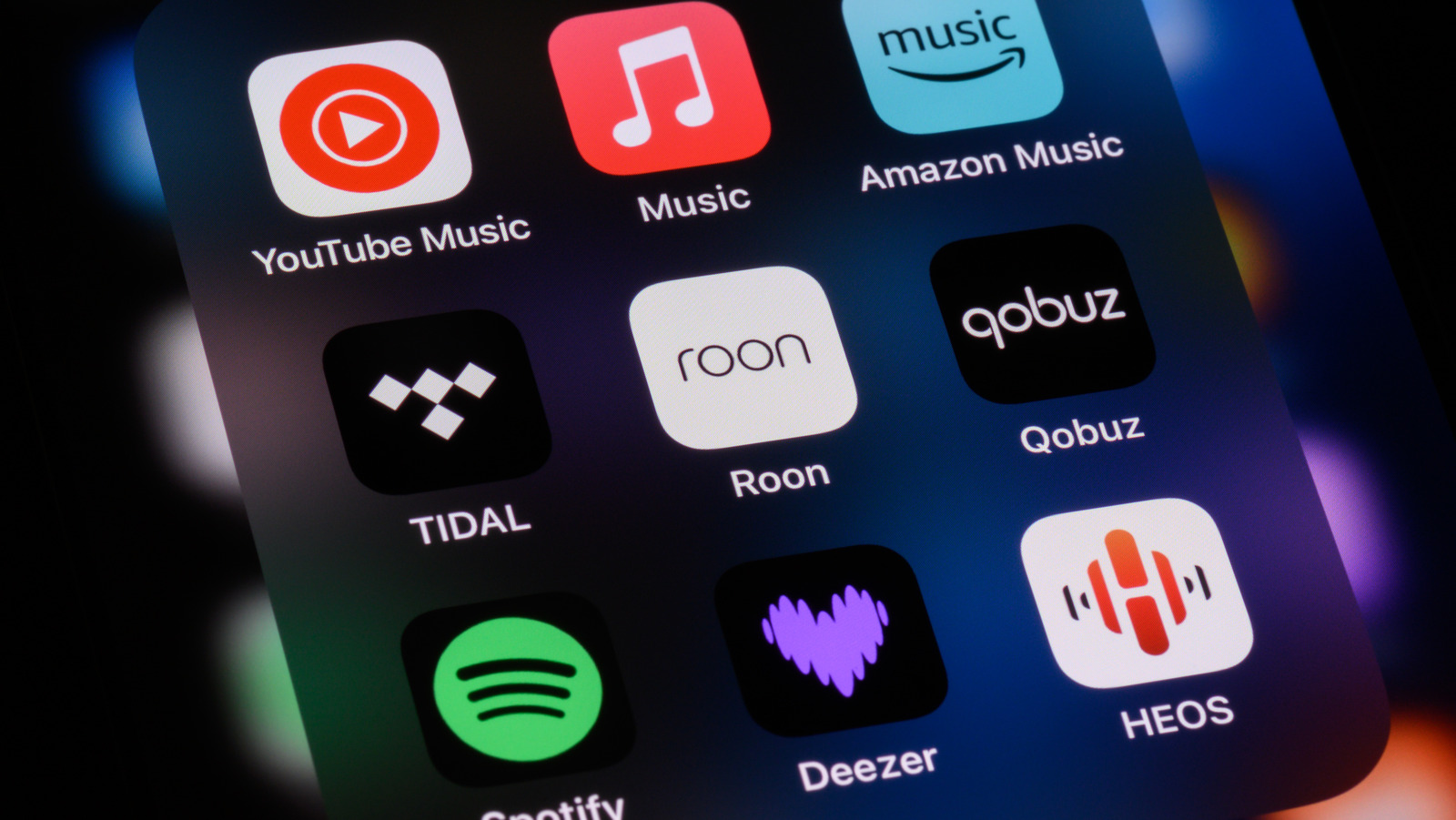
If you have high-end headphones like AirPods Max or Sony WH-1000XM6, but they still sound flat on your iPhone, the issue could be the apps you’re using to stream music. For many iPhone users, streaming subscriptions to Apple Music or Spotify don’t guarantee high detail or wide dynamic range. The reason for subpar output is often the app, codec, or settings on your device. Average quality output is a result of how audio is compressed and streamed on an app. Spotify’s default settings prioritize storage savings and buffer speed over fidelity, streaming tracks using “lossy” codecs like AAC or Ogg Vorbis.
Apple Music offers lossless ALAC streaming, but it’s not enabled by default. Bluetooth on the iPhone uses AAC, another “lossy” codec. That’s why your headphones don’t deliver the sound you expect out of them. The “lossy” formats work fine for casual listening, but for those who notice every chord, bass line, guitar riff, or instrument separation, lossless formats like ALAC and FLAC offer faithful output.
The right app and settings make all the difference. For iPhone users who care about uncompromising audio quality, control, and access to high-res or lossless libraries, these five essential apps on the App Store deliver the best experience. From multiple format support to curated playlists and music discovery options, these apps cover what audiophiles actually care about.
Apple Music
iPhone users don’t have to search too far, as Apple Music comes pre-installed on iPhones and is a well‑rounded app for music discovery and high-quality audio with synced lyrics, music videos, curated playlists, and artist radio. With over 100 million songs, it offers Lossless and Hi-Res Lossless streaming up to 24-bit/192kHz FLAC quality using Apple’s ALAC codec. To put it simply, you get CD quality and better with the standard plan. You also get Spatial Audio with Dolby Atmos on this app. For well-mixed tracks, Spatial Audio creates an immersive 3D soundstage on AirPods Pro, AirPods Max, or compatible headphones.
To activate Lossless audio on your iPhone:
- Go to Settings
- Tap on Music
- Select Audio Quality
- Then select Lossless for cellular or Wi-Fi streaming.
You can also download tracks in Lossless format for offline listening. For true Lossless playback, plug in wired headphones. AirPods and most Bluetooth headphones use AAC, a “lossy” codec, so you won’t hear true Lossless over wireless. AirPods Max supports lossless only when connected via cable. 4At $10.99 for individual plans, Apple Music competes directly with Tidal HiFi and Amazon Music HD. It’s a must-have app for those who prefer a polished interface and easy controls, along with sound quality.
Qobuz
Qobuz is for purists who prefer hi-res output for their music playlist. It streams every song in CD-quality FLAC (16-bit/44.1kHz) or better, with a large selection of albums available in studio master quality (24-bit/192kHz), which are high-resolution, non-compressed versions of music that offer the original studio sound. It also focuses on exclusive editorial content like reviews and interviews, providing context on songs and albums, and higher artist royalties as compared to mainstream services like Spotify and Apple Music.
Qobuz offers a clean and minimal interface, allowing users to pick music from audio versions such as original master, remaster, or high-res reissue. There are two main subscription tiers: Studio Solo ($10.83 per month, as of this writing) and Sublime Solo ($14.99 per month, as of this writing). While both plans offer access to the complete hi-res catalog, the Sublime Solo plan gives users discounts of up to 60% on high-resolution music purchases from the Qobuz download store. The downside is that Qobuz’s catalog is smaller than Apple Music or Spotify and some niche genres might be missing. It also lacks Dolby Atmos or spatial audio features.
Tidal
If you’ve invested in expensive IEMs or wired headphones, Tidal is the app you should try if you want to get the most out of your hardware. Tidal focuses on superior audio quality, offering Lossless and high-resolution streams, along with immersive formats like Dolby Atmos. It also provides a large music library, exclusive content, and initiatives to support artists. The platform features curated playlists, early access to albums, and live-streamed concerts.
For those using IEMs with a DAC (digital-to-analogue converter), Tidal can send the original, full‑quality audio straight from your iPhone to a plugged-in DAC. That means it can bypass iOS processing or downsampling, and the DAC gets the true hi‑res file, for cleaner detail and dynamics.
Tidal pays artists more per stream than Spotify or Apple Music, roughly $0.013 per stream versus Spotify’s $0.003-$0.004. At $10.99/month, Tidal’s individual subscription plan includes FLAC streaming up to 24-bit/192kHz, Dolby Atmos tracks, and Sony 360 Reality Audio for immersive spatial listening. Tidal’s exclusive releases, better artist compensation, and direct-DAC support make it the better choice for serious audiophiles.
Neutron Music Player
For audiophiles who don’t just prioritize high-fidelity sound quality but also want more control over their listening experience, Neutron is another app they must download on their iPhone. Some people love tweaking settings to get the desirable sound, and this app offers tools like a flexible equalizer, compressor, surround effects, and crossfeed, plus pitch and tempo controls to fine‑tune bass, highs, and treble or adjust feel and space. Unlike other music players, Neutron uses its own audio engine to bypass iOS processing, keeping the original audio quality intact.
The app costs $9.99 (one-time purchase), and supports nearly every hi-res audio format: FLAC, ALAC, WAV, and more. Neutron is one of the few iOS apps that fully supports USB DACs, sending full‑quality audio to a plugged‑in DAC if you use wired IEMs. The freedom to tweak multiple settings can confuse some, but if you’re willing to invest time learning the interface, Neutron is a fine app.
Foobar2000
Sometimes streaming platforms remove songs or albums from their catalog due to licensing or other issues. It often happens that a song gets stuck in your head. You rush to play it on your streaming app, only to find it’s not available anymore. The only option then is to listen to a low-quality version on YouTube. One solution is having your own music library with local playback.
If you’ve spent time and money on building your personal library, whether from platforms like Bandcamp, ripping your CD collection, or downloading hi-res purchases, Foobar2000 is an essential app. It’s free for iPhone with no distractions like ads or subscriptions. You can add your personal library and listen to it anywhere. The interface is minimal and the app handles multiple formats, including FLAC, ALAC, AIFF, WAV, DSD, and so much more.
However, since high-resolution audio files are large, storing your entire music library on an iPhone can be challenging because of limited storage. That’s where creating a home server can help because Foobar2000 lets you play your whole library on your iPhone over Wi-Fi. Foobar2000 is a no-fuss app for those who like to keep things simple.