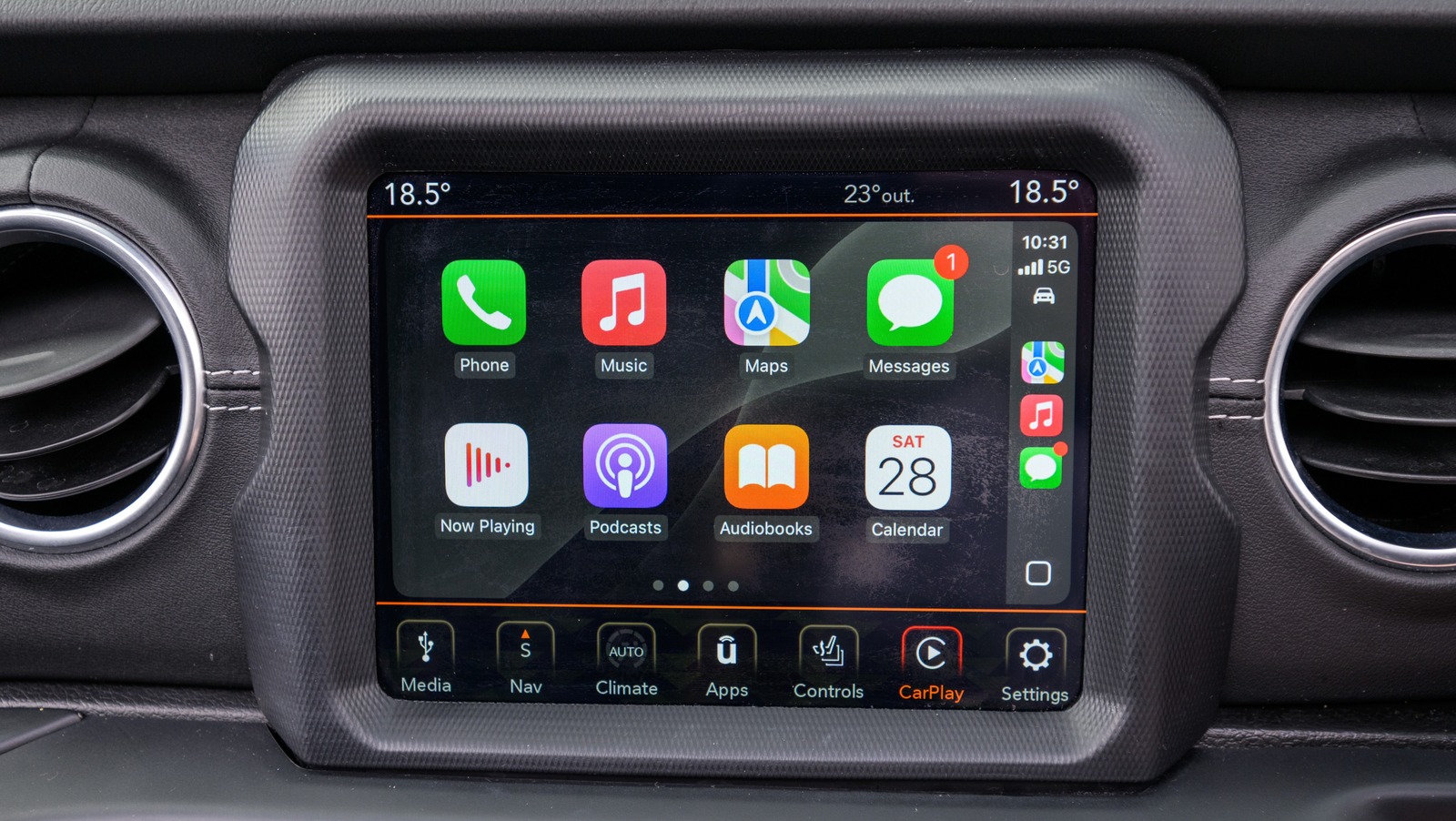
Having access to CarPlay in your vehicle can be highly beneficial — especially if you know all the best tips and tricks for using it — but it’s not always easy to know which apps will improve your experience. Considering the size of the Apple App Store, there are likely at least a few CarPlay apps you’ve probably never heard of, and we’re going to take a look at some of the more popular options that are free to use.
The following apps will help you navigate roads, send hands-free text messages, enjoy a good audiobook or podcast, and deliver highly accurate weather reporting. Each one of these is sure to enhance your CarPlay experience, with highly favorable user reviews on the Apple App Store.
While each app on this list is free to download, some offer premium features that may cost you some money. We’ve made sure to mention which ones, when applicable. As you download these apps on your iPhone and try them for yourself, it may be helpful to remember that you can personalize your CarPlay dashboard, making apps even more accessible and tailoring the overall experience to your needs. Let’s have a look at some essential CarPlay apps users have been raving about.
1. Waze Navigation & Live Traffic
Even if Apple Maps is rather useful, having options is never a bad thing. One of the benefits of using Apple CarPlay is the ability to access your maps and navigation at any time, which lets you take full advantage of your infotainment system’s display. What really helps distinguish Waze Navigation & Live Traffic by Waze Inc. is its strong focus on the driving community.
When using Waze with Apple CarPlay, you can access simple controls directly from your vehicle’s dashboard while you’re on the go. The interface uses voice controls so you can speak to Waze to search for your next destination, and includes a dedicated button for reporting accidents, traffic, hazards, and police. As you drive, Waze will display potential hazards along your route directly on CarPlay, providing you with a wealth of information to make your commute easier.
In addition to receiving an Editor’s Choice award, Waze also has a 4.8-star rating with over 3.1 million ratings. Users appreciate Waze for its accurate navigation abilities, real-time updates, and routing options. When it comes to alternatives to Apple Maps, you may be stuck wondering if Google Maps or Waze is right for you. However, since both are free, there’s no reason not to give Waze a try and see how well it meets your navigational needs. You need to be running iOS 16 or later to use Waze on your iPhone.
2. Overcast
A good podcast and the open road go together like peanut butter and bananas. Whether you have a long commute to work or have planned a road trip, having access to a library of podcasts will help the time and miles pass by. If you’re looking for something to listen to on a long drive, Overcast by Overcast Radio, LLC is worth installing on your iPhone if you have iOS 18 or later. We thought it was suitable for those looking to replace Google Podcasts in 2024, and we still think it’s worth downloading for anyone looking for a solid podcast experience on CarPlay.
One of the cool things about Overcast for CarPlay is that you can download podcasts to your iPhone for offline use in your vehicle, and the app itself offers a clean interface with large buttons so you can quickly access the content you want. You can view your most recent media or navigate through your playlists, making for a seamless experience while you’re on the road. What’s really neat about the app is that it doesn’t have any third-party analytics, tracking codes, or ad services, meaning your streaming stays private.
The app currently has a 4.5-star rating on the Apple App Store, with over 45,000 ratings. It even won an Apple Editor’s Choice Award for its no-clutter approach to podcast streaming. Additionally, users appreciate the app’s clean interface, additional features, and frequent updates. While the app itself is free, be aware that it’s supported by ads. However, there’s a $14.99 per year subscription option available for anyone who wants an ad-free experience.
3. Libby, the library app
If Overcast is for anyone obsessed with Podcasts, then Libby by OverDrive, Inc. is for anyone obsessed with eBooks, audiobooks, and their local library. A good story is another great way to pass the time while driving, and Libby’s CarPlay support for audiobooks is going to make this app an excellent choice for anyone who wants to hear a tale while they cruise, as long as your iPhone is rocking iOS 10 or later, that is. While it’s free to use, you will need a library card from your local library, as Libby lets you borrow any eBook or audiobook instantly.
Using Libby with CarPlay is simple. You just need to open the app on your infotainment screen and then select one of the audiobooks you have borrowed from your library. The app provides a simple UI that makes it easy to change the playback speed — either 1x or 2x – move back and forth within a track in 15-second increments, or play and pause the listening.
At the time of this writing, Libby holds a 4.9-star rating on the Apple App Store with over 4 million ratings. Users love the app for its incredible simplicity, the ability to add multiple library cards, and easy accessibility to books from local libraries. For anyone who spends a good amount of money on audiobooks, Libby is practically one of the essential iPhone apps you should be using for your next CarPlay experience.
4. Weatherology: Weather Together
Weather apps can be relatively easy to find; in fact, Apple has one built in. However, a weather app that delivers real-time audio reports, supports CarPlay, and focuses on hands-free, safe driving isn’t easy to find. Fortunately, anyone with iOS 15 or later can take advantage of Weatherology: Weather Together by Weatherology Mobile LLC — an app backed by real meteorologists.
Using Weatherology with CarPlay is pretty easy. Once you’ve made your usual connection to your iPhone, you can open the app through CarPlay and then use Siri or a voice command to check what’s going on in your area. Weatherology will provide current weather conditions and potential changes, along with hourly or 7-day forecasts. It also provides background sounds that can help you relax if you’re feeling stressed by rush-hour traffic. During rougher conditions, the app can also notify you through CarPlay about any severe weather warnings, and naturally, you can still listen to your music or other audio even as Weatherology gives you your report.
With frequent updates and additional support for iPad and Apple Watch, Weatherology currently holds a 4.7-star rating on the Apple App Store and over 4,300 ratings. Users on the Apple App Store appreciate Weatherology for its ad-free, simple design. The developers are even good at responding to reviews, which is always great for knowing that someone is actually listening. If you need to check the weather during a long drive, this is the app for you.
5. WhatsApp Messenger
Just like how Waze can be a good alternative to Apple Maps for CarPlay users, WhatsApp Messenger by WhatsApp Inc. can be a good alternative to your iPhone’s Messages app. What makes it so effective are Siri voice commands, which let you message or call safely without taking your eyes off the road. Since the app offers free voice and video calls, it’s great for frequent travelers or those who need international communication. Though be aware that video calls convert automatically to audio calls when using CarPlay. However, there’s a reason the app has over 3.3 billion monthly users as of November 2025.
With WhatsApp on CarPlay, one cool feature is built-in responses for when you receive a call, so you can easily select from a range of options to let the caller know you’re driving. The app features a rather simple interface to keep things manageable while you’re moving, and the big tappable buttons combined with seamless voice controls mean everything is easy to use.
WhatsApp currently has 4.7 stars on the Apple App Store and holds over 17 million ratings. This app is going to be extremely useful for your next long drive or road trip, and considering WhatsApp plans to lure iMessage users to the platform, it’s definitely worth checking out if you plan to spend a lot of time with Apple CarPlay.
How we chose these apps
Even if all the apps on this are available for free, what you install on your iPhone still matters. Each app on this list is chosen based on personal experience, recommendations from the r/CarPlay community on Reddit, and checking reviews within the Apple App Store. We don’t want you downloading apps that have no purpose or are filled with irritating ads and nonsense, which is why each app on this list is either free or we make sure to let you know when it offers premium options. Additionally, each app has a 4.0-star rating or higher on the Apple App Store, with thousands — if not hundreds of thousands — of ratings, because your CarPlay experience matters to us.