Ryan Haines / Android Authority
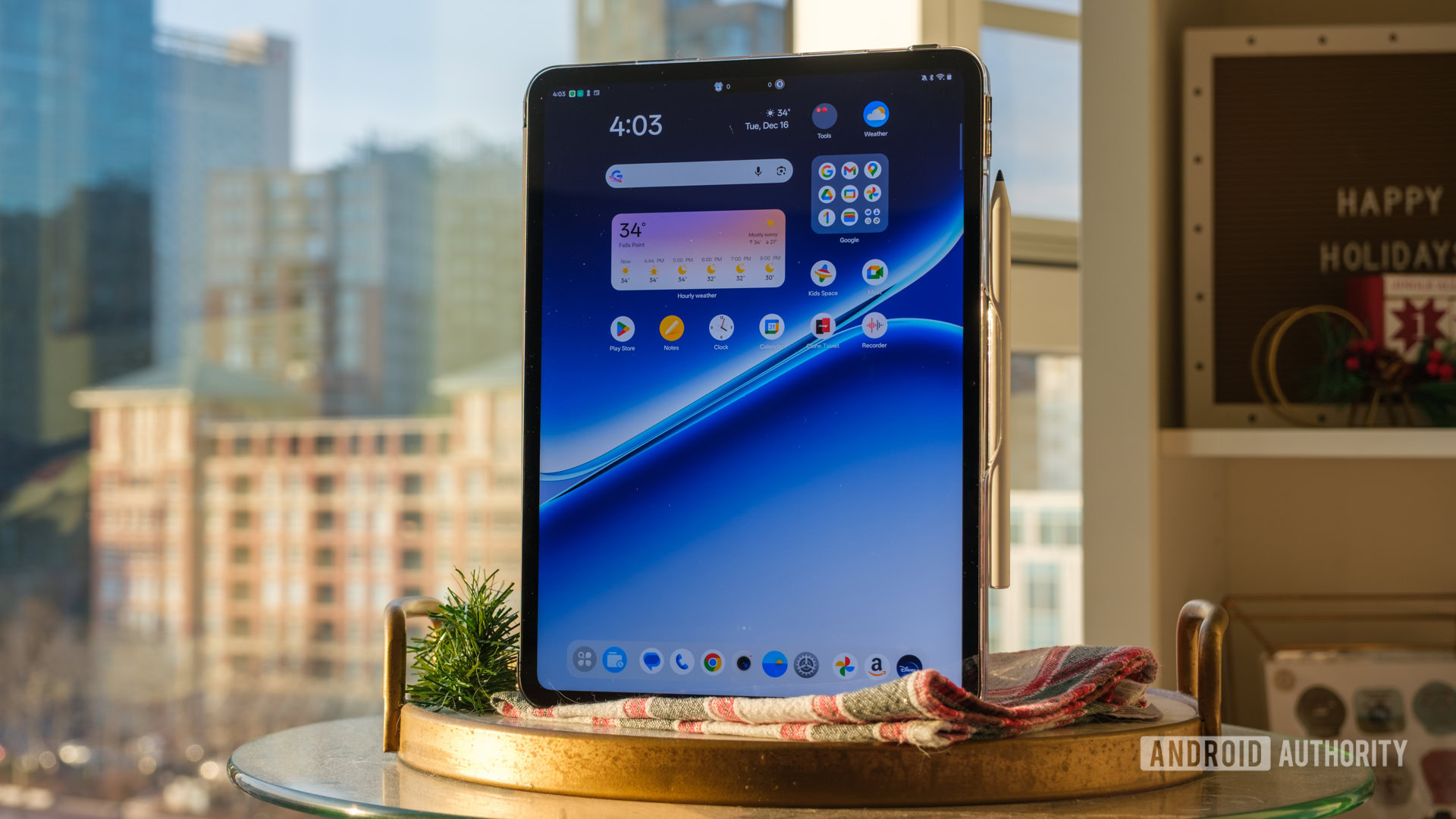
I’ve been a dedicated iPad user for the better part of a decade. Ranging from the annoyingly expensive iPad Pro to the M-series iPad Air, Apple’s tablet has always been the default slate in my bag for a few simple reasons. It wasn’t just the premium choice, it was the safe choice, and frankly, the only choice that made sense if you needed a solid balance of hardware and software. But over the last month, I’ve done something that would have seemed unthinkable to me a year ago. I left my iPad at home and have been carrying around the OnePlus Pad Go 2 instead.
The OnePlus Pad Go 2 isn’t just cheaper, it might actually be better for what I do.
At roughly $400, this really should not be a fair fight. My iPad setup cost nearly three times as much once you factor in the keyboard and Apple Pencil. Yet, for my specific workflow, which revolves heavily around on-the-go learning, research, and capturing spontaneous ideas, the OnePlus Pad Go 2 is not just a cheaper alternative — it honestly might just be the better tool. Making the switch from an iPad to a utilitarian mid-range Android tablet might not please my brand and ecosystem-conscious mind, but the reality is that it does everything I need from it. Here is why I am making the switch, and why you might want to consider it too.
Have you switched from an iPad to an Android tablet?
6 votes
A productivity-oriented aspect ratio

Ryan Haines / Android Authority
As a tech journalist, I’ve used and reviewed my fair share of tablets over the years, and one of the first things I look for is the screen aspect ratio. It’s the factor that, at least for me, dictates the entire user experience. Most budget Android tablets stick to a 16:10 or 16:9 ratio. While that is fantastic if you are exclusively watching Netflix or YouTube, it is absolutely terrible for getting actual work done. When you hold a 16:10 tablet in landscape mode, it just doesn’t give you enough headroom for text-based content, and it’s been a sore point for me for years. You lose all vertical context, which makes these tablets far from ideal for text-based use cases like documents, browsing the web, or reviewing notes.
The OnePlus Pad Go 2 borrows the 7:5 aspect ratio from its more expensive OnePlus Pad 2 sibling, and this single hardware decision dramatically impacts the user experience for the better. It sounds like a minor detail on a spec sheet, but in practice, the screen is, obviously, squarer and comes very close to mimicking the dimensions of a standard sheet of A4 paper. In fact, I’d say it’s even better than the iPad’s 4:3 ratio and, of course, the typical Android widescreen format.
A 16:10 screen is great for Netflix and terrible for actual work. The OnePlus Pad Go 2’s 7:5 display turns it into a proper reading and writing tool.
This aspect ratio shines the moment you try to do two things at once. On most tablets, split-screen multitasking feels like a compromise where two apps are fighting for visibility on a screen with not enough headroom. On the Pad Go 2, the 7:5 canvas allows two apps to sit side-by-side with enough vertical breathing room to actually be useful. It makes split-screen use cases feel like you are using two full-sized phones side-by-side rather than two cramped widgets, and that’s a huge difference from a productivity point of view.
For my research workflow, this is critical. I can keep a video playing on the left side while scrolling through a dense PDF on the right. The extra vertical space means that I am scrolling less and reading more, nor am I constantly fighting the urge to rotate the tablet to see more text. There’s a reason why A4 is an industry standard, and by offering this familiar aspect ratio, the OnePlus Pad Go 2 goes a long way towards making the tablet feel like a proper tool rather than just a portable Netflix machine.
Open Canvas fixes Android’s iffy tablet multitasking

Dhruv Bhutani / Android Authority
Hardware is just one part of the equation. Android tablets have historically suffered from poor software optimization. For years, the software has been little more than a smartphone operating system tacked on to a larger screen with minor concessions to large-screen usability. OnePlus solves that to a large degree with a feature called Open Canvas. It’s not exactly new, but I can vouch for it being the single best implementation of multitasking I have seen on any tablet, and that includes iPadOS. I praised it on the OnePlus Open foldable, and it shines here as well.
On my iPad, I’ve basically stopped using Stage Manager because it creates a confusing mess of floating windows that wastes too much screen real estate and offers limited advantages. Split View is pretty rigid as well and limits you to two apps that are often too skinny to render text properly or be particularly useful. Open Canvas takes a different approach. It allows you to run up to three apps simultaneously, but it doesn’t force them to squeeze onto the screen all at once. Instead, it lets you push one app off to the side, where it hangs around in a floating window, and you can choose to maximize it, drag it around, or minimize it whenever you want.
Multitasking here feels like using two full-sized phones side by side with a third app hanging around for good measure.
That’s a big help for research, note-taking, and productivity use cases. I can have my browser and my note-taking app open front and center. When I need to check my Slack messages or reference a file in Google Drive, I just nudge the screen over, and the third app slides into view while the browser slides out. It goes a long way towards replicating the experience of a multi-monitor setup on a tablet screen.
To prove my point, I’ve written this entire 2,000-odd-word feature piece on the tablet. I had my notes open in Google Keep, my draft in SimpleNote, and Asana in a corner. Being able to slide between these contexts without closing apps or dealing with aggressive RAM management is something I struggle to achieve on the iPad. The iPad, despite its multitasking improvements, forces you to focus on one thing; the OnePlus Pad Go 2 understands that multitasking is a pretty typical everyday use case.
First-class stylus support on a mid-range slate

Dhruv Bhutani / Android Authority
Historically, if you wanted a good stylus experience on Android, you basically had to pay the “Samsung tax” and buy a flagship Galaxy Tab S series device. Not that you can’t get a mid-range tablet with stylus support, but the software and hardware experience both tend to be lackluster. Furthermore, these tablets often lack essentials like effective palm rejection, pressure sensitivity, and good accuracy.
Let’s be realistic here: the OnePlus Pad Go 2’s accompanying stylus isn’t going to compete with the very best in the business. But unless you are a professional artist, that’s probably not going to be a big miss. Between the 4,096 levels of pressure sensitivity and, crucially, very low latency, it more than suffices for everyday note-taking. Is it better than the Apple Pencil Pro? No. The Apple Pencil still offers that imperceptible zero-lag feel that makes it the gold standard for digital artists. But for what I do — and I suspect what the vast majority of users do — such as highlighting text, jotting down margin notes, and sketching out rough diagrams, the experience on the Pad Go 2 gets you most of the way there.
For notes, annotations, and diagrams, it gets you most of the way there.
Elsewhere, the stylus has a nice matte texture that adds grip, and the nib offers just enough resistance against the screen to give it a paper-like feel. OnePlus has also nailed the software integration. I spend a lot of time marking up PDFs for my research. On the iPad, taking a screenshot and marking it up is a multi-step process that feels distinct from the rest of the OS. On the Pad Go 2, I can swipe in from the corner with the stylus to take a quick screenshot and immediately start annotating. Individually, these are small concessions to improve usability, but they add up to improve the overall experience. Finally, on the topic of conveniences, the stylus magnetically attaches to the tablet, ensuring that it’s always on hand. It’s not uncommon, but not every mid-range tablet supports it, making the inclusion come across as pretty thoughtful.
5G connectivity changes the equation

Dhruv Bhutani / Android Authority
The reality of buying an iPad if most of your use is outdoors is that you are looking at splurging close to a thousand dollars for the privilege. That’s before you factor in the cost of an additional data plan. Sure, you can always use a hotspot, but I’m not a big fan of putting a dent in my smartphone’s battery life. That high price point also means that for a very large user base, the tablet remains an in-home, indoor, Wi-Fi-only device.
However, if you are looking for a productivity enhancer, you probably want to take the tablet out and about. The OnePlus Pad Go 2 offers 5G connectivity as an optional extra. More importantly, it offers that option at a much lower price point than alternatives. Having always-on internet on my secondary device has been a bigger lifestyle upgrade than I expected. While traveling, I can pull the tablet out on the train, open a shared document, and start working immediately. I don’t have to fiddle around with or bother with hotspots.
A productivity device should work wherever you are, not just at home. 5G support turns the tablet into an extension of my main workspace.
For a productivity device, that immediacy of online availability makes a dramatic difference, as everything from emails to work notifications is ready for you. This constant connectivity also changes how I use cloud services. Since I am always connected, I don’t have to worry about offline syncing issues. My notes in Notion, my files in Google Drive, and my research in KaraKeep are always up to date. It helps make the tablet feel like an extension of my main workspace rather than an offline-first device that I have to manually sync whenever I get home.
Practical AI additions

Dhruv Bhutani / Android Authority
Like pretty much every smartphone brand, OnePlus has been pretty aggressive with its AI features. On the OnePlus Pad Go 2, the features are a bit more restrained compared to the company’s phones, but what’s here is pretty practical. Instead of trying to reinvent how you work, OnePlus has focused on small tools that reduce friction in everyday tasks.
Take, for example, the OnePlus AI Writer. While I’m vehemently opposed to AI-based writing in general, the AI writer serves a different purpose for me in this case. I use it to turn rough notes into something more coherent. Be it cleaning up a paragraph or rephrasing for clarity, it works well as a lightweight writing assistant rather than a replacement. Nor is it very good at the latter.
That’s particularly useful when used in tandem with the AI VoiceScribe tool. Like many other similar tools, this AI-based voice recorder can churn out transcriptions from your voice recordings, be it voice notes or recorded meetings. I use it for meeting notes, personal notes, or just creating an outline before I sit down to write. The transcription is generally reliable enough and can be used in tandem with the AI Writer tool to structure it into more organized notes.
Android’s file system still makes real work easier than it should be on iPad.
Elsewhere, I heavily use NotebookLM for my research, and the OnePlus Pad Go 2 feels like a first-class citizen for the tool. I can upload my source materials and then use the split-screen view to chat with my documents on one side while taking handwritten notes on the other. Because of the file system on Android, uploading these documents is a breeze, especially when compared to an iPad. On the iPad, getting a PDF from a browser into a specific app often feels like a chore involving the share sheet and hoping the app supports the file type. On the OnePlus, I just drag and drop from the file manager. These aren’t particularly new features or advantages, but they often get overlooked by all the noise around the iPad’s superior experience.
The OnePlus Pad Go 2 isn’t trying to be a laptop replacement, and it’s a better tablet for it

Ryan Haines / Android Authority
Unlike the iPad, which is often pitched as a laptop replacement with its M-series processor, the OnePlus Pad Go 2 has no such delusions of grandeur. It knows it is a tablet and isn’t really positioned for 4K video editing workflows or to run console-quality games — though it can certainly do so if pressed. Instead, it is designed to be a lightweight tool for reading, writing, and consuming information. Because the processor is efficient and the software is optimized for these tasks, the battery life is phenomenal. I am easily getting two days of heavy use on a single charge. I don’t have to baby the battery or carry a charger everywhere I go. The standby time is equally impressive; I can leave it in my bag for a weekend and pick it up on Monday with plenty of juice left.
The OnePlus Pad Go 2 does exactly what a tablet should do, and it does it well.
It is utilitarian in the best sense of the word. Elsewhere, the quality and reasonable price point mean I am comfortable tossing it into a backpack without a heavy-duty, military-grade case. If you are a creative professional who needs color-accurate grading or a tablet to make art on, buy an iPad Pro. If you are deeply locked into the Apple ecosystem and need features like AirDrop to function, stay with the iPad. The OnePlus Pad Go 2 is probably not for you.
But if you are a student, a researcher, or just someone who wants a dedicated device for active daily consumption, be it reading, learning, and note-taking, the OnePlus Pad Go 2 is honestly a steal. It has replaced my ageing iPad not because it is more powerful, but because it is much more utilitarian and does its function of being a tool extremely well. And that’s all I really need from it.
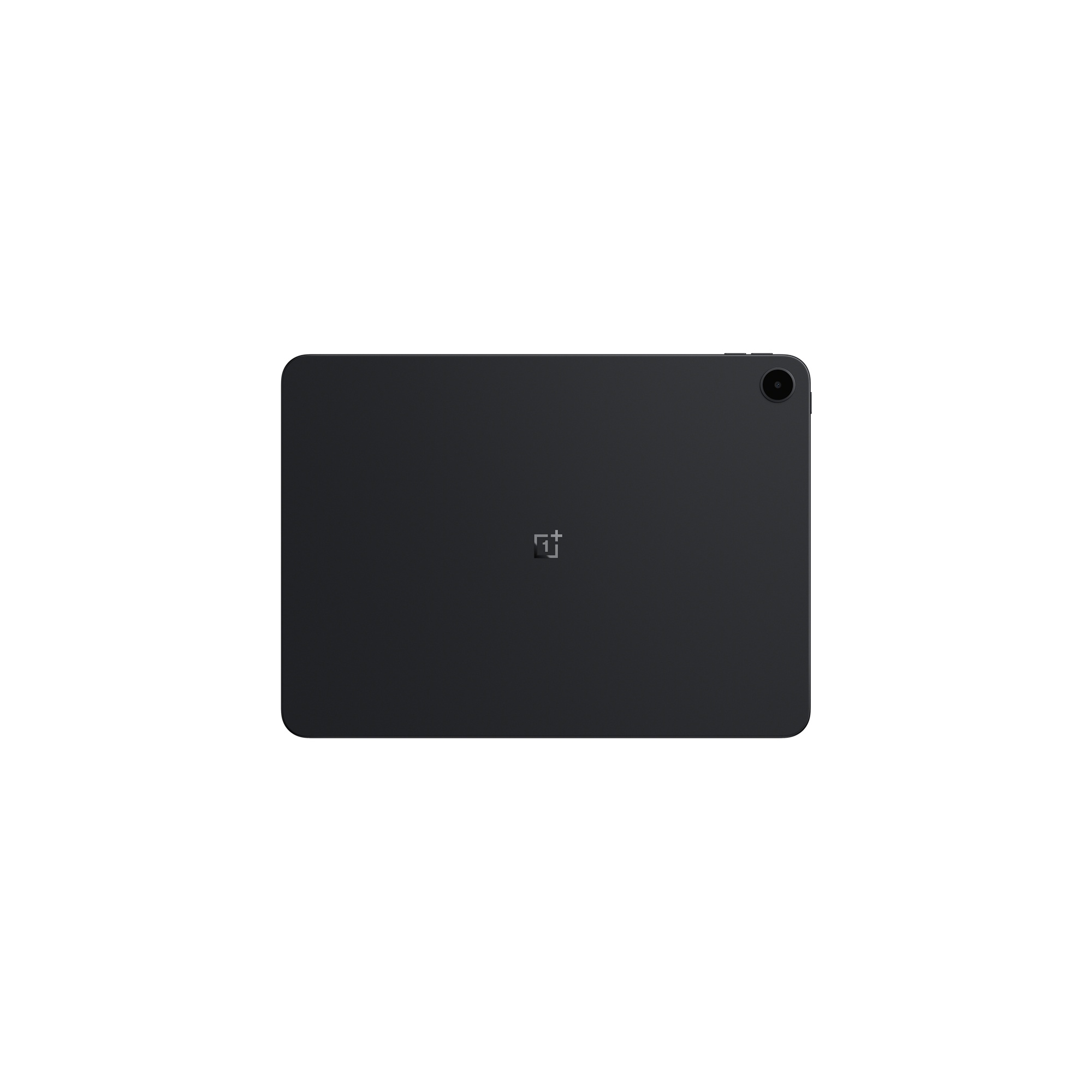

OnePlus Pad Go 2
The OnePlus Pad Go 2 is a solid budget choice featuring a 12.1-inch 120Hz screen and a 10,050mAh battery. For $399.99, buyers get a Dimensity 7300 chip and five years of software updates, surprisingly beating the brand’s flagships in support longevity.
Don’t want to miss the best from Android Authority?


Thank you for being part of our community. Read our Comment Policy before posting.