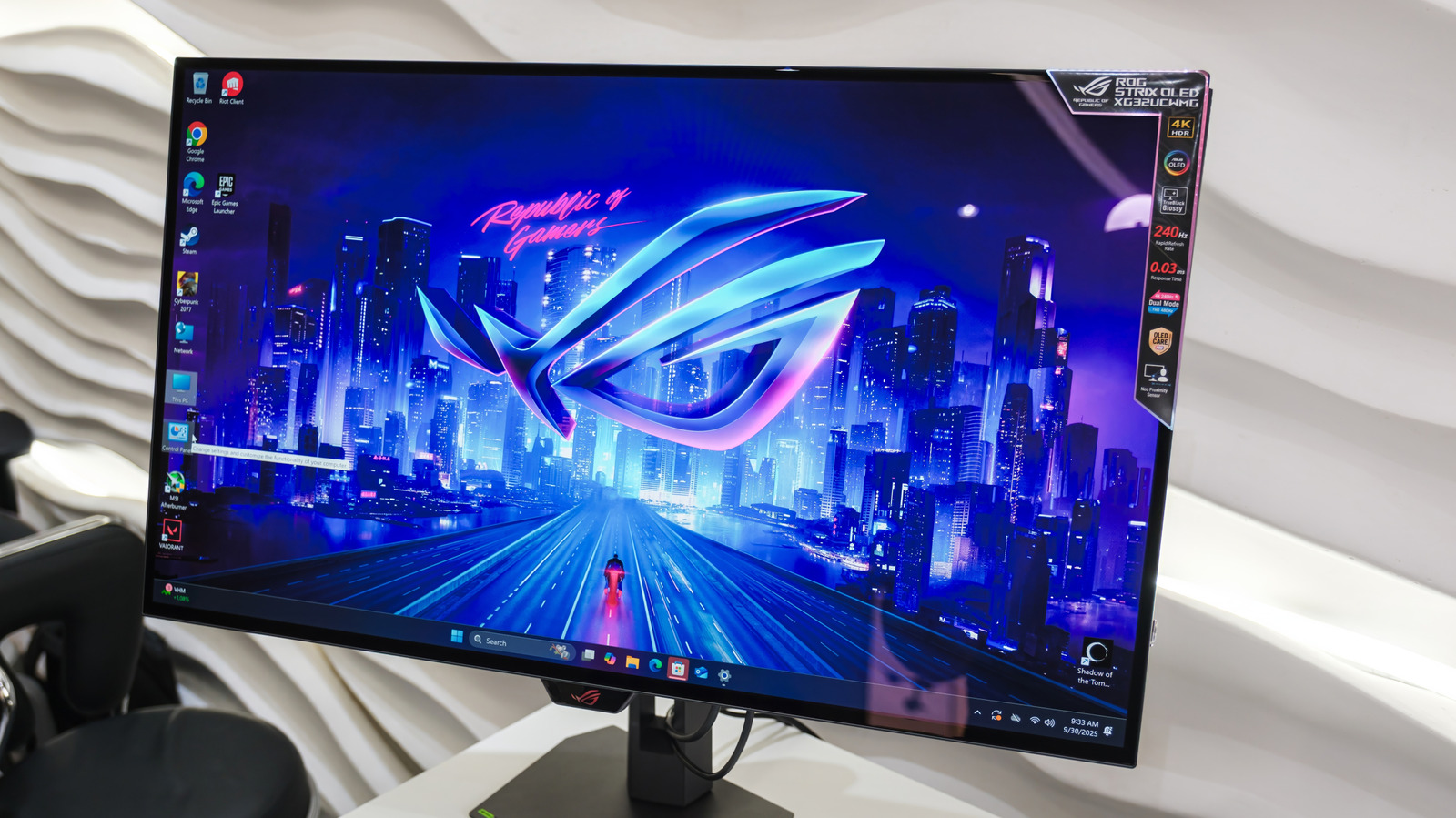
There are several reasons to avoid using an OLED monitor as your main screen, even though this kind of display is often praised by owners. On paper, the technology behind OLED looks great: It offers inky blacks, pixel-level lighting control and good contrast, which, while playing games or watching a movie, are ideal qualities. That should make it easy to assume that if it delivers the best picture quality, it also means that OLED monitors are the best choice in all instances.
While what exactly constitutes the best monitor display tech can vary drastically based on your personal taste, OLED screens are made with entertainment in mind. Concerning most day-to-day use cases, it’s probable that most users spend far more time staring at static screens than fast-action scenes that are always changing. Many OLED monitors can struggle with this use case, since text clarity quirks and anxieties surrounding burn-in can become a persistent experience.
However, none of this means that OLED is a bad technology — or that you should avoid picking up an OLED monitor or TV. However, it does mean that, before you pay a premium price to buy one, it’s important to consider the trade-offs. In some instances, the better option is to spend less and get a more traditional screen, like an IPS display, instead of a high-end OLED monitor.
Permanent burn-in is a valid reason to avoid OLEDs
The biggest reason to avoid buying an OLED monitor is the permanent burn-in that this kind of screen tends to show after some years of use, limiting how long they last. These panels work by using organic compounds that degrade over time as they emit light. So, if the same image stays on your screen for many hours every day, those specific areas can age faster than the rest of the panel and become permanent marks. In such cases, even if you change display content frequently, those ghostly visuals will still be apparent.
Many elements common to your PC’s OS — for example, the taskbar and the browser UI — can contribute to burn-in. Burn-in can also happen even when you are playing some games, as despite the primary images being in motion, some interface elements remain static.
Considering how long a browser, or an Excel sheet, can stay open during the day, the risk of inviting burn-in damage on your OLED screen is comparatively high. This kind of concern doesn’t exist in the same way when you use a monitor with an IPS or VA panel.
OLED monitors are too expensive for general use
OLED monitors also have a premium price tag on them, and even the entry-level models cost more than many of the IPS and VA options, making this another reason for you to consider whether you really need one. If you only need a display for general use, such as work — and you only occasionally play games or watch movies — you’re paying extra for capabilities you will rarely engage with.
For the same price that you pay for a basic OLED monitor, it’s possible to get a high-end IPS screen that has better performance for daily use, since it looks better in a well-lit room and also offers better text rendering. Also, these screens have a significantly lower chance of being affected by burn-in problems, meaning that you can use your browser for hours without worrying about this issue. Even if these IPS displays don’t offer the same color and contrast depth as an OLED, they come with a better price and overall experience in terms of day-to-day usage.
Aggressive Auto-Brightness limiters can be distracting
Auto-brightness limiters (ABL) are another potentially annoying aspect of OLED monitors, and present a good reason to avoid buying them for everyday use. This is a built-in safety measure that every display in this category has, and it kicks in whenever a large portion of your screen is very bright, because OLED pixels are self-lit and generate more heat when at higher brightness levels. So, to avoid the risk of damage and burn-in, OLED displays automatically pull the brightness down.
For everyday use, this can be problematic. For example, if you open a Google Docs page on full-screen (or a white Excel spreadsheet), the whole display will dim due to ABL. However, if you quickly swap back to a darker screen, the brightness will return to the normal settings. The same occurs when scrolling through a website that has different color blocks, as in an example where some parts are white and others blocks in black — it’s possible to see the ABL working like a flickering backlight that you can’t control.
For users who buy an OLED monitor for playing games and watching movies, this isn’t a big deal. However, if you need to use your screen during the day, and rely on brightly colored programs, the flickering caused by ABL can be distracting. Unlike an IPS or Mini-LED monitor that stays at a stable brightness regardless of what you’re viewing, OLED’s ABL can’t be stopped.
Text clarity makes OLED monitors poor for productivity
One thing that often surprises many OLED monitor owners is how text may look on the screen. On a traditional LCD display, the pixels are laid out in a very standard way that Windows (and most programs) are built around, creating letters that look clean. However, many OLED panels use a different pixel layout and most pieces of software are not optimized with this in mind, resulting in text that may look a little “off” on the screen.
This is called text fringing, exhibited by thin colored edges around letters, especially when contrast is involved — like reading dark text on a light background, or vice versa. In cases like that, instead of neutral outlines, you might notice a faint purple, green, or red glow on one side of the character , or a slightly smeared look. Many users may barely notice it, but for others, it can be bothersome.
Some tools, like ClearType or MacType, can help a bit in some programs, but they also don’t fix the problem everywhere — and a lot of apps may ignore these tweaks. While this may not be a big deal for many, especially when playing games, if your day is more about emails, spreadsheets, and other long documents, that text fringing can add up. In those cases, your eyes have to work harder to read everything, leading to eye strain.
OLED monitors call for constant routine changes from users
One downside of OLED displays, especially if you’re used to IPS or VA monitors, is the change of habits necessary to avoid long-term issues with your screen. Burn-in is the biggest anxiety that users may face, and to reduce this risk, owners are encouraged to take proactive steps, like hide taskbars, enable screen savers, avoid static wallpapers, and vary your on-screen content. These measures will help you protect the panel, but also add some user friction, especially for everyday use.
If you don’t want to be thinking about pixel wear — especially when working for long hours, switching apps frequently, and also leaving windows open while multitasking — OLED monitors aren’t the best choice. Instead of simply opening apps and doing work, you might end up worrying about burn-in problems. In sum, babying the OLED panel rather than focusing on enjoying the computing experience can be a chore.
In contrast, display types like IPS, VA, and various LED iterations allow users to work naturally, without worrying about how long a window stays open or whether a static element might cause damage. So, while these OLED displays are fantastic as a screen for movies and games, they’re not worth the price if your focus is on long sessions with the same screen open.