If your team is managing dozens of campaigns, juggling feedback from five clients at once, and updating content calendars manually… we feel you.
In-house marketers and agencies alike need more than a to-do list to stay on top of things. They need a system that actually works for how marketers work — with collaboration, visibility, and automated workflows.
If you’re on the lookout for the best marketing project management software, we’ve got your back. In this guide, we’ve rounded up 7 top tools for different use cases, so you can build your perfect project management tool stack.
What Is a Marketing Project Management Software?
Marketing project management software is a tool that helps you plan, execute, and track marketing campaigns from start to finish. It brings your tasks, timelines, milestones, and team communication into one place.
Benefits of Using Marketing Project Management Software
If you’ve ever scrambled to find the latest version of a campaign brief or chased three people for one content approval, you already know why a proper system matters.
Marketing project management software keeps everything (and everyone) moving in sync. Here’s how it helps:
- Faster campaign execution: No more scattered tools or endless email chains. Everything lives in one place, so you can launch campaigns faster with fewer delays.
- Smoother team collaboration: Assign tasks, share updates, and give feedback without leaving the platform. Everyone knows who’s doing what — and when it’s due.
- Clearer client & stakeholder visibility: Need a sign-off? Share timelines, assets, and progress with clients or other teams using built-in content approval workflows and real-time updates.
6 Best Marketing Project Management Tools: A Quick Overview
With so many tools out there, it can be hard to tell which ones are actually built for the way you work. Here’s a quick look at the best options for different types of marketing teams and agencies👇
| Tool | Best for | Key feature |
| Gain | Social media agencies & marketing teams | Automated content approval workflows |
| Productive | Full-service agency operations | Budgeting, time tracking, and profitability |
| Asana | In-house marketing teams | Easy campaign planning and task tracking |
| Trello | Lightweight planning needs | Kanban boards for visual content management |
| Kantata | Enterprise resource planning | Forecasting and delivery tracking |
| Confluence | Internal campaign knowledge management | Collaborative docs and campaign hubs |
1. Gain: Best for Social Media Agencies & Marketing Teams
If your bread and butter is working on clients’ social media campaigns (and getting them to actually review what you’ve created and give feedback), one tool you should definitely consider is Gain.
Gain is a social media management platform purpose-built for agencies and marketing teams that need a centralized hub for content, collaboration, and client approvals. Unlike general project tools that force you to bolt together extra apps and manual steps, Gain handles the entire social media workflow — from draft to publish — in a way that’s intuitive for both your team and your clients.
Key features:
- Dedicated workspaces per client: Keep each client’s content, calendar, and communication fully separated — with different access permissions for team members and stakeholders.
- Automated content approval workflows: Customize workflows for internal and external reviews. Gain sends reminders, logs actions, and handles all the follow-up automatically.
- Auto-publishing across all major platforms: Once approved, your content goes live automatically without needing to schedule it manually. Works with Instagram, Facebook, LinkedIn, TikTok, Pinterest, Threads, X (Twitter), and Google Business Profile.
Pricing: Plans start at $99/month (billed annually) for the Starter tier, which includes up to 3 team members, 6 client workspaces with calendars, and unlimited reviewers and approval workflows.
2. Productive: Best for Full-service Agencies Managing Projects
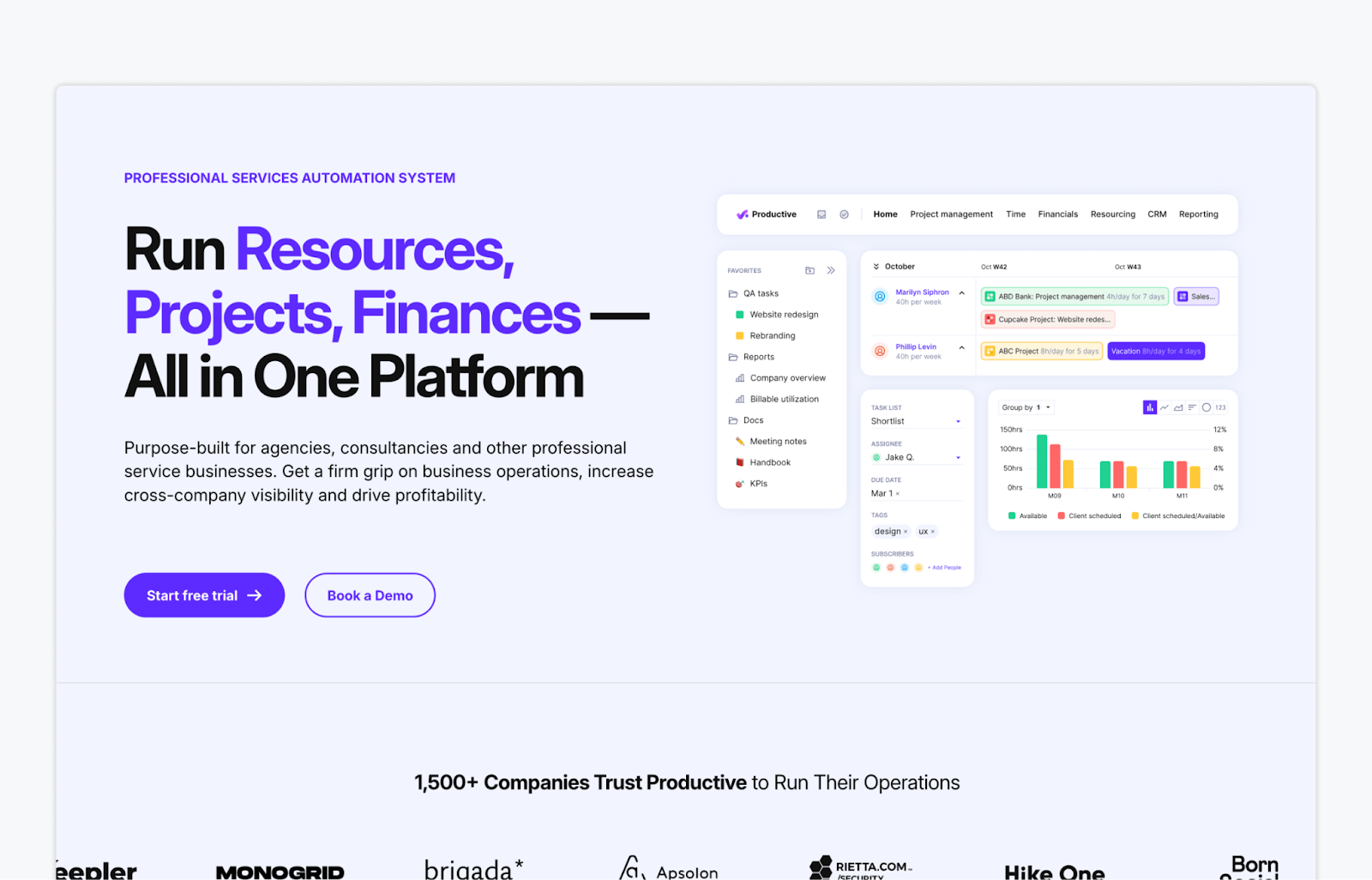
Productive is an agency management platform designed to help marketing teams deliver projects on time, stay on budget, and get full visibility into their operations. It’s especially useful for agencies running multiple campaigns at once, with built-in tools for time tracking, resourcing, and client reporting.
Key features:
- Real-time budget and profitability tracking: Monitor project costs and margins while work is in progress to keep campaigns profitable
- Time tracking with project linking: Easily track billable hours by task, project, or team member
- Resource planning and workload forecasting: Allocate team capacity across campaigns to avoid burnout or scheduling gaps
Pricing: Plans start at $9 per user per month (billed annually) for small teams and include project management, time tracking, budgeting, and resource planning.
3. Asana: Best for In-house Teams Running Cross-Functional Marketing Projects
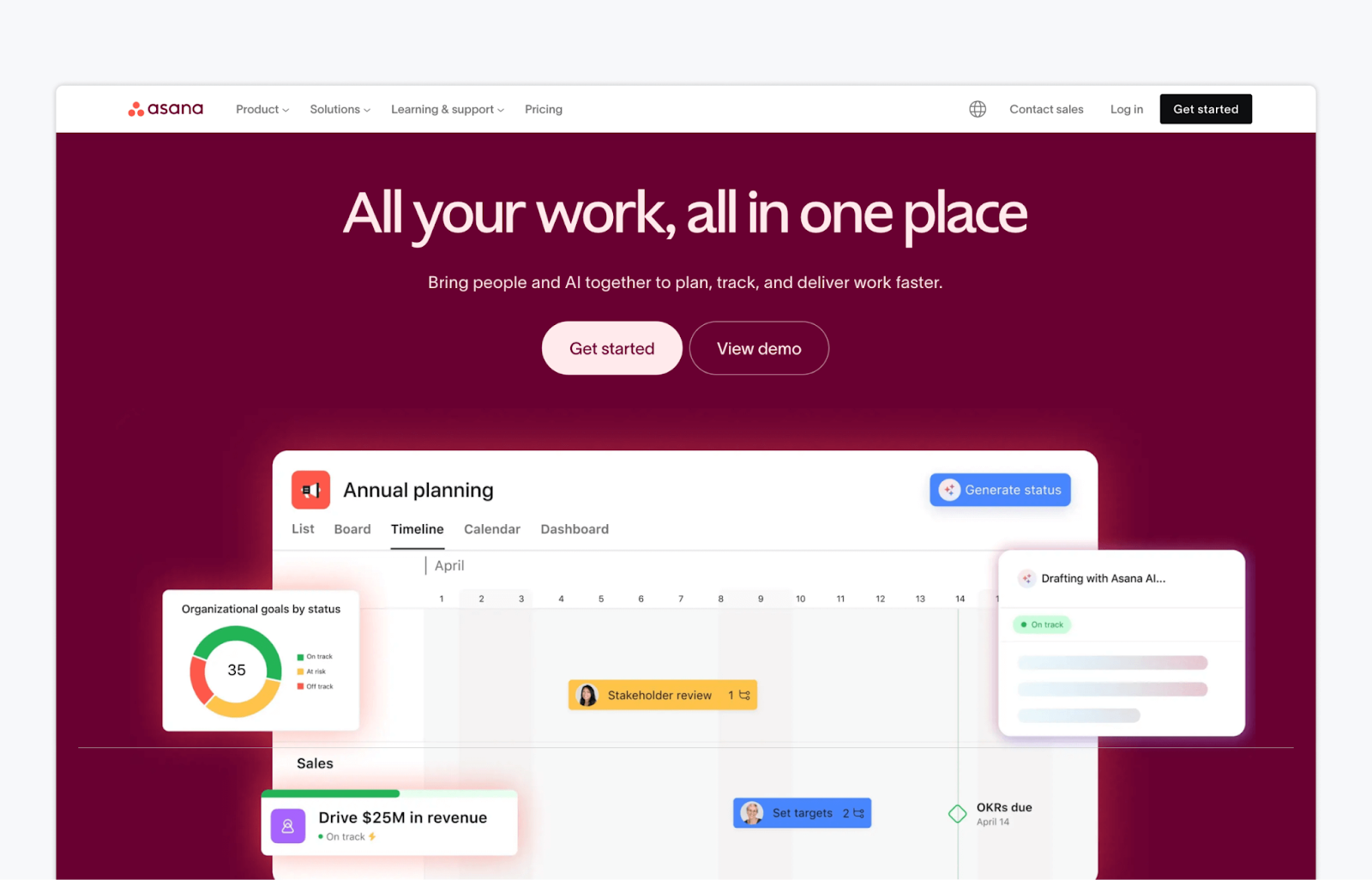
If you’re looking for more of a traditional marketing project management software, Asana is a great option. It’s designed to help you organize campaigns, track progress, and hit goals without losing momentum. Asana is especially useful for in-house teams collaborating across departments, with visual project planning tools, task tracking, and AI-powered features to keep work on schedule.
Key features:
- Visual project planning and task management: Use lists, timelines, kanban boards, and calendars to manage content workflows from idea to launch
- Goal tracking and campaign templates: Align day-to-day tasks with strategic marketing goals using built-in templates and reporting
- AI work assistant and smart automation: Let AI handle project setup, progress tracking, and work recommendations to save time
Pricing: Asana offers a free plan. Paid plans start at $10.99 per user per month (billed annually).
4. Trello: Best for Lightweight Campaign Planning
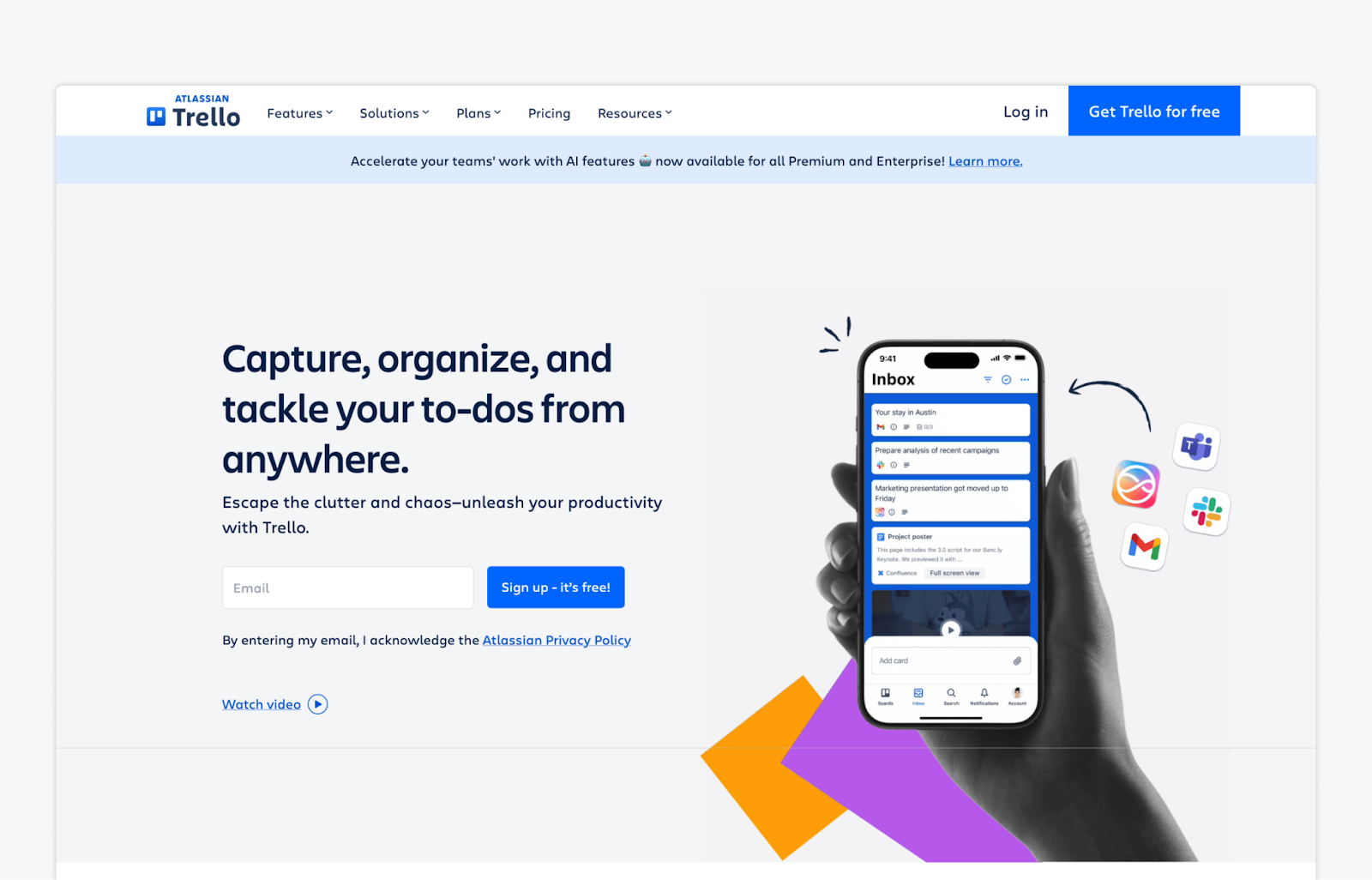
Trello is a simple, visual project management tool that helps marketing teams organize tasks, track progress, and manage workflows with ease. It’s especially useful for smaller teams or individual marketers who need a flexible, no-frills system to keep content and campaign work organized across to-do lists, boards, and calendars.
Key features:
- Kanban-style boards and drag-and-drop tasks: Easily visualize and manage every stage of your marketing projects using boards, lists, and cards
- Inbox, Planner, and calendar view: Capture ideas on the fly, schedule tasks, and plan campaigns with built-in productivity tools
- No-code automations and app integrations: Automate repetitive actions and connect Trello with tools like Slack, Google Drive, and more
Pricing: Trello offers a free plan. Paid plans start at $5 per user per month (billed annually).
5. Kantata: Best for Complex Projects with High Visibility and Financial Oversight

Kantata is built for professional services teams that need to run high-stakes projects with precision. For marketing operations teams and agencies managing multiple deliverables, tight deadlines, and strict budgets, it provides the clarity and control to keep everything on track.
Key features:
- Project forecasting and estimation: Build accurate project plans using historical data and real-time metrics to set realistic budgets and timelines
- Portfolio visibility and risk monitoring: Keep tabs on project health and surface potential issues early with AI-powered dashboards
- Time, expense, and billing oversight: Track hours and costs as they happen, improving billing accuracy and margin control
Pricing: Available upon request.
6. Confluence: Best for Centralizing Marketing Docs, Briefs, and Strategy
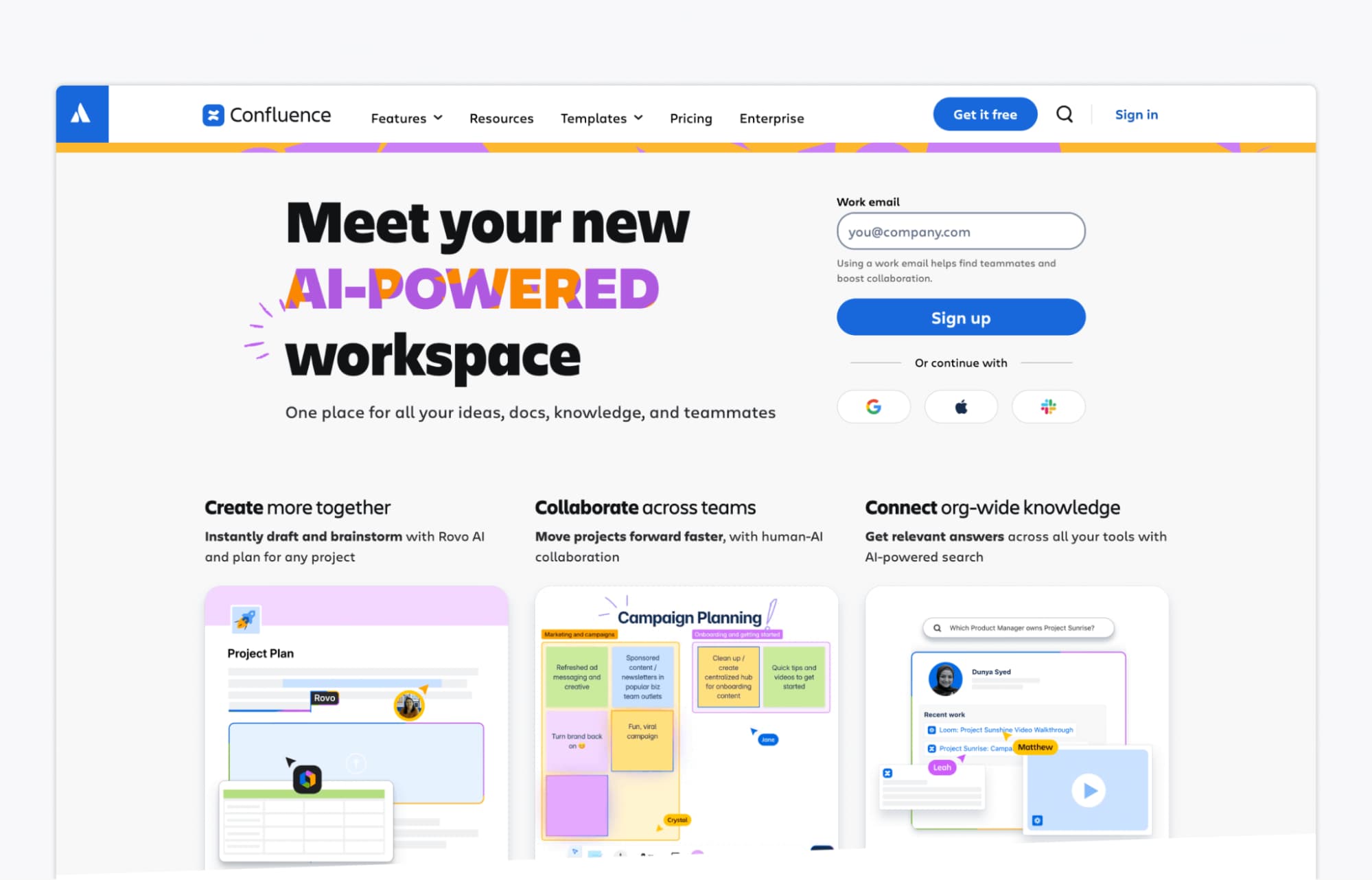
Confluence is a connected workspace designed to help marketing teams create, organize, and share content all in one place. It’s ideal for managing internal documentation like campaign briefs, content calendars, strategy decks, and meeting notes, especially when multiple departments are involved in your marketing projects.
Key features:
- Live collaborative docs and whiteboards: Create and edit campaign plans, briefs, and brainstorms in real time with your team
- AI-powered content creation and summaries: Draft documents faster, summarize pages and comments, and get quick answers with Atlassian’s Rovo AI
- Deep integrations with marketing tools: Connects with platforms like Google Drive, Figma, Miro, and Slack to centralize assets and communication
Pricing: Confluence offers a free plan. Paid plans start at $5.75 per user per month (billed annually).
FAQs
You’ve likely outgrown your tool if managing projects feels inefficient or scattered. Signs include relying heavily on spreadsheets, struggling with version control, or lacking visibility into deadlines and responsibilities. As your team scales, you’ll need more robust features like task dependencies, centralized communication, and real-time updates to stay organized and keep campaigns on track.
The best free tool depends on your team’s size and workflow. For simple campaign planning, Trello offers an easy-to-use kanban board with basic automation and calendar views. Asana’s free plan works well for small teams needing task assignments and timeline tracking. If collaboration is your top priority, look for tools that include unlimited users, integrations, and access to templates.
For client feedback and content approvals, Gain is the top choice. It’s built specifically for marketing teams that need to share content, collect stakeholder feedback, and manage content approvals without back-and-forth. With dedicated client workspaces, native post previews, and automated content approval workflows, Gain simplifies the entire review process and keeps feedback organized in one place.
The Bottom Line
As you can see, there’s no shortage of marketing project management software. However, most marketing teams will likely need to patch a few tools together to build a complete tech stack that covers all their needs.
Trello is great for simple visual planning, Confluence shines for internal documentation, and Productive is strong on resource and budget tracking. But if you’re looking for a tool that makes client approvals fast, smooth, and stress-free, look no further than Gain.
Try Gain for free today!