By using this site, you agree to the Privacy Policy and Terms of Use.
Accept
World of SoftwareWorld of SoftwareWorld of Software
  • News
  • Software
  • Mobile
  • Computing
  • Gaming
  • Videos
  • More
    • Gadget
    • Web Stories
    • Trending
    • Press Release
Search
  • Privacy
  • Terms
  • Advertise
  • Contact
Copyright © All Rights Reserved. World of Software.
Reading: TP-Link Deco 7 Pro BE14000 Review: Wi-Fi 7 Mesh Without the Sticker Shock
Share
Sign In
Notification Show More
Font ResizerAa
World of SoftwareWorld of Software
Font ResizerAa
  • Software
  • Mobile
  • Computing
  • Gadget
  • Gaming
  • Videos
Search
  • News
  • Software
  • Mobile
  • Computing
  • Gaming
  • Videos
  • More
    • Gadget
    • Web Stories
    • Trending
    • Press Release
Have an existing account? Sign In
Follow US
  • Privacy
  • Terms
  • Advertise
  • Contact
Copyright © All Rights Reserved. World of Software.
World of Software > News > TP-Link Deco 7 Pro BE14000 Review: Wi-Fi 7 Mesh Without the Sticker Shock
News

TP-Link Deco 7 Pro BE14000 Review: Wi-Fi 7 Mesh Without the Sticker Shock

News Room
Last updated: 2026/02/21 at 6:16 PM
News Room Published 21 February 2026
Share
TP-Link Deco 7 Pro BE14000 Review: Wi-Fi 7 Mesh Without the Sticker Shock
SHARE

As with other Deco mesh systems, such as the Deco BE63 and the Deco BE25, the BE67 offers basic parental-control and network-security tools via TP-Link’s HomeShield software. With the basic parental controls, you can create user profiles with age-based web filters, pause the internet, and block specific websites. The advanced parental controls—which require a $2.99-per-month or $17.99-per-year subscription—include features such as SafeSearch, YouTube Restricted Mode, Flexible Bedtime, Time Limits, Time Rewards, and Insights, which provides a history of online usage.

The basic network-security software provides router and wireless security scans and IoT device identification, while the Security+ plan ($4.99 per month/$35.99 per year) offers more advanced features, including Intrusion Prevention, Web Protection, and IoT Protection. For $5.99 per month/$69.99 per year, the HomeShield Total Security package adds antivirus protection, a VPN, password management, and a PC-cleaner utility. Be aware: The price for this package jumps to $129.99 after the first year.

You install and manage the BE67 using the Deco mobile app for iOS and Android devices, the same app used by other Deco systems. When you open the program, you’ll see a network screen with a network map showing the nodes and how many devices are connected to them. When you tap a node, you’ll see the name of each connected device. When you tap a device, you’ll open a screen where you can give it bandwidth priority, isolate it, set a bandwidth limit, or block it from accessing the network.

Newsletter Icon

Get Our Best Stories!

All the Latest Tech, Tested by Our Experts


Lab Report Newsletter Image

Sign up for the Lab Report to receive PCMag’s latest product reviews, buying advice, and insights.

Sign up for the Lab Report to receive PCMag’s latest product reviews, buying advice, and insights.

By clicking Sign Me Up, you confirm you are 16+ and agree to our Terms of Use and Privacy
Policy.

Thanks for signing up!

Your subscription has been confirmed. Keep an eye on your inbox!

A series of screenshots from the TP-Link Deco BE14000 Tri-Band companion app

(Credit: TP-Link)

The panel below the network map shows how many clients are currently online, and the Smart Home panel lets you add TP-Link Kasa devices, such as smart plugs, cameras, and bulbs, and control them from the app.

At the bottom of the screen, you’ll find buttons labeled Network, Security, Parental Controls, and More. The Network button takes you back to the Network screen, while the Security button opens a screen where you can run network scans, isolate client devices, put cameras in Home or Away mode, and subscribe to a Security+ plan.

Tapping the Parental Controls button, meanwhile, opens a screen where you can create user profiles, assign web filters, block websites, and create bedtime schedules that disable internet access. Advanced settings let you filter YouTube content and search content, and set online time limits. Finally, the More button takes you to a settings screen where you can optimize the network, test internet speed, configure alerts, manage LED properties, update firmware, and schedule regular router reboots.

Sign Up For Daily Newsletter

Be keep up! Get the latest breaking news delivered straight to your inbox.
By signing up, you agree to our Terms of Use and acknowledge the data practices in our Privacy Policy. You may unsubscribe at any time.
Share This Article
Facebook Twitter Email Print
Share
What do you think?
Love0
Sad0
Happy0
Sleepy0
Angry0
Dead0
Wink0
Previous Article Apple faces more pain as Trump's global import tariff grows from 10% to 15% Apple faces more pain as Trump's global import tariff grows from 10% to 15%
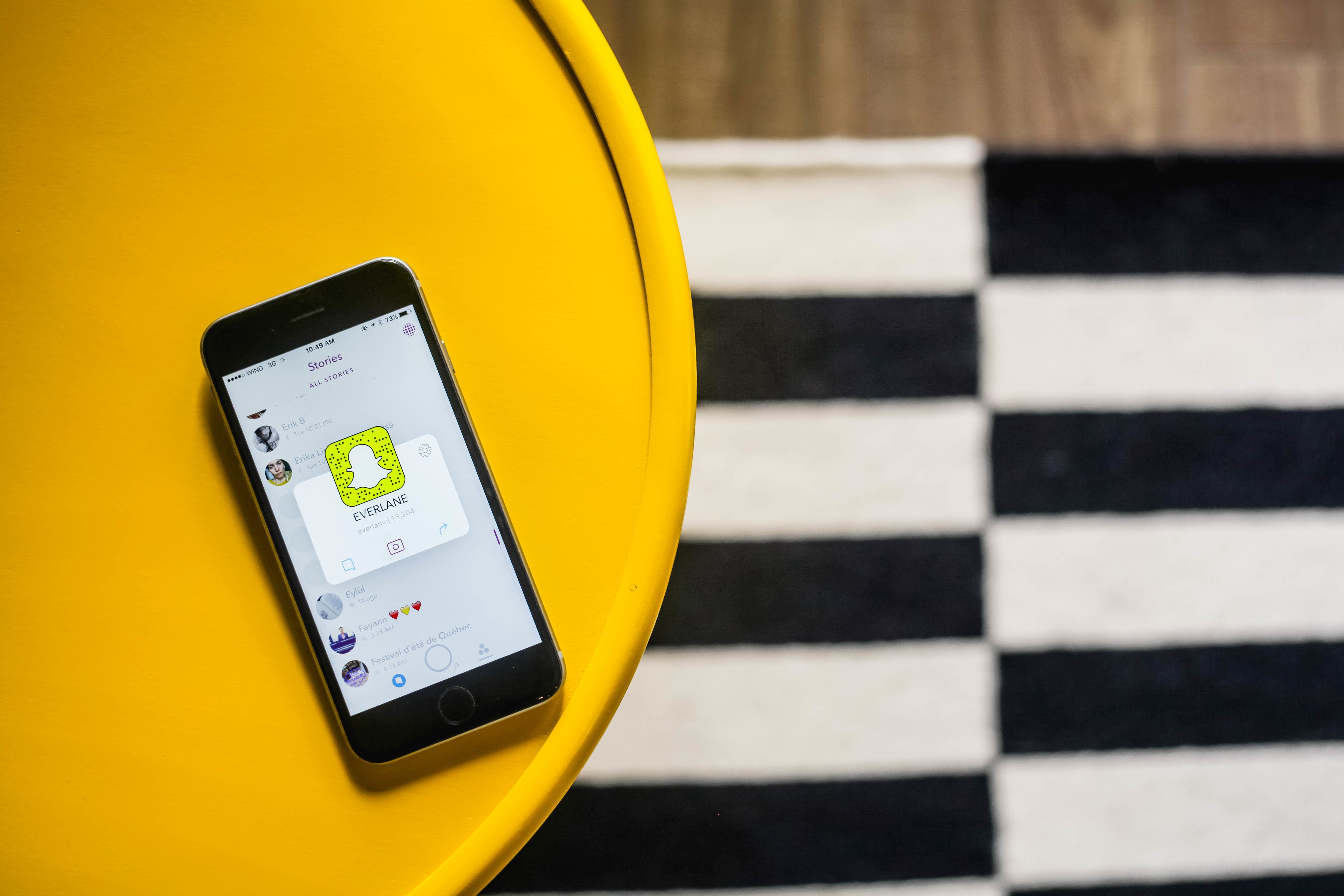
Next Article How to Use Snapchat for Business: 5 Tips from Everlane How to Use Snapchat for Business: 5 Tips from Everlane
Leave a comment

Leave a Reply Cancel reply

Your email address will not be published. Required fields are marked *

Stay Connected

248.1k Like
69.1k Follow
134k Pin
54.3k Follow

Latest News

Avoid distractions: How to make your working time more efficient
News
From the screen into everyday life: How wearables are changing brand communication
Gadget
Dispute over fiber optics in buildings: market failure or overregulation
Software
Gemini Omni wants to do with video what Nano Banana did with images: Google is aiming very high
Gaming

You Might also Like

Avoid distractions: How to make your working time more efficient
News

Avoid distractions: How to make your working time more efficient

5 Min Read
How SAP customers use AI
News

How SAP customers use AI

7 Min Read
AI spending is growing faster than expected
News

AI spending is growing faster than expected

1 Min Read
Bergfest beim CIO Charity Run&Bike 2026
News

Bergfest beim CIO Charity Run&Bike 2026

2 Min Read
//

World of Software is your one-stop website for the latest tech news and updates, follow us now to get the news that matters to you.

Quick Link

  • Privacy Policy
  • Terms of use
  • Advertise
  • Contact

Topics

  • Computing
  • Software
  • Press Release
  • Trending

Sign Up for Our Newsletter

Subscribe to our newsletter to get our newest articles instantly!

World of SoftwareWorld of Software
Follow US
Copyright © All Rights Reserved. World of Software.
Welcome Back!

Sign in to your account

Lost your password?