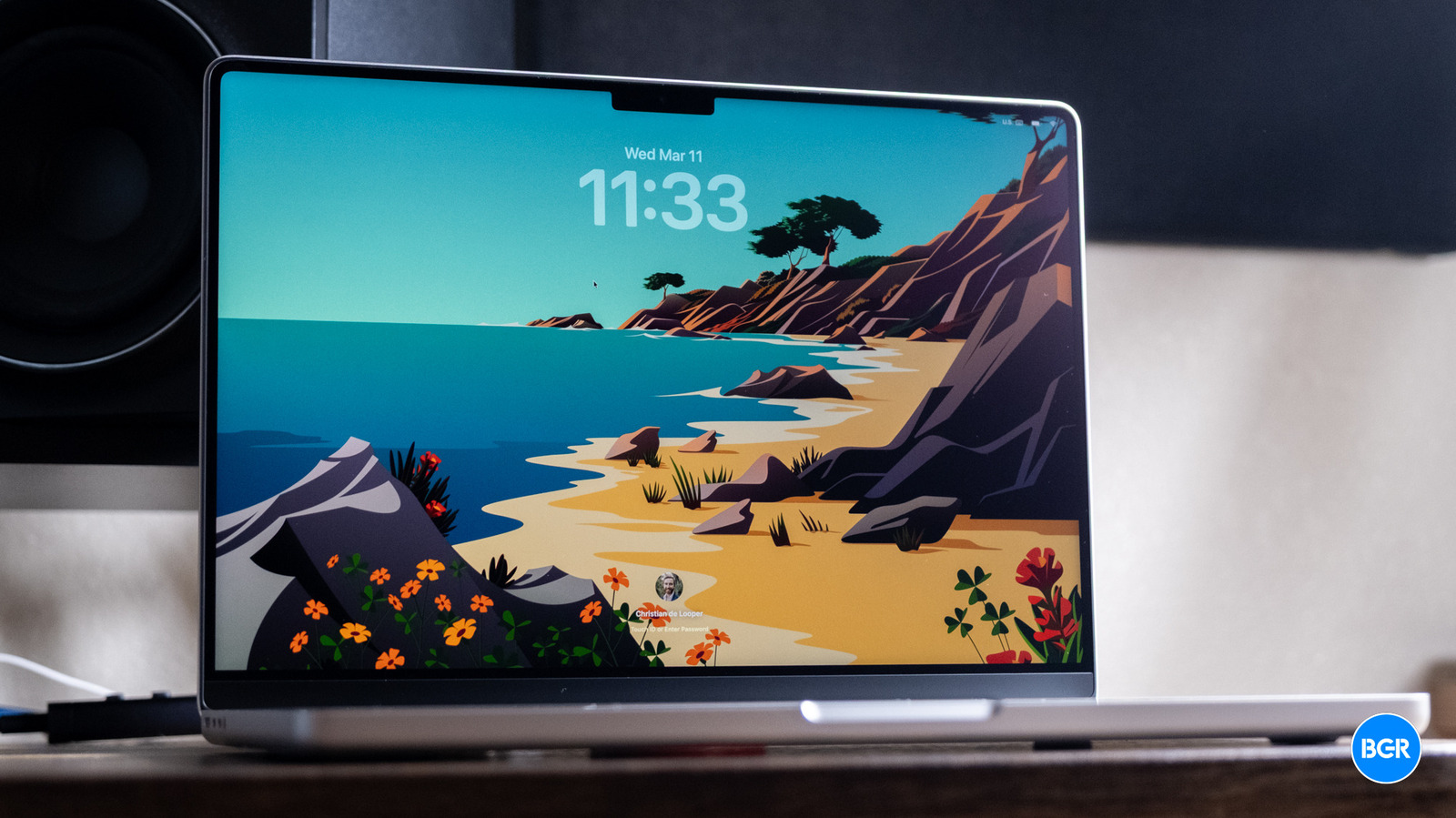
For this generation of MacBook Pro, of course, performance is key. After all, everything else about the laptop is the same as last year. Arguably, however, the M5 series chips aren’t really the star of the show when it comes to performance. Yes, they’re incredible chips, and yes, they’re even better than the M4 series from last year, but they’re not necessarily a substantial upgrade. Instead, the big improvement when it comes to performance comes from Apple’s faster SSDs.
First, the M5 series chips. The base MacBook Pro comes with a standard M5 chip, and frankly, for most, it’s probably more than powerful enough, especially those who largely live in web-based apps or productivity tools. Like last year, the step up from there is the M5 Pro, and then at the high end, there’s the M5 Max. Our review unit has the M5 Max, which comes with an 18-core CPU, with six prime cores and 12 performance cores, along with a 32-core or 40-core GPU, and a 614GB/s memory bandwidth. It’s not a cheap machine, and all this together makes for a laptop that costs $3,599 with its base 2TB SSD.
Again, this laptop is way overkill for day-to-day productivity-related tasks. But if you’re curious, know that it never once lagged or skipped even a microsecond of a beat when opening these kinds of apps. To be fair, that’s been the case for all of Apple’s laptops for years now. And if you’re buying a laptop for things like web apps and word processing, not only is the M5 Max overkill, but perhaps the MacBook Pro as a whole is overkill, and you think about getting a MacBook Air instead.
In other words, the M5 Max-equipped MacBook Pro is built for those who need massive 3D rendering or graphics performance. Graphic designers, video editors, and other creatives who want to ensure they have a laptop that can render as quickly as possible will be thrilled with the M5 Max. And, with the new SSDs that can deliver up to 2x the read and write speeds of the M4 models, you’ll be able to push those massive files to your machine quicker than ever before. On the M5 Max, the three USB-C ports are Thunderbolt 5 — and not the Thunderbolt 4 ports you’ll still get on the M5 Pro models, which were already pretty quick.
Seriously, you might be shocked with how quick the M5 Max MacBook Pro is. In a test involving video conversion with open-source video transcoder HandBrake, the laptop blazed through converting a large file in around 30 seconds — something that took even the most powerful laptops a few minutes just a few years ago.
If you’re a gamer, the laptop is very capable too, setting aside the compatibility issues around gaming on macOS. If the games you like are available on macOS, you’ll find that the MacBook Pro runs them at high settings with ease, keeping frame rates high the entire time. Some ultra-high-end Windows laptops with the best discrete GPUs might sustain gaming workloads slightly better, but it’s pretty astonishing how well Apple’s self-built GPUs perform.